

In the field of software development, especially for code integration, Best WordPress Plugins are crucial instruments. They are modular elements that can be included into already-existing programs to improve capability without changing the central code. This adaptability lets developers create apps to fit particular user requirements and change with the times regarding technology.
The value of plugins is seen in their capacity to expedite development initiatives. Pre-built features let developers save time and money by concentrating on core functionality instead of recreating the wheel. Both companies and individual developers would find this appealing since it speeds up the development cycle and lowers expenses.
Plus, plugins help with simpler upgrades and maintenance. Independent plugin updates as software develops help to guarantee that programs stay compliant with the most recent technology and security requirements. This modular design also makes it simple to add or remove functionality, therefore allowing developers to customize programs to user preferences without major disturbance or downtime.
All things considered, plugins are vital for code integration since they enhance program capabilities, boost development efficiency, and enable continuous modification and maintenance that lets one integrate codes. Their value in modern software development is practically impossible to overestimate since they allow developers to create robust, user-friendly apps that can change with technical developments and user expectations. Among the Best WordPress Plugins for code integration on WP are these

Quick Links
Best WordPress Plugins for Effortless Code Integration
Including code into PHP will greatly improve the customizing and functioning of your site. By means of appropriate plugins, this procedure is simplified, enabling simple addition, management, and maintenance of custom code without changing primary files. These are some of the finest PHP plugins for simple code integration
1. WP Code Box
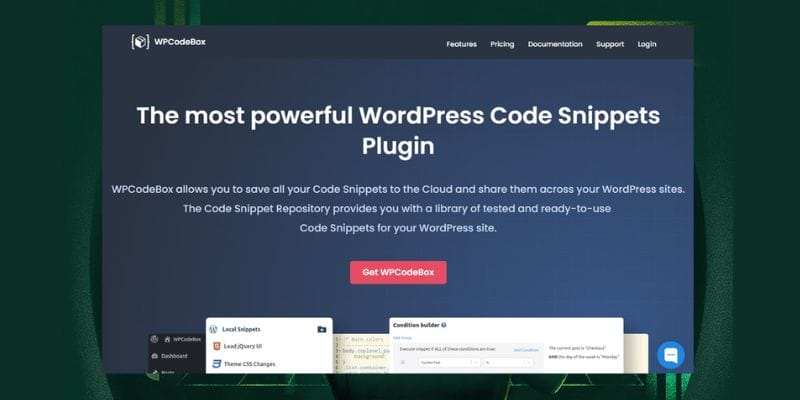
One premium Best WordPress Plugin with special qualities is WPCodeBox
The simple code editor of the plugin is clever and provides hints for PHP and PHP and WordPress codes. It also features a collection of ready-to-use snippets, which are rather helpful while developing your own. The code generator is one especially helpful tool. WPCodeBox can create a code template by just inputting certain data, thereby saving a lot of time. For those running several sites specifically, you also have the choice to save your snippets to the cloud. This function lets you easily access a personal collection of snippets on several platforms.
WPCodeBox includes compilers running when snippets are stored to guarantee efficiency and supports SCSS and LESS codes.
The error-capturing technique, which automatically deactivates programs with mistakes, helps prevent site crashes.
Price:
License starts at $39 for one domain
2. Code Snippets
Of all the plugins we have looked at, Code Snippets Best WordPress Plugins. One of the main highlights is the easy dashboard, which streamlines code administration for all levels of users including advanced ones. Excellent control and adaptation are provided by Code Snippets. Assigning particular snippets to specific pages or articles will improve the operation of your site.
Regarding performance, it is quite effective, hence the speed of your site stays unchanged. The strong error handling of the plugin ensures that, should problems develop, your site will keep running without any trouble. Having a strong developer community behind it gives us hope for its ongoing development. Any Linux user should definitely have Code Snippets, in our view.
Price:
-
- Free version available
- Paid plan starts at $29 per year for one website
3. Head & Footer Code
The Head & Footer Code simplifies custom code snippet addition to PHP websites. It makes it accessible even for people with less programming skills since it lets users enter JavaScript, CSS, or HTML code into several areas of a website.
Using this plugin, you may quickly add custom code site-wide before the ending </head> and </body> tags, or straight after the opening <body>. Adding site verification codes, meta tags, Webfont links, analytics, heatmap codes, and more depends especially on this ability.
Head & Footer Code connects effortlessly with WordPress hooks including wp_head, wp_footer, and wp_body_open. If it’s set to show the most recent blog entries, it also gives the freedom to create particular codes for particular posts, categories, and even the homepage.
This plugin is an excellent fit for people running PHP 8.2 or handling multisite setups.
Also read: Best 10 WordPress Database Plugins
4. Simple Custom CSS and JS
Without changing theme or plugin files, users of the Simple Custom CSS and JS plugin for WordPress can improve the style and functionality of their website. Perfect for overrunning default styles and using client-side functionality, this tool lets one add new CSS styles and JavaScript code site-wide. Important features include choices for minizing code for greater efficiency, a user-friendly code editor with syntax highlighting, and ability to save and preview changes as drafts. It also offers a live preview function and helps users organize code into several files so improving their customizing experience
Pricing:
- Free version available.
- Pro license starts at $48.50 per year, including support and updates.
With over 600,000 active installations, this plugin is a go-to choice for effortless site customization.
5. Shortcoder
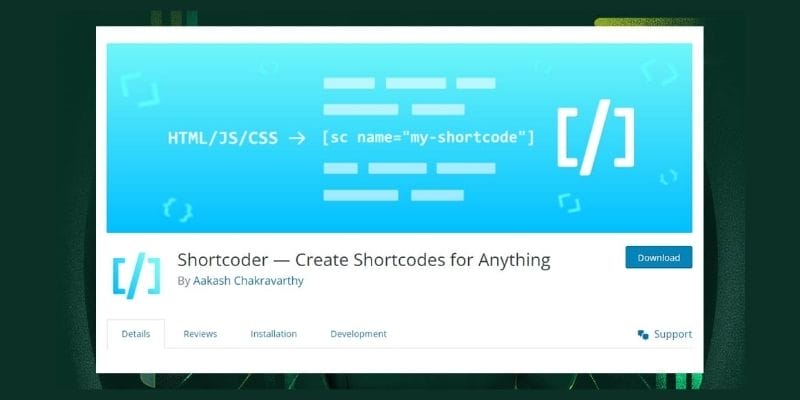
Designed for producing bespoke shortcoder for HTML, JavaScript, and CSS among other code snippets, Shortcoder is a flexible and simple plugin. Using Shortcoder, just name your shortcode, copy the required code as the Shortcode content, then save it. Once saved, the shortcode may be simply entered into your pages or posts where it will be automatically substituted by the real code fragment.
Shortcoder provides a dedicated block and a toolbar button for users of the Gutenberg editor, therefore enabling effective shortcode insertion. Custom parameters are also supported by the plugin, therefore enabling dynamic value adjustment as required.
6. Advanced Scripts
Modern replacement for the Code Snippets plugin, Advanced Scripts Manager for WordPress by Clean Plugins is a flexible code fragment manager for PHP. Conditional scripts in the most recent release let users run code depending on particular post kinds. Without requiring several plugins, it supports many languages including PHP, CSS, SCSS, and LESS, therefore speeding code management. While its strong PHP error detecting mechanism guarantees site stability, the plugin’s user-friendly interface makes authoring, structuring, and applying code simple. Improved import and export capabilities enable simple sharing and reusing of snippets among projects.
Designed for both novice and experienced users, Advanced Scripts streamlines the development process and offers a consolidated, effective way to handle code snippets, hence improving site performance. It is clearly a useful tool for PHP developers with its sophisticated tools and simple design.
Pricing:
- 7-Day Free Trial available.
- Single Site License costs $19.99.
Also Read: Best AI Tools for Data Analysis
7) WPCode
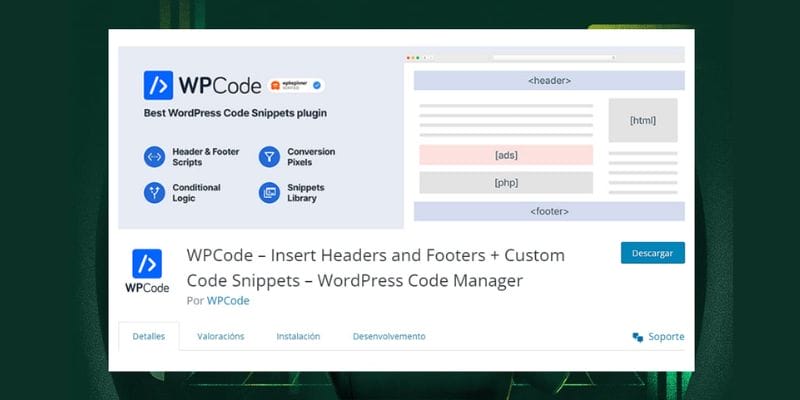
For those trying to safely and effectively include custom code into their sites, WPCode Best WordPress Plugin for PHP users. Its easy-to-use interface lets people of all ability levels add, change, and manage code snippets without directly changing theme files—even those with basic coding skills. WPCode’s clever code validation mechanism complements this simplicity of use by preemptively searching snippets for mistakes, therefore avoiding possible site crashes or failures brought on by bad code.
WPCode provides flexibility to support several code types, including PHP, JavaScript, and CSS, so allowing users to improve their sites from aesthetic changes to unique functionality. Features of the plugin like auto-insertion and shortcode support give extra freedom in snippet development.
WPCode also features a collection of pre-built snippets, therefore reducing time and speeding the addition of capability. Users can save snippets to a separate functionality plugin for best performance, therefore simplifying site management. WPCode’s organizing tools enable effectively tracking and management of custom code as sites expand. WPCode is a necessary tool for improving site functionality since it enables Linux users to extend site capabilities without demanding sophisticated programming knowledge.
Pricing:
-
- Free Version available.
- Basic Plan costs $49 per year.
8. Post Snippets
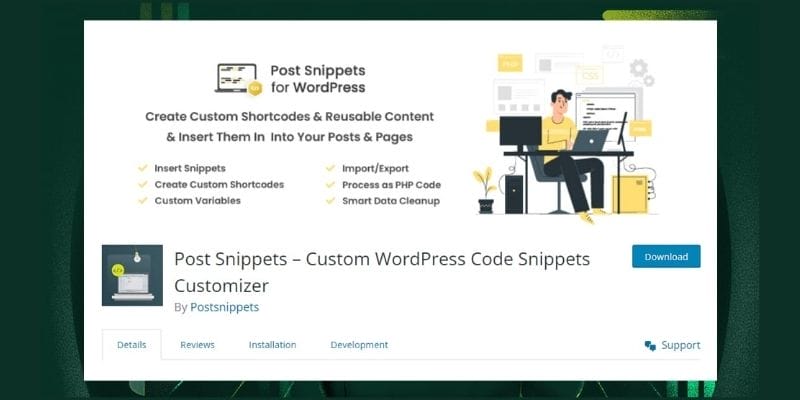
Anyone who regularly reuses code or material on their Linux site should have Post Snippets – on hand. This plugin lets you generate easily inserted reusable pieces of text or code anywhere on your pages and articles. This function guarantees consistency among your material and saves time.
Your snippets can have variables to provide more freedom. On an affiliate site, for example, you may find a changed name and ID for a product. Post Snippets lets you define these as variables, so you only need to change them once in the snippet instead of individually modifying every link.
One very noteworthy feature is the shortcode option, which maintains a live link to the saved code. Any changes to the fragment are automatically shown wherever it is utilized. Furthermore, demonstrating its adaptability, the plugin supports PHP code injection and is compatible with the text and visual versions of the WordPress editor.
9. WebberZone Snippetz

Originally called Add to All, WebberZone SnippetZ is a great option for anyone looking for a simple yet potent code snippet plugin.
Custom HTML, CSS, or JavaScript may be created and managed with Snippetz, then easily included into the header, footer, content, or feed of your site. Depending on criteria such post IDs, types, categories, and tags, the plugin lets you choose where and when code snippets show up.
Snippetz also improves your site feeds by including an original post link back-off and a copyright notice. Its wide spectrum of actions and filters facilitates and speeds up the extension of the functionality of your site.
Price:
- Free
10. PHP code snippets
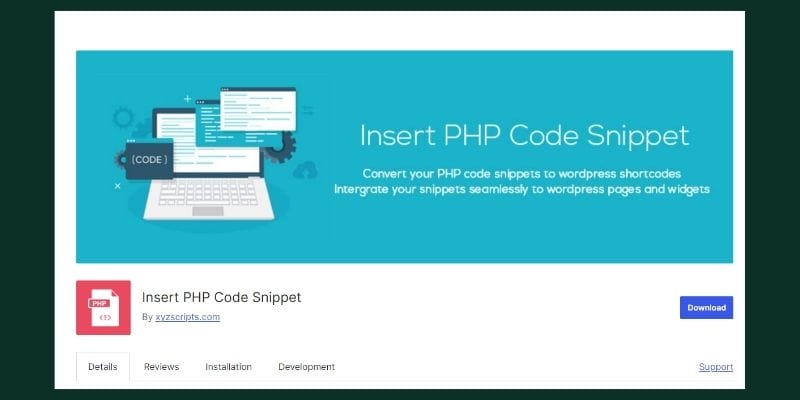
Designed specifically to effectively manage PHP code snippets, Insert PHP Code Snippet Plugin is a PHP plugin for WordPress. This plugin lets users generate PHP snippets and translate them into shortcodes, therefore enabling simple insertion of custom code into widgets, pages, and posts without directly changing theme files.
Simple and minimal user interface allows both novice and professional developers to easily add and control snippets. Once a snippet is developed, users may easily run the PHP code using the produced shortcode in their work.
This method not only improves site operation but also guarantees that the essential files of the site remain unaltered, therefore lowering the possibility of mistakes or conflicts during upgrades. For those wishing to include unique PHP capability into their PHP-based WordPress project while keeping a neat and orderly codebase, Insert PHP Code Snippet is a great alternative.
Why You Should Use a Code Snippet Plugin
Using a code snippet plugin in PHP gives a number of benefits that improve site administration and customizing. Here are the main reasons you ought to give using a code snippet plugin some thought:
1. Safety and Organization
When adding custom code, code snippet plugins offer a safer space than straight theme file modification. One mistake in functions.php could cause site outage; nevertheless, these plugins help control snippets in a way lowers the chance of mistakes and facilitates change tracking and organization.
2. Simple Useability
User-friendly interfaces on these plugins help to streamline code snippet addition, editing, and management. Because users of all ability levels can browse their PHP site without knowing its underlying file structure,
3. Performance
Without sorting through several theme or plugin files, code snippet plugins let for simple activation or deactivation of snippets. Testing or temporarily disabling some functionality without compromising the whole site would find this tool especially helpful.
4. Customizations Future- Proofed
Custom code included straight into theme files may be lost with theme revisions or updates. Customizations kept separate from theme files by code snippet plugins guarantee their integrity even should you change themes or update plugins.
5.Version Control
Version control tools included by many code snippet plugins let users track changes and go back to earlier versions should problems develop. Maintaining site stability and troubleshooting depend on this indispensable talent.
6. No Child Theme Needed
Code snippet plugins give a simple substitute for users who are not confident designing a child theme to include custom PHP code without the difficulty of theme development.

Also Read: Maximizing Your WordPress Site
Wrapping Up
Essential Plugins for improving PHP site performance and management are code snippets plugins. By providing a safe, user-friendly environment for adding and managing custom code without changing main theme files, they help to lower the chance of site faults and downtime.
Simple interfaces and effective code management offered by plugins as WPCodeBox, Code Snippets, and Head & Footer Code let developers rapidly deploy and test unique features. By separating changes from theme files, they also guarantee that customizations stay whole across theme upgrades and facilitate futureproofing. Many of these plugins also feature error handling and version control, therefore improving site stability and simplifying debugging. All things considered, code snippet plugins help to promote versatile, strong site customizing and simplify development activities.
Code Snippet Plugins – FAQs
1. What is a Code Snippet Plugin?
A code snippet plugin allows users to add and manage small pieces of custom code (snippets) on their WordPress site without directly modifying theme files. This helps enhance site functionality while minimizing the risk of errors.
2. Why Should I Use a Code Snippet Plugin?
Using a code snippet plugin protects your customizations from being lost during theme updates, provides a user-friendly interface for managing snippets, and reduces the risk of site downtime caused by errors in code.
3. How Do I Add Code Snippets Using a Plugin?
To add snippets, install and activate a code snippet plugin (like Code Snippets), navigate to the Snippets menu in your dashboard, click “Add New,” enter your code, and then save and activate it.
4. Are Code Snippet Plugins Safe?
Yes, they are designed to provide a safer environment for adding custom code. Many include features like error handling and safe mode to help recover your site if a snippet causes issues.
5. What Happens If a Snippet Causes an Error?
Most code snippet plugins have a safe mode feature that allows you to disable problematic snippets without accessing the backend of your site, helping you recover from errors quickly.
Important Reads:

