

The state of a website depends on the Quality of its database. Everything from comments and articles to user data and spam is kept in your WordPress database. Although some components are very necessary for the operation of your site, eliminating them could cause crashes or failures.
But things like outdated drafts, faulty tables, and spam comments can slow down your site and swamp your database. This is when a plugin for a WordPress database becomes rather useful.
Database plugins are used for several things. Some are meant to back up your database prior to modifications—like those brought about by migration. Others concentrate on weekly or monthly clearing of extraneous files.
The main objective of these plugins is optimization whether you are backing up your database for future recovery or cleaning it. They want to improve general performance, guarantee cleaner data, and accelerate your website.

Quick Links
Why is it Important to Have a Fast WordPress database?
There are various advantages from a fast WordPress database.
Improved Website Speed
Higher Search Engine Rankings
Efficient User Experience
Server Load Reduction
Backup and Migration Preparedness
Best WordPress Database Cleaning Plugins
The seamless running and performance of your WordPress site depend on a well-optimized database. Your database may over time gather extraneous information including orphaned metadata, spam comments, and old post changes that would slow down your site and generate problems.
WordPress has a large selection of database cleansing plugins to help maintain and simplify your site’s database in order to allay these issues. From basic one-click clean-ups to sophisticated scheduling and optimization choices, these plugins offer several capabilities.
Let’s explore the greatest plugins for WordPress database cleaning that will enable your website to remain operational as intended!
Also Read: Appointment Reminder Tools 2024
1. WP-Optimize
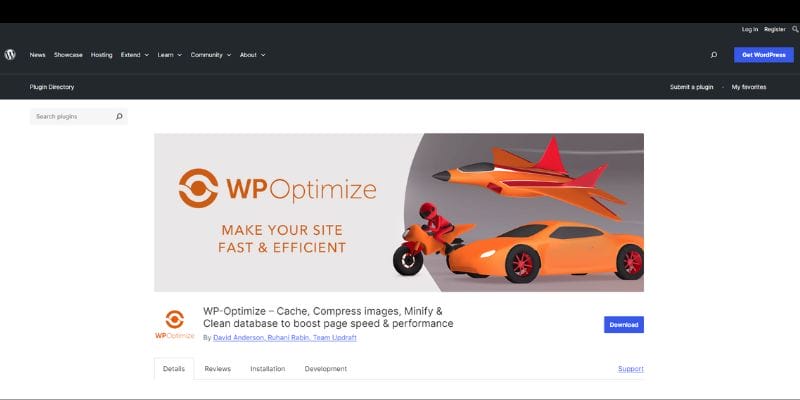
WP-Optimize is a robust and flexible WordPress plugin specifically created to improve your website’s performance by optimizing its database and other components. It efficiently removes superfluous data like outdated post revisions, spam comments, and expired temporary options, hence reducing the database size and enhancing the overall speed of the site. A notable feature of this product is its capability to schedule automated cleanups, enabling customers to keep their database organized without the need for manual involvement.
Furthermore, WP-Optimize incorporates backup capabilities, guaranteeing the creation of a database backup prior to any optimization process, offering reassurance. In addition to managing databases, the plugin also provides image optimization features, which compress images to decrease file sizes and improve page loading speed. WP-Optimize has a user-friendly interface that allows even non-technical users to easily explore and successfully utilize its functions.
Frequent utilization of this plugin can result in enhanced website speed, decreased server burden, and improved search engine optimization (SEO), as quicker loading times contribute to an enhanced user experience. Although the free edition covers necessary capabilities, the premium version provides enhanced functionalities for individuals who are looking for full optimization solutions. WP-Optimize is a comprehensive solution for effectively managing and optimizing a WordPress site to ensure its health and efficiency.
2. Advanced Database Cleaner
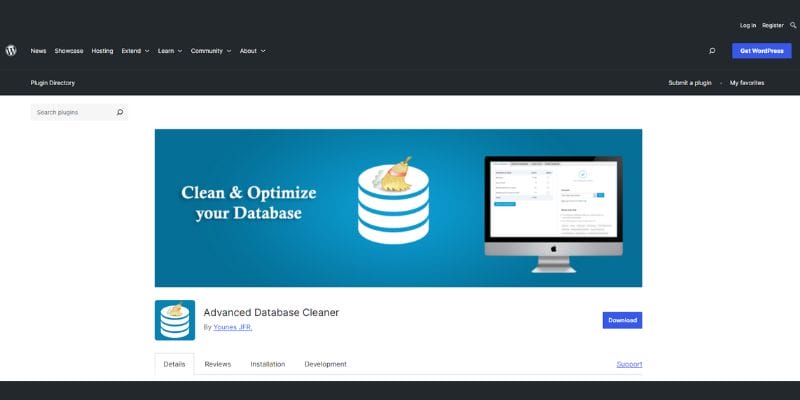
The Advanced Database Cleaner is a specialist plugin for WordPress that aims to assist users in effectively managing their database by specifically targeting and removing unneeded data. The main objective of this tool is to eliminate abandoned elements, such as unneeded information and outdated post revisions, as well as spam comments that might overcrowd your database and decrease the speed of your website. An essential aspect of this plugin is its integrated scheduler, which enables users to automate frequent cleanups. This ensures that the database remains optimized without the need for personal intervention.
The plugin additionally offers a comprehensive dashboard that provides users with valuable insights into their database components, facilitating effortless administration and monitoring of database well-being.
The premium edition of Advanced Database Cleaner provides enhanced capabilities for users seeking advanced features.
This includes the ability to detect and remove orphan tables from the database, which are tables that are no longer being used. This can be especially advantageous for users who have transferred sites or implemented substantial modifications to their content framework. Advanced Database Cleaner is a vital tool for WordPress site owners who want to improve their database, boost performance, and maintain fast site speed. It is an efficient addition to any WordPress maintenance toolset.
3. WP-Sweep
WP-Sweep is a compact and simple WordPress plugin specifically created to eliminate leftover data and enhance the efficiency of your database tables. This makes it an ideal option for those in need of a direct and efficient method for managing their database.
The plugin efficiently eliminates redundant, abandoned, and duplicated data, including as revisions, auto drafts, removed comments, and orphaned information. A notable aspect of this is its use of WordPress delete functions, which effectively reduces the likelihood of mistakes and aids in preserving efficiency when carrying out the cleanup procedure. Moreover, WP-Sweep incorporates a preview functionality that enables users to observe the items that will be removed prior to accepting the action, guaranteeing well-informed decision-making.
WP-Sweep is a user-friendly and freely available utility for all WordPress users. It is highly beneficial for improving the performance and responsiveness of websites. By ensuring the cleanliness of the database, users may decrease the burden on the server, especially during times of heavy traffic, while also enjoying a maintenance process that is free of complications. WP-Sweep is a very effective and dependable choice for optimizing your WordPress database, even if you don’t have sophisticated technical expertise.
4. Smart Cleanup Tools
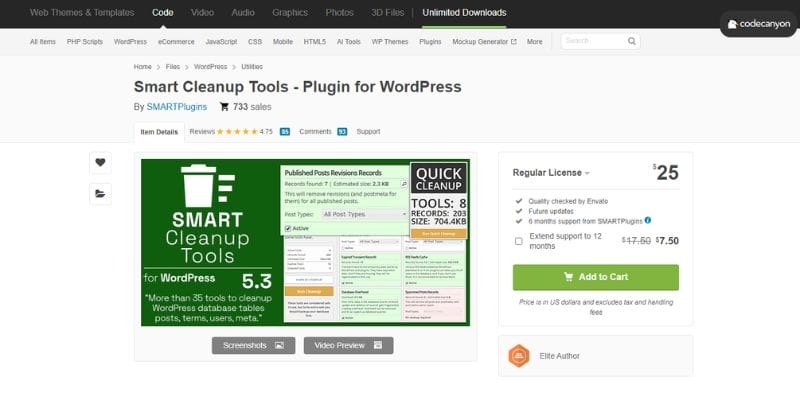
Smart Cleanup Tools is a multifaceted collection of database optimization tools that provides WordPress users with a comprehensive solution for specific cleanups. The plugin offers customers a wide range of approximately 40 options for different cleanup jobs, allowing them to have a great level of control and flexibility in preserving the health of their database.
An outstanding feature of this product is its capability to schedule cleanings, enabling customers to automate the process and guarantee the optimization of their database without the requirement for continuous manual intervention. Moreover, Smart Cleanup Tools is highly efficient in eliminating orphaned material, which tends to gather gradually and have a detrimental influence on the performance of a website.
Contrary to several plugins that necessitate regular payments, Smart Cleanup Tools may be purchased with a single payment, making it a financially efficient choice for consumers seeking a dependable database optimization tool.
Smart Cleanup Tools provides customers with a wide range of tools and the capability to focus on specific sections of the database, enabling them to customize their cleanup activities according to their individual requirements and preferences. This degree of flexibility is especially advantageous for individuals with intricate websites or those that necessitate more sophisticated database administration skills. Smart Cleanup Tools is a highly recommended option for WordPress users seeking a flexible and robust tool to efficiently maintain and optimize their database.
Also Read: 10 Best AI Tools For Social Media Managers In 2024
5. WP-DBManager
WP-DBManager is an all-in-one WordPress plugin that provides a comprehensive suite of tools for managing your website’s database, making it an essential resource for site owners. This versatile plugin offers features for database backup, optimization, repair, and management, allowing users to perform multiple tasks directly from the WordPress dashboard. With WP-DBManager, users can easily back up their entire database or selected tables, with options to store backups locally or email them for added security.
The plugin also optimizes the database by removing unused data and compacting tables, which can lead to improved site performance and reduced server load. In the event of database corruption, WP-DBManager allows for quick repairs with just a click, minimizing downtime and potential data loss.
Additionally, the scheduling feature enables automated backups, optimizations, and repairs, ensuring that your database remains healthy without constant manual intervention. By consolidating these various tasks into a single plugin, WP-DBManager simplifies database management and enhances convenience for users. With its user-friendly interface and robust functionality, WP-DBManager is an excellent choice for WordPress users seeking a reliable solution to maintain a healthy and efficient database, ultimately contributing to the overall performance and reliability of their websites.
6. Better Search Replace
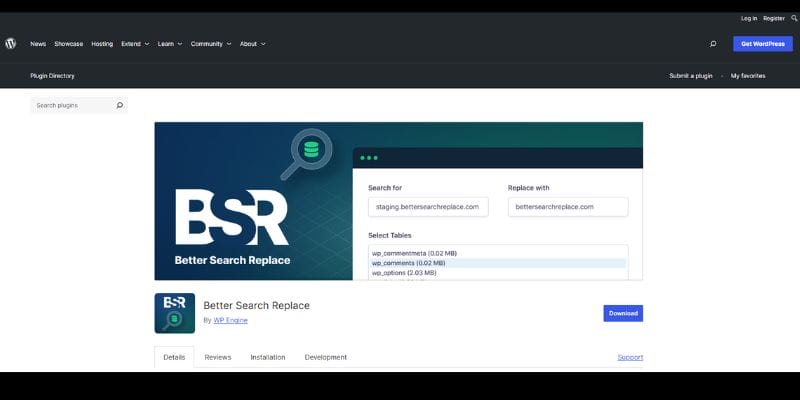
Better Search Replace is a robust and essential WordPress plugin for individuals seeking to effectively handle their website’s database material, especially when conducting site transfers or domain changes. This application streamlines the process of searching and altering text, URLs, or other data within the database, guaranteeing a seamless transition while migrating your WordPress site to a new server or domain.
An exceptional characteristic of the plugin is its capacity to handle serialized data, a prevalent format utilized in WordPress databases, which distinguishes it from other comparable solutions. In addition, users have the option to choose certain tables to focus on during the search and replace operation, allowing for precise control over the process. In order to reduce the possibility of unforeseen outcomes, Better Search Replace provides a “dry run” feature that allows users to preview the modifications before implementing them, enabling them to assess the potential effects. The plugin is compatible with all WordPress hosting environments and also supports WordPress Multisite installs, making it a versatile solution for different configurations.
Although the free version offers basic functions, the Pro edition enhances the experience by incorporating time-saving functionalities like as comprehensive change tracking, backup and import capabilities, and priority email assistance. To mitigate the potential hazards of altering database material, it is advisable to generate a backup prior to executing a search/replace operation.
Still, by utilizing Better Search Replace’s comprehensive precautions and intuitive interface, customers may effectively carry out these operations, guaranteeing the reliability and uniformity of their website’s data. In summary, Better Search Replace is an essential tool for WordPress users who want to effectively handle their database content and ensure a well-functioning website, particularly during important events such as site migrations or content upgrades.
7. WP Reset

WP Reset is a great plugin for writers who want to restore the database of their WordPress site to its original state. This makes it great for testing and development. This tool lets users quickly and safely return their site to the way it was before they changed any files. This makes sure that there is no data left over after the change. Users can delete all changes and content with WP Reset, or they can reset just certain parts, like theme settings or custom post types. The plugin has built-in snapshots that let you restore data with just one click.
This is a safety net that keeps you from losing data by mistake. With just one click, WP Reset also has a number of cleaning tools that can get rid of temporary files, clear cache, delete themes and plugins, and clean the uploads folder. The “nuclear reset” choice lets users delete everything, leaving only the current user account. This is for people who want to be more thorough. This makes WP Reset a powerful tool for speeding up debugging and testing, as it lets writers quickly reset settings and test code again. Overall, WP Reset is a useful tool for anyone working with WordPress development because it lets you handle and reset site data quickly and reliably.
8. Optimize Database after Deleting Revisions
RVG Optimize Database is an easy-to-use WordPress tool that helps keep your database clean and running quickly. Its main job is to clean up the database by getting rid of old post changes, spam comments, and other data that isn’t needed and could slow down your site over time. Customers who want a simple answer without a lot of complicated features will benefit the most from this plugin. The plugin’s design is very simple, so even people who aren’t tech-savvy can use it and clean it up with just a few clicks.
By using this plugin on a daily basis, users can keep their database optimized, which will make their site run better and load faster. This not only makes the experience better for everyone, but it also helps your search engine results. To sum up, Optimize Database after Deleting Revisions is a must-have plugin for WordPress users who want to make managing their databases easier and faster.
Also Read: 7 Best Reverse Image Search Tools In 2024
9. Transients Manager
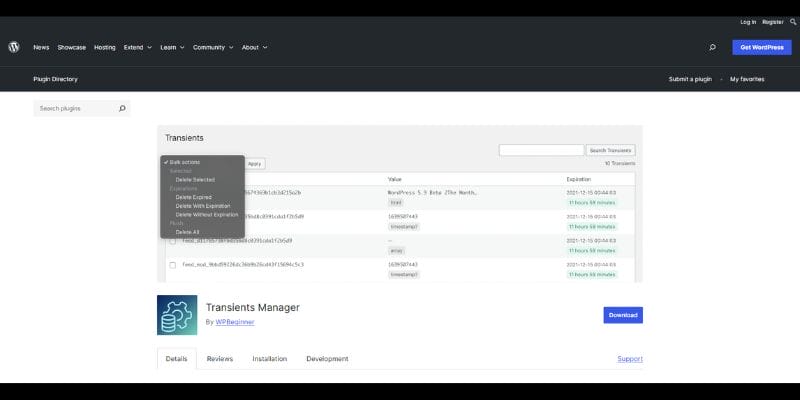
Transients Manager is a useful WordPress tool that helps you keep track of temporary database options that can build up over time and slow down your site. Transients are short-term data records that WordPress uses to store cached information. However, expired transients can stay in the database and make it bigger than it needs to be.
This tool makes it easy for users to find and get rid of expired transients, which helps keep the database clean and the site responsive. Transients Manager has an easy-to-use interface that lets users get rid of items that aren’t needed with little effort.
Regularly managing transients is important for keeping your site’s speed and performance at their best because it cuts down on clutter and makes sure that only useful data is saved. WordPress users can make their site more efficient by using Transients Manager correctly. This will make the site load faster and give users a better overall experience. This plugin is basically a must-have for anyone who wants to keep their WordPress database clean and running at its best.
10. Database Cleaner
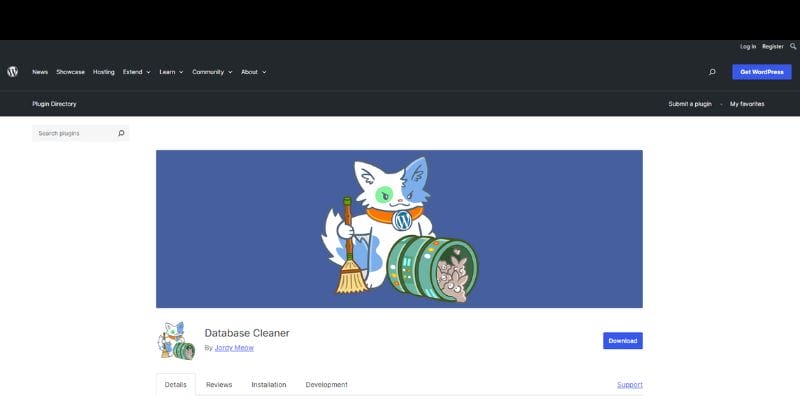
Database Cleaner is a powerful WordPress plugin that is made to help you handle and improve large databases. It has both easy and expert modes, so people of all skill levels can use it. The easy mode makes it easy for beginners to use, while the expert mode gives more complicated options to more experienced users.
The Plugin has an easy-to-use “one-click cleaning” feature that lets users get rid of unnecessary data and make their databases more efficient with little work. Additionally, Database Cleaner gives users specific statistics about the health of the database, which helps them choose what to clean. One thing that makes it stand out is that it can handle asynchronous requests, which makes sure that heavy tasks are handled easily without slowing down the site. This makes Database Cleaner a great choice for people who have a lot of data and need a reliable way to keep their WordPress database optimized and running smoothly, which will improve site performance and user experience overall.
WordPress Database Cleaning Plugins: Advantages and Disadvantages
It’s critical to balance the benefits and drawbacks of WordPress database cleaning plugins. This is a summary based on the features and capabilities offered by different plugins.
Advantages
Enhanced Performance
Consistent database cleaning eliminates unnecessary information, such as obsolete metadata, spam comments, and post modifications, resulting in enhanced website performance and faster load times.
Saving Space
Optimizing the database can help you save space if your hosting plan has a limited amount of storage. This makes it possible to use resources more effectively and can help avoid problems caused by using up too much storage space.
Process Automation
A lot of plugins have scheduling options for automatic cleanups. These can help you save time and make sure that the database is kept up to date on a regular basis without requiring human participation.
User-Friendly Interfaces
The majority of database cleaning plugins have an intuitive design that makes it simple for users to complete difficult cleaning chores even with little technical expertise.
Disadvantages
Restricted Free capabilities
Although many plugins are available for free, many of the more sophisticated capabilities call for a paid subscription, which may not be affordable for all users. This may reduce the plugin’s efficacy unless users purchase the premium edition.
Risk of Data Loss:
If the cleanup is not done thoroughly, there is always a chance that crucial data will be inadvertently erased. We recommend that before using these plugins, users make a backup of their databases.
Performance in Big Databases:
Certain plugins may not function well in very large databases, which can cause problems or delayed cleanup times. For sites with a lot of data and heavy traffic, this can be a major disadvantage.
Problems with Compatibility:
Not all plugins receive regular updates, which might cause problems with other plugins or the newest versions of WordPress. Plugins having a solid reputation, and regular updates should be selected by users

Wrap Up
Choosing the best WordPress database cleaning plugin is crucial to keeping your website effective and optimized. By eliminating additional information, boosting user experience, and optimizing website speed, these plugins simplify database maintenance. Their functions range from specialized database component management to automated cleanups and backups.
Even while these plugins can greatly increase site speed, lower server load, and guarantee smooth backups and migrations, it’s crucial to balance the benefits against any potential downsides. There’s always a chance of unintended data loss, and free versions might only be partially functional. Big databases and compatibility with other plugins should also be taken into account.
You can make sure your WordPress website stays dependable, responsive, and quick by selecting a plugin that fits your needs and doing routine database maintenance.
Interesting Reads:
Best Free AI Stock Photos and Images
10 Best WordPress Plugins for Easy Code Integration
Exploring the Intersection of Art and UI Design: Creating Aesthetic and Functional Interfaces

