

Holi, the festival of colors, is one of the most joyous and colorful celebrations of the year. It’s a time for fun, laughter, and vibrant displays of color. What better way to share the festive spirit than by sending out personalized Holi greeting cards to your friends, family, and loved ones? But creating that perfect card can be tricky if you’re not a graphic designer. Don’t worry, though! In this blog post, we’ll explore the 10 best Holi greeting card maker that will help you design the perfect card with ease.
Let’s dive into these amazing tools and explore what makes them stand out!

Quick Links
1. Canva: A Canvas for Creativity
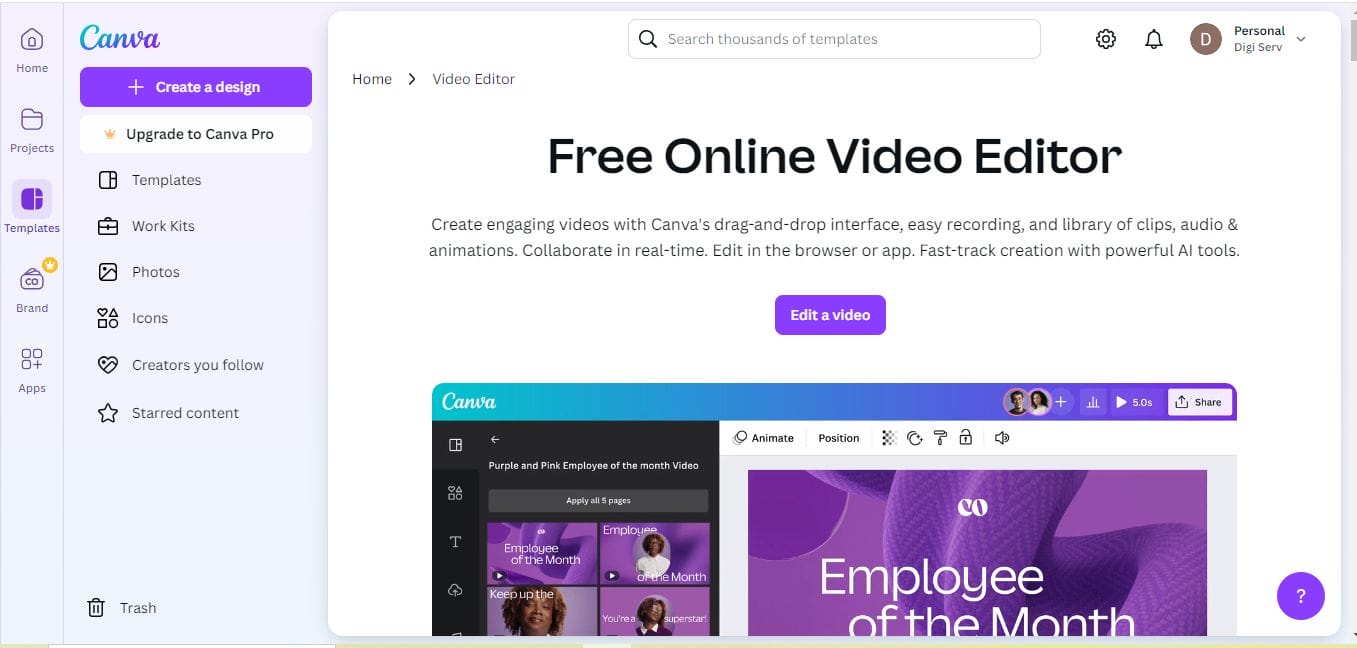
When it comes to design, Canva is a household name. Known for its user-friendly interface and vast library of templates, Canva is an ideal choice for anyone looking to make stunning Holi greeting cards without breaking a sweat. Whether you’re a beginner or a seasoned designer, Canva’s drag-and-drop tool makes it simple to create visually appealing cards.
With dozens of Holi-specific templates and customizable options, Canva allows you to adjust colors, fonts, and add images or festive stickers that perfectly capture the spirit of Holi. If you’re in a rush, you can quickly personalize a pre-made template, or, if you want full creative freedom, start from scratch. And the best part? You don’t have to be a professional to make your card look like one!
Key Features:
- Wide variety of customizable templates
- Intuitive drag-and-drop interface
- Free and premium versions available
Pros:
- Very easy to use
- A large selection of Holi-themed templates
- Free version offers many features
Cons:
- Premium features are locked behind a subscription
- Limited font selection in the free version
2. Adobe Express: For the Professional Touch
For those looking to create a polished, professional-looking Holi greeting card, Adobe Express is an excellent tool. Formerly known as Adobe Spark, Adobe Express combines powerful design tools with a user-friendly interface. It provides you with access to high-quality graphics, premium templates, and advanced editing features.
Adobe Express is perfect for those who want to add their own unique spin on Holi cards. You can easily integrate your own photos, adjust design elements, and experiment with the color palette to reflect the festive mood. Though it offers many features for free, premium users gain access to a wider variety of templates and additional customization options.
Key Features:
- High-quality templates and graphics
- Professional design tools and features
- Integration with other Adobe products
Pros:
- High-quality, professional designs
- Easy to use with drag-and-drop functionality
- Great for those familiar with Adobe products
Cons:
- Requires a subscription for premium templates
- Some features can be difficult for beginners
Also Read: Best Healthcare Flyer Maker
3. Fotor: Simple Yet Stunning
If you want a fast and easy way to design your Holi greeting cards without compromising on quality, Fotor is a fantastic option. Known for its straightforward photo editing and graphic design tools, Fotor makes it simple to create beautiful Holi cards in just a few clicks. You can choose from a variety of Holi templates and customize them with your own text and images.
Fotor also offers advanced photo editing options if you want to enhance the background or add special effects. It’s perfect for users who want to add a personal touch to their cards without spending too much time on design.
Key Features:
- Simple drag-and-drop interface
- Professional photo editing tools
- Customizable templates for Holi cards
Pros:
- Easy to use with a minimal learning curve
- Includes a wide range of photo editing options
- Fast card creation process
Cons:
- Limited templates in the free version
- Some advanced features are locked behind a paywall
4. Crello: Animation and Design Together
Crello is another standout tool for creating animated Holi greeting cards. If you’re looking to make your cards pop with a little movement, Crello’s animation feature allows you to create dynamic and engaging cards that stand out. It’s perfect for sending out digital greeting cards on social media platforms or via email.
Crello offers a library of Holi-specific templates, which you can easily personalize with animated effects. You can even upload your own images and videos to make the card truly unique. The free version of Crello includes a wide range of features, but for more advanced animation tools, you’ll need to upgrade to the Pro version.
Key Features:
- Animated greeting card templates
- Wide variety of customizable elements
- Option to upload your own images and videos
Pros:
- Great for creating animated cards
- Easy-to-use editor with drag-and-drop functionality
- Diverse selection of design options
Cons:
- Some advanced features require a paid subscription
- Limited customization in the free version
5. Placeit: Fast and Fun Card Creation
If you’re in a rush and need to create a stylish Holi greeting card quickly, Placeit is the perfect tool for you. This design tool specializes in ready-made templates that are easy to customize. Whether you need a simple card or something more elaborate, Placeit has plenty of templates to choose from.
Placeit allows you to adjust the text, change colors, and add your logo or personal photos in a few easy steps. It’s great for businesses or anyone looking to create a more polished, professional-looking card without spending hours on design.
Key Features:
- Ready-to-use Holi greeting card templates
- Easy customization options
- Quick card creation process
Pros:
- Fast and easy to use
- High-quality templates
- Good for professional-looking cards
Cons:
- No free version (subscription-based)
- Limited customization compared to other tools
Also Read: Best Camp Flyer Maker
6. Greeting Island: A Card-Maker’s Paradise
If you’re specifically looking for a tool that specializes in greeting cards, Greeting Island is the perfect choice. This tool offers a wide selection of Holi greeting card templates, from traditional designs to modern, fun ones. You can customize the message, colors, and even add your own images to make the card truly personal.
Greeting Island also allows you to print your greeting cards in high resolution, making it easy to send physical cards to friends and family. It’s a great tool for anyone looking to create both digital and printed Holi cards.
Key Features:
- Customizable Holi templates
- Print-ready high-resolution cards
- Free and paid versions
Pros:
- Specifically designed for greeting cards
- Easy to print and share cards
- Simple customization process
Cons:
- Limited design options compared to more advanced tools
- Free version includes ads
7. BeFunky: Creativity at Your Fingertips
BeFunky is another fantastic tool that provides a mix of photo editing and card creation. With a range of photo filters, effects, and customizable templates, you can quickly design a stunning Holi greeting card that reflects your creativity. Whether you’re adding a splash of color or creating a whimsical design, BeFunky’s tools make it simple.
The platform’s easy-to-use interface is perfect for anyone who wants to design Holi cards quickly. You can also make use of BeFunky’s wide range of customization tools to ensure your card is as unique as possible.
Key Features:
- Customizable photo filters and effects
- Variety of Holi templates
- Easy-to-use design tools
Pros:
- Very creative and fun design process
- Offers a wide range of customization options
- Simple interface
Cons:
- Free version has limited access to features
- Can be more time-consuming for beginners
8. Canva Pro: Unlock More Advanced Features
If you love Canva but want more advanced tools to create truly unique Holi greeting cards, Canva Pro is the way to go. The Pro version opens up additional features like access to a larger library of templates, images, and advanced design tools.
Canva Pro allows you to save your work in various file formats, making it easy to download and share your Holi card. Plus, you get access to premium fonts and elements that can make your greeting card even more special.
Key Features:
- Premium templates and design elements
- Access to thousands of fonts and images
- Advanced export options
Pros:
- More customization features compared to the free version
- Professional quality designs
- Great for businesses or personal use
Cons:
- Monthly subscription required for Pro features
- Overwhelming options for beginners
Also Read: Best Soccer Flyer Maker
9. Adobe Photoshop Express: For Advanced Customization
For those who want to dive deep into customization and have experience with photo editing tools, Adobe Photoshop Express is a powerful option. It allows you to manipulate every aspect of your Holi greeting card, from the smallest design elements to the overall look and feel of the card.
Adobe Photoshop Express offers many advanced tools, including color correction, filters, and effects, that you can apply to create a vibrant Holi greeting card that truly stands out. However, it can be challenging for beginners and is best suited for those with a background in design.
Key Features:
- Advanced photo editing and design tools
- High level of customization
- Professional design output
Pros:
- Excellent for detailed and high-quality designs
- Great for users with design experience
- Wide range of editing options
Cons:
- Steep learning curve for beginners
- Requires more time to create complex designs
10. PicMonkey: Flexible and Fun
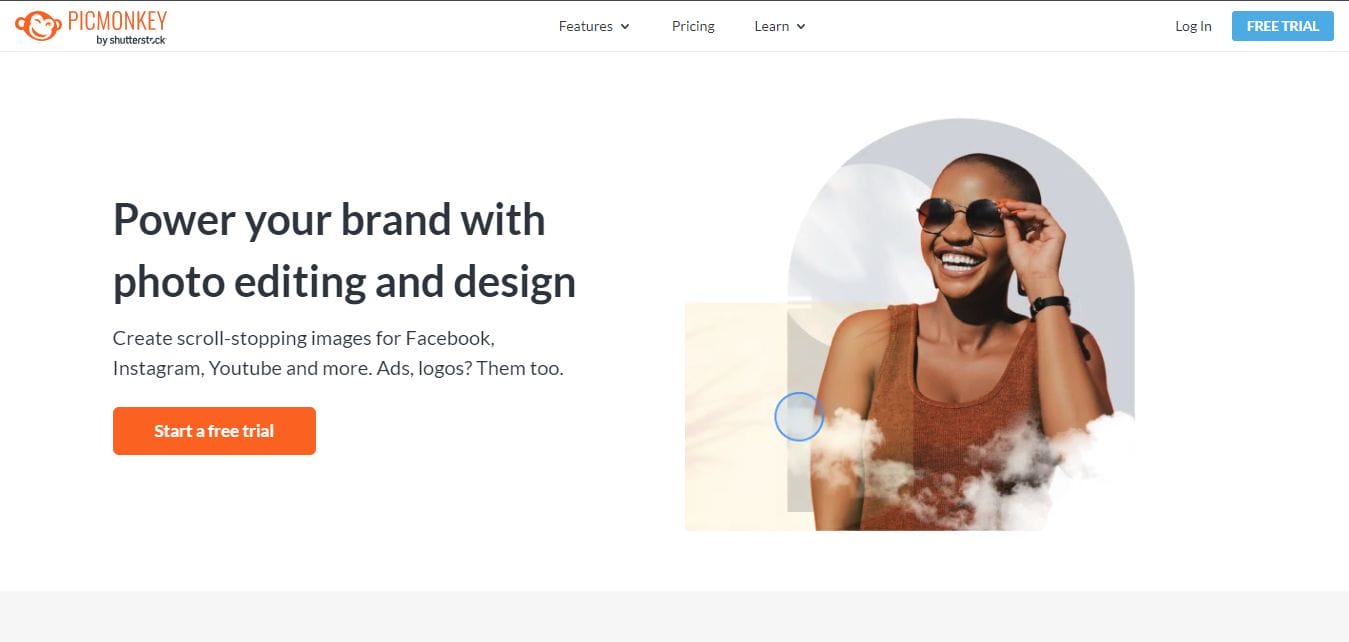
Last but not least, PicMonkey offers another easy-to-use platform for creating vibrant Holi greeting cards. With customizable templates, fun design elements, and a library of colorful stickers, PicMonkey helps you create greeting cards that are as lively as the festival itself. Whether you’re adding a splash of color or playing with fonts, PicMonkey gives you the freedom to make your card as fun and creative as you like.
Key Features:
- Customizable templates and fonts
- Wide range of design elements
- Easy-to-navigate interface
Pros:
- Fun and flexible design tools
- Great for beginners and experienced designers
- Wide range of creative elements
Cons:
- Some features are premium-only
- Free version has limited access to tools
Comparison Table: 10 Best Holi Greeting Card Maker
| Tool | Key Features | Pros | Cons |
|---|---|---|---|
| Canva | Drag-and-drop editor, customizable templates | Easy to use, free version available | Limited features in free plan |
| Adobe Express | High-quality design tools, customizable templates | Professional output, integrates with Adobe tools | Steeper learning curve |
| Fotor | Photo editor, customizable Holi templates | Fast design process, easy-to-use | Limited free features |
| Crello | Animated templates, easy-to-use | Great for animations, flexible design options | Some advanced features require subscription |
| Placeit | Ready-made templates, easy customization | Quick design process, professional quality | Subscription-based, limited customization |
| Greeting Island | Customizable Holi templates, print-ready cards | Specifically for greeting cards, high-res print options | Limited templates compared to advanced tools |
| BeFunky | Photo editor, creative design tools | Fun and flexible, easy interface | Limited features in free version |
| Canva Pro | Access to premium templates and features | Professional designs, advanced features | Requires subscription |
| Adobe Photoshop Express | Advanced customization, photo editing tools | Highly customizable, professional designs | Steep learning curve |
| PicMonkey | Customizable templates, fun design elements | Flexible design tools, user-friendly | Some features behind paywall |

Last Remarks: Finding Your Perfect Holi Greeting Card Maker
With so many fantastic tools available, there’s no excuse not to send a beautiful, personalized Holi greeting card this year. Whether you prefer easy-to-use options like Canva or want to experiment with animations on Crello, you have a wide range of options to create something truly unique. Use these tools to add your personal touch and spread the color and joy of Holi with friends and family.
Interesting Reads:

