
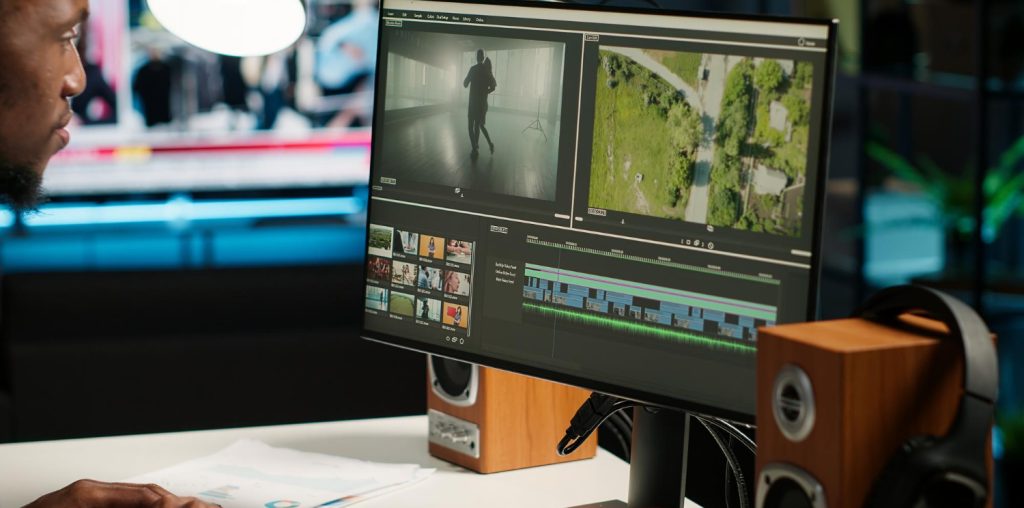
CapCut has made a huge splash in the video editing world—especially among short-form content creators on TikTok and Instagram. It’s simple, free, and packed with trendy templates and effects. But if you’ve outgrown CapCut, want more control, need fewer limitations, or just want to try something new, you’re in luck. There are plenty of excellent CapCut alternatives that offer a fresh take on video editing.
Let’s dive into the best CapCut Alternative —some beginner-friendly, some pro-level, and all worth checking out.

Quick Links
1. InShot
One of the most popular alternatives to CapCut, InShot is perfect for editing videos on your phone. It’s super intuitive, great for trimming, adding music, transitions, and even stickers. Ideal for TikTok, Reels, and YouTube Shorts.
2. VN Video Editor (VlogNow)
VN has a clean interface and advanced features—think keyframe editing, curve speed, and multi-track timelines. It’s surprisingly powerful for a mobile editor and completely free without annoying watermarks.
3. Adobe Premiere Rush
This one’s from the pros at Adobe, but it’s beginner-friendly. Premiere Rush lets you create high-quality edits on desktop and mobile. It syncs with Adobe Creative Cloud, so if you ever upgrade to Premiere Pro, the transition is seamless.
4. KineMaster
KineMaster is a longtime favorite among mobile editors. It offers layer-based editing, chroma key (green screen), transitions, and audio tools. The free version includes a watermark, but the paid version unlocks everything.
5. Canva Video Editor
Yep, Canva isn’t just for graphics anymore! Its video editing tools are great for quick edits, social media posts, and branded content. Drag-and-drop, templates, and animations make it super easy—even for beginners.
6. Splice
Created by GoPro, Splice is fast, easy, and ideal for editing on the go. It has strong music integration, transitions, and filters. Great for travel or vlog-style edits.
7. PowerDirector
PowerDirector is a bit more advanced but still user-friendly. It has professional-grade features like motion tracking, slow-mo, green screen, and more—on both desktop and mobile.
8. FilmoraGo
FilmoraGo brings a lot of the power from its desktop sibling (Wondershare Filmora) to your phone. It’s easy to use, has tons of effects, and is especially good for Instagram and YouTube content.
9. LumaFusion (iOS only)
If you’re an iPhone or iPad user and want something powerful, LumaFusion is a favorite among mobile filmmakers. It’s feature-rich, supports multi-track editing, and even works for pro-level video production on the go.
10. LightCut
Developed by the makers of DJI drones, LightCut is AI-powered and super smart at generating ready-to-share edits. If you love templates and want fast results with minimal effort, give this one a shot.
11. YouCut
From the makers of InShot, YouCut is more focused on traditional video editing than social trends. It’s great for everyday video projects with useful features like trimming, speed control, and music integration—all without a watermark.

So, What’s the Best CapCut Alternative for You?
If you’re sticking to mobile editing, VN, InShot, and KineMaster are fantastic options. Want pro features in a clean interface? Try LumaFusion (iOS) or PowerDirector. Need something fast and fun for Instagram or TikTok? Canva or LightCut are great picks.
There’s no one-size-fits-all, so explore a few and see what feels right for your editing style!
Interesting Reads:
10 Best Software For Email Organization

