

It’s no secret—websites with active communities grow faster. In fact, online communities increase engagement by up to 21% and user retention by 35%, according to research from Higher Logic. Whether you’re building a niche forum, a members-only group, or a fully social platform, a solid wp community plugin is your secret weapon.
But not all plugins are created equal. Some offer sleek user profiles. Others focus on forums, messaging, or exclusive content access. The challenge isn’t just building a community—it’s choosing the right tools to make it thrive.
That’s where this post steps in. We’ve curated the 17 best wp community plugins in 2025, ranked by features, flexibility, and how well they help you grow. This isn’t just a list—it’s your blueprint for building an active, sticky, and loyal online audience. Whether you’re just starting or revamping an old site, there’s a plugin here for every goal, budget, and tech level.
Let’s dive in and turn your WordPress site into a buzzing hub.

Quick Links
What Makes a Great WP Community Plugin Today?
A great WordPress community plugin goes far beyond just adding a forum or comment section—it builds an ecosystem where users feel connected. It should support detailed user profiles, private messaging, activity feeds, and real-time notifications. These features mimic the social media experience users are already familiar with, making it easier for them to engage and stick around.
Equally important is integration. Your plugin should play well with membership tools, LMS platforms, and WooCommerce. It should also be mobile-friendly, fast-loading, and customizable—because your community should feel like your brand, not just another generic group online.
The Best WP Community Plugins
1. BuddyPress
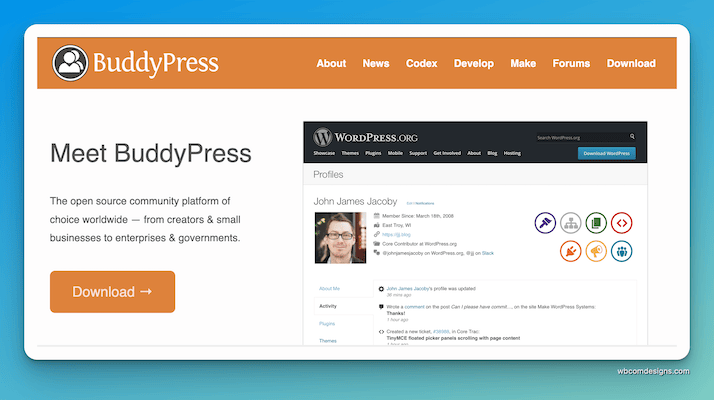
If you’re starting with wp community plugins, BuddyPress is where most journeys begin—and for good reason. It’s been powering WordPress communities for over a decade, trusted by universities, niche social networks, and private groups alike.
This plugin transforms a basic WordPress install into a full-fledged social platform. With features like user profiles, friend connections, private messaging, and activity streams, it brings a Facebook-style vibe to your site without any of the bloat.
Why BuddyPress still reigns:
-
Lightweight & modular: Enable only the features you need—keep your site fast and focused.
-
Developer-friendly: Built with WordPress coding standards in mind, it’s easy to extend and customize.
-
Open-source: 100% free, with hundreds of extensions available to add forums, events, media uploads, and more.
-
Tightly integrated: Works seamlessly with bbPress (for forums), WooCommerce, and most themes.
Whether you’re building a private member community, a hobbyist group, or a corporate team network, BuddyPress gives you the essentials without locking you into a bloated system.
2. BuddyBoss Platform
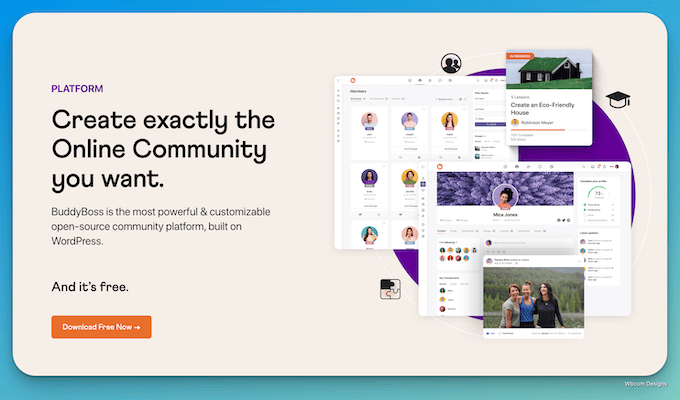
If BuddyPress is the engine, BuddyBoss Platform is the luxury vehicle built on top of it. Designed for creators, coaches, course builders, and membership site owners, this wp community plugin offers a polished, powerful solution out of the box.
It takes everything BuddyPress does—and levels it up. Think built-in mobile support, custom design controls, gamification, learning management integration, and blazing-fast performance.
Why BuddyBoss is a game-changer:
-
Mobile app ready: Launch iOS and Android community apps under your own brand (no coding needed).
-
Course & membership integration: Seamlessly pairs with LearnDash, LifterLMS, MemberPress, and PMPro.
-
All-in-one features: User profiles, forums, messaging, activity feeds, groups, and Zoom integration—pre-styled and plug-and-play.
-
White-labeling: Make your platform fully branded, from login to dashboard.
BuddyBoss isn’t just a plugin—it’s a full community ecosystem built for growth. It’s perfect for high-ticket communities, online schools, and content-driven brands that want more than just forums.
3. PeepSo
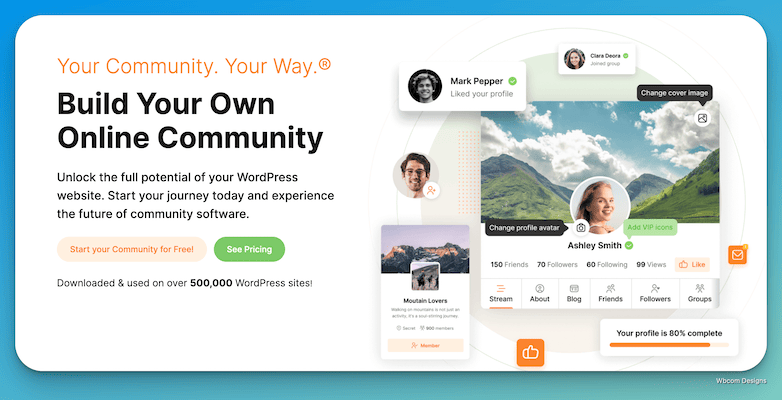
Looking for a modern, user-friendly wp community plugin that feels instantly familiar? PeepSo might just be your perfect match. It’s built to deliver a social media-like experience right inside your WordPress site—with timelines, reactions, friend connections, and even live notifications.
PeepSo isn’t trying to reinvent the wheel. It’s trying to give you a private, ad-free version of the social platforms your users already love. And it does that beautifully.
Why PeepSo stands out:
-
Facebook-style layout: Feels intuitive from the first click. Users can post, react, share photos, and build connections.
-
Highly modular: Start with the free core, then add exactly what you need—groups, chat, videos, eCommerce, or even LMS support.
-
Performance focused: PeepSo is built with speed in mind, and it doesn’t hog resources like some heavier community solutions.
It also plays nicely with tools like WooCommerce, LearnDash, GamiPress, and Elementor. Whether you’re running a niche forum, a learning hub, or a VIP club, PeepSo helps you keep it sleek and simple.
4. UserPro
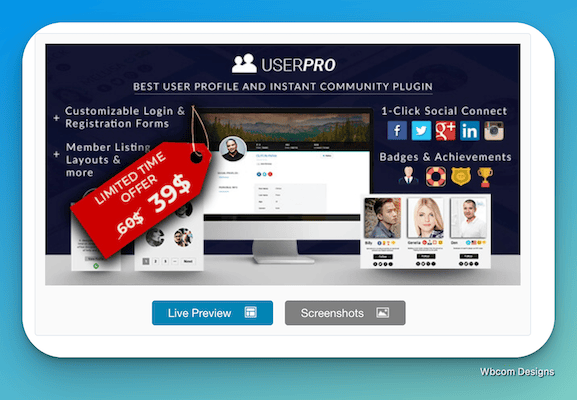
If visual appeal and profile customization are high on your wishlist, UserPro delivers in spades. This wp community plugin is all about creating beautiful, fully functional user profiles and registration flows—without touching a line of code.
UserPro gives your site a front-end login system, member directories, private messaging, social connect, and profile badges—all wrapped in a clean, modern design.
Why UserPro deserves your attention:
-
Beautiful profile layouts: Choose from sleek templates that feel more like social apps than traditional WordPress pages.
-
Social logins made simple: One-click sign-in with Facebook, Twitter, Google+, and LinkedIn.
-
Front-end everything: Users register, edit profiles, and interact without ever seeing the WP dashboard.
-
Membership-ready: Restrict content based on user roles or profiles, and create gated areas effortlessly.
UserPro is ideal for anyone building a profile-driven site—think talent directories, social clubs, niche dating platforms, or membership hubs where user identity is front and center.
5. Youzify
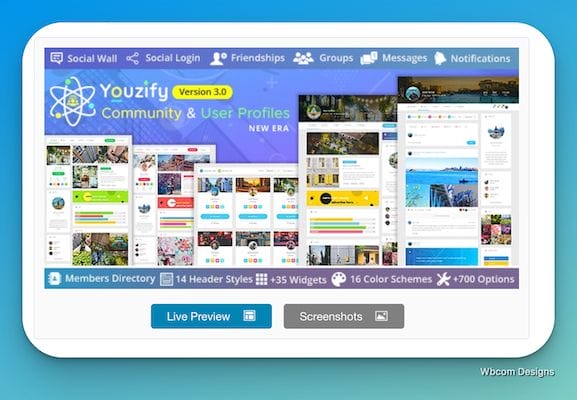
Youzify (formerly known as Youzer) isn’t just a plugin—it’s a total BuddyPress makeover. If you’re using BuddyPress but craving more power, style, and control, Youzify gives you exactly that. It upgrades everything—from user profiles and activity feeds to member directories and account settings.
This wp community plugin is perfect for turning a basic social site into something visually stunning and functionally rich.
Why Youzify is a fan favorite:
-
700+ customization options: From colors and layout to typography and widgets, personalize every inch of your community.
-
Powerful user dashboards: Let members manage messages, friends, groups, and settings from one beautiful interface.
-
Monetization built in: Compatible with WooCommerce and membership plugins to help you turn users into customers.
-
Gamification-ready: Add points, ranks, and achievements with GamiPress or MyCred to boost engagement.
Youzify doesn’t just enhance BuddyPress—it reimagines it. And the best part? It doesn’t require a developer to make it look amazing.
6. ProfileGrid
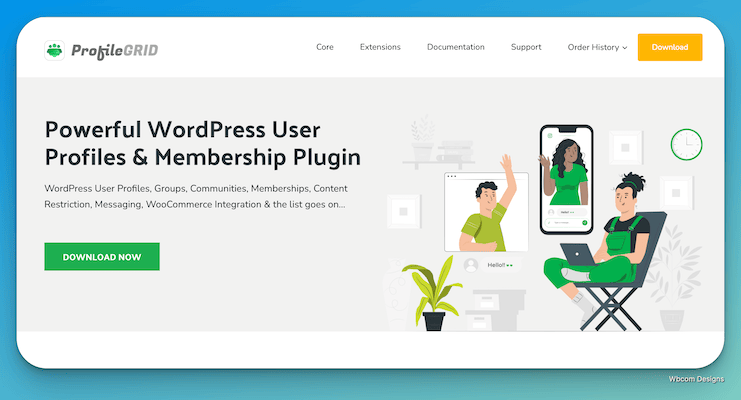
Need a wp community plugin that handles user groups, member profiles, and content restriction—all in one? ProfileGrid makes that easy. It blends membership functionality with social features, giving you ultimate flexibility whether you’re building a private club, professional network, or learning hub.
What sets ProfileGrid apart is its group-based approach. You can create multiple communities within one site—each with its own rules, profile fields, and member access.
What makes ProfileGrid powerful:
-
Group-specific profiles: Each group can have custom profile fields, badges, privacy settings, and member roles.
-
Built-in membership tools: Charge for access, restrict content, and offer group upgrades right out of the box.
-
Social features: Messaging, friend requests, activity walls, and group feeds bring your community to life.
-
WooCommerce integration: Sell memberships, digital goods, or merchandise directly through user profiles.
It’s ideal for sites that need more structure and segmentation—without the heavy setup of enterprise-level solutions.
7. Profile Builder
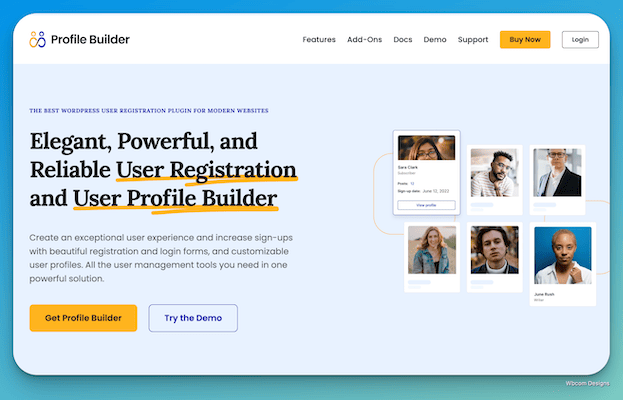
If your top priority is clean, flexible user registration and profile editing, Profile Builder is your go-to wp community plugin. It’s perfect for creators who want to control every step of the user journey—without bloated features you don’t need.
Unlike larger community plugins, Profile Builder focuses on doing one thing really well: managing user profiles and access. It’s lean, developer-friendly, and easy to integrate into any WordPress site.
Why Profile Builder shines:
-
Custom registration forms: Build front-end forms with custom fields for different user types.
-
User roles & access control: Show or hide content based on user roles, logged-in status, or profile fields.
-
Drag-and-drop form builder: No code needed to build beautiful forms that match your brand.
-
Shortcode-powered: Easily embed login, registration, and edit profile forms anywhere on your site.
It’s not a full-blown social platform—but if you’re running a membership site, directory, or gated content site, this plugin is gold.
8. FluentCommunity
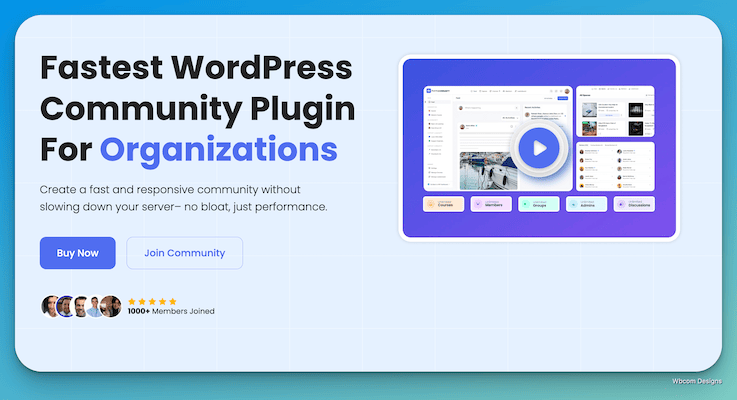
FluentCommunity is a rising star in the world of wp community plugins, especially if you’re aiming for deep user engagement without the bulk. Created by the makers of FluentCRM and FluentForms, this plugin focuses on sleek design, fast performance, and smooth interaction.
It’s perfect for building lightweight social networks, support communities, or member hubs where interaction feels natural—not forced.
Why FluentCommunity is worth a look:
-
Clean UI/UX: Designed to look and feel like a modern social app, not just another WordPress add-on.
-
Built-in private messaging & mentions: Keep conversations flowing and users connected with real-time features.
-
Lightweight, fast, and developer-friendly: Doesn’t slow down your site and plays well with other Fluent plugins.
-
Easy to style: Works out of the box with most modern themes and offers solid customization options.
FluentCommunity is still gaining traction but shows huge promise. It’s ideal for lean teams, solo creators, or brands already using Fluent ecosystem tools.
9. MemberPress

If monetization is your mission, MemberPress is your secret weapon. More than just a wp community plugin, it’s a full-featured membership engine that lets you gate content, sell access plans, and manage subscribers—all with ease.
But here’s the kicker: MemberPress also integrates smoothly with BuddyPress, bbPress, and other community plugins. So you can combine membership power with social features to build a thriving, paid community.
Why MemberPress dominates in its niche:
-
Drip content control: Schedule content delivery based on membership level or signup date.
-
Flexible paywall rules: Restrict any post, page, file, or category with point-and-click rules.
-
Built-in course builder: Create online courses with quizzes, progress tracking, and secure access.
-
Payment gateway integration: Accept payments via Stripe, PayPal, or Authorize.net right out of the box.
Whether you’re offering digital products, running an online school, or launching a premium community, MemberPress lets you do it all under one roof.
10. Paid Memberships Pro
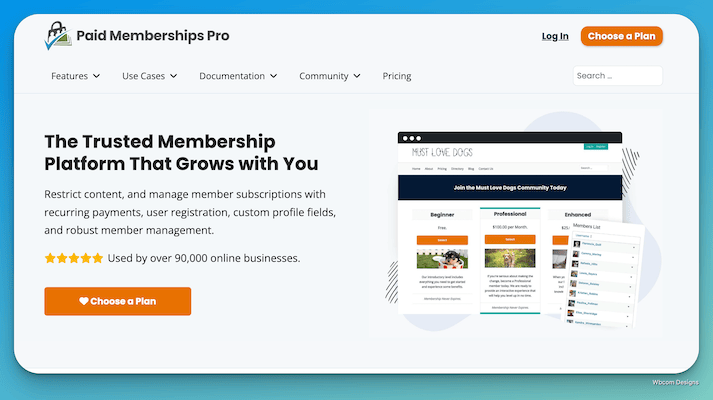
If your WordPress community involves multiple membership tiers, subscription plans, and robust content restrictions, Paid Memberships Pro is the plugin you need. This powerful wp community plugin is perfect for running complex membership sites with ease—whether you’re offering premium content, gated courses, or exclusive member-only areas.
PMPro gives you everything you need to control access and create a seamless user experience for your members, all while integrating with a range of other plugins for added functionality.
What sets PMPro apart:
-
Tiered membership levels: Create unlimited membership levels with different pricing, access rules, and content restrictions.
-
Content protection: Restrict access to posts, pages, categories, or even custom post types.
-
Payment integrations: Accept payments via PayPal, Stripe, and other gateways. Plus, built-in support for recurring payments and subscription management.
-
Advanced reporting: Keep track of member sign-ups, payments, and subscription renewal trends with detailed reports.
Perfect for larger communities that want to monetize access while offering a smooth, user-friendly experience.
11. ARMember
When it comes to membership management, ARMember is a standout wp community plugin that offers a great deal of flexibility. Whether you’re building a paid community, a learning platform, or an exclusive member portal, ARMember provides the tools you need to control access and create a rich user experience.
ARMember’s standout feature is its comprehensive set of membership options, which include content protection, advanced user registration, and integration with payment gateways.
Why ARMember shines:
-
Content restriction made easy: Protect any post, page, or custom content based on membership level.
-
Advanced member registration forms: Customize the registration process with conditional fields, custom user roles, and more.
-
Multi-level memberships: Offer flexible membership tiers, including one-time, subscription-based, or trial memberships.
-
Built-in payment options: Integrates with PayPal, Stripe, and more for smooth payment processing.
ARMember is perfect for those looking for a highly customizable membership solution without the need for custom coding or complex setup.
12. Ultimate Membership Pro
When you need a wp community plugin that combines simplicity with powerful features, Ultimate Membership Pro delivers. Whether you’re building a site for paid subscriptions, premium content, or member-exclusive communities, this plugin provides the flexibility to create and manage diverse membership systems.
Ultimate Membership Pro offers everything you need to build a strong, engaging community, all while offering robust tools for content protection, user management, and monetization.
Why Ultimate Membership Pro stands out:
-
Unlimited membership levels: Offer various plans with customizable pricing, access rules, and renewal options.
-
Advanced content protection: Restrict access to posts, pages, categories, or even specific custom content.
-
Integration with WooCommerce: Sell memberships directly through WooCommerce for an easy checkout experience.
-
Customizable registration forms: Tailor registration fields and workflows to match your community’s needs.
It’s a great solution for creating complex membership systems, with the ability to integrate with a wide range of third-party tools.
13. EMO Questalk Pro
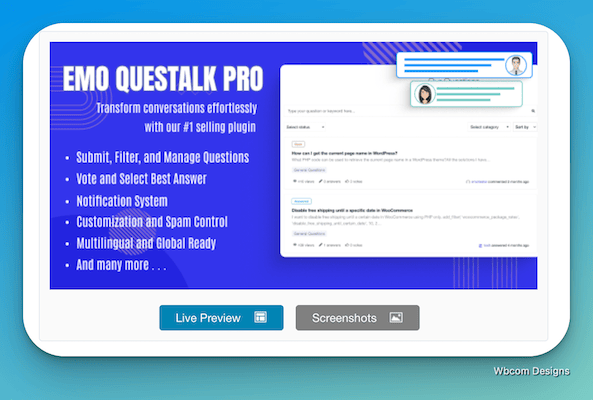
If your community thrives on questions, answers, and expert insights, EMO Questalk Pro is the wp community plugin you need. Tailored for Q&A-style interaction, it’s ideal for building communities around knowledge exchange, problem-solving, or niche expertise. Think of it as a Stack Overflow-like experience, built right into your WordPress site.
This plugin transforms your site into a dynamic, searchable hub where users can post questions, provide answers, vote on content, and even follow specific discussions.
Why EMO Questalk Pro works so well:
-
Question and answer format: Perfect for communities built around helping, learning, and sharing solutions.
-
Voting and reputation system: Users can upvote the best answers and build credibility within the community.
-
Threaded replies and best answer highlights: Keeps conversations organized and informative.
-
Custom categories and tags: Helps structure discussions so users can easily find what they need.
It’s ideal for support-based communities, expert-driven networks, or anyone looking to build a searchable, high-value knowledge base.
14. wpForo
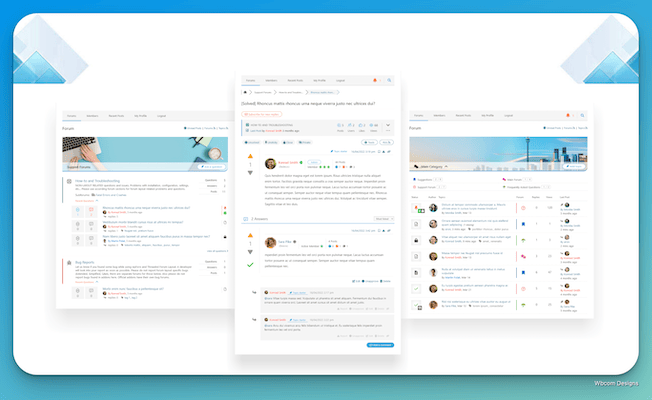
When your wp community plugin needs to include a forum that’s as sleek as it is functional, wpForo is an excellent choice. Unlike other forum plugins, wpForo provides a modern, customizable design that fits seamlessly with any WordPress theme. Whether you want a simple Q&A community or a fully-featured forum with categories, threads, and subforums, wpForo has you covered.
This plugin doesn’t just add a forum—it enhances your site’s social structure, fostering deeper discussions and connections among your members.
Why wpForo stands out:
-
Responsive design: A mobile-friendly, clean, and modern layout ensures your forum looks great on any device.
-
Comprehensive forum features: Includes forums, topics, replies, private messaging, user profiles, and more.
-
Advanced permissions: Control who can post, edit, or view content based on user roles.
-
Gamification features: Integrate reputation points, ranks, and badges to encourage engagement.
wpForo works well for anyone looking to create a forum-based community, whether it’s for a niche hobby group, a professional network, or a customer support space.
15. bbPress
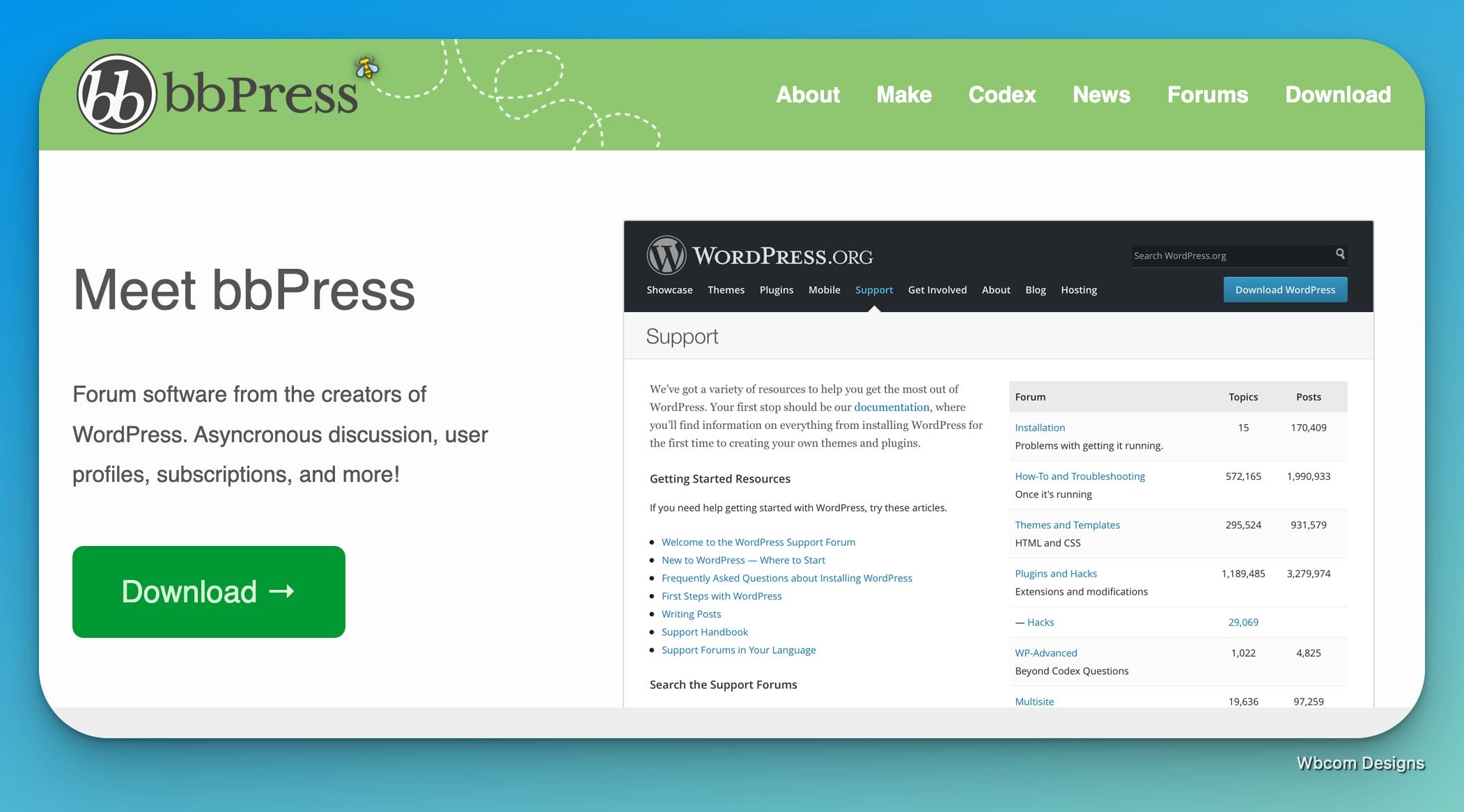
For those who prefer simplicity, bbPress is the go-to solution for adding forums to a WordPress site. This wp community plugin is incredibly lightweight, focusing purely on providing a clean, functional forum experience without the complexities of more feature-heavy platforms. If you need a simple discussion board that blends seamlessly into your WordPress site, bbPress is your best bet.
Despite its simplicity, bbPress offers plenty of customization options to suit your needs, whether you’re running a small discussion forum or a larger community with multiple categories.
Why bbPress is the forum plugin of choice:
-
Seamless integration: Fully integrates with WordPress themes and core functionality, so it feels like a native part of your site.
-
Extensibility: With a variety of add-ons available, you can extend bbPress to suit your needs—like integrating with BuddyPress for member profiles or adding custom reply features.
-
Moderation tools: Easy-to-use admin tools to manage users, content, and reports.
-
Lightweight: Because it’s part of the WordPress ecosystem, bbPress is incredibly fast and doesn’t add unnecessary bloat.
bbPress is ideal for sites that want a simple, no-fuss community forum that blends effortlessly into WordPress.
16. ForumLab
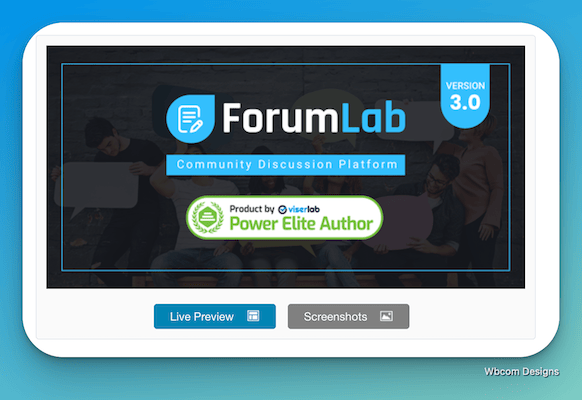
ForumLab is an advanced wp community plugin designed to turn your WordPress site into a dynamic discussion platform. If you’re aiming for a feature-rich forum with a modern interface and built-in community features, ForumLab has everything you need to foster lively discussions and engage your audience.
This plugin is perfect for creators who want to build a unique, interactive space with threads, categories, custom user roles, and much more. Plus, it includes an elegant, modern design that ensures your forum looks fresh and professional.
Why ForumLab excels:
-
Customizable themes: Choose from multiple pre-built themes or design your own to match your brand.
-
Advanced user management: Easily assign roles, permissions, and access levels for users and moderators.
-
Private messaging & notifications: Keep users engaged with in-site messaging and real-time notifications for replies, mentions, and new topics.
-
Rich media support: Allow users to post images, videos, and links in their discussions for a more engaging experience.
ForumLab is great for building a full-fledged, interactive community that revolves around forums but also integrates other social elements like profiles and private messages.
17. ProfilePress
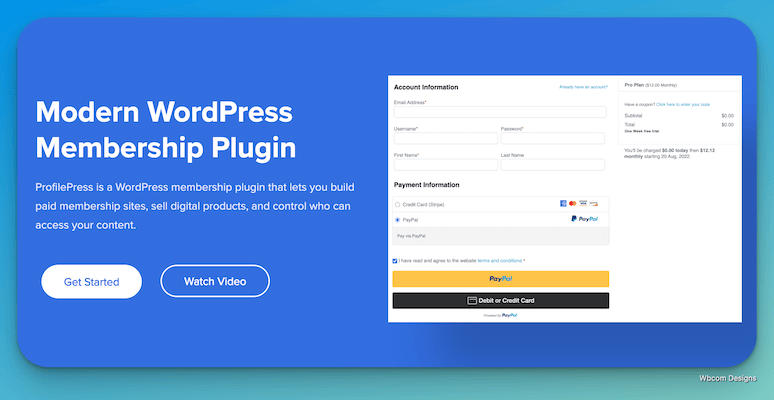
ProfilePress stands out as a comprehensive wp community plugin focused on improving the user registration experience. Whether you’re building a membership site, community portal, or social network, ProfilePress brings user profiles and front-end login management to the forefront.
This plugin is perfect for creators who need to streamline registration forms, user profiles, and content protection without diving deep into custom development. With its easy-to-use interface, ProfilePress provides a clean, intuitive experience for both site administrators and users.
Why ProfilePress is a game-changer:
-
Custom user registration forms: Easily create and customize registration forms with drag-and-drop simplicity.
-
Front-end login and profile management: Let users log in, register, and manage their profiles all from the front end of your site.
-
Profile customization: Add custom fields, profile pictures, and additional user details to tailor profiles to your community’s needs.
-
Content protection: Restrict access to certain pages or posts based on user roles or registration status.
ProfilePress is ideal for those who want to create a professional and user-friendly community where users can easily sign up, update their profiles, and engage with other members.

Final Thoughts: Build a Community, Not Just a Website
Choosing the right wp community plugin can make or break your online community. Whether you’re building a niche forum, a social network, or a paid membership site, the tools you use shape the experience you offer. From BuddyBoss’s all-in-one platform to the flexibility of MemberPress or the simplicity of bbPress, there’s a perfect fit for every type of community.
The key is to think beyond features—focus on connection. People join platforms, but they stay for relationships. So pick a plugin that helps you not just manage users, but bring them together. Your community deserves more than comments—it deserves conversation, engagement, and growth.
Interesting Reads:
10 Best WordPress Booking Themes

