

Enhancing a photo’s color can make it pop, and knowing how to adjust image saturation is key. Saturation adjustment allows you to bring life to dull colors or tone down overly vibrant ones. Here’s a curated list of the best free tools to adjust image saturation online, including features, pros, and cons, to help you choose the best one.

Quick Links
10 Best Free Tools to Adjust Image Saturation Online
1. Canva
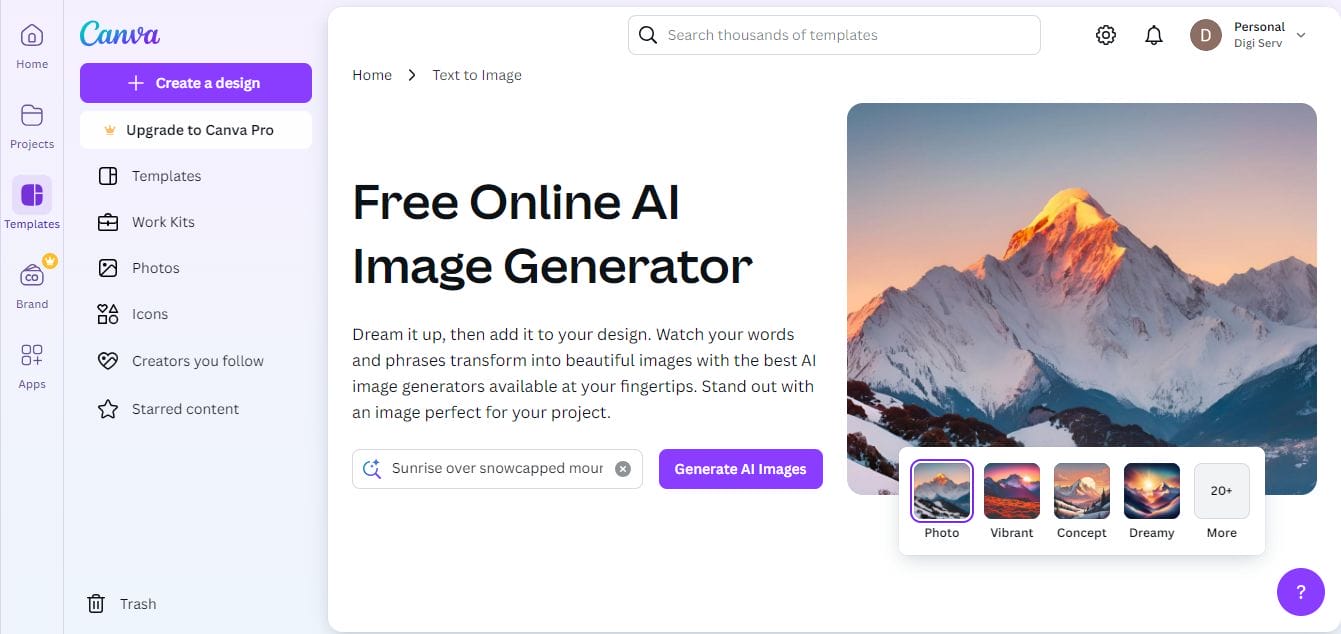
Canva offers a simple, user-friendly experience for beginners and professionals alike. Known for its wide array of design tools, Canva also allows you to adjust image saturation with ease.
Key Features
- Simple saturation slider for easy control
- Brightness, contrast, and other color settings
- Numerous templates for customization
Pros
- Intuitive interface
- Accessible on both desktop and mobile
- Wide range of templates available for free
Cons
- Some features require a premium account
- Ads in the free version can be distracting
Why Choose Canva? Canva’s intuitive platform makes it easy to adjust image saturation with just a few clicks, perfect for users wanting a quick and seamless experience.
2. Fotor
Fotor is known for its one-click enhancement tool, making it a top choice for users who want quick edits, including the ability to adjust image saturation easily.
Key Features
- Slider for saturation adjustment
- One-click enhancement
- Extra options for brightness, contrast, and temperature
Pros
- User-friendly and straightforward
- Quick edits with one-click adjustments
- No login needed for basic features
Cons
- Ads can be intrusive in the free version
- Advanced tools require a premium upgrade
Why Choose Fotor? With Fotor, adjusting image saturation is simple, thanks to its straightforward design and one-click features.
Also Read: 10 Best Free New Year Sale Design Online
3. Pixlr
Pixlr offers a full range of editing tools, including advanced options to adjust image saturation. Its interface is similar to Photoshop, making it perfect for more detailed edits.
Key Features
- Adjustable sliders for saturation and brightness
- Layer-based editing for more control
- Fast and responsive interface
Pros
- Comprehensive tools for detailed adjustments
- Works on both desktop and mobile
- Supports multiple file formats
Cons
- Ads in the free version
- Steeper learning curve for beginners
Why Choose Pixlr? Pixlr’s detailed editing options make it a great choice for those looking to adjust image saturation while maintaining full control over every detail.
4. BeFunky
BeFunky combines ease of use with creative flexibility, making it simple to adjust image saturation as well as apply filters and effects.
Key Features
- Basic saturation, contrast, and brightness adjustments
- Library of unique filters and effects
- Collage maker and graphic design features
Pros
- Easy to use with drag-and-drop functionality
- No login required for most features
- High-quality filters and templates
Cons
- Limited features in the free version
- Watermark on free plan images
Why Choose BeFunky? For quick saturation adjustments paired with fun effects, BeFunky is ideal for users who want creative freedom while editing.
5. Photopea
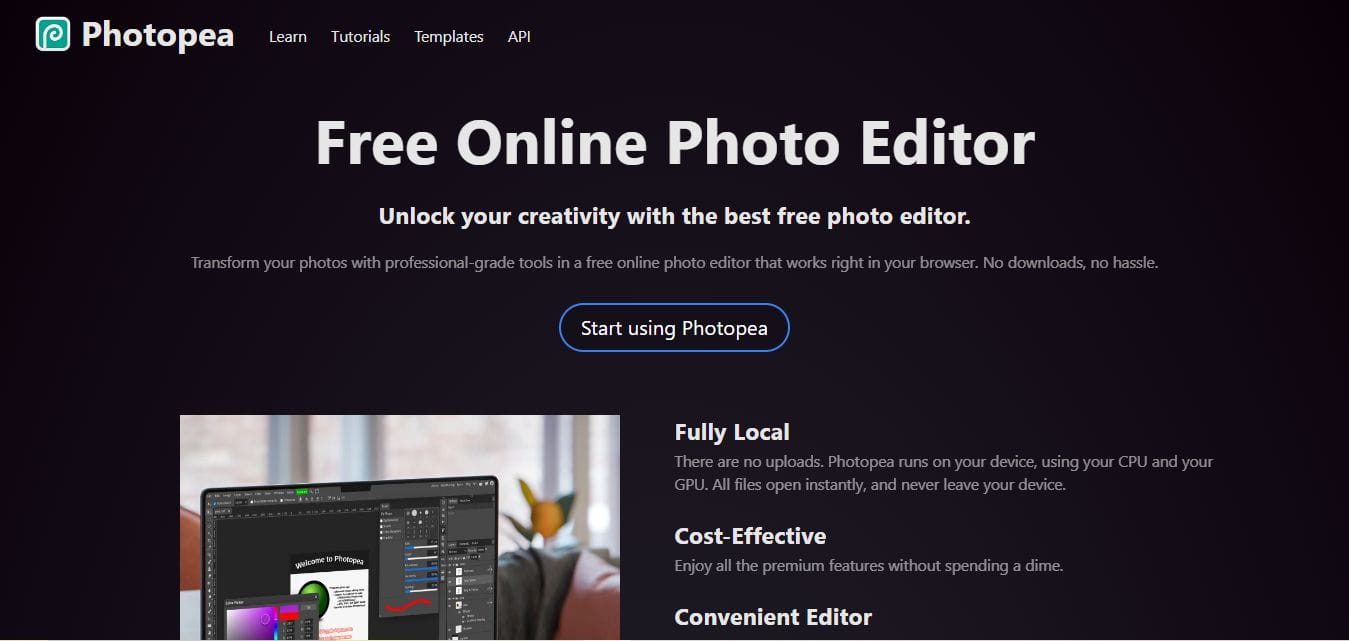
Photopea is a powerful online image editor with an interface similar to Photoshop, making it easy to adjust image saturation along with other advanced features.
Key Features
- Precise saturation and color adjustments
- Layer support for advanced editing
- Compatible with PSD files
Pros
- Free access to high-level editing tools
- Works on any browser without installation
- Similar interface to Photoshop
Cons
- Ads in the free version
- May be challenging for beginners
Why Choose Photopea? For those who need more advanced options to adjust image saturation, Photopea offers robust tools similar to desktop software.
Also Read: 2024 New Year Wishes and Ecard Maker
6. LunaPic
LunaPic offers a fast and free way to adjust image saturation along with many other effects and filters. It’s user-friendly, even for beginners.
Key Features
- Adjustable saturation, brightness, and contrast sliders
- Selection of artistic effects and filters
- Simple and straightforward interface
Pros
- Completely free with no sign-up
- Ideal for quick, simple edits
- Offers a wide range of filters and effects
Cons
- Interface feels outdated
- Ads are noticeable on the site
Why Choose LunaPic? LunaPic is perfect for anyone looking for an easy-to-navigate platform to adjust image saturation with a few clicks.
7. iPiccy
iPiccy offers a wide range of editing tools, including easy-to-use sliders to adjust image saturation, contrast, brightness, and more.
Key Features
- Adjustable saturation, hue, and exposure
- Includes a collage maker and design tools
- Mobile and desktop compatibility
Pros
- No registration needed
- Clean and responsive interface
- Great for beginners and intermediate users
Cons
- Limited advanced options
- Ads in the free version
Why Choose iPiccy? If you want a straightforward way to adjust image saturation and tweak other settings, iPiccy is a solid choice.
8. Polarr
Polarr is known for its precision tools, making it ideal for adjusting image saturation and other color settings with fine-tuned control.
Key Features
- Adjustable saturation, hue, and temperature
- Supports RAW files for advanced editing
- Custom filters and presets available
Pros
- High level of control over colors
- Great for creating consistent edits
- Works on both desktop and mobile
Cons
- Limited features in free version
- Some tools are only accessible with a subscription
Why Choose Polarr? Polarr’s customizable filters and detailed saturation adjustments make it a good fit for users looking for professional-quality results.
9. Photoshop Express
Photoshop Express is Adobe’s free version of its popular editing software, designed for quick edits on mobile devices, including options to adjust image saturation.
Key Features
- Simple saturation adjustment slider
- Mobile-friendly and cloud-based
- Presets and filters for instant results
Pros
- Adobe-quality tools for free
- Clean interface, easy to navigate
- Ideal for on-the-go edits
Cons
- Requires an Adobe account
- Limited advanced options in free version
Why Choose Photoshop Express? Photoshop Express is perfect for mobile users looking to quickly adjust image saturation while maintaining Adobe’s high standards.
Also Read: 10 Best Christmas Video Maker for Social Media
10. PicMonkey
PicMonkey provides easy-to-use tools to adjust image saturation and create social media graphics, making it a favorite for creatives.
Key Features
- Adjustable saturation, hue, and brightness
- Numerous templates and fonts for design
- Integrated cloud storage for easy access
Pros
- Mobile and desktop friendly
- Great for social media posts
- Easy-to-learn interface
Cons
- Watermark on free version
- Export options are limited without a premium account
Why Choose PicMonkey? PicMonkey’s simplicity and extra design tools make it ideal for those looking to adjust image saturation while creating engaging social media content.
Comparison Table
| Name of Tool | Best For | Standout Feature | Pricing |
|---|---|---|---|
| Canva | Beginner-friendly editing | Simple saturation slider | Free with premium options |
| Fotor | Quick one-click edits | One-click enhancement | Free with ads; premium version available |
| Pixlr | Advanced editing control | Layer-based editing | Free with ads; premium subscription available |
| BeFunky | Creative effects and filters | Drag-and-drop editor | Free with ads; premium upgrade available |
| Photopea | Photoshop-like editing | Layer support for advanced editing | Free with ads |
| LunaPic | Fast, simple edits | Wide range of filters and effects | Free |
| iPiccy | Beginner-friendly interface | Adjustable saturation and brightness | Free with ads |
| Polarr | Precision editing | Customizable filters | Free with premium subscription |
| Photoshop Express | Quick mobile edits | Adobe-quality tools | Free with Adobe account |
| PicMonkey | Social media graphics | Integrated cloud storage | Free with watermark; premium subscription available |

Finding Your Ideal Tool to Adjust Image Saturation
Whether you’re a beginner or a pro, there’s a tool here to fit your needs. Adjusting image saturation can help bring vibrancy and life to your photos, and these free online tools make it accessible to everyone. From Canva’s ease of use to Photopea’s advanced features, experimenting with these options will help you discover the best way to adjust image saturation for any photo.
Interesting Reads
10 Best Free WordPress Themes for University Websites

