10 Best AI Chatbot Analytics Tools in 2026 to Track and Improve Conversations

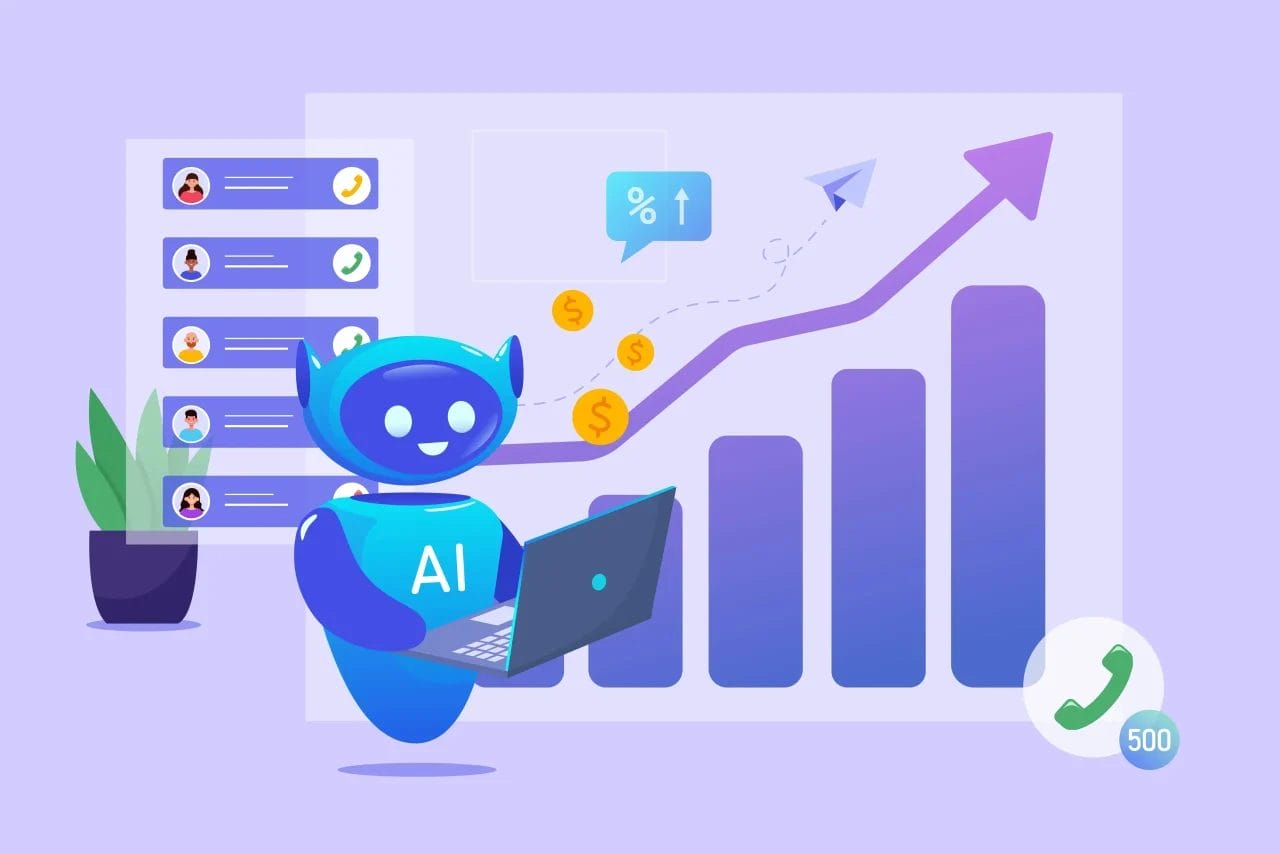
Chatbots have completely changed how businesses communicate with their customers — offering instant replies, 24/7 support, and smoother user experiences. But here’s the truth: launching a chatbot is only the first step.
To truly understand how well your chatbot is performing, you need data. That’s where AI chatbot traffic analytics tools come in. These tools dig deep into your chatbot’s interactions, helping you see what users ask most, where conversations drop off, and how many chats actually turn into conversions.
As we move into 2025, chatbot technology is getting smarter and more data-driven. Businesses are no longer guessing what works — they’re using advanced analytics to fine-tune responses, personalize experiences, and boost engagement.

AI Chatbot Traffic Analytics Tools
1. Google Analytics 4
When I first connected my chatbot to Google Analytics 4, I was curious to see just how much insight I could actually get — and honestly, I was impressed. GA4 isn’t just for tracking website visitors anymore; it’s surprisingly powerful when it comes to analyzing chatbot traffic and engagement.
What I liked most is how event-based tracking makes it easy to see exactly what users are doing during a chat session. I could track message exchanges, how long users stayed engaged, and even where most drop-offs occurred. It gave me a much clearer picture of how people were interacting with my chatbot in real time.
Integrating GA4 was fairly straightforward, and once it was up and running, I started seeing detailed insights into user behavior and conversation patterns. The AI-driven analytics in GA4 are a big plus — they don’t just show you what’s happening, but also help predict trends, like which types of questions lead to conversions or when users are most likely to disengage.
Also Read: Best WYSIWYG HTML Editors
2. Chatbase
I started using Chatbase, I could immediately tell it was built with chatbots in mind. Developed by Google, it’s not your average analytics tool — it’s specifically designed to help you understand how your chatbot performs and how real users interact with it.
After connecting my chatbot to Chatbase, the first thing that stood out was its clean, intuitive dashboard. I could see detailed insights about user intent, message flow, and overall engagement without feeling overwhelmed by data. What I really liked was how it broke down conversations to show exactly where users were getting stuck or dropping off — that kind of visibility made optimizing my chatbot so much easier.
One of my favorite features is Chatbase’s self-learning AI. It automatically detects recurring user questions or confusing responses and gives you actionable suggestions to fix them. For example, it pointed out that my bot was missing consistent answers to a set of similar customer queries — something I probably wouldn’t have noticed manually.
3. Botanalytics
When I tested Botanalytics, I was pleasantly surprised by how much it simplified chatbot tracking. I’ve tried a few analytics tools before, but Botanalytics immediately stood out for being intuitive and easy to set up — no complicated dashboards or endless configuration. Within minutes, I could see real-time data flowing in about how users were engaging with my chatbot.
What I liked most was how Botanalytics focuses on conversation quality, not just raw numbers. Instead of drowning me in metrics, it gave me clear insights into user engagement, response times, and where conversations tended to fall flat. It helped me understand how people were actually experiencing the chatbot, not just how many people used it.
The conversation flow analysis feature is where Botanalytics really shines. I could literally see the paths users took through different conversations — and where they dropped off or got confused. The tool even suggested ways to improve those weaker points, which made optimizing the chatbot much faster and more strategic.
4. Dashbot
When I first started using Dashbot, I could immediately tell it was built for businesses that take their chatbot performance seriously. It’s not just another tracking tool — it’s a full-on analytics powerhouse that dives deep into how your users actually feel and behave during conversations.
After connecting my chatbot to Dashbot, I was greeted with a sleek and intuitive dashboard packed with valuable insights. What impressed me most was how it analyzes conversation patterns and sentiment in real time. I could see not only what users were saying but also how they felt — whether interactions were positive, neutral, or frustrating. This level of emotional insight was incredibly useful for fine-tuning my bot’s tone and improving user satisfaction.
Dashbot’s message funnel tracking feature also stood out. It helped me understand where users dropped off or got lost in the conversation flow, which made it much easier to optimize those moments and keep users engaged longer. I liked that I could visualize the chat journey almost like a customer funnel — something not many tools do well.
5. Botify AI
I started experimenting with Botify AI, I was curious to see how its “predictive AI” capabilities really worked — and honestly, it didn’t disappoint. Right away, I noticed that Botify AI feels more forward-thinking than most traditional chatbot analytics tools. Instead of just showing what already happened, it actually helps you anticipate what users might do next.
Once I connected my chatbot, Botify AI began analyzing conversation logs and pinpointing where user intent didn’t match the chatbot’s responses. I found this especially useful because, let’s be honest, even the best bots sometimes misinterpret what users mean. Botify’s AI made it easy to identify these intent mismatches and gave me actionable suggestions to fix them — like tweaking specific responses or adjusting the conversation flow to make it feel more natural.
What really impressed me, though, was the predictive analytics. Botify AI learns from past interactions to forecast what users might ask next or what type of information they’re likely to need. In practice, this meant my chatbot could start delivering more proactive and personalized responses, which noticeably improved engagement and kept users chatting longer.
Also Read: Best Ad Spy Tools to Dominate Your Marketing Strategy
6. IBM Watson Assistant Analytics
IBM Watson Assistant Analytics is one of the most advanced tools for businesses looking to understand and optimize their AI-driven customer interactions. It goes beyond basic chatbot performance tracking by offering sentiment analysis, engagement insights, and real-time monitoring — all in one intuitive dashboard.
What sets Watson Assistant apart is its machine learning intelligence. The platform learns from every conversation, adapting to user behavior and improving both response accuracy and personalization over time. This means your chatbot doesn’t just respond — it evolves.
For businesses that depend on chatbots for customer support, lead generation, or workflow automation, IBM Watson Assistant Analytics provides the data and insights needed to boost engagement, streamline communication, and deliver better customer experiences.
7. LivePerson
LivePerson stands out as a powerful chatbot analytics platform designed to track and enhance AI-driven customer interactions across websites, apps, and social channels. With its real-time conversational analytics, businesses can easily monitor performance, identify response gaps, and fine-tune chatbot messaging for greater clarity and engagement.
What really makes LivePerson shine is its AI-powered intent recognition. This advanced feature enables chatbots to truly understand what users mean — not just what they say — allowing for smarter, more accurate responses. The result? Faster resolutions, reduced friction, and a smoother customer experience from start to finish.
Whether you’re running automated support, eCommerce chat, or lead generation campaigns, LivePerson’s analytics tools help you continuously optimize chatbot performance and ensure every conversation feels more human.
8. Verloop.io
Verloop.io is an intelligent chatbot analytics platform built to help businesses automate and elevate their customer support experience. It provides deep insights into key performance areas like user engagement, message drop-offs, and response accuracy, giving teams a clear view of how well their chatbots are performing.
With AI-powered analytics, Verloop.io enables businesses to optimize chatbot conversations, personalize interactions, and boost lead conversion rates. Its detailed performance reports make it easy to spot areas for improvement and fine-tune responses for smoother communication.
Another major advantage is its multilingual tracking support, which makes Verloop.io a smart choice for global enterprises serving diverse audiences. Whether you’re running a support bot or a sales assistant, this tool ensures every interaction feels seamless, relevant, and efficient.
9. Tars Analytics
When I tested Tars Analytics, I was genuinely impressed by how straightforward and insightful it felt right from the start. Unlike some analytics dashboards that drown you in data, Tars focuses on what actually matters — how well your chatbot engages users and where the drop-offs happen.
The first thing that stood out to me was the clean, user-friendly dashboard. It’s easy to navigate, even if you’re not a data expert. Within minutes, I could see key stats like user engagement rates, conversion percentages, and areas where conversations were stalling. That kind of visibility makes it much easier to understand how people actually interact with your bot.
What I liked most about Tars is how it turns complex chatbot performance data into actionable insights. Instead of just showing you what went wrong, it helps you figure out why. For example, I noticed certain user flows had unusually high drop-off rates — and with Tars’ visual analytics, I could pinpoint exactly where the conversation was breaking down.
Also Read: Best OSS Software open source tools
10. Botpress Analytics
I started testing Botpress Analytics, the first thing that caught my attention was its open-source nature. Unlike most chatbot analytics tools that come with fixed dashboards and limited customization, Botpress gives you full control — you can literally build your analytics the way you want.
I really liked that flexibility. It felt empowering to dive into the data, customize the reports, and decide exactly what metrics I wanted to track. Whether it was conversation flow, message intent accuracy, or user sentiment, Botpress let me tailor everything to my needs. It’s perfect for anyone who doesn’t just want pre-packaged insights but wants to truly understand how their chatbot performs behind the scenes.
While testing, I found that real-time performance monitoring was another big plus. Watching how users interacted with the chatbot live gave me a deeper sense of where the responses were lagging or missing context. And because Botpress integrates easily with various AI models, I could experiment with different setups and instantly measure how each one affected engagement.
How to Choose the Right AI Chatbot Traffic Analytics Tool
Selecting the right chatbot analytics tool depends on multiple factors, including integration, data insights, and ease of use. Here are some key considerations:
- Integration Capabilities: Ensure the tool supports your chatbot platform, whether it’s WhatsApp, Facebook Messenger, or a custom AI bot.
- Real-Time Insights: Look for a tool that offers live tracking of chatbot interactions, enabling instant adjustments to improve conversations.
- User Intent Detection: A good analytics tool should identify user intent accurately to refine chatbot responses and enhance engagement.
- Sentiment Analysis: Understanding customer emotions can help optimize chatbot communication for a more personalized experience.
- Scalability & Customization: Businesses with evolving needs should opt for a tool that allows customization and scales with growth.
Optimizing Chatbot Performance with AI Chatbot Traffic Analytics Tools
After testing so many of these tools, one thing became crystal clear — AI chatbot traffic analytics isn’t just about numbers or dashboards. It’s about understanding people. The more you know how users interact with your chatbot — where they pause, what frustrates them, and what keeps them engaged — the better you can refine their experience.
Each tool on this list brings something unique to the table. Google Analytics 4 shines when you want broad, data-rich insights tied to your website traffic. Chatbase feels almost like a built-in AI coach for your bot, guiding you on what to improve. Dashbot and Botanalytics impressed me with their intuitive conversation flow analysis, while Botify AI stood out for predicting user intent before I even noticed the pattern myself.
For teams that value enterprise-level depth, IBM Watson Assistant Analytics and LivePerson offer the kind of precision and scale that large businesses rely on. Meanwhile, tools like Verloop.io and Tars Analytics make optimization feel effortless with their visual dashboards and real-time engagement tracking. And if you’re a hands-on type who likes tinkering with data, Botpress Analytics gives you unmatched control and transparency.
Interesting Reads:

Shashank is a seasoned digital marketing and WordPress expert who specializes in SEO, software tools reviews, and cutting-edge strategies for boosting online presence. With a passion for simplifying complex topics, Goutham crafts engaging blog posts that help readers optimize their websites, improve search engine rankings, and stay ahead in the ever-evolving digital landscape.