10 Best Free AI Face Swap Tools You Can Use in 2026

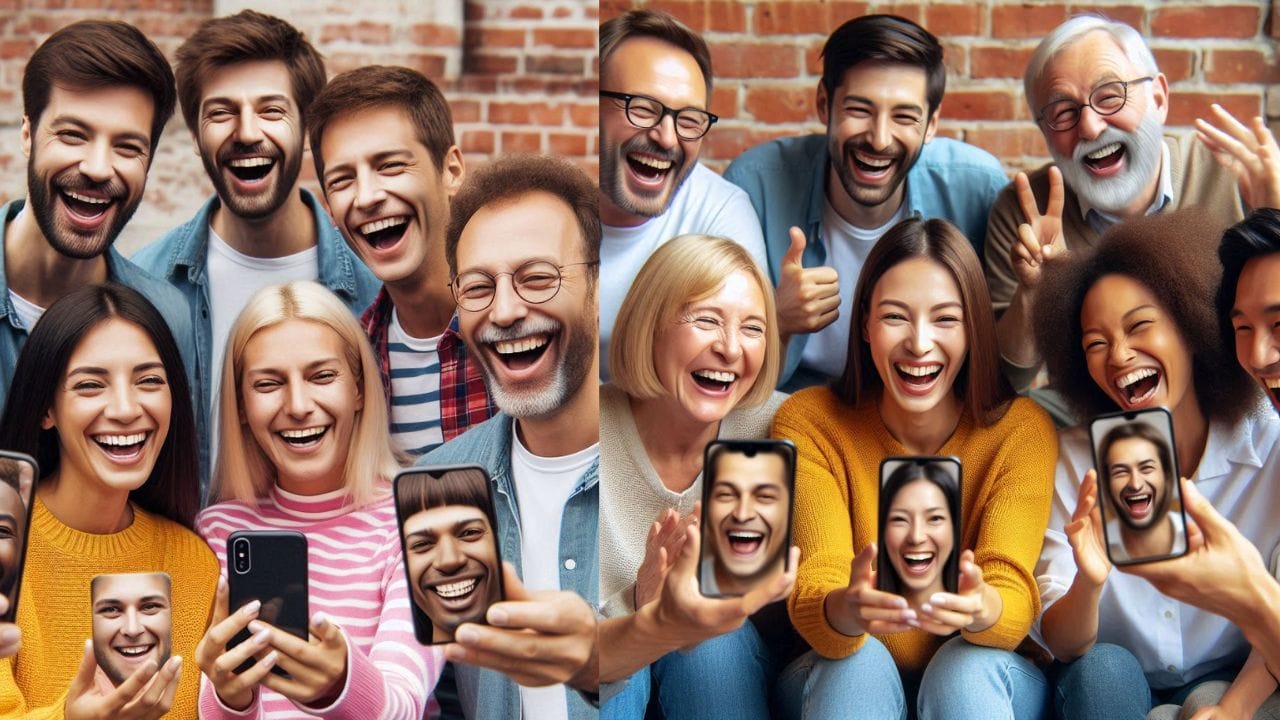
AI face swap technology has revolutionized the way we create and interact with digital content. By utilizing advanced machine learning algorithms, these tools can seamlessly swap faces between individuals in photos and videos, enabling a new wave of creativity and entertainment. The growing popularity of face swap tools has been particularly evident in social media platforms, content creation, and entertainment industries, where users seek fun, quirky, or even artistic transformations.
As this technology becomes more accessible in 2026, many free AI face swap tools have emerged, offering powerful features without the need for hefty investments. This comprehensive guide introduces and evaluates the best free AI face swap tools available in 2026, helping users discover the right options for their creative projects.
Understanding AI Face Swap Technology
How AI Face Swap Tools Work
AI face swap tools rely on sophisticated artificial intelligence techniques to manipulate and transform facial features in images and videos. These tools analyze facial structures and seamlessly replace one face with another while preserving the natural lighting, texture, and details of the original photo or video. At the core of face swap technology are two primary AI techniques: Generative Adversarial Networks (GANs) and Convolutional Neural Networks (CNNs).
- Generative Adversarial Networks (GANs): GANs consist of two neural networks — a generator and a discriminator. The generator creates synthetic images, and the discriminator evaluates them against real ones. Over time, this interaction allows GANs to generate highly realistic images, making them ideal for face swapping.
- Convolutional Neural Networks (CNNs): CNNs are specialized algorithms used for image recognition and processing. In face swapping, CNNs help detect and align faces in images, understanding key facial features like eyes, nose, and mouth.
Applications of Face Swap Technology in 2026
- Social Media: Face swap tools have become a viral trend on platforms like Instagram, TikTok, and Snapchat, where users share altered photos and videos for fun, entertainment, and viral challenges.
- Entertainment: In film and television, face swap technology is used for visual effects, allowing filmmakers to digitally insert actors’ faces onto body doubles.
- Gaming: AI face swap tools are used in video game character design, where users can insert their faces into games, creating personalized avatars.
- Marketing: Companies leverage face swap technology to create personalized advertisements and branded content.
- Content Creation: Digital artists and influencers use face swapping for creative projects, memes, and artistic expressions.
Ethical Considerations
Despite its creative potential, AI face swap technology raises ethical concerns, particularly regarding deepfakes and misinformation. Always use these tools responsibly, ensure consent when using others’ images, and be aware of potential misuse risks.
Criteria for Choosing Face Swap Tools
User-Friendliness
A good face swap tool should be easy to use with intuitive interfaces, clear instructions, and straightforward navigation. Look for drag-and-drop features or simple upload buttons.
Quality of Output (Realism)
High-quality tools should generate outputs almost indistinguishable from real images. The swapped face should blend well with lighting, skin tone, and expressions.
Features Offered
Consider whether the tool supports photo vs. video swapping, filters, customization options, and advanced editing capabilities.
Accessibility
Check if the tool is web-based or app-based, and ensure compatibility with your devices (Windows, macOS, iOS, Android).
Best Free AI Face Swap Tools (2026)
1. Ultraswap.ai
Ultraswap.ai is known for producing highly realistic and high-quality face swaps. The tool uses advanced AI models that analyze facial features and seamlessly swap them while maintaining natural expressions and lighting. The platform supports both static photos and videos.
Key Features: High-quality face swaps with realistic results, simple interface, supports photos and videos.
Pros:
- Excellent face swap quality with lifelike results
- Easy to use interface for all skill levels
- Free to use for basic features
- Fast processing times
Cons:
- Limited advanced features for professional use
- Requires good internet speed
Best For: Users wanting high-quality face swaps for personal and creative projects.
2. Microsoft Face Swap
Microsoft Face Swap is a fun, casual face-swapping tool that lets users swap faces in iconic movie and pop culture scenes. It simplifies inserting your face into scenes from famous films or viral moments.
Key Features: Iconic scene face swaps from movies and pop culture moments.
Pros:
- Fun and entertaining with iconic scenes
- Easy to use, even for beginners
- Great for casual social media use
Cons:
- Limited functionality beyond basic swaps
- Requires internet access
Best For: Casual users and social media enthusiasts.
3. Snapchat Face Swap Lenses
Snapchat offers a variety of face swap lenses, making it one of the most popular platforms for face-swapping. The app allows users to swap faces with friends or celebrities, with numerous fun filters and AR effects.
Key Features: Integrated into social media platform, multiple face-swap lenses, AR effects.
Pros:
- Extensive selection of fun and creative filters
- Easy to use within Snapchat app
- Free to use with no hidden charges
- Regular new filter releases
Cons:
- Mobile-focused only
- Faces may appear less realistic than dedicated tools
Best For: Social media users wanting quick, fun face swaps.
4. AKOOL
AKOOL’s face swap technology provides a comprehensive video transformation solution designed for professional content creators and organizations. The platform specializes in high-quality, AI-powered face swapping that maintains natural expressions throughout entire videos.
Key Features:
- Advanced AI facial mapping and tracking
- Multiple language and presenter options
- Customizable avatar settings
- Enterprise-level security
- Free trial available
Pros:
- Sophisticated deep learning for natural-looking results
- Seamless lip synchronization
- High-quality facial expression preservation
- Supports long-form video content
Cons:
- Learning curve for advanced features
- Premium features in paid tiers
Best For: Professional content creators and businesses.
5. B612
B612 is a mobile app designed for quick photo edits, including face swaps, with an emphasis on fun stickers and AR effects.
Pros:
- Perfect for mobile users wanting quick swaps
- Large selection of face filters and stickers
- Fast and easy to use
Cons:
- Limited to mobile platforms
- Lacks advanced desktop features
Best For: Mobile users wanting quick, fun edits.
6. Artguru AI
Artguru AI is a web-based platform that allows users to swap faces in both photos and videos. It supports multiple face detection for complex swaps.
Pros:
- Great for both photos and videos
- No download required (web-based)
- Easy navigation for beginners
- Multiple face detection
Cons:
- Web-only access
- Limited customization options
Best For: Users wanting browser-based face swapping.
7. Face Swapper AI
Face Swapper AI offers quick and simple face swaps without requiring an account. It features celebrity-themed templates and trendy scene options.
Pros:
- No registration required
- Fun celebrity templates
- Completely free
- Fast processing
Cons:
- Limited customization
- Basic interface
Best For: Quick, casual face swaps without signup.
8. Remaker AI
Remaker AI offers advanced features including background manipulation and multiple face swaps within a single image or video.
Pros:
- Multiple face swaps in one shot
- Background manipulation tools
- Supports images and videos
- Intuitive design
Cons:
- Basic editing options
- May not provide professional-grade results
Best For: Users needing multiple face swaps and background editing.
9. Reface
Reface specializes in video and GIF face swapping using advanced deepfake technology for realistic results in moving media.
Pros:
- Excellent for GIFs and video content
- Cross-platform (iOS and Android)
- Large user community
- Realistic results
Cons:
- Subscription needed for all features
- Video processing can be slow
Best For: GIF and video face swap enthusiasts.
10. DeepSwap
DeepSwap is a powerful AI face swap tool that emerged as a top choice in 2026 for its ability to handle both photos and videos with impressive quality.
Pros:
- High-quality results for both photos and videos
- Fast processing times
- Web-based, no download required
- Privacy-focused (files deleted after processing)
Cons:
- Free tier has limitations
- Premium features require subscription
Best For: Users wanting high-quality video face swaps.
Comparison Table: Best Free AI Face Swap Tools 2026
| Tool | Key Features | Platforms | Best For |
|---|---|---|---|
| Ultraswap.ai | High-quality swaps, photos & videos | Web | Quality-focused users |
| Microsoft Face Swap | Iconic scene templates | Web | Casual social media use |
| Snapchat | AR filters, social integration | iOS, Android | Social media users |
| AKOOL | Professional video swaps | Web | Content creators |
| B612 | Stickers, filters | iOS, Android | Mobile users |
| Artguru AI | Multiple face detection | Web | Group photos |
| Face Swapper AI | No signup, celebrity templates | Web | Quick casual swaps |
| Remaker AI | Background editing, multi-swap | Web | Advanced editing |
| Reface | GIFs, videos, realistic results | iOS, Android | Video/GIF creators |
| DeepSwap | High-quality video swaps | Web | Video face swaps |
Final Thoughts
AI face swap tools have made face-swapping technology accessible to everyone in 2026. Whether you’re a social media enthusiast, content creator, or simply looking for a fun way to entertain your friends, these free AI tools offer various features to suit your needs. From realistic face swaps with Ultraswap.ai to fun celebrity templates on Face Swapper AI, there’s something for everyone.
Choose the right tool based on your requirements—mobile vs. desktop use, video vs. image swapping, and quality expectations. Be mindful of ethical considerations, and most importantly, have fun experimenting with face-swapping technology!
FAQs
1. What is an AI face swap?
An AI face swap is a digital transformation where the face in a photo or video is replaced with another using artificial intelligence techniques such as GANs and CNNs.
2. Are these face swap tools free?
Yes, the tools mentioned in this guide offer free versions, though some have premium features available through subscriptions.
3. Can I swap faces in videos?
Yes, tools like Artguru AI, Reface, AKOOL, and DeepSwap support face swapping in videos.
4. Are these tools safe to use?
Most listed tools are safe, but always use reputable websites and be mindful of privacy policies when uploading personal images.
5. Can I customize face swap results?
Customization varies by tool. Some offer basic templates while others provide advanced fine-tuning options.
Interesting Reads:

Shashank is a seasoned digital marketing and WordPress expert who specializes in SEO, software tools reviews, and cutting-edge strategies for boosting online presence. With a passion for simplifying complex topics, Goutham crafts engaging blog posts that help readers optimize their websites, improve search engine rankings, and stay ahead in the ever-evolving digital landscape.