Best AI Tools Podcasting of 2025: A Comprehensive Guide

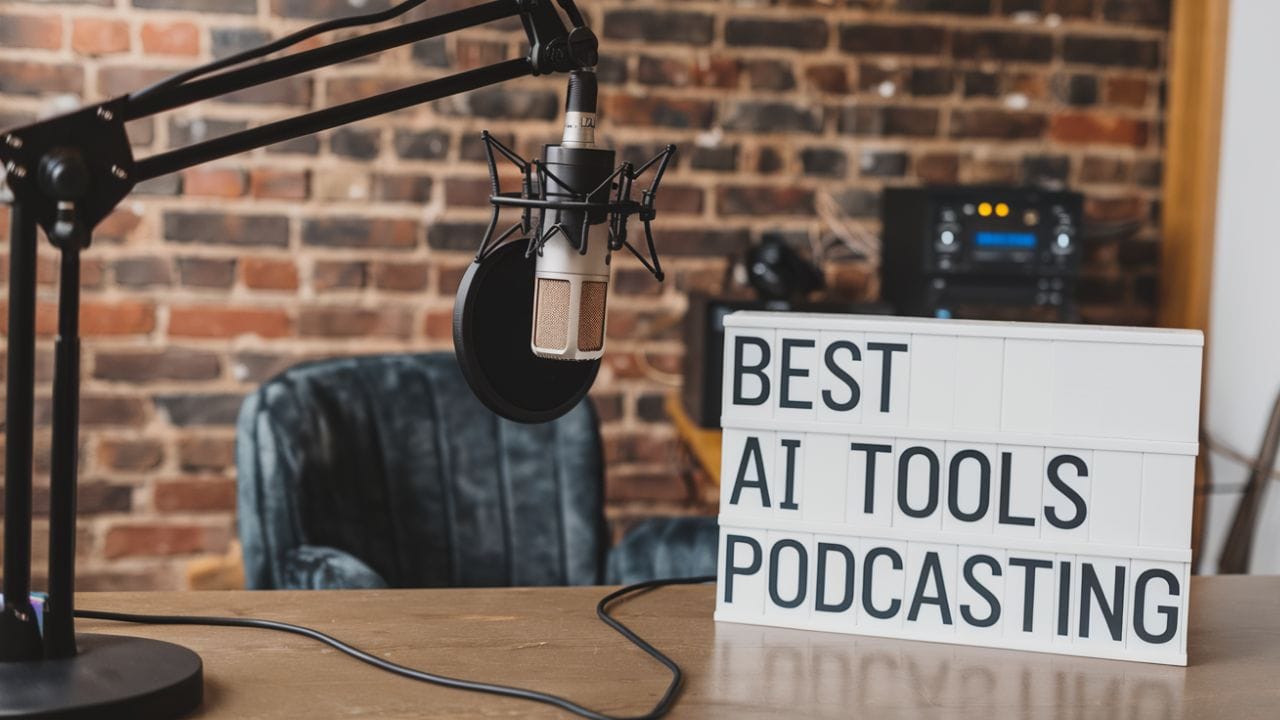
Podcasting has seen explosive growth over the past decade, with 2025 marking another milestone in its evolution. However, despite its popularity, podcast production is still riddled with challenges like planning, editing, and marketing. These hurdles can drain time and creativity, especially for solo podcasters and small teams. Enter AI tools. From automating mundane tasks to enhancing audio quality, AI is transforming podcast workflows in unprecedented ways. In this article, we’ll explore the top Best AI Tools Podcasting, providing solutions for creators at every skill level. Whether you’re just starting or a seasoned pro, these tools will help you create high-quality content with less effort.
Why Podcasters Should Use AI Tools
AI tools offer several benefits, including automation, improved audio quality, and enhanced efficiency, making them indispensable for podcasters. They help streamline workflows, whether you’re a beginner looking for assistance or an experienced podcaster aiming to optimize your process. Beginners can use AI for scriptwriting, topic generation, and marketing, while experienced podcasters can focus on high-level creative tasks, leaving repetitive tasks to AI. These tools also improve post-production processes by automating editing, noise removal, and even voice cloning, allowing creators to focus more on storytelling and less on technicalities.
Also Read: Best AI Tools for E-commerce Management: Streamlining Your Online Business
Pros:
- Intuitive interface reduces the learning curve for beginners.
- Focus on storytelling enhances the narrative quality of podcasts.
- Essential editing features are included without overwhelming complexity.
Cons:
- Limited advanced features compared to more complex software like Reaper or Audacity.
- Pricing may be higher for users who only need basic functionalities.
- May not satisfy users looking for extensive customization options.
Hindenburg Journalist – Best for Journalistic Podcast Editing
Hindenburg Journalist is tailored for journalists and podcasters, providing a user-friendly interface that simplifies the editing process while maintaining high-quality audio production. Its design caters to those who may find traditional editing software overwhelming, making it an excellent choice for all skill levels.
2. Click Up – Best for Podcast Management
Key Features: Centralized platform, podcast planning templates, integrations with tools like Zoom, Google Drive.
ClickUp is a powerful all-in-one project management tool that podcasters can use to streamline their workflows. It offers podcast-specific templates, integrates seamlessly with platforms like Zoom for easy episode planning, and provides AI-powered writing assistance through its ClickUp Brain feature, helping with episode descriptions and scriptwriting.
Pros:
- Allows easy collaboration with team members.
- Workflow automation for podcast production.
- Customizable templates for efficient planning.
Cons:
- Steep learning curve for beginners.
- Advanced AI features are limited to paid plans.
- Overwhelming for users who only need basic features.
Pricing: Free plan available, $7/month for Unlimited, $12/month for Business, additional $5/month for AI tools.
3. Adobe Podcast – Best for Beginner-Friendly Editing
Key Features: Transcript-based editing, background noise removal, AI mic check.
Adobe Podcast is designed to make podcast editing more accessible. With transcript-based editing and AI-powered features like mic check and noise removal, it simplifies the editing process for those new to podcasting. It also integrates smoothly with Adobe Creative Cloud, making it a solid choice for creators already familiar with Adobe’s suite of tools.
Pros:
- Extremely user-friendly for beginners.
- Effective background noise reduction.
- Simple integration with Adobe Creative Cloud.
Cons:
- Lacks advanced editing options.
- Still in beta, which can lead to bugs.
- Limited to basic features in the free version.
Pricing: Free (beta), $35.99/month (Adobe Creative Cloud).
4. Descript – Best for Audio Editing and Collaboration
Key Features: Text-based audio editing, Overdub for voiceovers, filler word removal.
Descript revolutionizes podcast editing with its text-based editing feature, making it easy to cut and replace sections. Its AI-powered Studio Sound improves audio quality, while Overdub lets you clone voices for consistent voiceovers. Ideal for teams working remotely, Descript also provides collaboration tools that make it easy to edit and review podcasts together.
Pros:
- Perfect for remote collaboration.
- Auto-transcription of audio files.
- Efficient filler word removal and voice cloning.
Cons:
- AI editing isn’t always accurate.
- Professional-level editing might still be needed.
- Voice cloning can feel unnatural in some contexts.
Pricing: Free plan, $15/month (Creator), $30/month (Pro).
5. Alitu Showplanner – Best for Podcast Audio Planning and Pre-Production
Key Features: Episode planning tools, guest interview management, drag-and-drop interface.
Alitu focuses on simplifying the pre-production stage of podcasting. With easy-to-use episode planning tools and guest interview management, it helps podcasters organize their content and schedule releases effortlessly. AI-driven automation creates episode outlines, allowing podcasters to focus more on the creative aspects of their shows.
Pros:
- Simplifies episode structuring.
- Easy to organize segments and manage guests.
- Ideal for podcasters with busy schedules.
Cons:
- Limited features for editing and post-production.
- Not suitable for complex podcast formats.
- High pricing for independent podcasters.
Pricing: $38/month for indie podcasters, starts at $195/month for businesses.
6. RSS.com – Best for Podcast Hosting and Automatic Transcriptions
Key Features: Free transcripts, detailed analytics, SEO enhancement, distribution to Spotify/Apple.
RSS.com is a podcast hosting platform that excels at making your episodes discoverable through SEO enhancements and automatic transcriptions. It offers detailed analytics, helping podcasters understand their audience, and supports seamless distribution to platforms like Spotify and Apple Podcasts.
Pros:
- Improves SEO and accessibility with automatic transcriptions.
- Easy content repurposing for blogs or social media.
- Extensive distribution network.
Cons:
- Limited customization options for transcription editing.
- Advanced features require a paid subscription.
- May not be ideal for those needing high-level customization.
Pricing: Free for the first month, $11.99/month.
7. ChatGPT – Best for Brainstorming and Outlining
Key Features: Episode topic generation, outlining, script refinement, social media captions.
ChatGPT is a go-to tool for brainstorming and outlining podcast episodes. Its AI-powered generation of topic ideas and content outlines helps podcasters structure their shows more efficiently. It also assists in writing scripts and refining social media posts, making it a versatile addition to any podcaster’s toolkit.
Pros:
- Excellent for quick idea generation.
- Enhances episode structuring.
- Speeds up scriptwriting and post-production tasks.
Cons:
- Requires human review for accuracy.
- Lacks real-time event research.
- Limited personalization for nuanced topics.
Pricing: Free, $20/month (Plus), $30/month (Team).
08. Suno AI – Best for Custom Podcast Music Generation
Suno AI is an AI-powered tool that creates royalty-free music tailored to your podcast needs. From intro/outro themes to background music for segments, it enhances your podcast’s professionalism by providing unique, customizable tracks.
Pros:
- Provides royalty-free music, reducing licensing concerns.
- Customization options allow for branding-specific themes.
- Elevates podcast professionalism with polished soundtracks.
Cons:
- AI-generated music may lack depth and complexity.
- Limited control over intricate musical arrangements.
- The music may feel less personalized in terms of emotional tone.
Pricing:
- Free (Basic), $10/month (Pro), $30/month (Premier).
09. Wondercraft – Best for Post-Production and Audio Shareability
Wondercraft excels at streamlining post-production with features like text-to-speech, voice cloning, and automatic audio editing. It simplifies creating shareable soundbites, supports multiple languages, and enhances the editing process with AI-powered tools.
Pros:
- Facilitates content shareability with automatic soundbites.
- Supports a wide range of languages, enhancing global reach.
- Streamlines the post-production process, saving time.
Cons:
- May struggle with noisy recordings or multiple speakers.
- Limited advanced editing options for more complex needs.
- Voice cloning accuracy may vary across different speakers.
Pricing:
- Free, $34/month (Creator), $64/month (Pro).
10. Jasper – Best for Content Creation
Jasper is an AI content generation tool designed to streamline scriptwriting, show notes creation, and social media promotion for podcasts. It helps podcasters quickly generate high-quality episode descriptions and promotional content, integrating with social platforms for seamless distribution.
Pros:
- Accelerates content creation, saving time for podcasters.
- Ideal for promoting podcast episodes across social media.
- Integrates well with social platforms, boosting audience engagement.
Cons:
- Requires thorough editing to ensure content accuracy.
- Best results come from providing highly specific prompts.
- Can become repetitive with more generalized inputs.
Pricing:
- $34/month (Creator), $59/month (Pro), custom pricing for Business plans.
Final Though
AI tools have transformed podcasting, making it easier for creators to focus on storytelling while automating repetitive tasks like editing, transcription, and content repurposing. Whether you’re new to podcasting or a seasoned pro, leveraging AI can significantly enhance your workflow, improve your content quality, and help grow your audience. With the wide variety of tools available, there’s something for everyone, from beginner-friendly editing software to advanced post-production tools.
FAQs
1. What are the best AI tools for beginner podcasters?
For beginners, tools like Adobe Podcast and ChatGPT are ideal. Adobe Podcast simplifies editing with AI-powered noise removal and transcript-based editing, while ChatGPT helps generate episode ideas and outlines, making it easier to plan and script episodes.
2. How can AI improve podcast audio quality?
AI tools like Descript and Adobe Podcast enhance audio quality by automatically removing background noise, normalizing sound levels, and even providing real-time voice enhancements. Descript’s Studio Sound feature improves audio clarity, making podcasts sound more professional.
3. Can AI tools help with podcast marketing and social media promotion?
Yes, tools like Jasper and ClickUp assist with creating promotional content, social media posts, and episode descriptions. Jasper, in particular, excels at generating marketing copy for podcast episodes, while ClickUp provides comprehensive planning tools for organizing marketing campaigns.
4. How do I integrate AI into my existing podcasting workflow?
Start by identifying repetitive tasks such as editing, transcription, and content planning. Use AI tools like Descript for editing and automatic transcription, and ChatGPT for brainstorming and scripting. Over time, you can expand your toolset to include marketing AI and content distribution tools.
5. Are AI tools expensive for podcasters?
Many AI tools offer free versions or affordable pricing for beginners. For instance, tools like ClickUp and ChatGPT offer free plans, while more advanced features are available in paid tiers. Pricing varies based on the tool’s functionality, making it accessible for different budgets.
Interesting Reads
10 Best AI Tools for Travel Planning
Best AI Tools for Logistics
10 Best Accessibility Checker Plugins for WordPress in 2024

Shashank is a seasoned digital marketing and WordPress expert who specializes in SEO, software tools reviews, and cutting-edge strategies for boosting online presence. With a passion for simplifying complex topics, Goutham crafts engaging blog posts that help readers optimize their websites, improve search engine rankings, and stay ahead in the ever-evolving digital landscape.