

When it comes to sharing exciting news, promoting events, or making important announcements, creating eye-catching visuals is crucial to capturing attention. With so many tools available, finding the right one can feel overwhelming. Here, we’ll break down the 10 best announcement maker tools that can help you create impactful announcements with ease. Whether you’re making a personal announcement or a business-related one, these tools have you covered.

Quick Links
Why Do You Need an Announcement Maker Tool?
Making announcements is an essential part of keeping your audience informed and engaged. But, let’s face it – a plain text announcement is easy to overlook. Using an announcement maker tool allows you to create visually appealing, professional-quality announcements that grab attention.
With the right tool, you can make announcements that are visually compelling and customized to fit your unique style and brand. Let’s dive into the benefits of using an announcement maker tool and why investing in one can elevate your communication.
What Makes a Great Announcement Maker?
A good announcement maker tool isn’t just about looks; it’s about functionality, ease of use, and versatility. You want a tool that provides a mix of templates, customization options, and publishing flexibility. With these qualities, you’ll have everything you need to create announcements that truly resonate with your audience.
When choosing an announcement maker, consider the following features:
- Customization Options – Look for a tool that allows you to personalize colors, fonts, and graphics.
- Template Variety – Having access to a wide range of templates can save you time and help you create announcements quickly.
- Ease of Use – The best tools are intuitive and easy to use, even if you’re a beginner.
- Cost – Pricing varies widely among tools, so choose one that fits your budget and provides value for money.
Now, let’s explore the 10 best announcement maker tools available!
1. Canva: Versatility and User-Friendliness at Its Best
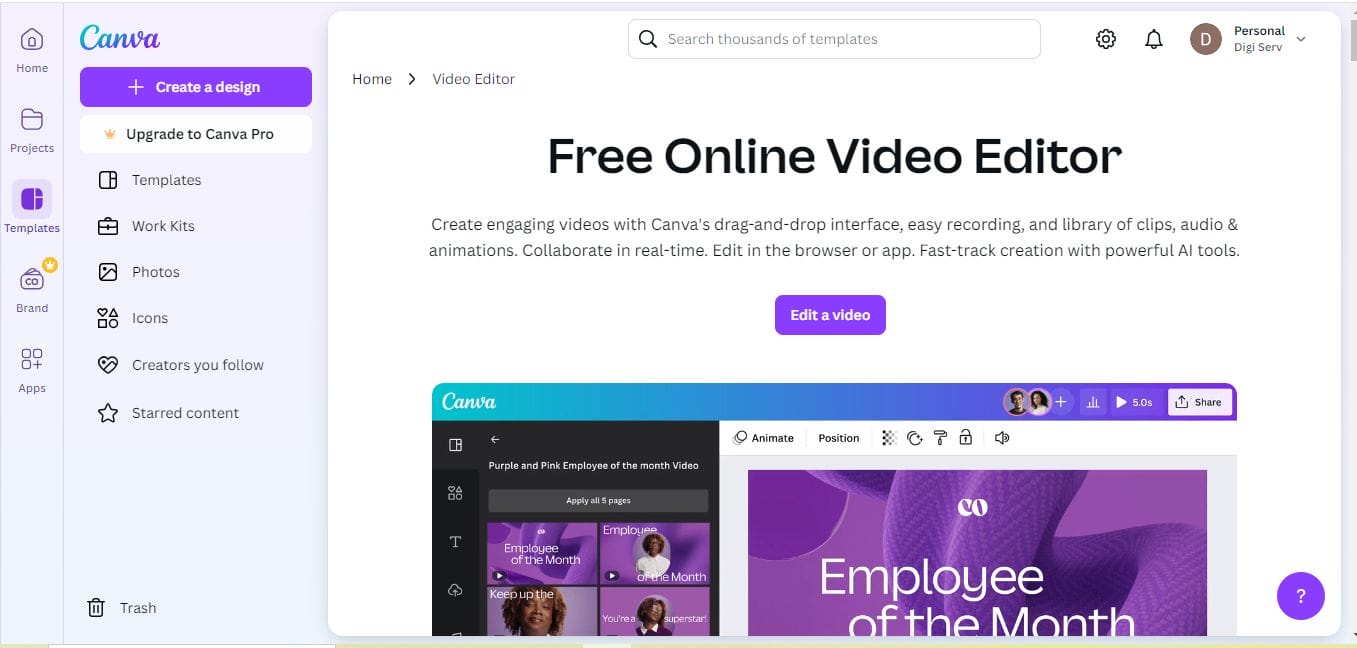
Canva is a powerhouse when it comes to graphic design tools, and its announcement maker feature is no exception. With thousands of templates, images, and design elements, Canva makes creating announcements easy and fun.
Key Features
- Extensive library of free and premium templates
- Drag-and-drop functionality
- Collaboration features for teams
Pros and Cons
Pros:
- User-friendly for all levels
- Lots of free options
- Great collaboration tools for teams
Cons:
- Some advanced features require a premium account
- Slight learning curve for beginners
Canva’s accessibility and range of templates make it a top choice for both individuals and businesses looking to create announcements quickly.
2. Adobe Spark: A Premium Choice for High-Quality Designs
Adobe Spark is another strong contender in the list of 10 best announcement maker tools. Known for its professional-grade features, Adobe Spark lets you create visually stunning announcements with ease. It’s part of the Adobe suite, so you get the benefit of seamless integration with other Adobe tools if you’re a subscriber.
Key Features
- Premium-quality templates
- Options to add animation to announcements
- Integration with Adobe Creative Cloud
Pros and Cons
Pros:
- High-quality, professional templates
- Easy to use for Adobe users
- Great for branding and marketing
Cons:
- More expensive than other tools
- Limited customization in the free version
Adobe Spark’s professional features make it an ideal choice for businesses that want their announcements to have a polished, branded look.
3. Crello: Creativity Unleashed for Impactful Announcements
Crello, now rebranded as VistaCreate, is perfect for those looking to make eye-catching announcements without needing advanced design skills. It offers thousands of templates, images, and customizable elements.
Key Features
- Unique animated templates
- Easy resizing for different platforms
- Free and paid options
Pros and Cons
Pros:
- Great animation options
- Affordable compared to similar tools
- Easy to navigate for beginners
Cons:
- Limited options in the free plan
- Lacks some advanced features
With its extensive template library and animation options, Crello is excellent for social media announcements that need to stand out.
Also Read: 10 Best Healthcare Flyer Maker
4. Piktochart: Data-Driven Visuals for Clear Communication
Piktochart is an excellent choice if you need to make announcements that involve data or statistics. While it’s often used for infographics, its templates can easily be adapted for announcement purposes.
Key Features
- Focus on infographics and data visualization
- Simple drag-and-drop interface
- Customizable templates
Pros and Cons
Pros:
- Perfect for data-driven announcements
- Easy-to-use interface
- Great for educational content
Cons:
- Limited options for non-data visuals
- More focused on infographics than traditional announcements
Piktochart is ideal if your announcements involve charts, graphs, or other data visualizations.
5. Visme: A Comprehensive Tool for Design and Data Presentation
Visme is known for its flexibility and is perfect for users who want to incorporate both design and data into their announcements. This tool combines the best of graphic design and presentation software.
Key Features
- Versatile templates for design and data presentation
- Interactive elements available
- Team collaboration features
Pros and Cons
Pros:
- Suitable for various content types
- Highly customizable
- Ideal for business use
Cons:
- Learning curve for new users
- Limited free options
Visme is great for creating announcements with interactive or data-heavy content, making it perfect for professional use.
6. Snappa: Quick, Simple, and Social Media Friendly
Snappa offers a simple interface, perfect for those who need to create announcements for social media without hassle. It’s lightweight yet offers a variety of useful features for basic design needs.
Key Features
Social media integrations
Pre-made templates
Pros and Cons
Pros:
- Fast design creation
- Good for social media announcements
Cons:
- Limited customization options
- More suitable for quick designs than complex ones
Snappa is ideal for users who need to quickly create social media announcements that look polished without extensive design options.
Also Read: 10 Best Camp Flyer Maker
7. PosterMyWall: Affordable and Great for Social Media
PosterMyWall is an affordable option for individuals and businesses looking to create visually appealing announcements for social media. It has a good mix of templates, especially suited for events and promotions.
Key Features
- Social media and promotional templates
- Budget-friendly
Pros and Cons
Pros:
- Easy to use, affordable
- Good for beginners
Cons:
- Limited design features compared to more advanced tools
- Mostly suited for social media
If your main goal is to create announcements for social media, PosterMyWall offers great value for its price.
8. Lucidpress: Perfect for Consistent Branding
Lucidpress is a great tool for those looking to create brand-consistent announcements across multiple channels. With Lucidpress, you can lock brand assets, ensuring that every announcement aligns with your brand’s identity.
Key Features
- Brand asset locking
- Print and digital templates
Pros and Cons
Pros:
- Good for team collaboration
- Ensures brand consistency
Cons:
- Higher cost for premium features
- Requires setup to maximize branding tools
Lucidpress is a powerful tool for businesses that value brand consistency in their announcements.
9. Stencil: A Lightweight Tool for Quick Announcements
Stencil is known for its simplicity and speed, making it a great choice if you need to create announcements fast. With basic editing features and social sharing options, Stencil works well for straightforward announcements.
Key Features
- Social sharing
- Basic design options
Pros and Cons
Pros:
- Quick and simple designs
- User-friendly
Cons:
- Limited features for advanced users
- Better suited for basic designs
Stencil is a great option if you need to create quick, basic announcements without complex features.
Also Read: 10 Best Soccer Flyer Maker
10. Fotor: For Photo-Focused Announcements
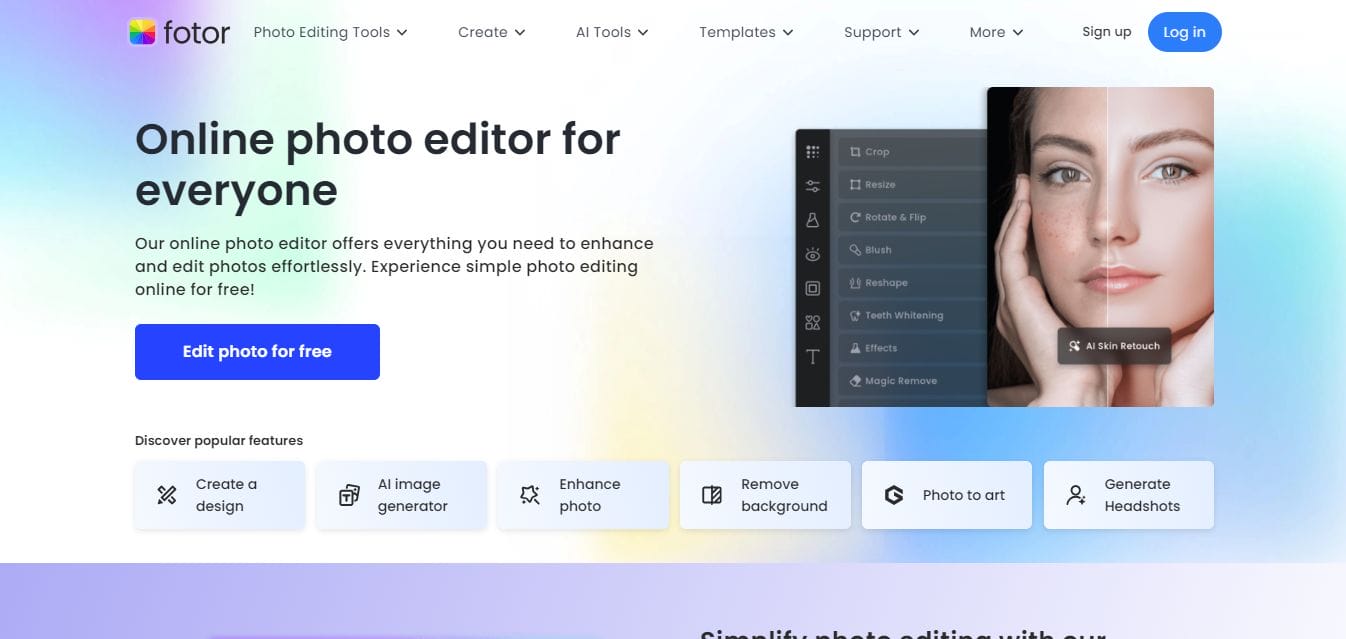
Fotor is a photo-editing tool with templates for making announcements. It’s ideal if your announcements are visually focused, with a special emphasis on photo elements.
Key Features
- Photo-editing tools
- Templates and effects
Pros and Cons
Pros:
- Good for photo-heavy designs
- Easy for beginners
Cons:
- Limited design variety
- Not ideal for complex announcements
Fotor is a good choice if your announcements are highly visual, and you want to showcase photos prominently.
Comparison Table of the 10 Best Announcement Maker Tools
| Tool Name | Key Features | Pros | Cons | Price |
|---|---|---|---|---|
| Canva | Templates, drag-and-drop, vast image library | User-friendly, tons of templates | Limited advanced features in free version | Free/Paid |
| Adobe Spark | Animated cards, customizable backgrounds | Great for animations, sync across devices | Limited free templates | Free/Paid |
| Fotor | Image editing, Diwali templates | Beginner-friendly, fast designs | Limited features in free version | Free/Paid |
| Greetings Island | Ready-to-use templates, email & print options | Fast, easy, no design experience needed | Basic customization options | Free/Paid |
| Smilebox | Animated, musical cards, easy interface | Fun and engaging, interactive cards | Limited free options, subscription required | Free/Paid |
| Crello | Diwali templates, animations | Thousands of templates, easy to use | Limited free version | Free/Paid |
| PiZap | Diwali templates, photo editing tools | Fast and fun, good for beginners | Limited advanced options | Free/Paid |
| Card Maker | Customizable, allows photos and drawings | Full creative control, easy interface | Few Diwali-specific templates | Free |
| Designhill | Professional templates, advanced customization | Ideal for high-quality cards | Expensive, complex for beginners | Paid |
| Greetings Card Maker | Pre-designed templates, instant sharing | Fast and simple design | Basic design features | Free |

Wrapping Up: Choosing the Right Announcement Maker Tool for You
There’s no one-size-fits-all solution when it comes to choosing an announcement maker. Consider your needs, budget, and preferred features. Whether you prioritize ease of use, branding, or data integration, there’s a tool on this list that can meet your needs. These 10 best announcement maker tools all offer unique features, so explore each one to find the best fit for your announcements!
Interesting Reads:

