

Diwali, the festival of lights, is one of the most awaited celebrations in India and around the world. It’s a time to share love, warmth, and joy with your friends and family. One of the best ways to make the festival even more special is by sending personalized Diwali cards. With the rise of online tools and apps, creating beautiful Diwali cards has never been easier. Whether you’re looking for a quick and easy design or something more intricate, the right Diwali card maker can help bring your ideas to life.
In this post, we’ll explore the 10 best Diwali card maker that will let you craft personalized greetings with ease. Let’s dive in and find the perfect one for you!
Quick Links
1. Canva: The Go-To Design Platform
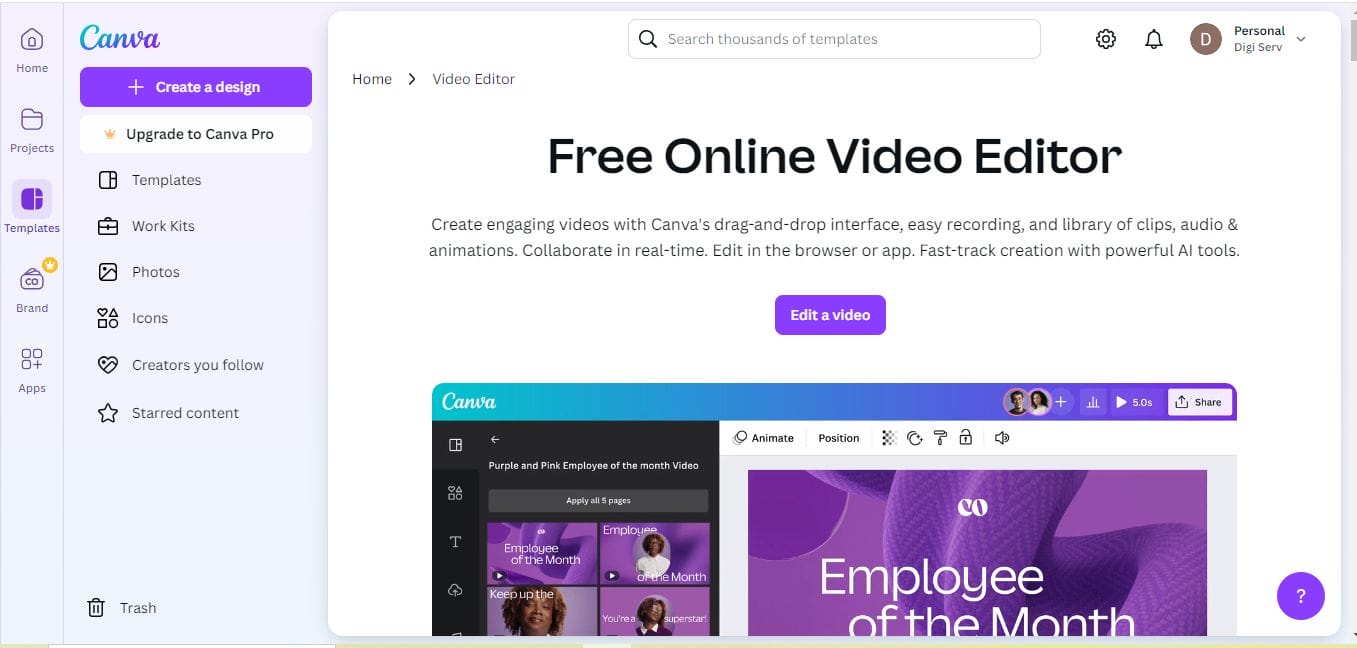
When it comes to online card-making, Canva is a name that comes up time and time again. Known for its user-friendly interface and a plethora of templates, Canva is a powerful tool for creating Diwali cards in minutes. Whether you’re a beginner or an experienced designer, you’ll find the platform extremely intuitive.
Key Features:
- Thousands of customizable Diwali card templates
- Access to a vast library of images, icons, and stickers
- Drag-and-drop functionality for easy design
- Free and paid versions with additional features for pro users
Pros:
- Easy-to-use interface for all levels of design experience
- Huge library of templates and design elements
- Multiple file export options (PDF, PNG, JPG)
Cons:
- Limited advanced design features in the free version
- Some templates require a premium subscription
Canva is a great choice if you want to create personalized Diwali cards with professional-looking designs, all within a matter of minutes.
2. Adobe Spark: High-End Designs with Ease
For those who want to step up their Diwali card-making game, Adobe Spark is a fantastic option. This tool is great for users looking for advanced design features without the complexity of Adobe Photoshop. You can create beautifully animated Diwali cards, add your own messages, and even integrate music for a more festive touch.
Key Features:
- Wide selection of Diwali card templates
- Customizable text, images, and video backgrounds
- Ability to animate your designs
- Sync your work across devices
Pros:
- Ideal for both static and animated Diwali cards
- Extensive customization options
- High-quality designs with professional-grade elements
Cons:
- Limited templates for free users
- Requires an Adobe account to access full features
If you’re looking to make Diwali cards that are both creative and visually appealing, Adobe Spark will let you unleash your inner designer with ease.
Also Read: 10 Best eBook Cover Creator
3. Fotor: A Simple, Yet Powerful Tool
If you’re new to design tools and need something simple but powerful, Fotor should be on your list. It offers a range of easy-to-use templates and editing tools to create stunning Diwali cards in no time. The free version provides enough options to get you started, and you can always upgrade for more premium features.
Key Features:
- Diwali-specific templates
- Image editing and enhancement tools
- Customizable fonts and colors
- One-click photo enhancements
Pros:
- Very user-friendly for beginners
- A good range of free templates and design elements
- Fast and efficient design process
Cons:
- Limited advanced design options in the free version
- Watermark added to some premium features
Fotor is perfect for those who want quick results without compromising too much on the quality of their Diwali cards.
4. Greetings Island: Ready-to-Go Diwali Templates
Greetings Island makes it easy to create, personalize, and send Diwali cards. It offers a wide variety of Diwali card templates that are ready to use, making it the perfect choice for users who don’t want to spend too much time on design. Plus, you can print or send your cards directly from the platform.
Key Features:
- Wide selection of Diwali card templates
- Direct printing and e-cards sending options
- Customization with text and images
- Free download and premium options
Pros:
- Ideal for quick and easy card creation
- No need for advanced design skills
- Free and premium options available
Cons:
- Limited customization options for free users
- Design elements can feel generic at times
If you need a simple, no-fuss tool for sending Diwali cards quickly, Greetings Island is a top contender.
5. Smilebox: Fun and Interactive Cards
If you’re in the mood to create fun and interactive Diwali cards, Smilebox is a fantastic option. This tool allows you to design animated and musical Diwali cards that can be shared digitally. The platform is perfect for creating dynamic, engaging cards that your loved ones will cherish.
Key Features:
- Animated and musical card templates
- Easy-to-use drag-and-drop interface
- Large selection of Diwali-themed templates
- Options to print or email cards
Pros:
- Fun, interactive cards with animations and music
- Simple design process with drag-and-drop features
- Great for sending digital greetings
Cons:
- Limited customization options in the free version
- Paid subscription required for full features
Smilebox is a great tool for creating cards with a bit of extra flair, especially if you want your Diwali greeting to stand out with animations.
6. Crello: Beautiful Diwali Card Designs in Minutes
Crello is another excellent option for those looking to create beautiful Diwali cards quickly. It offers a variety of templates that can be customized with your own messages and images. The drag-and-drop interface makes it easy to use, and the premium features provide even more creative possibilities.
Key Features:
- A large collection of Diwali-themed templates
- Animation options for dynamic cards
- Easy drag-and-drop functionality
- Customizable fonts and images
Pros:
- Access to thousands of templates
- Great for both static and animated designs
- Easy to use for beginners
Cons:
- Limited features in the free version
- Some templates require a paid subscription
If you’re looking for a simple yet effective design platform to make beautiful Diwali cards, Crello might be just the tool you need.
7. PiZap: Quick and Easy Diwali Card Maker
For users who want to create cards in minutes, PiZap is a great tool. It offers an intuitive interface and a variety of templates, allowing you to quickly put together a stylish Diwali card. Whether you want to send an e-card or print your card, PiZap gives you the flexibility to do both.
Key Features:
- A range of Diwali card templates
- Easy photo editing tools
- Customizable text and stickers
- Printable and digital card options
Pros:
- Extremely user-friendly
- Great for both beginners and more advanced users
- Speedy design process
Cons:
- Limited advanced customization options
- Watermarks on some features in the free version
PiZap is a great option if you’re looking for a fast and fun way to design Diwali cards.
Also Read: Best Healthcare Flyer Maker
8. Card Maker: Custom Diwali Greeting Cards
Card Maker is a specialized tool that lets you create personalized greeting cards with ease. It’s great for users who want to design Diwali cards from scratch and add unique elements like photos, drawings, or text.
Key Features:
- Customizable card templates
- Simple drag-and-drop design interface
- Ability to add personal photos and artwork
Pros:
- Allows full creative control over your design
- Great for creating one-of-a-kind Diwali cards
- Easy-to-navigate interface
Cons:
- Limited pre-made templates for Diwali cards
- Some features are locked behind a paywall
If you’re looking for more control and creative freedom over your Diwali card design, Card Maker is a solid choice.
9. Designhill: Expert-Level Designs with Customization
Designhill is perfect for users looking to design professional-level Diwali cards. With a mix of templates and advanced customization options, this tool is great for users who want to create unique cards that stand out. Whether you’re sending a card for business or personal use, Designhill has something for you.
Key Features:
- High-quality Diwali card templates
- Professional design features
- Customizable images, fonts, and colors
Pros:
- Advanced customization tools
- Ideal for professional-quality cards
- Plenty of premium templates
Cons:
- Some features require a premium subscription
- Can be complex for beginners
If you’re aiming to create sophisticated Diwali cards, Designhill is a fantastic tool for your needs.
Also Read: Best Camp Flyer Maker
10. Greetings Card Maker: Easy, No-Fuss Diwali Cards
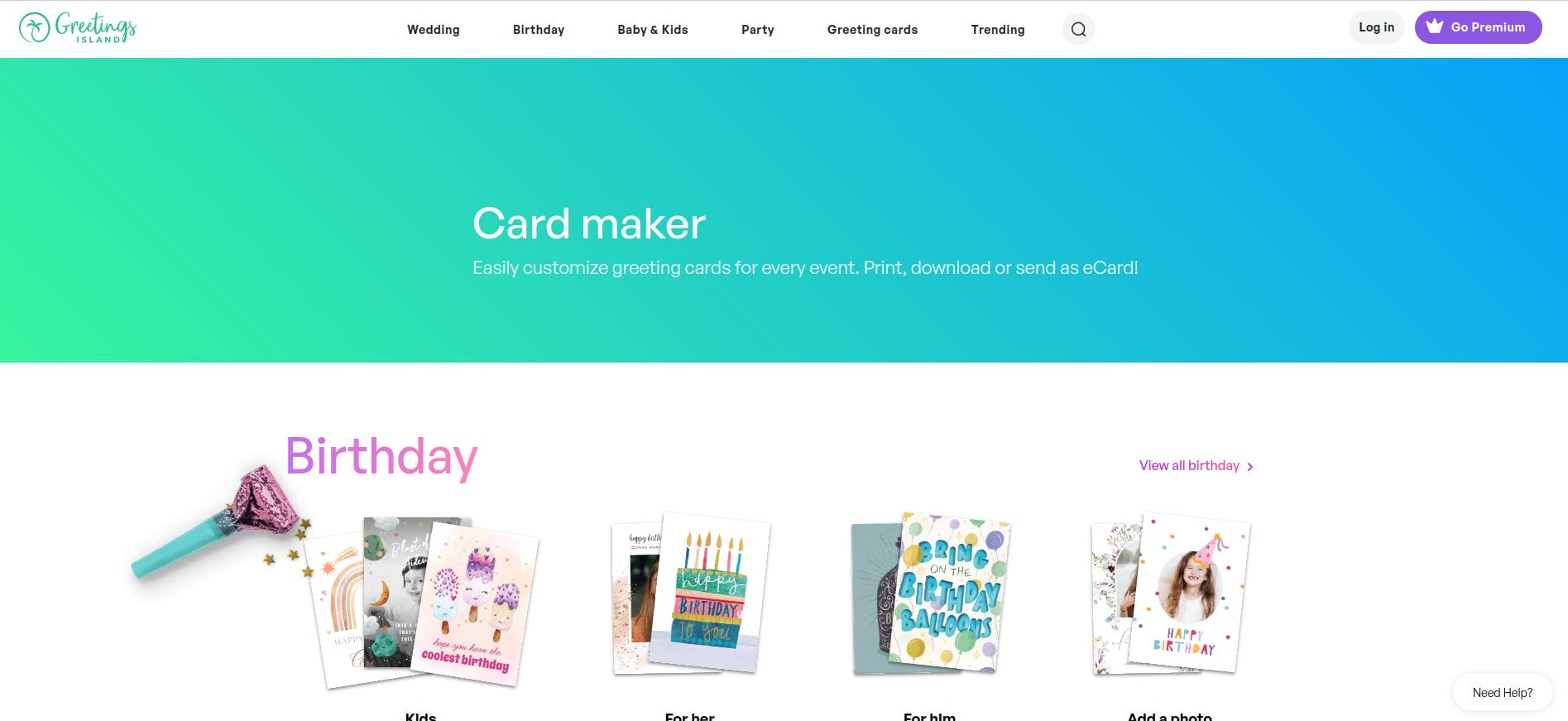
The Greetings Card Maker app is perfect for those who want to quickly design and share Diwali cards. With a library of simple templates and quick customization options, it’s an excellent choice for busy people who still want to send personalized greetings.
Key Features:
- Pre-designed Diwali templates
- Customizable text and color options
- Instant sharing options
Pros:
- Extremely quick card creation
- Very simple interface
- Free to use
Cons:
- Limited advanced design options
- Basic customization tools
If you’re looking for a quick and easy way to design Diwali cards without spending too much time, Greetings Card Maker is the way to go.
Comparison Table: The 10 Best Diwali Card Maker
| Tool Name | Key Features | Pros | Cons | Price |
|---|---|---|---|---|
| Canva | Templates, drag-and-drop, vast image library | User-friendly, tons of templates | Limited advanced features in free version | Free/Paid |
| Adobe Spark | Animated cards, customizable backgrounds | Great for animations, sync across devices | Limited free templates | Free/Paid |
| Fotor | Image editing, Diwali templates | Beginner-friendly, fast designs | Limited features in free version | Free/Paid |
| Greetings Island | Ready-to-use templates, email & print options | Fast, easy, no design experience needed | Basic customization options | Free/Paid |
| Smilebox | Animated, musical cards, easy interface | Fun and engaging, interactive cards | Limited free options, subscription required | Free/Paid |
| Crello | Diwali templates, animations | Thousands of templates, easy to use | Limited free version | Free/Paid |
| PiZap | Diwali templates, photo editing tools | Fast and fun, good for beginners | Limited advanced options | Free/Paid |
| Card Maker | Customizable, allows photos and drawings | Full creative control, easy interface | Few Diwali-specific templates | Free |
| Designhill | Professional templates, advanced customization | Ideal for high-quality cards | Expensive, complex for beginners | Paid |
| Greetings Card Maker | Pre-designed templates, instant sharing | Fast and simple design | Basic design features | Free |

Closing Remarks: Which Diwali Card Maker is Right for You?
Now that you’ve seen the 10 best Diwali card maker, it’s time to choose the one that best suits your needs. Whether you’re looking for simplicity, customization, or professional-quality designs, there’s a tool for every type of user.
So go ahead, unleash your creativity, and create the most memorable Diwali cards for your loved ones. Wishing you a sparkling Diwali!
Interesting Read:
Best World Health Day Design Templates
Best Lifestyle Design Templates

