

An eye-catching eBook cover is often the first thing that grabs a reader’s attention, making it one of the most important elements of your book’s success. A well-designed cover can communicate the genre, tone, and quality of your content at a glance, enticing readers to click, download, or purchase. However, not every author, blogger, or publisher has the time, budget, or design expertise to hire a professional designer.
That’s where eBook cover creator tools come in. These platforms empower anyone—regardless of graphic design experience—to create stunning, professional-looking covers quickly and easily. With intuitive interfaces, customizable templates, and a wide range of fonts, images, and design elements, these tools make the design process accessible and stress-free.

Quick Links
Why a Great eBook Cover Matters
A book cover is the first impression your eBook makes. A well-designed cover can attract more readers and make your eBook appear credible and professional. In the digital marketplace, your cover is one of the few visual elements that can distinguish your work from others. If you’re ready to create your cover, let’s dive into some of the best tools for the job!
1. Canva
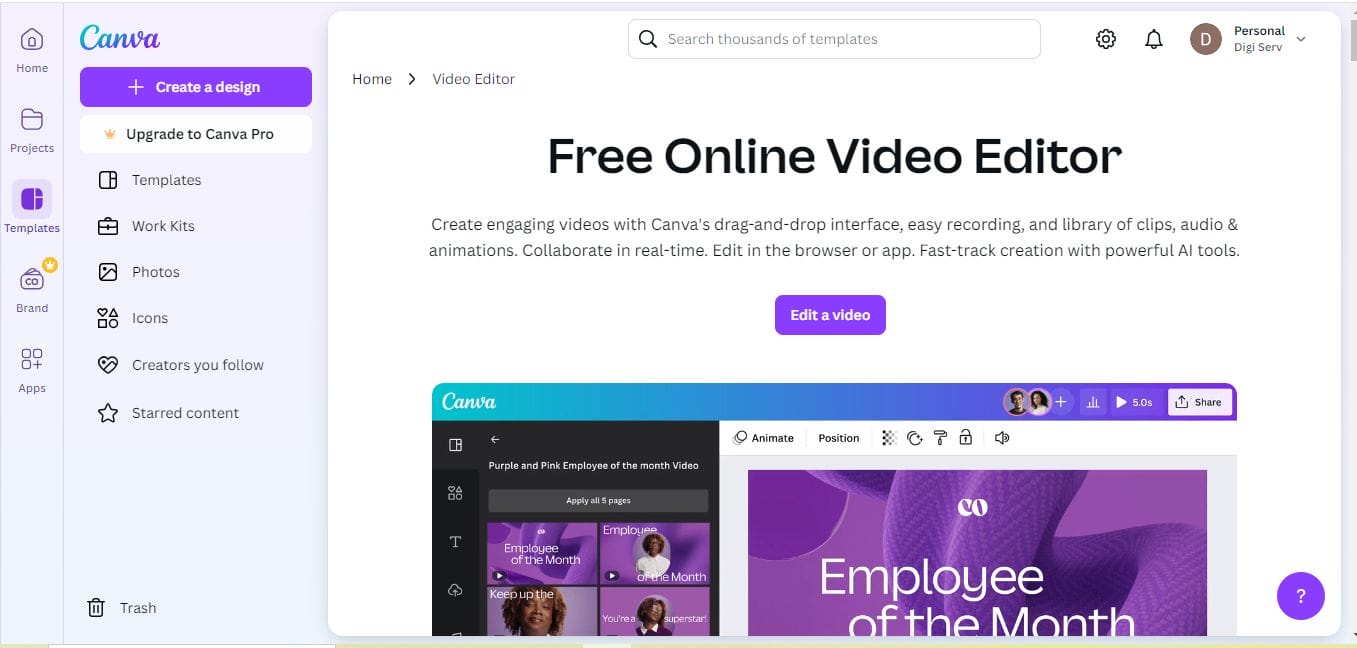
Canva is one of the most popular graphic design tools, and for good reason. Its simple interface, combined with a vast array of templates, makes it easy for anyone to create a professional-looking eBook cover. Canva offers a variety of fonts, images, and design elements that let you bring your ideas to life.
Key Features:
- Extensive library of customizable templates
- Easy-to-use drag-and-drop interface
- Free and premium versions available
Pros:
Ideal for beginners with no design experience
Free version has extensive design tools
Cons:
Limited customization in the free version
2. Adobe Spark
Adobe Spark is another excellent choice for creating eBook covers. It allows users to select from hundreds of professionally designed templates and customize them according to their needs. Adobe Spark’s design interface is intuitive, and it lets you add images, change fonts, and add effects to make your cover pop.
Key Features:
- Sleek, modern templates
- Direct social media integration
- User-friendly, with many customization options
Pros:
High-quality templates with advanced customization
Integration with Adobe Creative Cloud
Cons:
Requires Adobe subscription for premium features
3. Visme
Visme is a versatile tool for creating all kinds of visuals, including eBook covers. It has a rich library of templates and design elements that you can customize to suit your eBook’s theme. It’s perfect for those who want to create an eBook cover that stands out with unique graphics and design.
Key Features:
- Visual editor with various customization options
- Library of icons, images, and templates
- Ideal for creating visuals beyond eBook covers
Pros:
User-friendly interface with great customization
Templates suitable for all types of media
Cons:
Limited features in the free version
Also Read: Best Graphic Element Sticker
4. BookBrush
BookBrush is designed specifically for creating book covers, which makes it unique compared to other tools. It offers templates, fonts, and design elements tailored to authors, and the tool even allows for 3D mockups of your book.
Key Features:
- Made specifically for authors and publishers
- Allows 3D mockups of your eBook
- Extensive selection of book-related templates
Pros:
Ideal for authors and self-publishers
Custom templates designed for book covers
Cons:
Limited functionality in the free version
5. Snappa
If you need a quick and easy tool, Snappa is a great choice. Its user-friendly design allows you to create a beautiful eBook cover in minutes. Snappa includes access to high-quality photos and customizable templates, making it easy to design a cover that catches attention.
Key Features:
- Drag-and-drop interface with a focus on speed
- Access to high-resolution photos
- Simple and intuitive for quick designs
Pros:
Time-saving tool for quick designs
Free access to high-quality images
Cons:
Limited features in the free plan
6. PosterMyWall
PosterMyWall is another fantastic option for creating stunning eBook covers. With its easy-to-use platform, you can access various customizable templates, photos, and design elements. PosterMyWall is particularly useful for users looking to create high-quality visuals in a short amount of time.
Key Features:
- Extensive library of templates and images
- Simple drag-and-drop functionality
- Supports HD downloads for high-quality covers
Pros:
User-friendly with a range of templates
Supports high-definition downloads
Cons:
Some templates require a paid subscription
Also Read: Best Graphic Element Animated Sticker
7. Crello
Crello is ideal for creating visually appealing eBook covers and allows users to access animated design elements, which can be useful for marketing images. With Crello, users have access to a wide selection of fonts, photos, and templates.
Key Features:
- Designed for beginners with a variety of templates
- Animated elements available for unique designs
- Free version available with premium options
Pros:
Free version offers plenty of resources
Great for animated designs
Cons:
Limited features without premium plan
8. GIMP
GIMP is a robust graphic design tool with many advanced features, similar to Photoshop. While it’s not specifically tailored for eBook covers, it offers more design flexibility than many other tools on this list. GIMP is perfect for users who want to create a truly custom cover without spending money on expensive software.
Key Features:
- Free and open-source tool with powerful features
- Extensive customization options
- Supports layers and advanced editing
Pros:
Completely free and open-source
Allows advanced customization for experienced users
Cons:
Steeper learning curve for beginners
Also Read: Best Graphic Element Illustration
9. MockupShots
MockupShots is designed with authors in mind, offering realistic 3D mockups of book covers. It provides unique settings and backgrounds, which are perfect for creating marketing visuals that feature your eBook in various environments.
Key Features:
- Specifically designed for book covers
- Realistic 3D mockups for marketing
- Wide variety of backgrounds and scenes
Pros:
Ideal for authors needing book-related visuals
3D mockups make it great for marketing images
Cons:
Limited editing features
10. Fotor
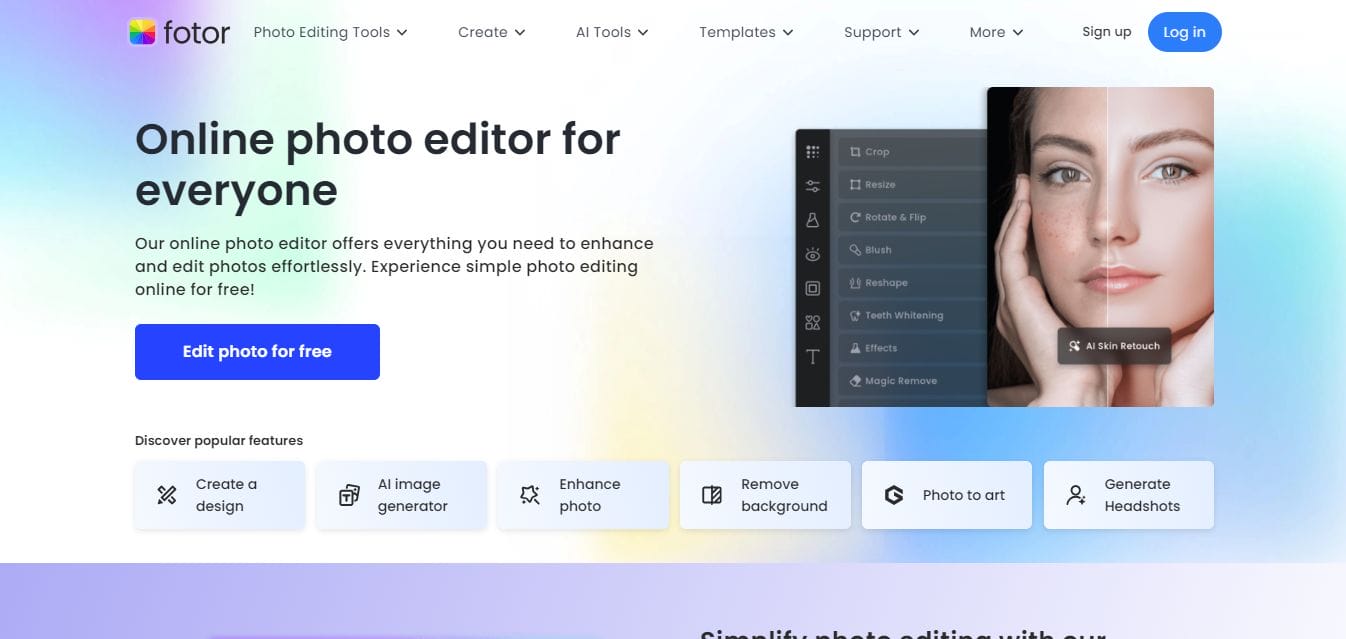
Fotor is a versatile tool that combines photo editing with design. It includes templates that make it simple to create professional eBook covers, especially for those without graphic design experience. Fotor also offers batch processing, allowing you to edit multiple images at once.
Key Features:
- Photo editing and design tool with multiple templates
- User-friendly interface
- Allows batch processing for quick edits
Pros:
User-friendly and beginner-friendly
Useful for photo editing and design
Cons:
Advanced features require a subscription
Comparison Table: 10 Best eBook Cover Creator
| Tool Name | Key Features | Pros | Cons |
|---|---|---|---|
| Canva | Customizable templates, drag-and-drop | Beginner-friendly, free version | Limited free features |
| Adobe Spark | Modern templates, social media integration | Advanced customization, Creative Cloud | Paid for premium features |
| Visme | Visual editor, library of icons | Great customization, versatile | Limited free version |
| BookBrush | Author-specific templates, 3D mockups | Perfect for authors, unique templates | Limited free functionality |
| Snappa | Drag-and-drop, high-res photos | Fast and easy to use | Limited in free plan |
| PosterMyWall | HD downloads, drag-and-drop | Easy to use, variety of templates | Some paid templates |
| Crello | Animated elements, variety of templates | Great for animated covers | Limited without premium |
| GIMP | Free, open-source, advanced editing | Advanced customization | Steep learning curve |
| MockupShots | 3D mockups, book settings | Great for marketing | Limited editing features |
| Fotor | Photo editing, batch processing | User-friendly, versatile | Subscription needed for premium features |

Last Remarks

Designing an attractive eBook cover doesn’t have to be complicated or time-consuming. With the 10 best eBook cover creator tools featured in this guide, you have everything you need to craft a cover that truly stands out in a crowded marketplace. These tools cater to all skill levels—from complete beginners to those with some design experience—so everyone can create professional-looking covers without stress.
By leveraging these platforms, you can experiment with layouts, fonts, colors, and images until your cover perfectly reflects your book’s content and style. A well-designed cover not only grabs attention but also communicates credibility and quality, helping your eBook attract more readers and boost sales.
Interesting Reads:

