

Whether you’re a pet lover looking to showcase your furry friend’s best moments or someone wanting to create a fun slideshow, a free online slideshow video maker is the ideal solution. These tools offer powerful features to help you turn your photos and videos into captivating slideshows with ease. With so many options available, how do you choose the best one? In this blog post, we’ll explore the 10 best free slideshow video maker online, focusing on features, usability, and why they’re perfect for pet lovers or anyone who wants to create beautiful slideshows without spending a dime.

Quick Links
Why Use an Online Slideshow Video Maker?
Free and Accessible
One of the main reasons to use an online slideshow video maker is accessibility. These tools are often cloud-based, meaning you can use them from any device without downloading anything. Moreover, most offer free plans, making them perfect for users who don’t want to invest in expensive video-editing software.
Simple to Use, Powerful Results
Despite being free, many online slideshow makers offer powerful features like transitions, music, and effects. Whether you’re making a pet-themed slideshow to share on social media or creating a more personal keepsake, these tools help you produce professional-quality videos with minimal effort. Plus, many provide templates and easy-to-use interfaces, making them ideal for beginners.
1. Canva
Key Features:
- Drag-and-drop interface
- Free templates and access to stock photos
- Export directly to social media
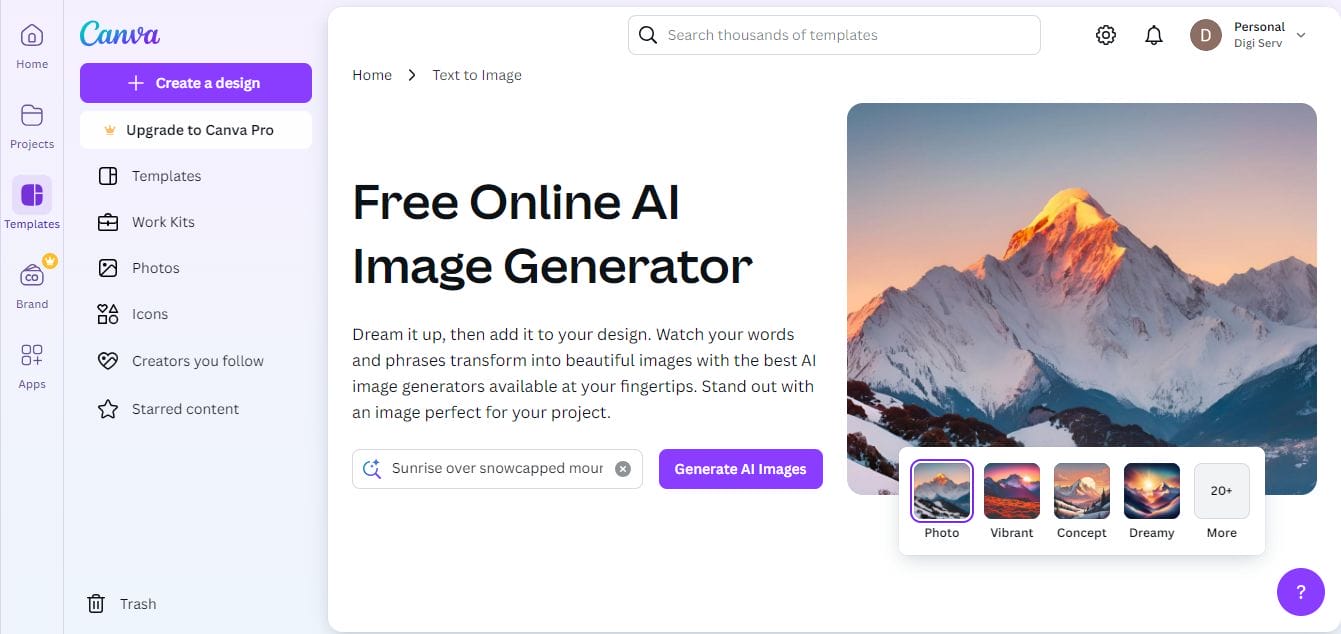
Canva is a versatile design tool known for its simple interface and wide variety of templates. It’s a great choice for creating pet slideshows because it comes with a collection of free images, fonts, and music to enhance your presentation. You can easily upload your pet photos, apply transitions, and add background music for a polished slideshow.
Pros:
Easy to use, perfect for beginners
High-quality output for free
Cons:
Limited video editing features in the free version
2. Adobe Spark
Key Features:
- Professional-looking templates
- Easy-to-use video editing tools
- Free and paid plans available
Adobe Spark allows you to create visually stunning slideshows effortlessly. The platform is perfect for pet lovers looking to put together creative slideshows. With Adobe Spark, you can combine photos, video clips, and text to narrate your pet’s story. It also has a collection of royalty-free music, allowing you to add soundtracks that match the tone of your slideshow.
Pros:
Easy to create beautiful slideshows in minutes
Great for sharing on social media
Cons:
Free version has Adobe Spark watermark
3. Kapwing
Key Features:
- Collaborative editing
- No downloads required
- Supports various formats
Kapwing is a free online tool that offers easy video editing and slideshow creation. It’s great for making pet-themed slideshows due to its wide variety of transitions and effects. The drag-and-drop interface is beginner-friendly, and the collaboration feature allows you to share and edit slideshows with friends and family.
Pros:
User-friendly interface
Allows for team collaboration
Cons:
Free version has limited exports
4. Kizoa
Key Features:
- Wide range of transitions and effects
- Free and premium versions available
- Built-in music library
Kizoa is an online slideshow maker that allows you to create stunning pet videos with minimal effort. You can add transitions, effects, and music to give your pet slideshow a professional look. The platform is particularly useful for users who want more control over animation and special effects in their slideshows.
Pros:
Many customization options
Easy to add music and effects
Cons:
Interface can feel outdated
5. Animoto
Key Features:
- Customizable templates
- Built-in music library
- Drag-and-drop functionality
Animoto is a popular choice for creating slideshows and videos. It offers various templates that are easy to customize, allowing you to create beautiful pet videos with your own images and videos. The platform also includes a large music library, perfect for adding emotional depth to your pet-themed slideshows.
Pros:
Very beginner-friendly
High-quality video exports
Cons:
Free version has Animoto branding
6. Clideo
Key Features:
- Simple and intuitive interface
- Multiple formats supported
- Browser-based, no installation needed
Clideo is a great tool for users who want to create slideshows quickly without dealing with complex editing software. It supports multiple video formats and allows you to add text, filters, and music. Clideo is perfect for pet owners who want to share slideshows on social media or create a video memory of their pet.
Pros:
Fast and easy slideshow creation
Wide range of customization options
Cons:
Free version has watermarks
7. FlexClip
Key Features:
- Rich video editing tools
- Easy-to-use timeline interface
- Built-in library of effects and music
FlexClip is an all-in-one video maker and slideshow creator. It’s especially popular for its ease of use, offering a drag-and-drop interface and plenty of customizable templates. This tool allows pet lovers to create eye-catching slideshows that include animated text, music, and transitions, all while keeping things simple.
Pros:
Perfect for beginners
No software download needed
Cons:
Limited advanced editing features in free plan
8. Smilebox
Key Features:
- Fun and unique templates
- Allows for customization with music and text
- Perfect for social media sharing
Smilebox is a slideshow maker that offers quirky, creative templates that are perfect for lighthearted pet slideshows. It’s a fun way to add personality to your videos by incorporating your favorite pet pictures, clips, and fun background music.
Pros:
Offers fun and creative templates
Easy to share on social media platforms
Cons:
Watermark on free plan
9. InVideo
Key Features:
- Video templates for every occasion
- Customizable music, text, and transitions
- Free and premium versions
InVideo is a professional video maker that allows you to create dynamic pet-themed slideshows. Its customizable templates make it easy to put together a polished, professional slideshow in minutes. InVideo also offers a variety of templates for social media, making it an excellent tool for pet bloggers or influencers.
Pros:
Great for pet-related social media content
Professional-grade templates
Cons:
Free plan has limited features
10. PhotoPeach
Key Features:
- Simple slideshow creation
- User-friendly interface
- Add background music easily
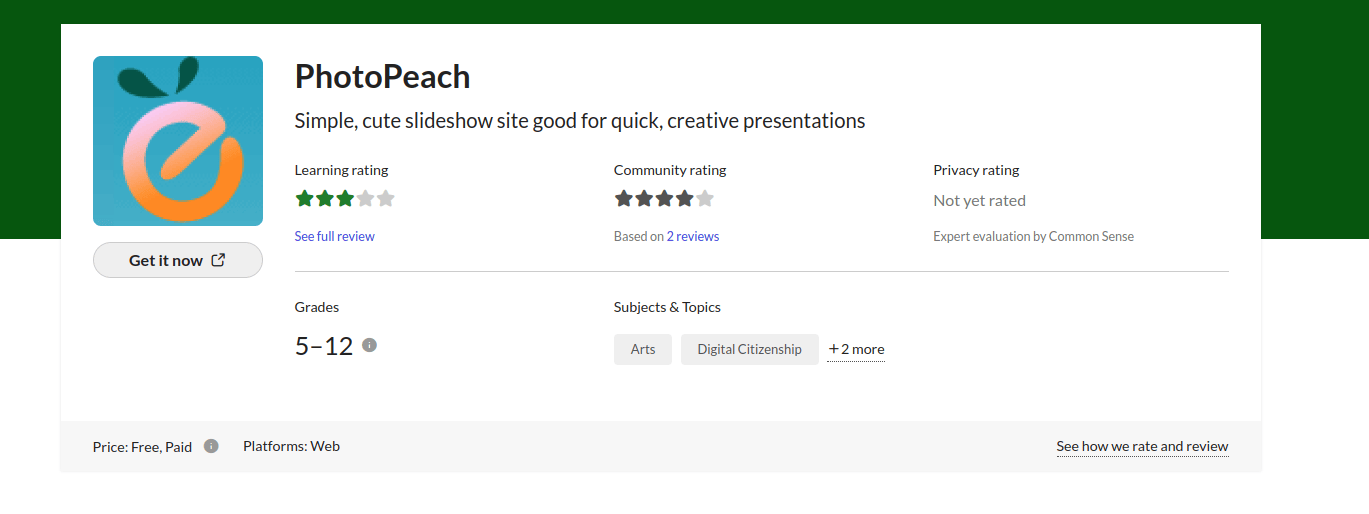
PhotoPeach is an easy-to-use slideshow maker that lets you combine images and music to create pet-themed videos in just a few clicks. It’s simple but effective for those who want to put together a quick slideshow without much effort.
Pros:
Very simple to use
Free to access
Cons:
Limited features compared to other tools
Comparison Table: 10 Best Free Slideshow Video Maker Online
| Tool Name | Key Features | Pros | Cons |
|---|---|---|---|
| Canva | Drag-and-drop, templates, stock photos | User-friendly, high-quality output | Limited features in free version |
| Adobe Spark | Templates, video editing, music library | Easy to use, professional results | Watermark in free version |
| Kapwing | Collaborative editing, multi-format support | Easy interface, team collaboration | Limited exports in free version |
| Kizoa | Transitions, effects, music library | Customizable, easy music integration | Outdated interface |
| Animoto | Customizable templates, built-in music | Beginner-friendly, high-quality exports | Branding in free version |
| Clideo | Multiple formats, simple interface | Fast and easy | Watermark in free version |
| FlexClip | Video effects, easy timeline interface | Perfect for beginners | Limited advanced features |
| Smilebox | Creative templates, music integration | Fun and unique designs | Watermark in free version |
| InVideo | Video templates, customizable effects | Great for social media content | Limited features in free version |
| PhotoPeach | Simple slideshow creation, background music | Very easy to use | Limited features |

Wrapping Up

These 10 best free slideshow video maker online provide a range of options to suit your needs, whether you’re a pet lover looking to create fun videos or a professional looking for high-quality output. Tools like Canva and Animoto are perfect for beginners, while Kapwing and InVideo offer more customization options for those seeking a little more control over their final product.
Interesting Reads:

