

Creating tutorial videos is an excellent way to teach, engage, and connect with your audience. Whether you’re a teacher, marketer, or content creator, using the right tools can make your videos more polished and professional. Thankfully, there are many free video-making platforms available online that offer easy-to-use features, making it possible for anyone to create compelling tutorial content without expensive software.
In this blog post, we’ll explore the 10 best free tutorial video maker online. We’ll delve into the key features, pros, and cons of each tool, helping you choose the perfect platform for your needs.

Quick Links
Why You Need a Tutorial Video Maker
The Power of Visual Learning
Video tutorials have become one of the most effective ways to teach and share knowledge online. Compared to text-based guides, videos engage multiple senses, making the content easier to understand and remember. They also allow you to demonstrate tasks step-by-step, ensuring that viewers can follow along in real-time.
Accessible for All
With many free online video makers available, creating high-quality tutorial videos has never been easier. You don’t need to be a professional video editor or invest in expensive software to create content that looks good. All you need is a reliable tool that fits your needs and style, which is what this list is all about.
1. Clipchamp
Key Features:
- Drag-and-drop video editor
- Extensive stock library
- Screen recording option
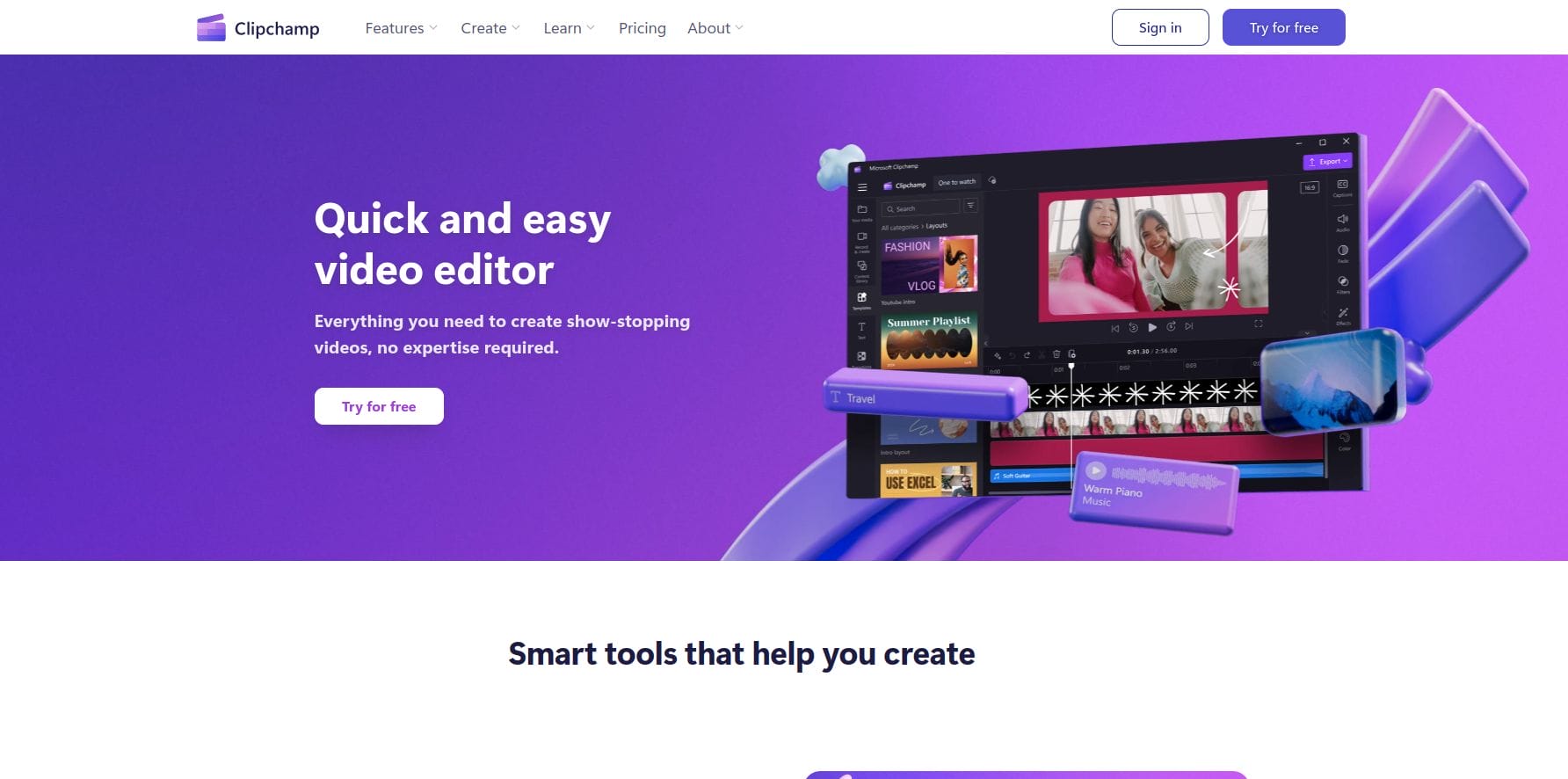
Clipchamp is a popular online video editor that’s perfect for beginners. Its intuitive drag-and-drop interface makes it easy to create tutorial videos in minutes. With screen recording capabilities, Clipchamp is an excellent choice for creating software tutorials or product demos.
Pros:
- Easy-to-use interface
- No watermark on free plan
Cons:
- Limited export resolution on free plan (480p)
2. WeVideo
Key Features:
- Cloud-based editing
- Stock video and audio library
- Green screen feature
WeVideo is a cloud-based video editor that offers both free and premium versions. Its free version provides essential editing features like transitions, text overlays, and music, making it great for beginners looking to create professional-looking tutorial videos.
Pros:
- Simple and easy-to-learn interface
- Cloud storage for easy access to projects
Cons:
- Watermark on videos with the free plan
3. Loom
Key Features:
- One-click screen recording
- Instant sharing options
- Webcam integration
Loom is designed specifically for creating video tutorials and screen recordings. It’s perfect for educators or professionals who need to create step-by-step guides or how-tos. The platform allows you to record your screen, voice, and even yourself using your webcam simultaneously.
Pros:
- Instant sharing with no need for file export
- Extremely easy to use
Cons:
- Limited editing features in the free version
4. Animoto
Key Features:
- Pre-built video templates
- Drag-and-drop customization
- Extensive music library
Animoto is known for its beautiful video templates that allow users to create tutorials, promotional videos, and more with minimal effort. It’s ideal for those who want a simple yet effective way to create engaging videos without having to edit too much manually.
Pros:
- Attractive templates that are easy to use
- Free stock images and music library
Cons:
- Limited customization options in the free plan
5. FlexClip
Key Features:
- Intuitive timeline editor
- Screen recording capabilities
- Stock footage and music library
FlexClip offers a rich selection of features, including templates, video trimming, and screen recording. It’s a great option for users looking to create visually appealing tutorial videos without needing to download or install any software.
Pros:
- No watermark on free videos
- Simple interface with built-in stock media
Cons:
- Limited advanced editing features in the free version
6. Powtoon
Key Features:
- Animated templates
- Simple drag-and-drop functionality
- Customizable text and character animations
Powtoon is a fantastic tool for creating animated tutorial videos. Whether you’re making educational videos or explainer videos, Powtoon’s user-friendly interface and customizable animations help you tell your story in a fun and engaging way.
Pros:
- Excellent for creating animated content
- Pre-designed templates save time
Cons:
- Free version has a watermark on videos
7. Kapwing
Key Features:
- Free video editing tools
- Online screen recorder
- Supports subtitles and captions
Kapwing is an all-in-one video editing platform that allows users to edit videos, create memes, and make screen recordings. It’s particularly useful for tutorial creators who want to add captions, text overlays, and other helpful features to their videos.
Pros:
- Supports a wide range of file formats
- Subtitles and text overlays are easy to add
Cons:
- Limited export resolution for free users
8. VEED.io
Key Features:
- Simple editing interface
- Text, music, and subtitles integration
- Screen recording feature
VEED.io is an online video editor that allows users to create engaging tutorial videos with ease. Its clean and straightforward interface makes it perfect for beginners. It also has the ability to record your screen, making it an excellent choice for creating educational videos.
Pros:
- Quick and easy to use
- No need to download software
Cons:
- Watermark included in free videos
9. OBS Studio
Key Features:
- High-quality screen recording
- Real-time video and audio capturing
- Customizable settings for advanced users
OBS Studio is a free, open-source software perfect for users who want more control over their video recordings. Although it has a steeper learning curve compared to other tools, it provides high-quality screen recordings, making it great for professional tutorial videos.
Pros:
- Free and highly customizable
- Excellent video and audio quality
Cons:
- Steep learning curve for beginners
10. Screencast-O-Matic
Key Features:
- Record screen, webcam, or both
- Basic editing tools available in the free version
- Built-in cloud storage and sharing
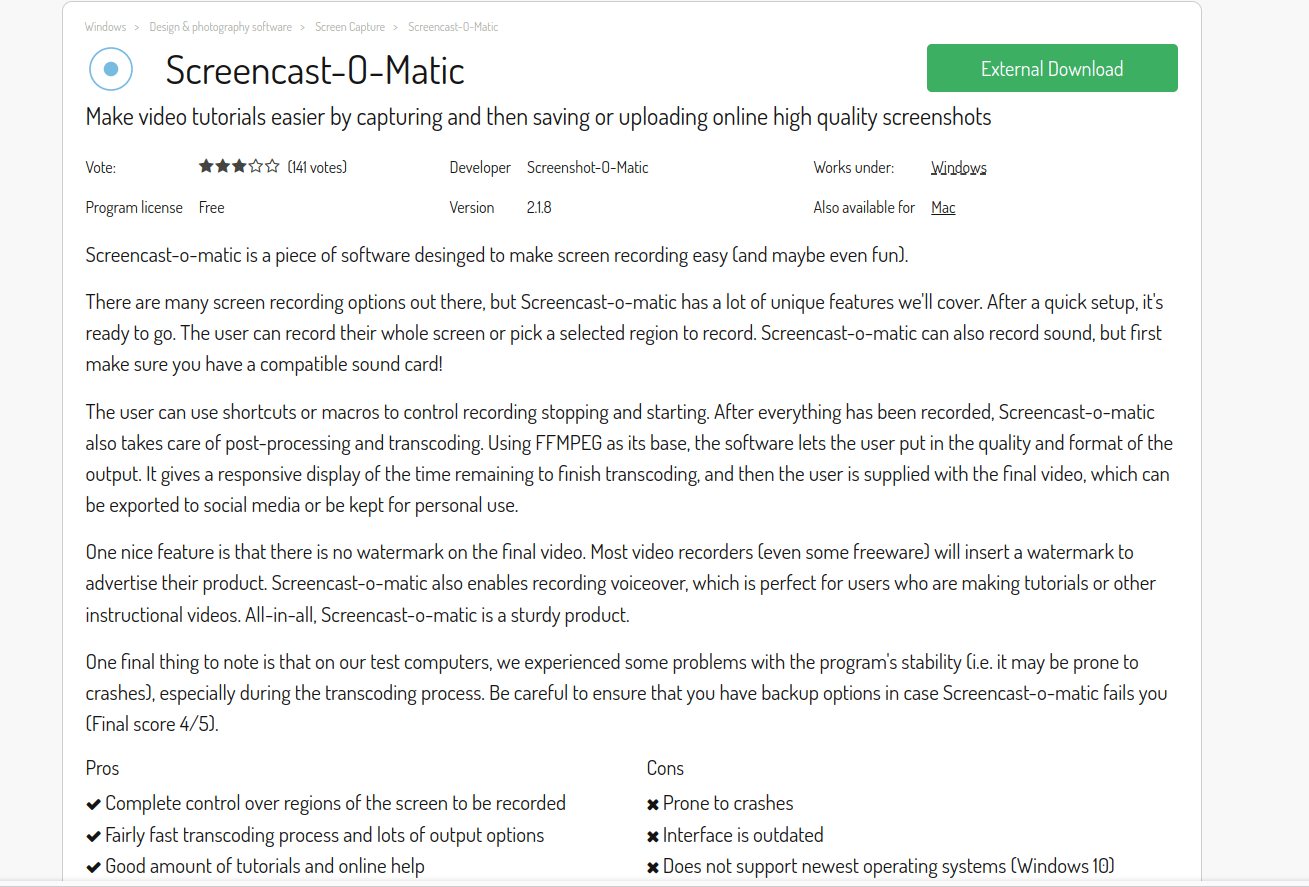
Screencast-O-Matic is a versatile screen recording tool that’s perfect for creating tutorials. The free version offers up to 15 minutes of recording time, which is ideal for shorter tutorial videos. It also allows for webcam integration, letting you add a personal touch to your lessons.
Pros:
- Easy to use, even for beginners
- Free plan includes basic editing tools
Cons:
- 15-minute recording limit for free users
Comparison Table: 10 Best Free Tutorial Video Maker Online
| Software Name | Key Features | Pros | Cons |
|---|---|---|---|
| Clipchamp | Drag-and-drop editor, screen recording | Easy to use, no watermark on free plan | Limited export resolution |
| WeVideo | Cloud-based editing, stock library | Easy to learn, cloud storage | Watermark on free version |
| Loom | One-click screen recording, webcam integration | Instant sharing, easy to use | Limited editing features |
| Animoto | Pre-built templates, music library | Attractive templates, easy customization | Limited design freedom |
| FlexClip | Timeline editor, stock footage | No watermark, simple to use | Basic editing tools |
| Powtoon | Animated templates, text animations | Great for animated content | Watermark on free version |
| Kapwing | Screen recording, text overlays | Wide format support, subtitles | Low export resolution for free users |
| VEED.io | Simple editor, screen recording | Quick and easy to use | Watermark on free videos |
| OBS Studio | High-quality screen recording | Free and customizable | Steep learning curve |
| Screencast-O-Matic | Screen and webcam recording | Beginner-friendly, basic editing included | Recording limit for free users |

Closing Remarks: Choosing the Right Tool for You
The right tutorial video maker for you depends on your specific needs. If you’re looking for ease of use and quick results, tools like Loom and Clipchamp are excellent choices. For more advanced features, you might opt for OBS Studio or Powtoon. Each of the tools on this list offers something unique, so you can select the one that best suits your project goals.
Interesting Reads:
10 Best Football Flyer Maker Online

