10 Best Graphic Element Animated Sticker


Animated stickers are an excellent way to add a touch of personality and dynamism to digital content, whether it’s for social media, web design, video production, or even presentations. These vibrant, moving graphic elements help capture attention and make content more engaging, helping creators tell stories in memorable ways. In this blog post, we’ll explore the 10 best graphic element animated sticker available, each offering unique features and artistic styles to match different creative needs.
WordPress update serviceWhy Use Animated Stickers in Your Designs?
Animated stickers go beyond simple graphics. They can convey emotions, emphasize key points, or make your design visually appealing, grabbing the viewer’s attention in a split second. These little bursts of movement are especially valuable on social media, where audiences often scroll through feeds quickly, looking for something that stands out.
Moreover, the versatility of animated stickers allows creators to customize designs easily and quickly. Many graphic elements now come with customization options for colors, sizes, and animation speeds. Let’s explore some top options that can make your designs pop!
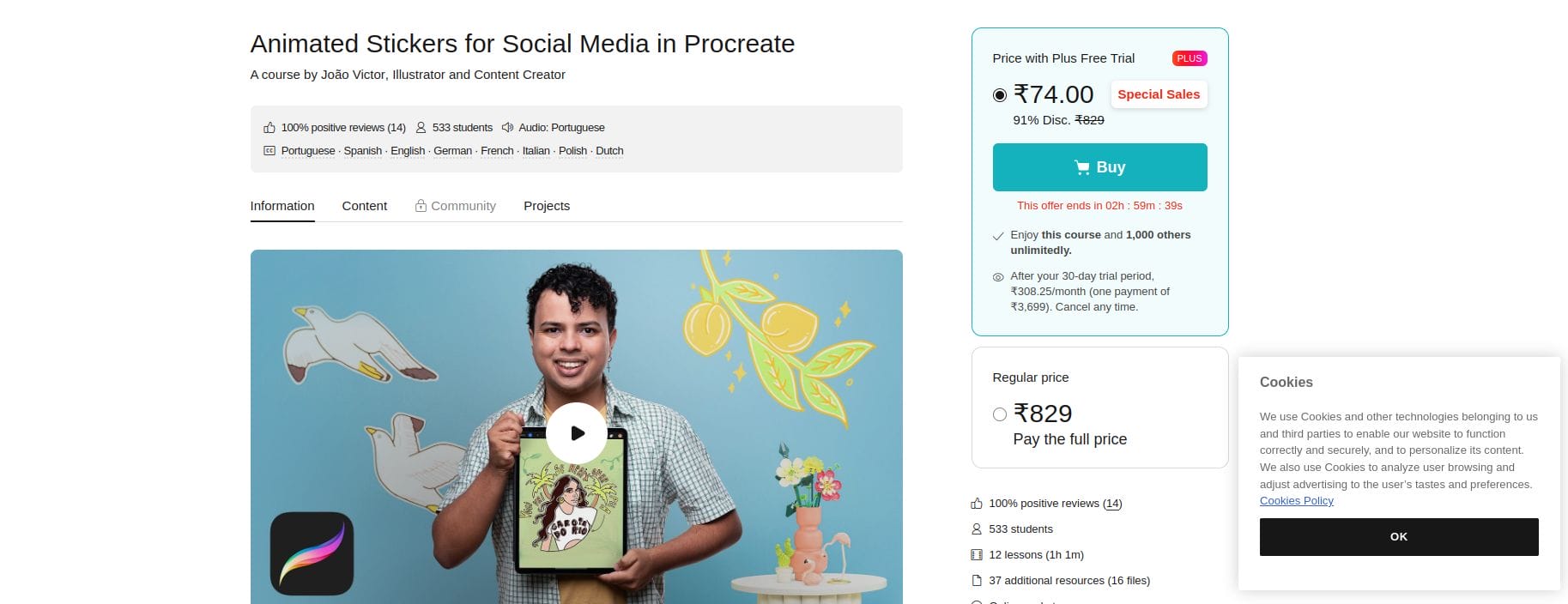
1. Procreate Animated Sticker Pack
Key Features:
- Unique, hand-drawn animation styles
- Wide selection of trendy stickers
- Compatible with Procreate for easy editing
Procreate Animated Sticker Pack is a fantastic option for artists and creators who enjoy working in Procreate. This pack features hand-drawn elements with playful animations, ideal for adding a human touch to digital content. You can easily adjust colors and effects in Procreate to suit any project, giving these stickers a personalized feel.
Pros:
Customizable with Procreate tools
High-quality, artistic designs
Cons:
Limited to users familiar with Procreate
2. Canva Animated Elements
Key Features:
- Pre-made animated elements for quick use
- Wide range of themes and styles
- Compatible with all Canva projects
Canva Animated Elements offer a wide selection of animated stickers perfect for social media, presentations, and web design. From minimalistic icons to colorful illustrations, Canva’s stickers are easy to integrate and customize within any Canva project, making it an accessible choice for all skill levels.
Pros:
User-friendly and accessible for beginners
Broad variety of styles
Cons:
Limited customization options compared to advanced software
3. GIPHY’s Sticker Library
Key Features:
- Extensive library of animated stickers
- Searchable by theme, mood, and category
- Free to use and share
As one of the largest online platforms for GIFs and stickers, GIPHY provides a vast selection of animated graphic elements. GIPHY’s sticker library is ideal for social media creators, as it integrates directly with platforms like Instagram and Facebook, offering a simple way to add animations to posts and stories.
Pros:
Free access to thousands of stickers
Easy integration with social media
Cons:
Limited editing and customization options
4. Envato Elements Animated Stickers
Key Features:
- High-quality, professional designs
- Compatible with After Effects
- Customizable animation speeds
Envato Elements offers a premium selection of animated stickers suited for professional projects. From neon effects to 3D stickers, their collection is extensive and frequently updated. With compatibility for software like Adobe After Effects, these stickers offer customization options, making them perfect for videos and multimedia content.
Pros:
Wide variety of styles and formats
Professional quality and customization
Cons:
Requires a subscription
5. LottieFiles Animated Stickers
Key Features:
- JSON-based animations for fast load times
- Interactive options and customizable elements
- Compatible with web and mobile design
LottieFiles is known for providing lightweight, interactive animations that can be embedded in websites and apps. The Lottie platform makes it easy to customize these stickers, adjust animations, and even download them as GIFs for other uses. This is a fantastic choice for designers working on web and mobile applications who want smooth animations without slowing down load times.
Pros:
Lightweight and interactive
Highly customizable
Cons:
Best suited for developers familiar with JSON
6. Adobe Stock Animated Stickers
Key Features:
- Professional quality with high-resolution options
- Huge library of themes and categories
- Compatible with Adobe Creative Cloud
For professionals using Adobe Creative Cloud, Adobe Stock offers a wide range of animated stickers with high production quality. Whether you’re working in Photoshop, Illustrator, or After Effects, Adobe Stock’s selection integrates seamlessly, providing premium animated stickers that can be edited as needed.
Pros:
High-quality designs for professional use
Seamless integration with Adobe Creative Cloud
Cons:
Requires Adobe subscription for full access
7. Pixabay Free Animated Stickers
Key Features:
- Free to download and use
- Broad variety of animated stickers
- User-friendly search and filtering options
Pixabay offers a decent selection of animated stickers for free, suitable for designers on a budget or beginners. While the variety is smaller than premium platforms, it’s a fantastic resource for finding high-quality, royalty-free animated stickers.
Pros:
Free and easy to use
Great for budget-conscious designers
Cons:
Limited selection and customization options
8. Crello Animated Stickers
Key Features:
- Templates with integrated animated elements
- Wide range of themes, from business to personal use
- Simple editing options in the Crello interface
Crello offers animated stickers as part of its design suite, perfect for creating social media posts and ads. These stickers can be customized directly in Crello’s interface, allowing users to change colors, sizes, and animation effects with ease.
Pros:
Intuitive design tool with flexible animations
Ideal for social media content
Cons:
Limited advanced animation options
9. MotionElements Animated Stickers
Key Features:
- Large collection of animated elements
- High-quality files compatible with After Effects
- Customizable animation duration and effects
MotionElements provides an impressive library of animated stickers perfect for video editors and content creators working on multimedia projects. With compatibility for After Effects, these stickers are suitable for YouTube videos, presentations, and advertisements.
Pros:
Professional-grade quality and customization
Excellent for multimedia projects
Cons:
Requires familiarity with After Effects
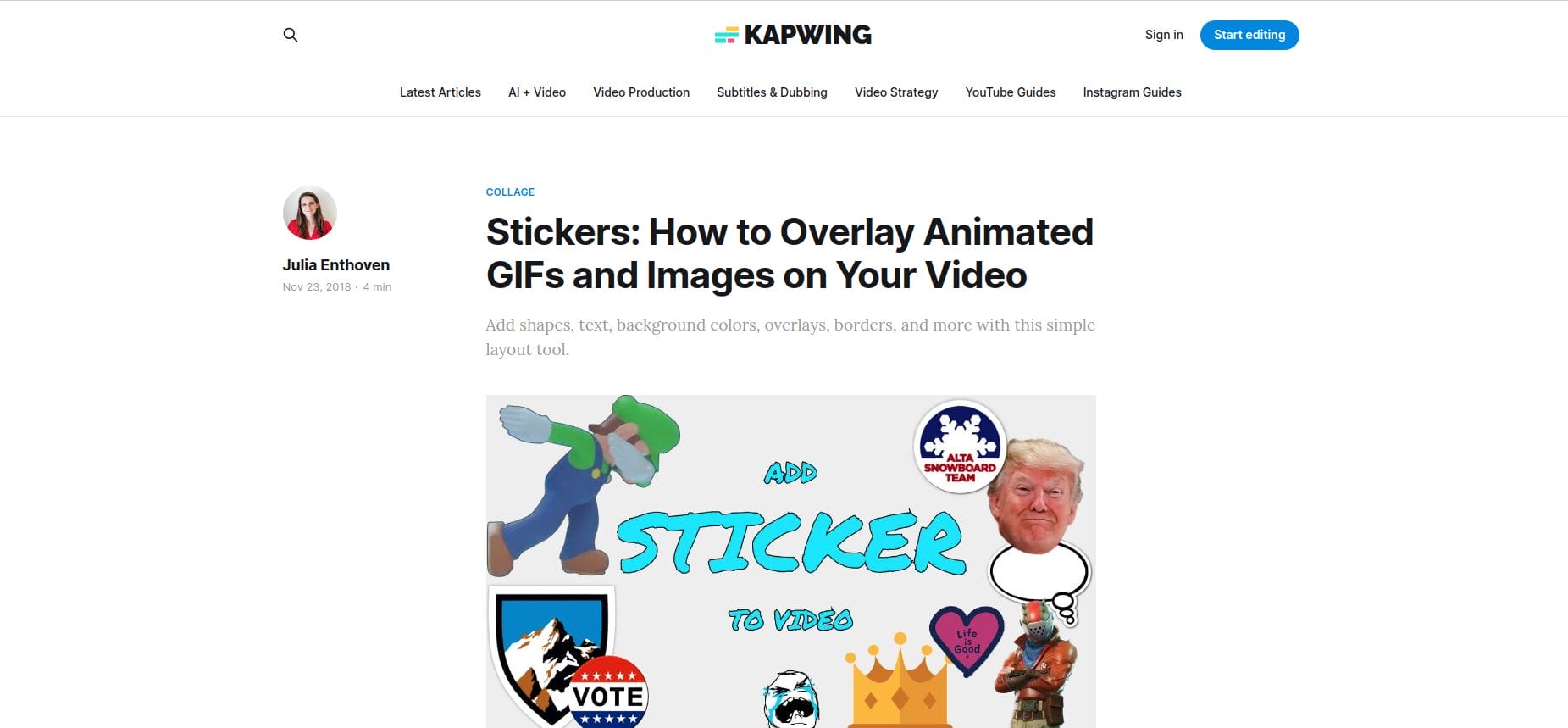
10. Kapwing Animated Stickers
Key Features:
- Online editor with animated sticker options
- Customizable text, colors, and effects
- Free and easy-to-use editor
Kapwing is a user-friendly online editor that offers animated stickers for adding movement to social media posts, videos, and web graphics. With Kapwing, you can create or edit animated stickers directly in the browser, making it accessible to users without specialized software.
Pros:
Free with intuitive browser-based editor
Ideal for quick projects
Cons:
Limited advanced editing capabilities
Comparison Table: 10 Best Graphic Element Animated Sticker
| Sticker Source | Key Features | Pros | Cons |
|---|---|---|---|
| Procreate Animated Sticker Pack | Hand-drawn, editable in Procreate | Artistic, customizable | Limited to Procreate users |
| Canva Animated Elements | Variety of styles, easy to use | User-friendly, accessible | Basic customization |
| GIPHY Sticker Library | Free, searchable library | Easy social media integration | Minimal customization |
| Envato Elements | High-quality, customizable | Professional, diverse | Subscription needed |
| LottieFiles | Interactive, lightweight | Customizable, fast-loading | Technical setup for JSON |
| Adobe Stock | Professional-grade, Adobe compatible | Seamless with Adobe | Subscription required |
| Pixabay Free Stickers | Free and easy access | Great for beginners | Smaller selection |
| Crello | Simple animations, templates | Social media friendly | Basic effects only |
| MotionElements | High-quality, After Effects compatible | Great for multimedia | Requires After Effects |
| Kapwing | Browser-based, customizable | Free, user-friendly | Limited features |
Wrapping Up
Choosing the right animated sticker pack can be a game-changer for your designs. Whether you’re creating social media content or professional presentations, animated stickers can add that extra layer of visual appeal and energy. These top 10 sources offer unique styles and customization options to fit various creative needs, from Procreate’s hand-drawn aesthetics to Lottie’s lightweight, web-friendly animations.
Interesting Reads:
10 Best Outro Video Maker Online
10 Best Pet Video Maker Online
10 Best Free Slideshow Video Maker Online

Shashank is a seasoned digital marketing and WordPress expert who specializes in SEO, software tools reviews, and cutting-edge strategies for boosting online presence. With a passion for simplifying complex topics, Goutham crafts engaging blog posts that help readers optimize their websites, improve search engine rankings, and stay ahead in the ever-evolving digital landscape.