

In today’s professional world, your LinkedIn profile is more than just an online resume; it’s a personal brand. An eye-catching, high-quality profile photo is crucial to making a strong first impression. However, LinkedIn has specific requirements for image dimensions, and an improperly sized photo can harm your profile’s appearance. That’s where photo resizing tools come into play. In this post, we’ll explore the 10 best online photo resizer for LinkedIn, providing valuable insights on how to optimize your images.

Why You Need the Right Photo Size for LinkedIn
First Impressions Count on LinkedIn
When someone lands on your LinkedIn profile, the first thing they see is your profile picture. This image plays a significant role in establishing your professional presence. A pixelated or stretched photo can create a negative impression, while a crisp, correctly sized image makes you look professional and trustworthy.
LinkedIn recommends a profile photo size of 400 x 400 pixels, and cover images should be 1584 x 396 pixels. Having the right dimensions ensures that your photo displays perfectly across devices, without losing quality.
The Challenge of Manual Resizing
While resizing an image manually is possible using built-in software like Microsoft Paint or Photoshop, it can be time-consuming and frustrating, especially for those without design experience. Fortunately, there are many online tools designed to simplify the process. These tools can not only resize but also crop, compress, and enhance your images to ensure that they look their best.
1. Fotor
Key Features:
- Easy drag-and-drop interface
- Batch resizing and cropping
- High-quality output
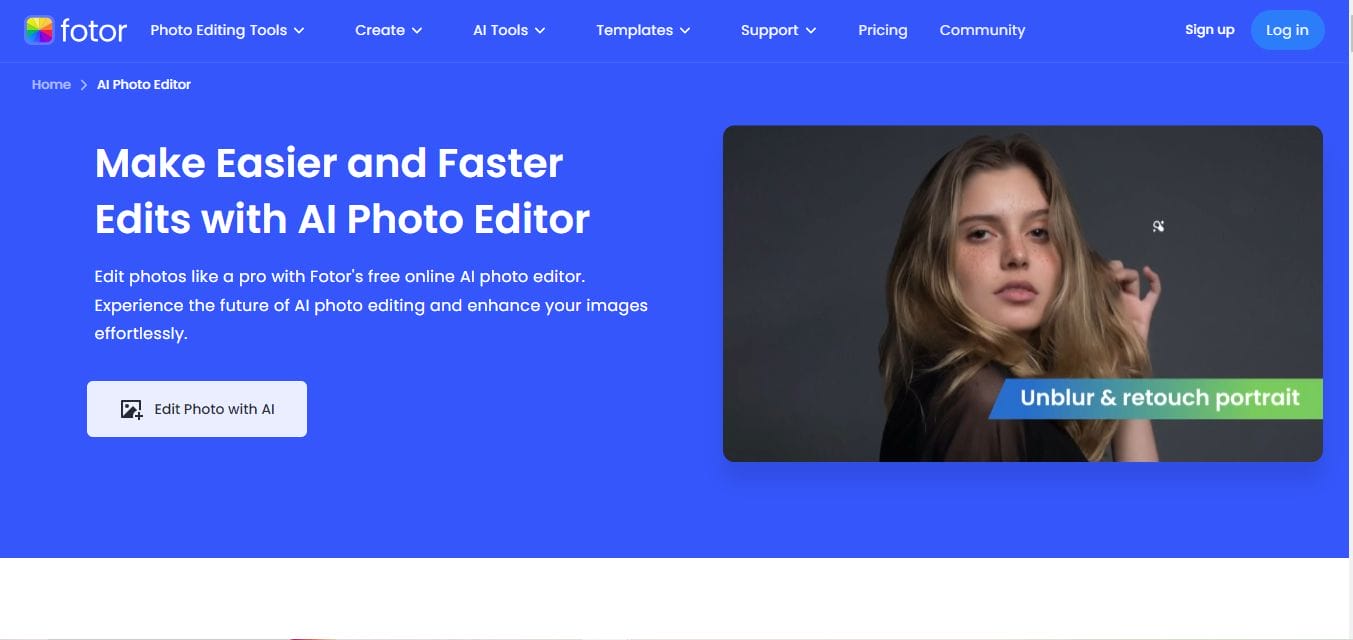
Fotor is a user-friendly online photo editor that offers a powerful resizing tool. You can simply upload your image and enter the specific dimensions required for LinkedIn. Fotor allows batch resizing, which is helpful if you’re optimizing multiple images at once.
Pros:
- Easy to use for beginners
- Free version available
Cons:
- Limited advanced editing features in the free plan
2. ResizePixel
Key Features:
- Simple interface
- Supports multiple formats (JPEG, PNG, etc.)
- Offers image compression
ResizePixel is a straightforward online tool for resizing images. It allows you to quickly adjust the dimensions of your photo to fit LinkedIn’s guidelines. The site also provides image compression options, ensuring your resized photo doesn’t lose quality.
Pros:
- Fast and simple
- No registration required
Cons:
- Limited design features
3. Canva
Key Features:
- Built-in LinkedIn photo templates
- Free and premium versions
- Wide variety of customization tools
Canva is not only a great design tool but also ideal for resizing photos. With pre-set templates for LinkedIn, Canva makes it easy to create a perfectly sized profile photo or banner image. It also offers numerous customization options, like adding text or filters.
Pros:
- Pre-set LinkedIn dimensions available
- Extensive customization features
Cons:
- Premium features require a paid plan
4. BeFunky
Key Features:
- Intuitive resizing options
- Free photo editor
- Offers batch resizing
BeFunky is a popular online photo editor with a dedicated resizing tool. You can manually enter the dimensions for your LinkedIn photo or use one of the platform’s pre-set aspect ratios. This tool is perfect for those who want to resize photos and enhance them with additional edits.
Pros:
- Fast and efficient
- User-friendly interface
Cons:
- Ads in the free version
5. Promo Image Resizer
Key Features:
- Resize images for different social platforms
- Simple drag-and-drop functionality
- No sign-up required
Promo Image Resizer is an excellent tool for those who need to resize photos specifically for social media platforms like LinkedIn. Just upload your photo, select LinkedIn from the list, and let the tool handle the rest. It’s straightforward and efficient.
Pros:
- Resizes for multiple platforms
- No registration needed
Cons:
- No advanced editing features
6. PicResize
Key Features:
- Resize, crop, and optimize images
- Supports all major image formats
- Image quality adjustment options
PicResize offers a quick and simple way to resize your LinkedIn profile photo. It also provides tools for cropping and optimizing the image to maintain its quality, making it a great all-in-one solution for resizing and enhancing photos.
Pros:
- Supports all major formats
- Free to use
Cons:
- Outdated interface
7. iLoveIMG
Key Features:
- Resize images in bulk
- Works with multiple file types
- Image compression option
iLoveIMG is another excellent tool for resizing LinkedIn photos. It allows you to resize images in bulk, which can save you time if you’re managing multiple LinkedIn profiles or updating various photos at once.
Pros:
- Easy bulk resizing
- Clean and simple interface
Cons:
- Ads in the free version
8. Adobe Express
Key Features:
- LinkedIn-specific templates
- High-quality resizing tools
- Offers free and premium plans
Formerly Adobe Spark, Adobe Express offers a robust set of tools to resize images, including a LinkedIn-specific template. The platform also allows you to add filters and adjust the overall look of your photos, ensuring they’re polished and professional.
Pros:
- Professional-grade editing features
- LinkedIn templates available
Cons:
- Some features locked behind a paywall
9. Kapwing
Key Features:
- Custom aspect ratio settings
- Supports GIF, PNG, and JPEG
- Video and image editing combined
Kapwing offers a simple yet effective resizing tool that works great for LinkedIn photos. You can input custom dimensions, ensuring your profile picture fits perfectly. In addition to image resizing, Kapwing offers features like video editing, making it versatile.
Pros:
- Supports multiple file formats
- Simple interface
Cons:
- Free version includes watermarks
10. Social Image Resizer Tool
Key Features:
- Dedicated resizing for social media
- Quick and easy to use
- Multiple file format support
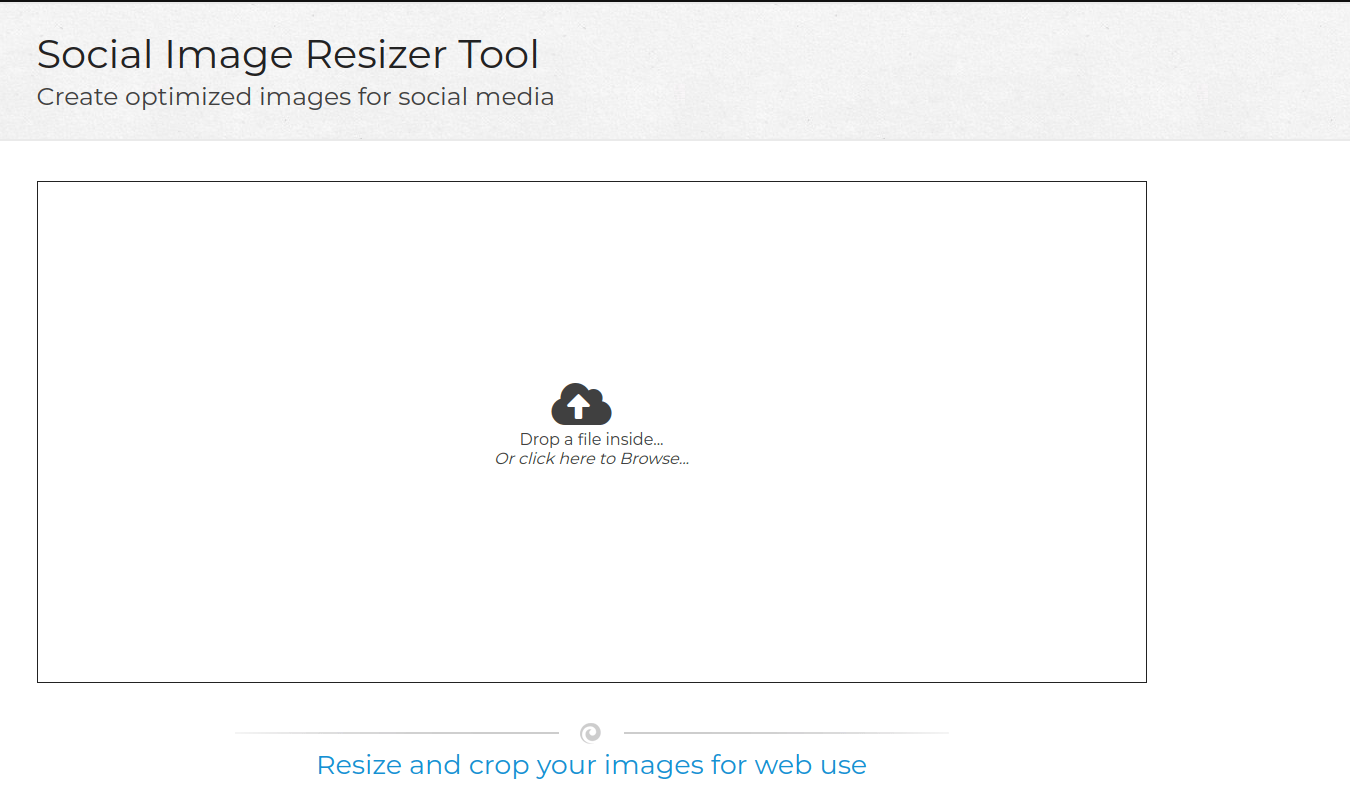
The Social Image Resizer Tool is designed specifically for resizing images for social media, including LinkedIn. It offers predefined sizes for LinkedIn profile photos and banners, making the process of resizing as simple as uploading the image and clicking a button.
Pros:
- Tailored to social media platforms
- Very fast and easy to use
Cons:
- Lacks advanced features
Comparison Table: 10 Best Online Photo Resizer for LinkedIn
| Tool Name | Key Features | Pros | Cons |
|---|---|---|---|
| Fotor | Batch resizing, drag-and-drop interface | Easy to use, free version available | Limited advanced features in free plan |
| ResizePixel | Image compression, supports multiple formats | Fast, no registration required | Limited design features |
| Canva | Built-in LinkedIn templates, design tools | Pre-set dimensions, customizable | Premium plan required for full features |
| BeFunky | Batch resizing, free photo editor | Intuitive, fast | Ads in the free version |
| Promo Image Resizer | Drag-and-drop, resize for various platforms | No sign-up needed, fast | No advanced editing features |
| PicResize | Crop, optimize, supports major formats | Free, easy to use | Outdated interface |
| iLoveIMG | Bulk resizing, compression options | Clean interface, multiple file support | Ads in free version |
| Adobe Express | LinkedIn templates, free and premium | Professional-grade, LinkedIn templates | Some features behind paywall |
| Kapwing | Custom dimensions, image and video editing | Supports multiple formats | Watermarks in free version |
| Social Image Resizer Tool | Dedicated to social media, quick resizing | Fast and easy | Limited to resizing functions |

Final Reflaction
Selecting the right online photo resizer depends on your needs. If you’re looking for a quick, no-fuss solution, ResizePixel and Social Image Resizer Tool are ideal choices. For those who need advanced features or LinkedIn templates, Canva and Adobe Express offer excellent customization options. With the right tool, you can ensure your LinkedIn photos look polished and professional, setting you apart from the competition.
Interesting Reads:

