

Organizing photos in visually appealing layouts can bring life to your photo projects, making them engaging, memorable, and professional. Whether you’re designing a photo album, creating an online portfolio, or updating social media, using the right photo layout templates can save time and add polish. In this guide, we explore the 10 best photo layout templates for a variety of purposes, from digital to print.

Quick Links
Why Choose Photo Layout Templates?
Photo layout templates offer a consistent and professional look for any visual project, saving you time and energy while enhancing creativity. Whether you’re a designer, photographer, or social media enthusiast, a well-chosen layout can help highlight the unique qualities of your photos. Let’s explore why using templates can be so impactful.
Efficiency and Ease of Use
Templates streamline the design process by providing a pre-arranged framework for your photos. Instead of spending hours deciding on the perfect arrangement, you can drop your images into a professionally designed layout in minutes.
Flexibility and Customization
Most photo layout templates allow easy customization, meaning you can adjust elements like colors, borders, and text to fit your brand or aesthetic. Templates give structure without sacrificing creativity, letting you customize each layout to make it your own.
1. Canva’s Grid Layouts
Key Features:
- Drag-and-drop functionality
- Customizable grids for various social media platforms
- Easy-to-use with text and design tools
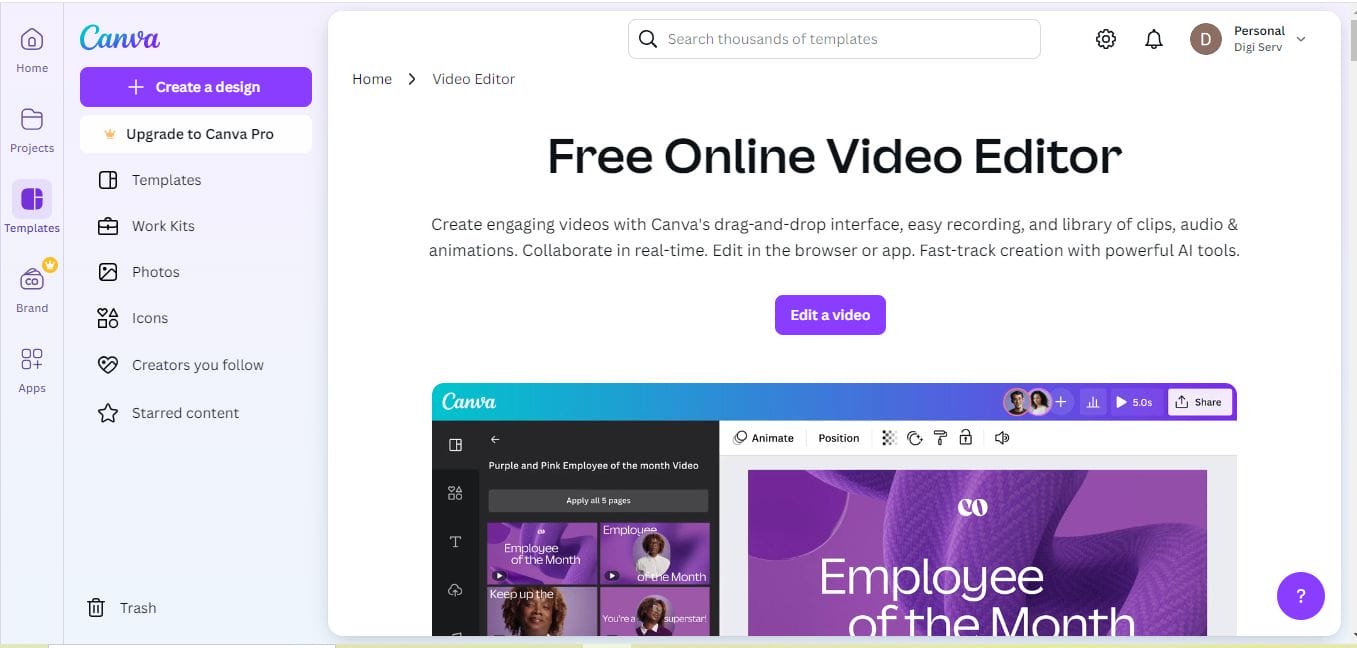
Canva is known for its intuitive design tools, and its grid layouts are perfect for creating well-organized photo collages. Ideal for social media posts, blogs, or presentations, Canva’s layouts provide flexibility with a user-friendly interface. You can even add animated text or icons to make your photos stand out.
Pros:
No design experience required
Extensive library of templates
Cons:
Limited features in the free version
2. Adobe Spark Page Layouts
Key Features:
- Stunning design options with easy adjustments
- Web and mobile compatibility
- Integration with Adobe Creative Cloud
Adobe Spark offers beautiful templates with a professional touch, and it’s perfect for creating landing pages or blog posts. The layouts are particularly suited to portfolios and storytelling, where you want photos and text to work together seamlessly.
Pros:
High-quality layouts ideal for professionals
Includes free and premium options
Cons:
Slight learning curve for beginners
3. Pixlr’s Collage Templates
Key Features:
- User-friendly editing tools
- Customizable and exportable in various formats
- Ideal for social media, especially Instagram
Pixlr offers free photo layout templates with easy customization options. It’s a great tool for creating collages and designing social media posts quickly. With Pixlr, you can apply filters, text, and overlays directly to your templates.
Pros:
Free and easy to use
Great for social media photo arrangements
Cons:
Ads in the free version
4. Photoshop Photo Grid Templates
Key Features:
- Professional quality templates for high-res images
- Customizable layers and smart objects
- Suitable for print and digital use
Photoshop remains the gold standard in image editing, and its photo grid templates give you control over every detail. Ideal for photographers and designers, these templates provide advanced customization options with smart objects and layers for high-quality projects.
Pros:
High-resolution templates for professional use
Unmatched customization options
Cons:
Requires Photoshop subscription
5. Snappa’s Social Media Templates
Key Features:
- Pre-set dimensions for major social media platforms
- Drag-and-drop functionality with custom photo grids
- Graphic and text tools included
Snappa is tailored for social media, with templates designed specifically for platforms like Instagram, Facebook, and Twitter. The photo layout templates allow for easy customizations like adding borders, text, and icons to make your images pop.
Pros:
Perfect for social media
Simple and quick to use
Cons:
Limited options in free version
6. Fotor’s Collage Maker
Key Features:
- Customizable layouts with unique design options
- Filters and effects to enhance images
- Suitable for both web and print
Fotor offers an array of collage templates that are perfect for creating unique and visually engaging layouts. This tool is ideal for personal projects, social media posts, or website galleries, allowing you to add effects and filters to achieve a cohesive look.
Pros:
Plenty of customization options
Great for photo collages
Cons:
Ads in the free version
7. Placeit’s Instagram Story Layouts
Key Features:
- Optimized templates for Instagram Stories
- Customizable fonts, colors, and images
- Professional look with minimal effort
Placeit specializes in ready-made templates, with a large selection dedicated to Instagram Stories. You can create professional-looking stories that highlight your photos while aligning with Instagram’s aesthetic. This tool is perfect for influencers, brands, or personal accounts.
Pros:
Instagram-optimized for maximum impact
Minimal learning curve
Cons:
Paid templates can add up
8. InDesign Portfolio Templates
Key Features:
- Professional-grade layouts for portfolios
- High level of customization
- Great for print and digital portfolios
Adobe InDesign is a top choice for professionals creating detailed portfolios or print layouts. With InDesign’s photo layout templates, you can create stunning page spreads, whether for print or digital presentation. This is ideal for photographers, designers, and artists looking to showcase their work.
Pros:
High-quality templates for professionals
Excellent print options
Cons:
Steep learning curve for beginners
9. Visme Presentation Layouts
Key Features:
- Templates for presentations and web use
- Interactive elements like charts and maps
- Excellent photo arrangement options
Visme offers presentation-focused templates that allow users to arrange photos alongside interactive elements. This tool is especially useful for educators and business professionals who want to incorporate photos into presentations.
Pros:
Great for presentations and storytelling
Interactive elements add engagement
Cons:
Limited photo editing options
10. BeFunky Collage Maker
Key Features:
- Simple, drag-and-drop collage builder
- Customizable templates with text options
- Image enhancement tools included
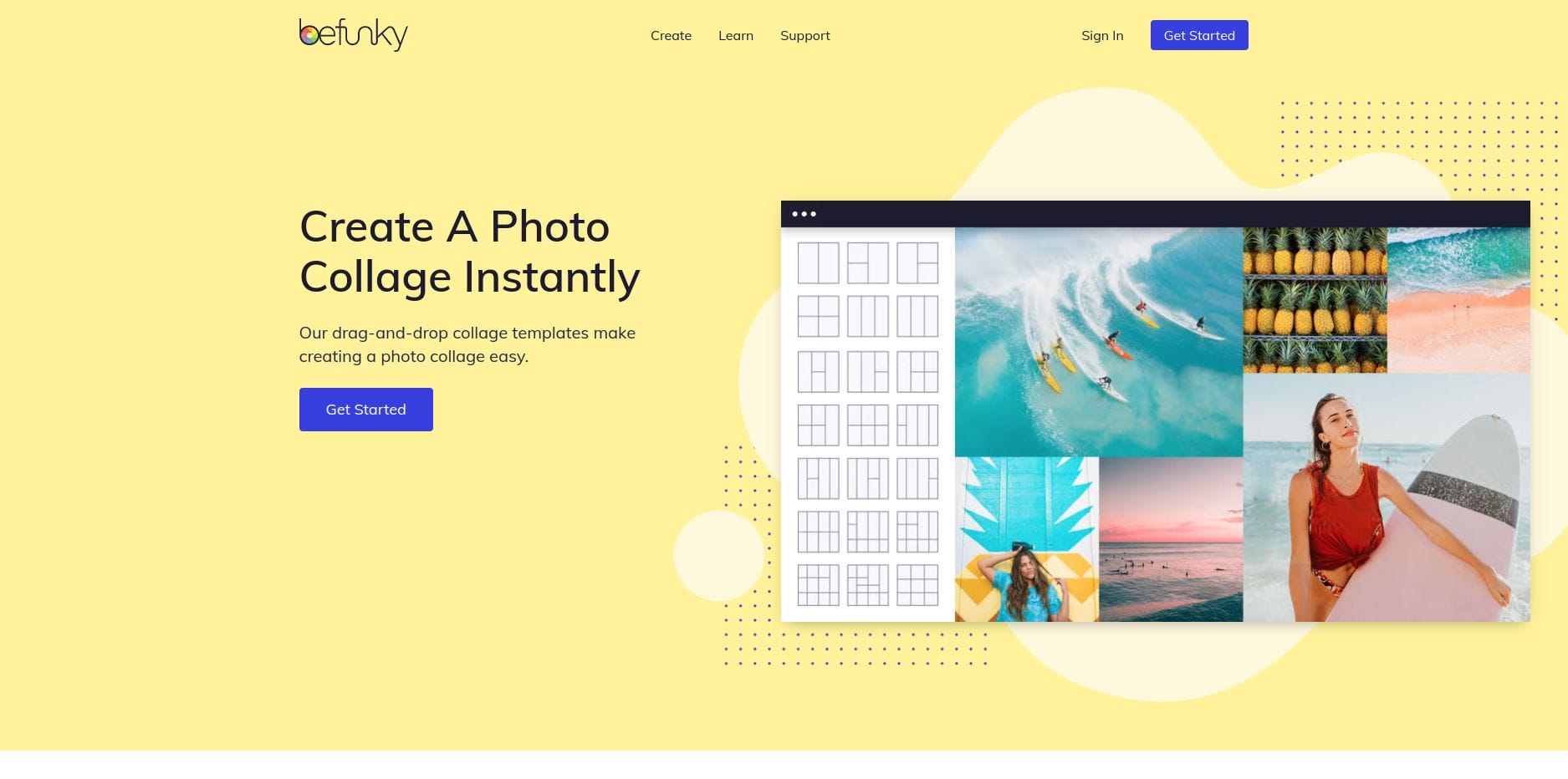
BeFunky’s Collage Maker offers an easy and quick way to create photo layouts. It’s particularly suitable for beginners and casual users, with layouts that are simple to adjust, add text, and apply filters. This tool is perfect for creating engaging collages for personal or social media use.
Pros:
User-friendly for beginners
No design experience needed
Cons:
Limited advanced options
Comparison Table: 10 Best Photo Layout Templates
| Template Name | Key Features | Pros | Cons |
|---|---|---|---|
| Canva | Customizable grids, drag-and-drop, social media-friendly | Easy to use, extensive library | Limited free version |
| Adobe Spark | Web and mobile layouts, Creative Cloud integration | Professional quality | Learning curve for beginners |
| Pixlr | Free collages, customizable templates | Great for social media | Ads in free version |
| Photoshop | Professional templates, customizable layers | High-quality, custom options | Subscription required |
| Snappa | Social media-ready, drag-and-drop | Fast and easy for social media | Limited free options |
| Fotor | Customizable collages, filters | Great for collages | Ads in free version |
| Placeit | Instagram story layouts | Instagram optimized | Paid templates add up |
| InDesign | Professional-grade for portfolios | High-quality templates | Steep learning curve |
| Visme | Presentation layouts, interactive elements | Engaging storytelling | Limited photo edits |
| BeFunky | Drag-and-drop, customizable collages | Beginner-friendly | Limited advanced options |

Closing Remarks

The 10 best photo layout templates mentioned above provide versatility and functionality to help elevate your photo projects. From professional portfolio layouts to social media collages, each tool offers unique strengths suited to different needs. By leveraging these templates, you can showcase your photos with a touch of creativity and professionalism.
Interesting Reads:

