10 Best Podcast Cover Design


Your podcast cover is the first thing potential listeners see, making it a powerful tool in establishing your show’s identity and attracting an audience. A well-designed cover can convey your podcast’s theme, vibe, and personality in an instant. In this post, we’ll explore the 10 best podcast cover design tools that help you create unique, eye-catching artwork for your podcast, whether you’re starting fresh or rebranding. Let’s dive in!
WordPress maintenance planWhy a Great Podcast Cover Matters
A well-crafted podcast cover can set you apart from the sea of options available on platforms like Spotify, Apple Podcasts, and Google Podcasts. It’s more than just a logo or photo; it’s a brand in itself. A strong podcast cover design can convey professionalism, intrigue listeners, and visually capture the essence of your show.
Choosing the right tool to design your cover art can make all the difference, especially since each platform has its unique strengths, features, and styles. So, here are the 10 best podcast cover design tools that deliver professional results with minimal effort.
1. Canva
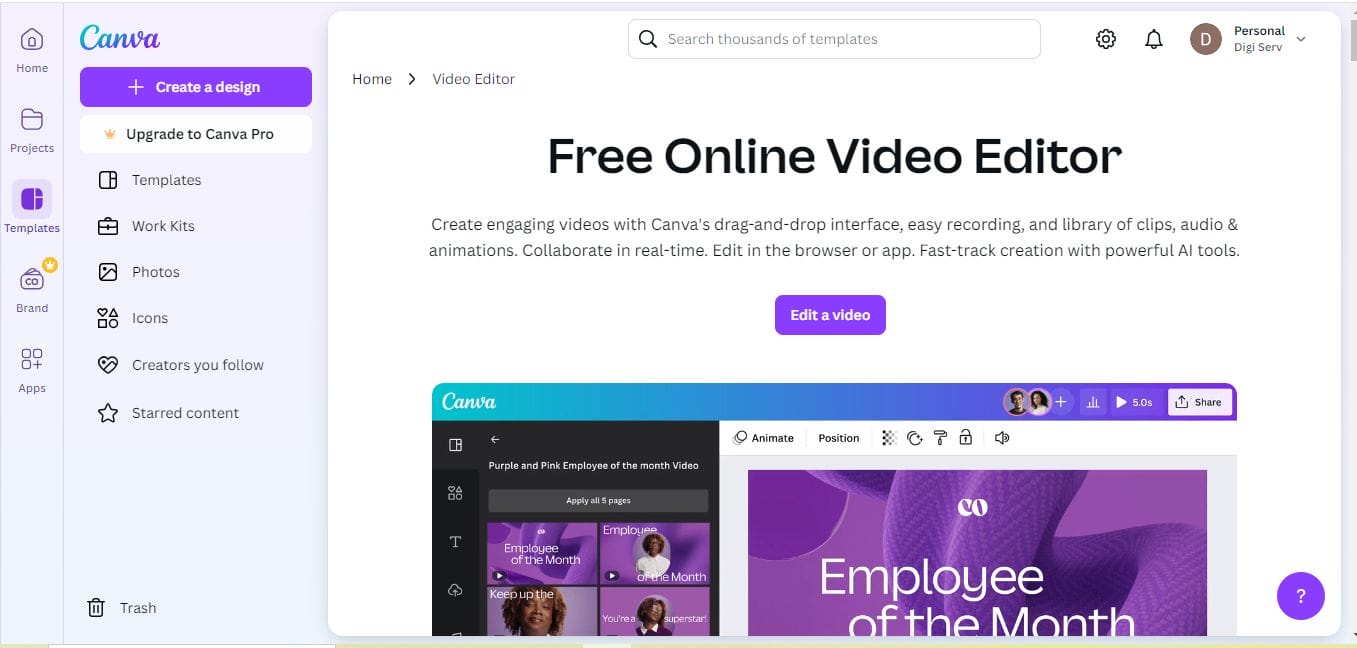
Canva is one of the most popular graphic design tools available, offering an extensive range of templates specifically for podcasts. With its drag-and-drop interface, Canva is incredibly easy to use, even for beginners. You can choose from free elements or opt for premium graphics and templates in the Canva Pro version.
Key Features:
- Intuitive drag-and-drop interface
- Thousands of customizable templates
- Access to free and premium design elements
Pros:
Simple, user-friendly design
Affordable premium plan with more options
Cons:
Limited customization for advanced designs
2. Adobe Spark
Adobe Spark makes it easy to create professional-quality graphics, including podcast cover art. Its connection to Adobe Creative Cloud provides access to Adobe Fonts and assets, which means high-quality design elements are readily available. It’s ideal for users who want professional features without needing in-depth design skills.
Key Features:
- Integrated with Adobe Creative Cloud
- High-quality templates and design assets
- Mobile-friendly interface
Pros:
Syncs well with other Adobe products
Great selection of high-quality fonts and elements
Cons:
Subscription required for full functionality
Also Read: 10 Best Graphic Element Animated Illustration
3. Desygner
Desygner is an up-and-coming design tool, popular for its simplicity and flexibility. It offers a wide range of podcast cover templates, and it’s optimized for mobile use, making it easy to design on the go. Desygner is perfect for podcasters who want a quick, effective design tool with a library of professional templates.
Key Features:
- Wide range of free templates
- Easy to use on mobile and desktop
- Free and premium versions available
Pros:
Accessible on multiple devices
User-friendly for beginners
Cons:
Limited features on the free version
Also Read: 10 Best Polaroid Film Templates
4. Figma
Figma is known for its collaboration capabilities, making it great for podcasters working with a design team. You can create highly customizable and unique podcast covers, thanks to Figma’s versatile design tools and plugin support.
Key Features:
- Collaborative design platform
- Excellent for custom and team-based designs
- Extensive plugin support
Pros:
Ideal for collaborative projects
Highly customizable designs
Cons:
Learning curve for beginners
5. Snappa
Snappa offers pre-made templates specifically designed for social media and podcast cover sizes. This tool is perfect for podcasters who need a fast, easy solution for creating attractive cover art without deep design skills.
Key Features:
- Free templates and editing tools
- Pre-sized templates for various platforms
- Quick and easy-to-use interface
Pros:
Fast and efficient design process
Free version available with limited templates
Cons:
Limited options compared to other platforms
6. Placeit
Placeit is an ideal tool for those who want professionally designed templates without much hands-on work. Placeit’s vast template library and straightforward editing make it perfect for podcasters looking to create polished covers quickly.
Key Features:
- Huge library of podcast cover templates
- Easy-to-edit mockups and templates
- Optimized for non-designers
Pros:
User-friendly with a vast library of templates
Subscription includes access to all templates
Cons:
Limited customization for advanced designers
7. Crello
Crello is an intuitive tool with a large library of templates, including options specifically for podcast cover designs. If you’re looking for a balance between ease of use and design flexibility, Crello is a great choice. It also offers animated templates for additional engagement on social media.
Key Features:
- Templates optimized for podcasts
- Animation options for engaging visuals
- Drag-and-drop functionality
Pros:
Animation options for dynamic designs
Affordable and easy to use
Cons:
Limited image editing options
8. Affinity Designer
Affinity Designer offers a powerful design suite ideal for more experienced users looking for a one-time purchase option. This tool is perfect for podcasters who want to invest in advanced design capabilities without the commitment of a subscription.
Key Features:
- Comprehensive design tools
- One-time purchase fee (no subscription)
- Excellent for high-quality vector designs
Pros:
Professional-grade tools without a subscription
Ideal for advanced custom designs
Cons:
Steeper learning curve for beginners
9. PicMonkey
PicMonkey combines photo editing with design, offering a range of tools to create eye-catching podcast covers. With a mobile-friendly app, PicMonkey allows podcasters to create or edit cover art from any device.
Key Features:
- Great for quick photo editing
- Large selection of fonts and effects
- Mobile-friendly with a dedicated app
Pros:
Mobile app for design on the go
Excellent for photo-based designs
Cons:
Limited templates specifically for podcasts
10. Photoshop Express
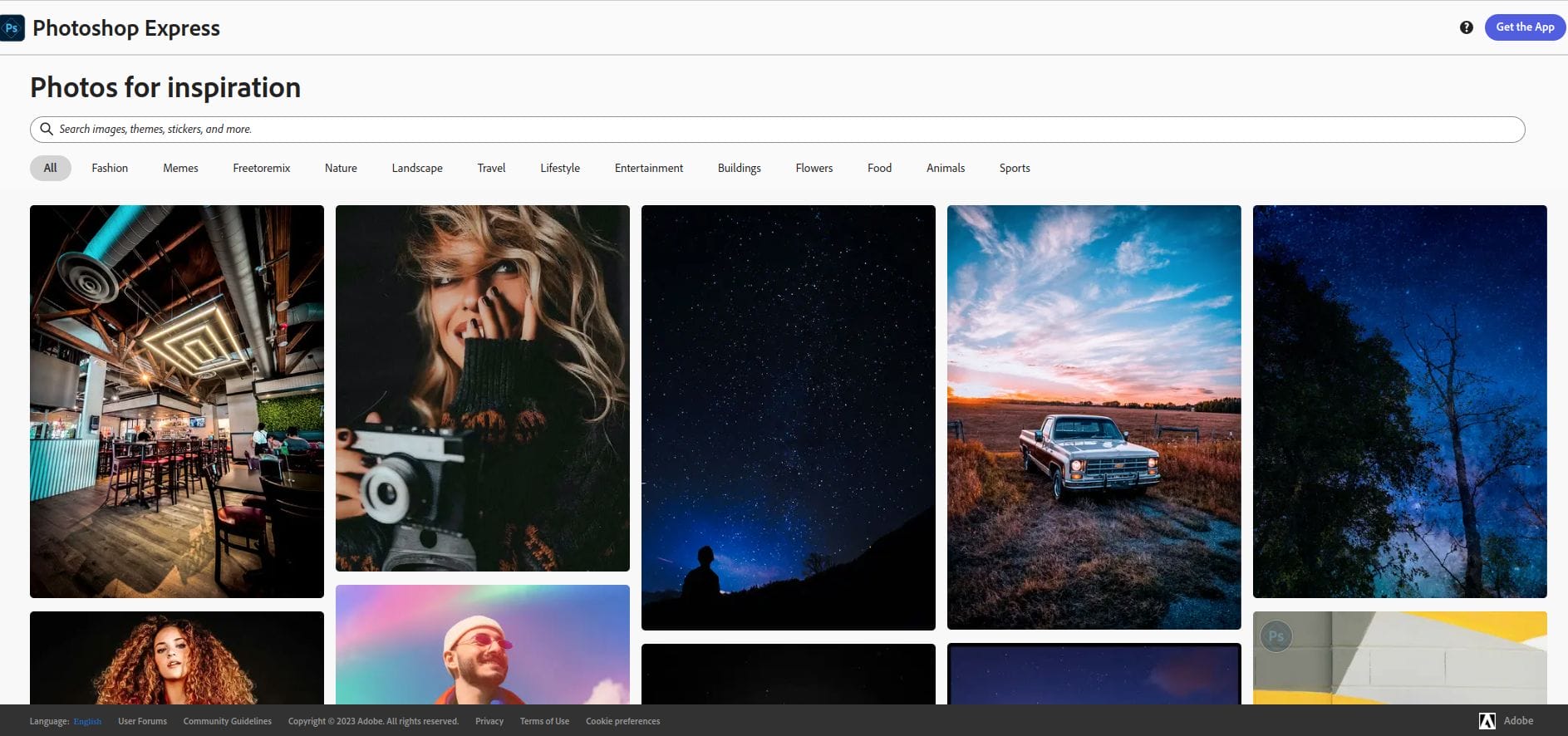
Photoshop Express offers essential photo editing tools in a simplified, free version of Photoshop. While it doesn’t have as many features as the full version, it’s still a great choice for podcasters looking to enhance their cover photos without a complicated setup.
Key Features:
- Basic photo editing tools
- Easy access to high-quality assets
- Free version available with limited features
Pros:
Free and easy to use
Great photo editing capabilities
Cons:
Limited templates specifically for podcasts
Comparison Table: 10 Best Podcast Cover Design Tools
| Tool | Key Features | Pros | Cons |
|---|---|---|---|
| Canva | Drag-and-drop, customizable templates | Easy to use, affordable premium | Limited advanced options |
| Adobe Spark | Creative Cloud integration, mobile-friendly | High-quality assets, syncs with Adobe | Requires subscription for full features |
| Desygner | Mobile-friendly, wide range of templates | Simple, multi-device | Limited free version |
| Figma | Collaborative design, plugin support | Ideal for teams, customizable | Learning curve for new users |
| Snappa | Pre-sized templates, quick design | Fast and user-friendly | Less flexible than others |
| Placeit | Template library, mockups | Easy for non-designers | Limited advanced customization |
| Crello | Animation, drag-and-drop | Easy and affordable | Limited image editing |
| Affinity Designer | Professional design, vector tools | One-time purchase | Complex for beginners |
| PicMonkey | Photo editing, fonts | Mobile app available | Few podcast-specific templates |
| Photoshop Express | Basic editing, quality assets | Free, great for photos | Limited podcast templates |

Closing Remarks
Selecting the right tool from the 10 best podcast cover design tools listed above can make a big difference in creating cover art that attracts listeners. From user-friendly platforms like Canva and Placeit to professional-grade tools like Affinity Designer and Figma, there’s an option for every skill level and budget. Consider the unique style and branding of your podcast, and choose a tool that best aligns with your vision.
Interesting Reads:
10 Best Graphic Element Sticker

Shashank is a seasoned digital marketing and WordPress expert who specializes in SEO, software tools reviews, and cutting-edge strategies for boosting online presence. With a passion for simplifying complex topics, Goutham crafts engaging blog posts that help readers optimize their websites, improve search engine rankings, and stay ahead in the ever-evolving digital landscape.