

In a world filled with endless digital photo options, the timeless style of Polaroid photography never loses its charm. Whether you’re working on a scrapbook, a social media campaign, or just looking to add a vintage touch to your photos, Polaroid film templates offer a quick, versatile way to achieve this classic look. With Polaroid templates, you can frame your favorite photos with that iconic white border and customize them to fit your creative vision. This post introduces the 10 best Polaroid film templates that make creating retro-style images easy. Whether you’re looking for high-resolution, customizable templates or options that work well on different platforms, we’ve got you covered.

Quick Links
Why Use Polaroid Film Templates?
Using Polaroid templates is not only a fast way to get a nostalgic look but also an efficient way to make any image more engaging. With a Polaroid template, your photos feel more tangible, even in digital form, giving viewers a sense of nostalgia. Moreover, Polaroid templates are flexible and customizable, allowing you to adjust the borders, add filters, or change the text to make each image uniquely yours.
For photographers, designers, and casual users, Polaroid film templates can elevate projects, presentations, and social media posts. Let’s look at the top choices available!
1. Canva Polaroid Frame Template
Key Features
- Wide range of customizable frames
- User-friendly drag-and-drop interface
- Free and premium options available
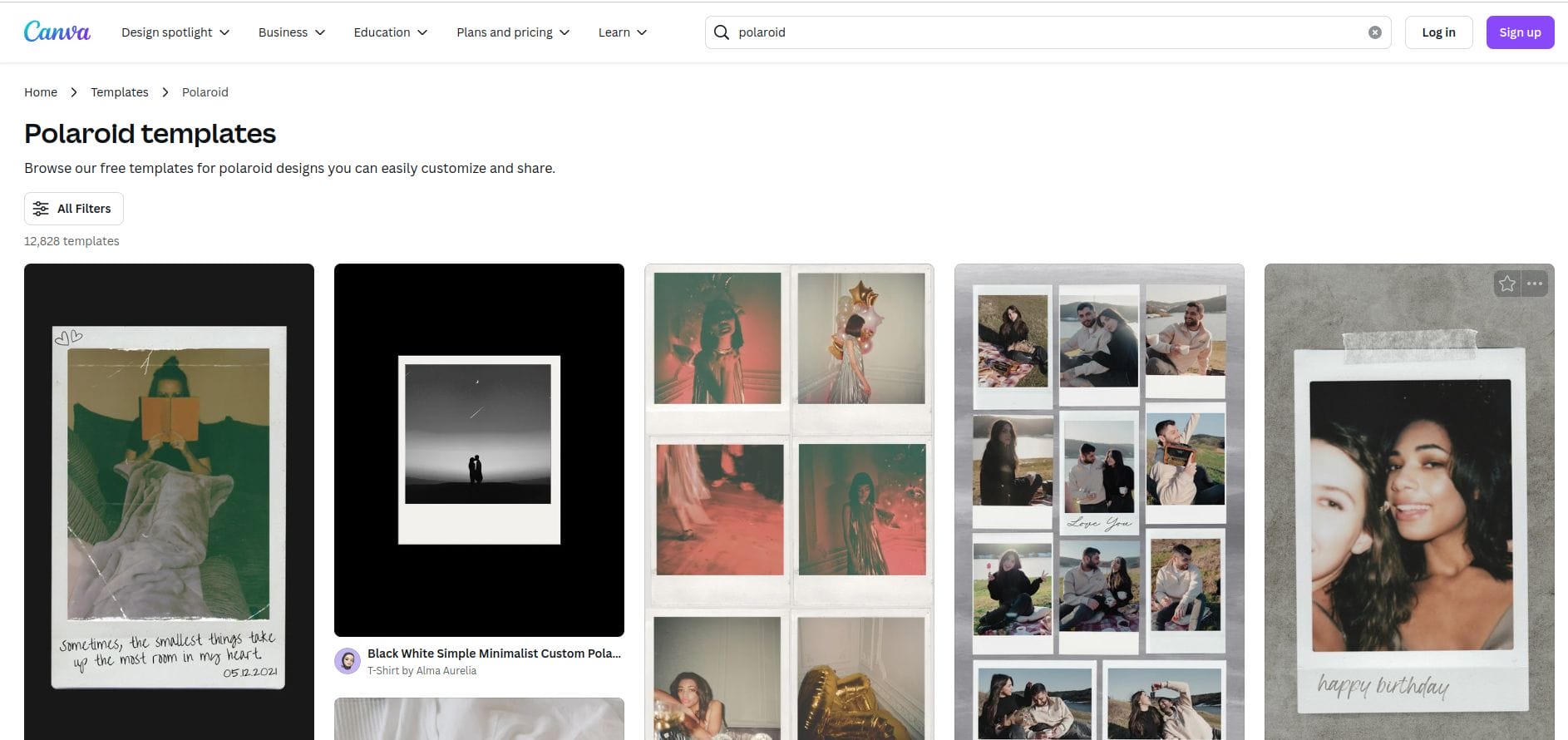
Canva provides an extensive library of Polaroid-style frames that can be easily customized within its platform. You can adjust the background, add text, and apply filters. Canva’s ease of use and range of design options make it a top choice for both beginners and experienced users.
Pros
Free templates available
Accessible for all skill levels
Cons
Premium features require a paid subscription
2. Adobe Spark Polaroid Templates
Key Features
- Professional-level customization
- Integrates with Adobe Creative Cloud
- Accessible from mobile and desktop
Adobe Spark offers a sleek platform with a variety of Polaroid templates. With advanced customization options, you can personalize every aspect of your Polaroid frame, from the background color to the text font. Adobe Spark is perfect for users who are already comfortable with Adobe’s suite.
Pros
Professional-grade design tools
Mobile-friendly and web-accessible
Cons
Learning curve for beginners
Also Read: Best Graphic Element Sticker
3. Placeit by Envato
Key Features
- Simple, high-quality Polaroid frames
- Easy customization and photo editing tools
- Direct download of high-resolution images
Placeit by Envato offers a clean selection of Polaroid templates that can be customized to fit any aesthetic. The platform’s intuitive interface makes it easy to create polished, high-quality images without advanced design skills.
Pros
High-quality templates with customization options
No software download needed
Cons
Limited free templates
4. Pixlr Polaroid Template
Key Features
- Online photo editor with Polaroid frames
- Layer editing and advanced effects
- Completely free to use
Pixlr provides a range of Polaroid frames and an advanced photo editor with layer editing, making it a great choice for those looking for powerful design options. This free online editor allows you to create unique Polaroid-style images with ease.
Pros
Free to use with advanced editing tools
Excellent for custom designs
Cons
Ads on the free version can be distracting
5. Polaroid Frame PSD by Graphic Burger
Key Features
- High-quality, Photoshop-ready templates
- Fully customizable layers
- Free download with premium quality
For Photoshop users, Graphic Burger offers a high-resolution Polaroid frame template in PSD format. This template is fully layered, allowing for complete control over every aspect of the design. It’s ideal for designers who want the highest quality images.
Pros
Professional quality for free
Full Photoshop compatibility
Cons
Requires Adobe Photoshop
6. Polaroid Mockup by Mockup World
Key Features
- Realistic 3D-style Polaroid frames
- Customizable background and lighting
- Available in PSD format
Mockup World’s Polaroid template provides a realistic 3D-style effect that can bring depth to your images. You can edit the template in Photoshop, allowing you to customize the background, lighting, and angle for a realistic look.
Pros
High realism with 3D effects
Great for creating visually stunning images
Cons
Requires Photoshop for editing
Also Read: Best Graphic Element Animated Sticker
7. Fotor Polaroid Frame
Key Features
- Online editor with Polaroid frames
- Simple to use with adjustable borders
- Allows for text and sticker additions
Fotor’s Polaroid frames are accessible online, and they offer customization features such as text overlays, stickers, and border adjustments. It’s a beginner-friendly option for users who want quick results without learning complex software.
Pros
Easy-to-use online editor
Suitable for beginners
Cons
Limited design features compared to others
8. PhotoScape Polaroid Frame
Key Features
- Desktop app for photo editing
- Polaroid frame and collage options
- Batch editing for multiple photos
PhotoScape provides Polaroid frames as part of its desktop app, allowing you to edit multiple photos at once. This is particularly helpful for users working on large projects who need batch editing capabilities.
Pros
Desktop-based with batch editing
Great for high-volume projects
Cons
Limited advanced editing features
Also Read: Best Graphic Element Sticker
9. Polaroid Generator by Pixel Buddha
Key Features
- Customizable PSD template
- Easily adjustable shadows and highlights
- Free for personal and commercial use
PixelBuddha offers a Polaroid Generator in PSD format, giving users control over shadows, highlights, and overall look. This template is well-suited for designers who want high customization without a subscription fee.
Pros
High level of detail and realism
Completely free to download
Cons
Requires Photoshop for full functionality
10. Polaroid Collage Maker by BeFunky
Key Features
- Online editor with Polaroid collage templates
- Customizable background colors and text
- Beginner-friendly with drag-and-drop
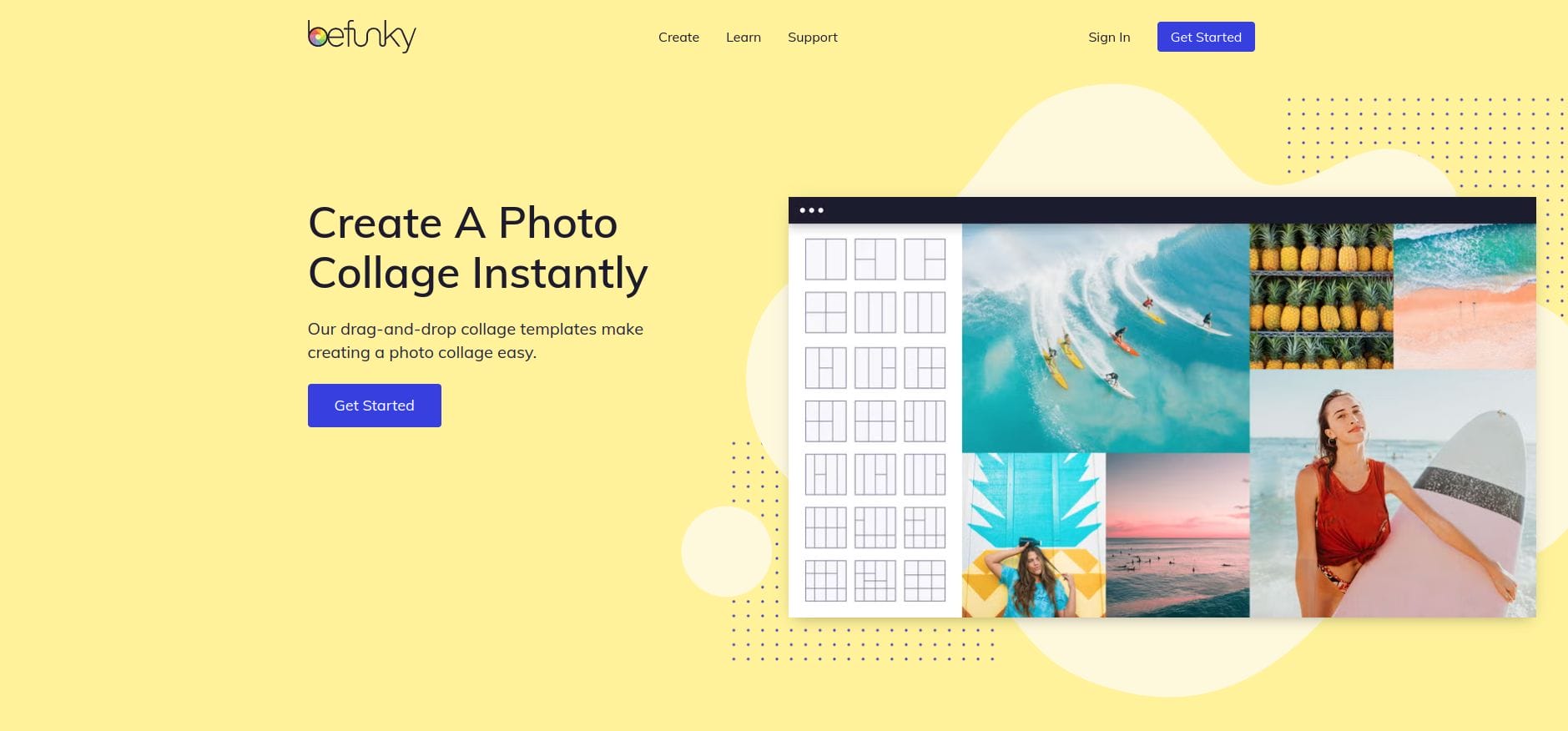
BeFunky’s Polaroid Collage Maker is perfect for users wanting to create Polaroid-style collages. This online editor allows you to arrange multiple Polaroid frames into a single, customizable layout, making it ideal for social media.
Pros
Fun and easy-to-use collage options
No software download required
Cons
Limited advanced features in free version
Comparison Table: 10 Best Polaroid Film Templates
| Template Name | Key Features | Pros | Cons |
|---|---|---|---|
| Canva Polaroid Frame Template | Customizable frames, drag-and-drop, free/premium | User-friendly, free options | Premium features cost extra |
| Adobe Spark Polaroid Templates | Pro customization, Adobe Cloud integration | Professional-grade, mobile-friendly | Requires Adobe subscription |
| Placeit by Envato | High-res frames, easy editing, web-based | High-quality, easy-to-use | Limited free templates |
| Pixlr Polaroid Template | Online editor, free, advanced effects | Free, customizable | Ads in free version |
| Polaroid Frame PSD by GraphicBurger | Photoshop-ready, high-res, layered | Professional quality, free | Requires Photoshop |
| Mockup World Polaroid Mockup | 3D style, PSD, realistic look | Realistic effect, customizable | Photoshop required |
| Fotor Polaroid Frame | Online, simple editor, adjustable borders | Beginner-friendly, easy | Limited design flexibility |
| PhotoScape Polaroid Frame | Desktop app, collage, batch edit | Batch editing, no internet needed | Basic features only |
| PixelBuddha Polaroid Generator | PSD template, adjustable shadows | Free, high-quality detail | Photoshop required |
| BeFunky Polaroid Collage Maker | Collage, online, customizable layout | Drag-and-drop, no software needed | Limited free features |

Closing Remarks: Choosing the Perfect Polaroid Template

With so many fantastic options available, finding the best Polaroid film template depends on your specific project needs, budget, and level of design expertise. Each template offers a unique set of features, from fully editable frames and layered PSD files to pre-designed collage layouts and Instagram-ready story templates. Whether you’re creating nostalgic photo collages, single-frame images for social media, or professional-grade designs for marketing or personal projects, there’s a perfect template to suit every purpose.
These templates not only save time but also provide creative flexibility, allowing you to adjust colors, add text, and customize layouts to match your aesthetic vision. By experimenting with different Polaroid film templates, you can discover new ways to present your photos, tell visual stories, and infuse your projects with charm, personality, and a touch of vintage elegance.
Interesting Reads:
Best Graphic Element Animated Illustration

