

Quotes have a way of inspiring, motivating, and connecting with people on a deep level. When combined with videos, they become even more powerful and engaging. Whether you want to share an inspirational quote on social media, add a personal touch to your YouTube video, or create captivating content for your audience, a quote video maker is the perfect tool. In this post, we’ll explore the 10 Best quote video maker that will help you create visually stunning quote videos with ease.

Why Use a Quote Video Maker?
Visual Storytelling
Words are powerful, but when paired with visuals, they can make an even greater impact. Videos can convey emotions, build connections, and deliver messages more effectively than plain text. A quote video maker lets you add images, motion graphics, and music to your favorite quotes, making them more engaging.
Boost Social Media Engagement
Video content consistently ranks as one of the most engaging types of media on platforms like Instagram, Facebook, and Twitter. Sharing quote videos is a great way to inspire your audience and keep them engaged. The right tools will allow you to create high-quality quote videos quickly and easily.
Now, let’s dive into the 10 best quote video maker you can use to create professional, beautiful videos without needing advanced editing skills.
1. Canva
Key Features:
- Drag-and-drop interface
- Pre-designed templates for quotes
- Huge library of stock photos, illustrations, and music
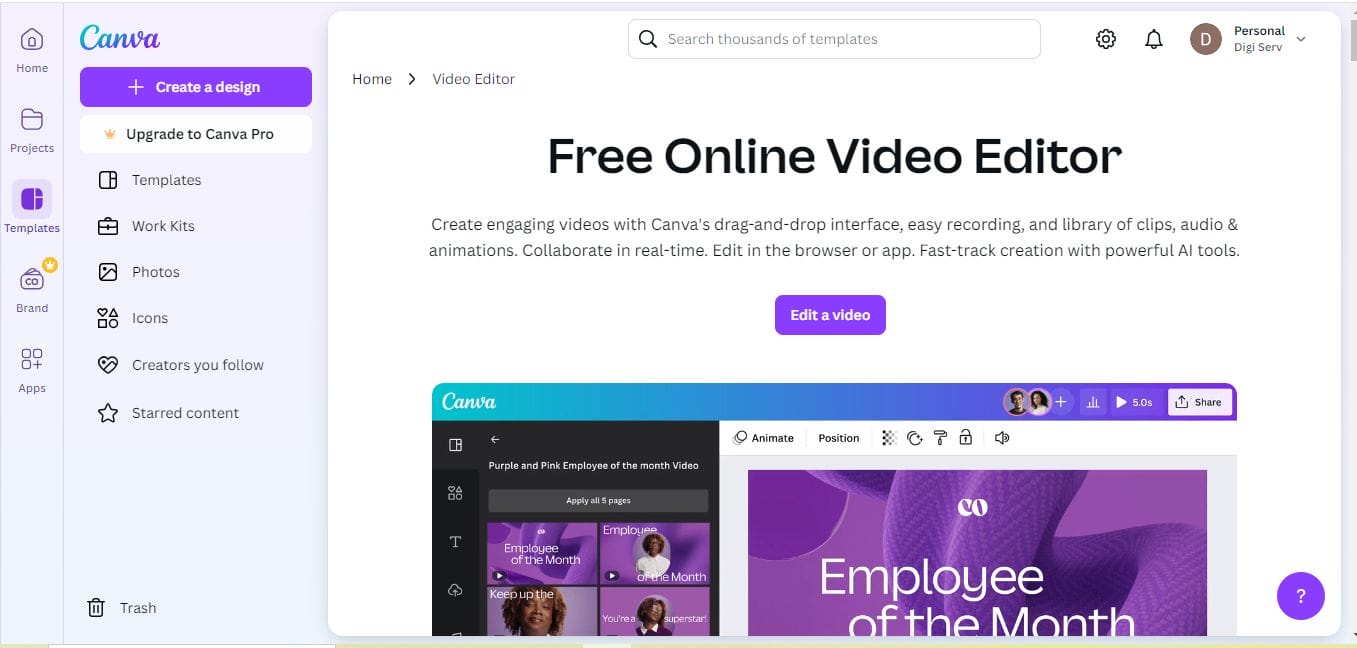
Canva is one of the most popular graphic design tools, and its video-making feature is just as powerful. It offers a wide range of templates for creating quote videos, and its easy-to-use drag-and-drop interface makes it accessible for beginners and professionals alike. You can also access an extensive library of images, fonts, and animations to bring your quotes to life.
Pros:
- Extremely user-friendly
- Plenty of free assets like photos, icons, and music
Cons:
- Limited video export options in the free version
2. Adobe Spark Video
Key Features:
- Professional video templates
- Text and animation options
- Integration with Adobe Creative Cloud
Adobe Spark Video is a free, cloud-based tool designed to help you create stunning quote videos with minimal effort. It provides templates specifically for video quotes, allowing you to easily add text, images, and sound. The tool is part of the Adobe Creative Cloud suite, so it integrates seamlessly with other Adobe tools.
Pros:
- High-quality design features
- Built-in voice-over and music options
Cons:
- Watermark on free version videos
3. InVideo
Key Features:
- Over 4,000 templates
- Supports HD video creation
- Text-to-video conversion
InVideo is a powerful video creation tool that allows users to create professional-quality quote videos. With over 4,000 customizable templates, you can add animations, text, and music to your videos easily. InVideo’s user-friendly platform is perfect for both beginners and experts looking to create share-worthy content.
Pros:
- Free version allows full access to most features
- HD video export available in the free plan
Cons:
- Free version has a watermark
4. Kapwing
Key Features:
- Easy-to-use video editor
- Supports video, GIFs, and images
- Collaborative online platform
Kapwing is an all-in-one online content creation tool that allows you to edit videos, images, and GIFs. Its video editor is perfect for creating engaging quote videos. You can add text overlays, background music, and simple animations to make your quotes stand out.
Pros:
- Free and accessible online
- No download required
Cons:
- Free plan limits video exports to 720p
5. FlexClip
Key Features:
- Drag-and-drop interface
- Extensive template library
- Built-in stock media
FlexClip is another excellent free quote video maker that offers an intuitive drag-and-drop interface. With its variety of templates and a large collection of stock photos, videos, and music, you can create high-quality quote videos in minutes. FlexClip also provides customization options, allowing you to modify text, transitions, and effects.
Pros:
- Free access to templates and stock media
- Easy to use with no video editing experience needed
Cons:
- Limited to 12 projects in the free version
6. Animoto
Key Features:
- Pre-built storyboards
- Drag-and-drop video builder
- Music library with licensed tracks
Animoto is a popular online video maker that simplifies the process of creating professional-looking quote videos. It offers pre-built storyboards, so all you need to do is insert your quote, images, or videos, and the tool will automatically generate the finished video. You can also customize the background music and fonts to fit your style.
Pros:
- Beginner-friendly with pre-built templates
- Free music library
Cons:
- Watermark in the free version
7. Biteable
Key Features:
- Hundreds of pre-made video templates
- Simple text and animation options
- Easy-to-use online platform
Biteable is known for its simplicity and ease of use. It offers hundreds of customizable video templates that make it easy to create shareable quote videos in just a few clicks. You can add animations, text overlays, and transitions to give your quote videos a polished look.
Pros:
- Fast and easy to use
- Great selection of pre-made animations
Cons:
- Free version includes a watermark
8. Lumen5
Key Features:
- AI-powered video creation
- Text-to-video conversion
- Large media library
Lumen5 uses artificial intelligence to help you create videos from your text content, making it an ideal tool for quote videos. The platform automatically suggests images, videos, and animations based on your text, speeding up the creative process. This makes it perfect for those who want to create professional-looking quote videos in no time.
Pros:
- AI-powered, making video creation fast and easy
- High-quality output
Cons:
- Limited customization options in the free version
9. Promo.com
Key Features:
- Extensive library of templates
- HD video exports
- Social media optimization
Promo.com is designed specifically for social media video creation. It offers a library of high-quality templates that can be customized with your quotes. Promo.com’s focus on social media optimization makes it a great choice for creating shareable content quickly and easily.
Pros:
- Social media-focused templates
- High-quality video output
Cons:
- Free version is limited in features
10. Wave.video
Key Features:
- Extensive template library
- Drag-and-drop video editor
- Large stock footage collection
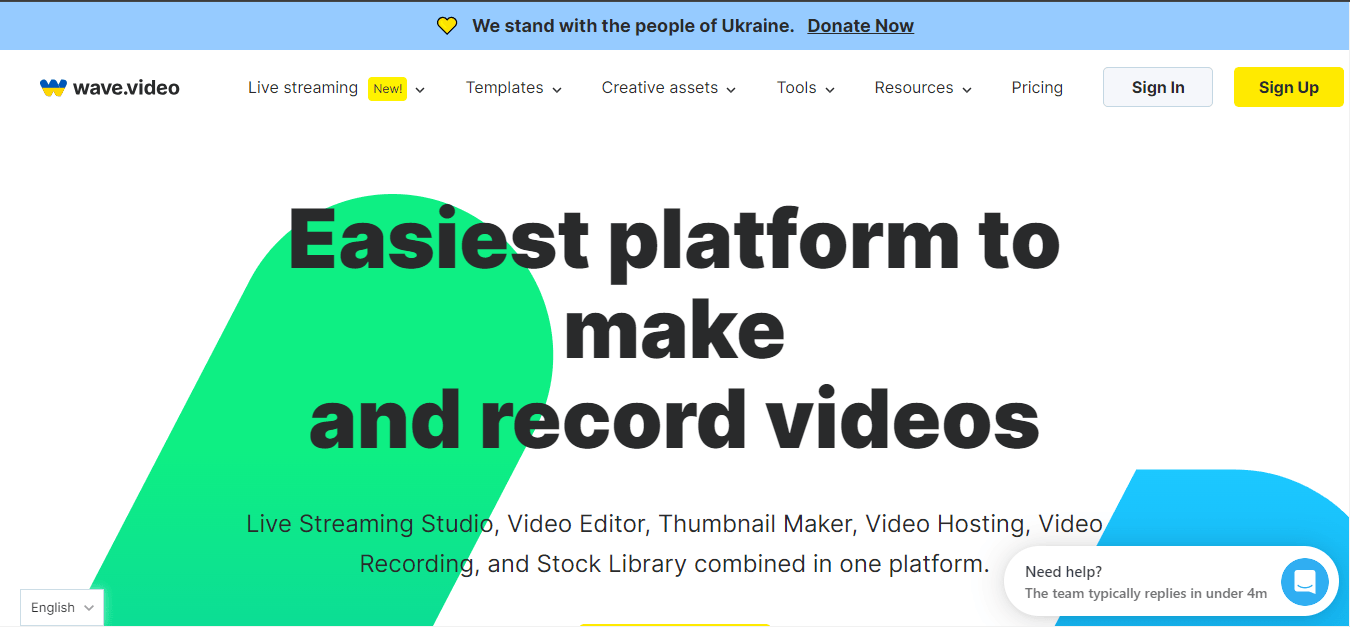
Wave.video offers an impressive selection of templates for creating quote videos. It has a user-friendly interface and provides access to a library of stock footage, images, and music. With its drag-and-drop functionality, creating beautiful and professional quote videos is a breeze.
Pros:
- High-quality templates and media assets
- Intuitive video editing features
Cons:
- Free version has export limitations
Comparison Table: 10 Best Quote Video Maker
| Software Name | Key Features | Pros | Cons |
| Canva | Drag-and-drop, templates | User-friendly, free assets | Limited video exports |
| Adobe Spark Video | Professional templates, text animation | High-quality, voice-over | Watermark in free version |
| InVideo | 4,000+ templates, HD videos | Free version with many features | Watermark in free plan |
| Kapwing | Online editor, supports GIFs | Accessible, free | 720p export limit in free version |
| FlexClip | Drag-and-drop, stock media | Free templates, no experience needed | Limited projects in free plan |
| Animoto | Pre-built storyboards, music library | Easy for beginners, music included | Watermark in free plan |
| Biteable | Pre-made templates, animations | Fast, easy-to-use | Watermark in free version |
| Lumen5 | AI-powered, text-to-video | AI-driven, high-quality output | Limited customization for free users |
| Promo.com | Social media templates, HD export | Social media optimized, fast | Free version feature limits |
| Wave.video | Templates, stock footage | Intuitive, high-quality assets | Export limitations in free version |

Closing Remarks: Finding the Best Quote Video Maker for You
Each of these 10 best quote video maker offers a unique set of features designed to help you create stunning and engaging quote videos. Whether you’re looking for simplicity, creativity, or social media optimization, there’s a tool here for every need. From Canva’s user-friendly interface to Lumen5’s AI-powered capabilities, these tools ensure that your quotes will not only look good but also stand out.
Start experimenting with these tools and elevate your social media presence, YouTube channel, or personal projects with beautiful quote videos that inspire and captivate.
Interesting Reads:
10 Best Free Tutorial Video Maker Online

