

RingCentral has long been a leading name in business communication software, offering VoIP calling, team messaging, video conferencing, and contact center solutions—all rolled into one platform. But while powerful, it’s not the perfect fit for everyone.
Many businesses in 2025 are actively seeking RingCentral alternatives due to factors such as high pricing tiers, complex feature sets, or the need for more flexible tools tailored to remote and hybrid work teams.
As remote work becomes the norm, the demand for streamlined, cost-effective, and user-friendly communication platforms has skyrocketed. Whether you’re a startup seeking agility or an enterprise needing enterprise-grade reliability, there’s a wide array of tools that can meet your needs, often at a lower cost or with better user experience.
In this guide, we break down the 10 best RingCentral alternatives in 2025 based on performance, pricing, and features. Let’s find the right fit for your team.

Quick Links
What Is RingCentral and Why Look for Alternatives?
RingCentral is a leading business communication software that offers a unified platform for voice calls, video conferencing, team messaging, and contact center solutions. It’s a cloud-based solution, popular among businesses looking for a scalable and secure way to stay connected—especially in the era of hybrid and remote work.
While RingCentral packs a powerful feature set, it’s not always the best fit for every business.
Common Reasons Businesses Seek RingCentral Alternatives:
- High Pricing Tiers: RingCentral’s plans can get expensive, especially for small teams or startups looking to keep costs low.
- Complexity: The platform includes a wide array of features, which can overwhelm teams that just need the basics.
- Overlapping Tools: Many businesses already use platforms like Microsoft Teams, Google Workspace, or Zoom and may find better integration elsewhere.
- Customer Support Concerns: Some users have reported inconsistent support experiences.
- Need for Customization: RingCentral’s flexibility can feel limited compared to tools that offer developer APIs or modular add-ons.
As remote collaboration becomes standard, teams now prioritize ease of use, integrations, call quality, and affordability. This shift has opened the door for several excellent RingCentral alternatives in 2025 that offer better value, better UX, or a more tailored feature set.
How to Choose the Right Business Communication Software
Choosing the right business communication software starts with understanding your team’s specific needs. Consider factors like team size, remote vs. in-office work, and your preferred communication style—do you rely more on video calls, messaging, or traditional voice? Identify must-have features such as call recording, integrations with your CRM, mobile accessibility, or AI-enhanced tools.
Also, think long-term. A platform should scale with your business, not limit it. Look for solutions with transparent pricing, responsive customer support, and positive user feedback. Most importantly, take advantage of free trials or demos—nothing beats hands-on experience when deciding which tool truly fits your workflow.
The Best RingCentral Alternatives
1. Zoom Phone

Zoom Phone is a cloud-based VoIP solution built by Zoom, offering HD voice calling, global PSTN support, auto-attendants, and seamless integration with Zoom Meetings, Team Chat, and Calendar. It supports voicemail transcription, call routing, analytics, and integrations with tools like Salesforce, Microsoft 365, and Slack—making it an all-in-one communications hub for modern teams.
Pros:
- Ideal for businesses already using Zoom
- High-quality audio with minimal latency
- Scales easily for hybrid and remote teams
- Intuitive admin controls and user interface
Cons:
- Limited advanced call center features
- Some tools cost extra (e.g., international calling, add-ons)
Pricing:
Starts at $10/user/month for the metered plan; $15–$20/user/month for unlimited domestic calling (varies by country)
Best For:
Remote teams, SMBs, and enterprises already using Zoom for meetings and collaboration
2. Microsoft Teams Phone
Microsoft Teams Phone brings cloud-based calling directly into the Microsoft Teams ecosystem, allowing users to make VoIP and PSTN calls, manage call queues, access voicemail, and use advanced features like auto-attendants and call transfers—all while staying within Teams. With deep integration into Office 365, secure admin controls, and native mobile/desktop apps, it’s a natural choice for businesses already embedded in Microsoft’s suite.
Pros:
- Excellent for Microsoft 365 users
- Enterprise-grade security and compliance
- Centralized experience for messaging, meetings, and calls
Cons:
- Setup can be complex for smaller teams
- Less valuable if you’re not using Microsoft 365
Pricing:
Available as an add-on starting at $8/user/month (Microsoft 365 subscription required)
Best For:
Mid to large-sized organizations operating within the Microsoft 365 ecosystem
3. Dialpad
Dialpad is a modern cloud communication platform powered by AI, offering voice calls, SMS, video conferencing, real-time transcription, and intelligent call routing. Its standout features include AI call summaries, voicemail transcription, smart coaching, and seamless integrations with Google Workspace, Microsoft 365, Salesforce, and HubSpot—making it a smart, streamlined solution for fast-moving teams.
Pros:
- Cutting-edge AI features like real-time transcription and coaching
- Sleek, user-friendly interface
- Great mobile and desktop apps
Cons:
- Some AI tools are limited to higher-tier plans
- May be overkill for teams that just need basic voice and messaging
Pricing:
Starts at $15/user/month
Best For:
Tech-savvy startups, sales teams, and remote companies looking for AI-powered communication
4. Nextiva
Nextiva is a robust business communication platform that combines VoIP calling, video conferencing, team messaging, and customer experience tools in one cloud-based solution. Known for its 99.999% uptime, Nextiva includes features like auto-attendants, call queuing, analytics, voicemail-to-email, and CRM integrations—making it especially popular with customer support teams and service-driven businesses.
Pros:
- Extremely reliable uptime and call quality
- All-in-one solution with VoIP, video, and CRM tools
- Strong customer service reputation
Cons:
- Pricing can be high for small teams
- Interface feels a bit dated compared to newer competitors
Pricing:
Starts at $18.95/user/month (billed annually, varies by team size)
Best For:
Midsize to large businesses focused on customer service, support, or sales
5. 8×8 X Series
8×8 X Series is a comprehensive unified communications and contact center platform offering global VoIP calling, video meetings, team chat, analytics, and advanced call center features. It includes tools like call recording, number porting, auto-attendants, and AI-powered analytics—all accessible through a single, cloud-based dashboard with support for over 40 countries.
Pros:
- Global calling with competitive international rates
- Strong contact center capabilities built in
- Flexible plans that grow with your team
Cons:
- User interface isn’t as intuitive as newer platforms
- Smaller teams may find it overly complex
Pricing:
Starts at $24/user/month for X2 plan; advanced features available in higher tiers
Best For:
Enterprises and growing businesses with international teams or contact center needs
Also Read: 10 Best B2B AI Sales Platforms
6. Vonage Business Communications
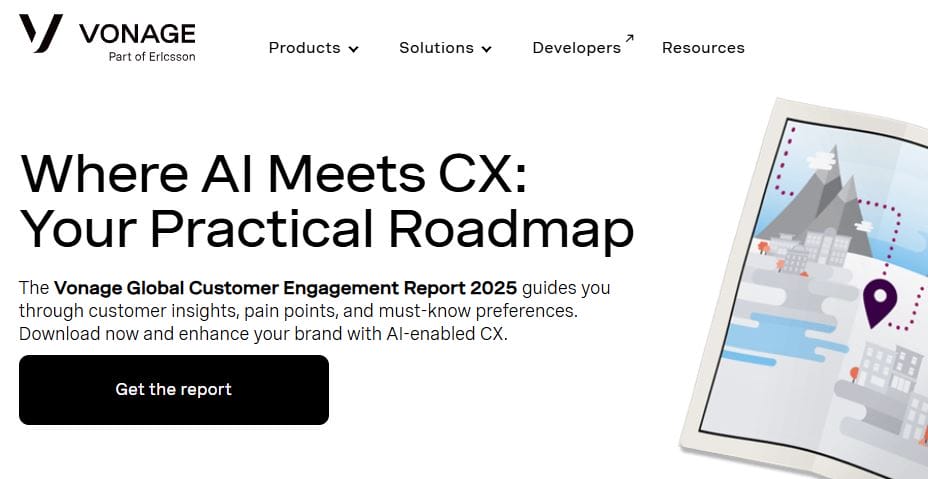
Vonage Business Communications offers a flexible VoIP solution with voice calling, SMS messaging, video conferencing, and app integrations—all managed from a simple, cloud-based dashboard. It includes call forwarding, virtual receptionist, team messaging, CRM integrations (like Zoho and Salesforce), and mobile/desktop apps that help teams stay connected from anywhere.
Pros:
- Customizable features with a modular approach
- Easy-to-use interface for admins and users
- Strong mobile performance
Cons:
- Advanced features often cost extra
- Customer support can be hit or miss
Pricing:
Starts at $19.99/user/month for the Mobile plan
Best For:
Small to midsize businesses that want flexibility and mobility without complex setup
7. GoTo Connect
GoTo Connect (formerly Jive) is a unified cloud communication system offering VoIP calling, video conferencing, team messaging, call routing, and auto-attendants—all backed by GoTo’s secure infrastructure. It includes drag-and-drop dial plan editors, number porting, call analytics, and integrations with tools like Slack, Microsoft 365, Salesforce, and Google Workspace.
Pros:
- Intuitive call flow editor makes setup easy
- Solid reliability and call quality
- Includes both phone and video conferencing in all plans
Cons:
- Limited international calling in basic tiers
- Interface could feel clunky compared to newer platforms
Pricing:
Starts at around $27/user/month (billed annually; varies by features and team size)
Best For:
Organizations that want customizable call flows and all-in-one communication without separate tools
8. Google Voice for Workspace
Google Voice for Workspace is a lightweight yet powerful VoIP service built into the Google ecosystem. It offers voice calling, voicemail transcription, call forwarding, spam filtering, and direct integration with Gmail, Google Calendar, and Google Meet. Managed through the Google Admin console, it’s easy to deploy and perfect for teams already using Google Workspace.
Pros:
- Seamless integration with Google Workspace apps
- Simple, clean interface that’s easy to manage
- Low learning curve for existing Google users
Cons:
- Lacks advanced business features like call analytics or team chat
- Limited support for international numbers in lower plans
Pricing:
Starts at $10/user/month (must be a Google Workspace subscriber)
Best For:
Small teams, startups, and Google-first organizations looking for a simple voice solution
9. Aircall
Aircall is a cloud-based phone system built for sales and support teams, offering voice calling, call routing, shared inboxes, real-time call monitoring, and CRM integrations. It stands out with features like click-to-dial, call tagging, voicemail transcriptions, and deep integrations with platforms like HubSpot, Salesforce, Zendesk, and Slack—making it ideal for high-touch customer interactions.
Pros:
- Designed specifically for sales and support workflows
- Excellent CRM and helpdesk integrations
- Easy setup and user-friendly interface
Cons:
- Can get pricey for small teams with limited call volume
- Occasional issues with call quality in low-bandwidth environments
Pricing:
Starts at $30/user/month (billed annually)
Best For:
Sales teams, customer support centers, and fast-growing SaaS companies needing seamless CRM connectivity
10. OpenPhone
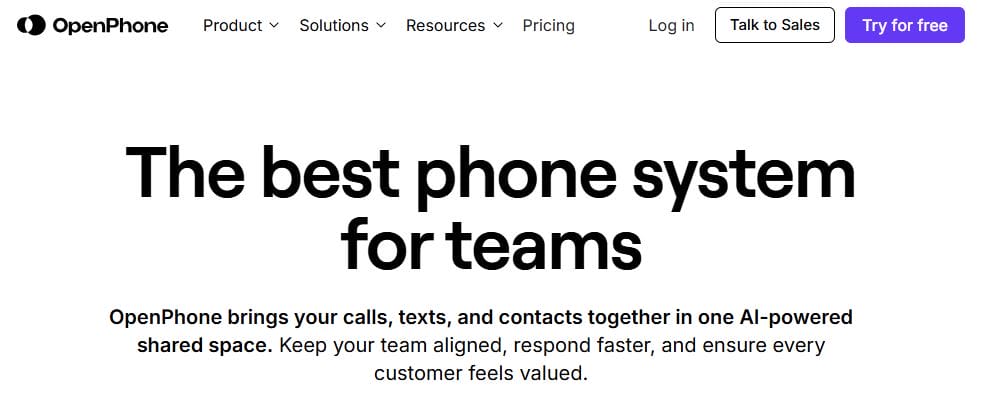
OpenPhone is a modern business phone solution designed for startups and small teams, offering VoIP calling, text messaging, call recording, shared inboxes, and integrations with Slack, HubSpot, and Google Contacts. Its clean mobile and desktop apps let users separate work and personal communication while using powerful collaboration tools like call assignment and team notes.
Pros:
- Simple, intuitive interface perfect for small teams
- Great texting and voicemail features
- Shared numbers and team inboxes make collaboration easy
Cons:
- Limited scalability for larger enterprises
- Fewer advanced features compared to traditional UCaaS providers
Pricing:
Starts at $19/user/month
Best For:
Startups, solopreneurs, and small teams looking for a flexible, affordable business number

Final Thoughts
Choosing the right business communication software can make or break your team’s productivity, especially in a world where remote and hybrid work are the norm. While RingCentral remains a popular option, it’s not the only one worth considering. Whether you’re looking for more intuitive interfaces, better pricing, or tighter integrations with tools your team already uses, there are plenty of strong RingCentral alternatives that offer flexible and scalable solutions.
The key is to match the platform’s strengths with your business needs—whether that’s call quality, video capabilities, team collaboration, or customer support features. Most of these tools offer free trials or demos, so take the time to test what works best for your team before making the switch. A great communication system doesn’t just connect calls—it connects people, ideas, and results.
Interesting Reads:
Product Owner vs Project Manager: Understanding the Roles That Drive Product and Project Success
Data Backup Best Practices: How to Keep Your Critical Information Safe in 2025
10 Best Apollo.io Alternatives for Smarter Sales & Lead Generation

