

Tennis events are all about high energy, excitement, and competition, so why not reflect that in your promotional materials? Whether you’re organizing a tennis tournament, a clinic, or a community gathering, creating eye-catching flyers can help spread the word and attract participants. This guide explores the 10 best tennis flyer maker tools that will help you design powerful flyers with ease. From user-friendly features to customizable templates, these tools cover everything you need to create striking and effective tennis flyers.
Quick Links
Why Choose a Flyer Maker for Tennis Events?
Creating a flyer manually can be time-consuming and technically challenging if you’re not a designer. Flyer makers simplify the process with drag-and-drop tools, pre-made templates, and easy export options. They help save time, offer design flexibility, and allow you to customize your flyer according to your audience’s preferences. By using one of the 10 best tennis flyer maker, you can design a professional-looking flyer even if you’re not a graphic designer.

1. Canva
Key Features:
- Over 1,000 flyer templates
- Drag-and-drop design editor
- Extensive stock photo and graphic library
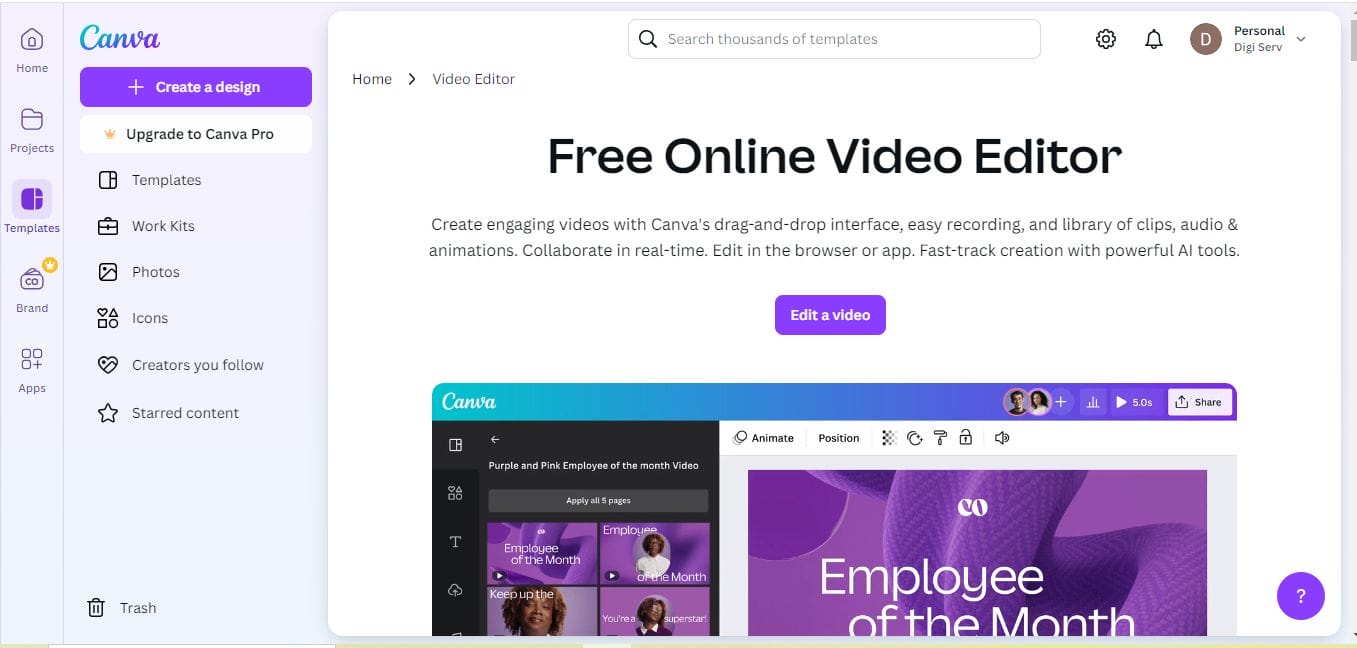
Canva is a go-to flyer maker for most users, offering an extensive collection of templates, including sports-specific designs. For tennis events, Canva’s flexibility lets you create custom flyers with a personal touch by adding photos, logos, and text effects. With both free and premium versions, Canva fits different budgets while providing high-quality results.
Pros:
User-friendly and versatile
Free version with rich features
Cons:
Some advanced assets require a subscription
2. Adobe Spark
Key Features:
- Professional templates and animations
- Brand personalization options
- Cross-device compatibility
For those looking for a more professional finish, Adobe Spark offers a high level of customization. You can quickly personalize templates with your branding elements and use animations to make your digital flyers stand out. Adobe Spark is ideal for users who want more advanced customization without the need for complex software.
Pros:
Great for professionals
Cross-platform capabilities
Cons:
Requires Adobe subscription for premium features
3. PosterMyWall
Key Features:
- Sports-specific templates
- Drag-and-drop editor
- Access to both free and premium designs
PosterMyWall is another powerful tool for creating tennis flyers. It has a wide selection of sports-themed templates, making it perfect for tennis events. The drag-and-drop editor lets you adjust colors, text, and images, allowing you to create a unique design that fits the mood and style of your event.
Pros:
Extensive template library
Easy-to-use interface
Cons:
Limited customization in the free version
4. Crello (VistaCreate)
Key Features:
- Free and premium sports templates
- Animation options for digital flyers
- Thousands of customization assets
Crello (now known as VistaCreate) offers a range of templates, including options for tennis events. You can add animations to make digital flyers pop, ideal for social media sharing. Crello’s pre-set sizes make it easy to export for different platforms, making it perfect for those looking to create versatile promotional content.
Pros:
Animation features for dynamic flyers
User-friendly design interface
Cons:
Some assets are only available in the paid version
5. DesignCap
Key Features:
- 1,000+ flyer templates
- Icon and stock photo library
- Easy-to-use with quick downloads
DesignCap is a lesser-known but powerful flyer maker that offers pre-designed templates specifically tailored for sports events. DesignCap allows you to insert text, icons, and photos with minimal effort. It’s ideal for those looking to create a professional flyer quickly without much design experience.
Pros:
Simplified design process
High-quality templates for free
Cons:
Fewer advanced options than some competitors
6. Snappa
Key Features:
- Quick design tools for social media
- Template-based editor
- High-quality stock photos and icons
Snappa is a great tool for creating tennis flyers if you’re in a hurry. With its collection of templates and assets, it’s perfect for designing professional flyers for digital and print. Snappa’s designs are created with social media in mind, making it easy to share your flyers on Instagram, Facebook, and other platforms.
Pros:
Fast and straightforward design process
Ideal for digital and print
Cons:
Limited template variety for free users
7. FotoJet
Key Features:
- Rich library of sports templates
- User-friendly customization options
- Export in high quality for print
FotoJet allows you to design visually engaging tennis flyers with ease. Its templates are tailored for sports events, and the customization tools make it possible to change colors, text, and images. FotoJet’s high-quality export options are perfect for those planning to print their flyers.
Pros:
Easy for beginners
High-quality export options
Cons:
Limited free assets
8. Fotor
Key Features:
- Customizable sports templates
- Excellent photo editing tools
- Social media export options
Fotor combines a robust photo editing suite with an easy-to-use flyer maker. The software offers templates tailored to sports and events, with powerful editing features that can help you create a unique and professional-looking tennis flyer. It’s ideal for users who want more control over photo quality and editing.
Pros:
Advanced photo editing capabilities
Great for creating polished flyers
Cons:
Some advanced tools are limited to paid version
9. Venngage
Key Features:
- Drag-and-drop editor with templates
- Custom icon and illustration library
- Data visualization options
If you want to include data or statistics in your tennis flyers, Venngage is a solid choice. Known for its data visualization tools, Venngage allows you to integrate charts and graphs, which could be useful if you’re promoting a tournament and want to highlight player stats.
Pros:
Unique data visualization options
Easy-to-use for custom designs
Cons:
Limited options in the free plan
10. Placeit by Envato
Key Features:
- Unique sports mockups and templates
- Video and animated flyer options
- Professional-quality exports
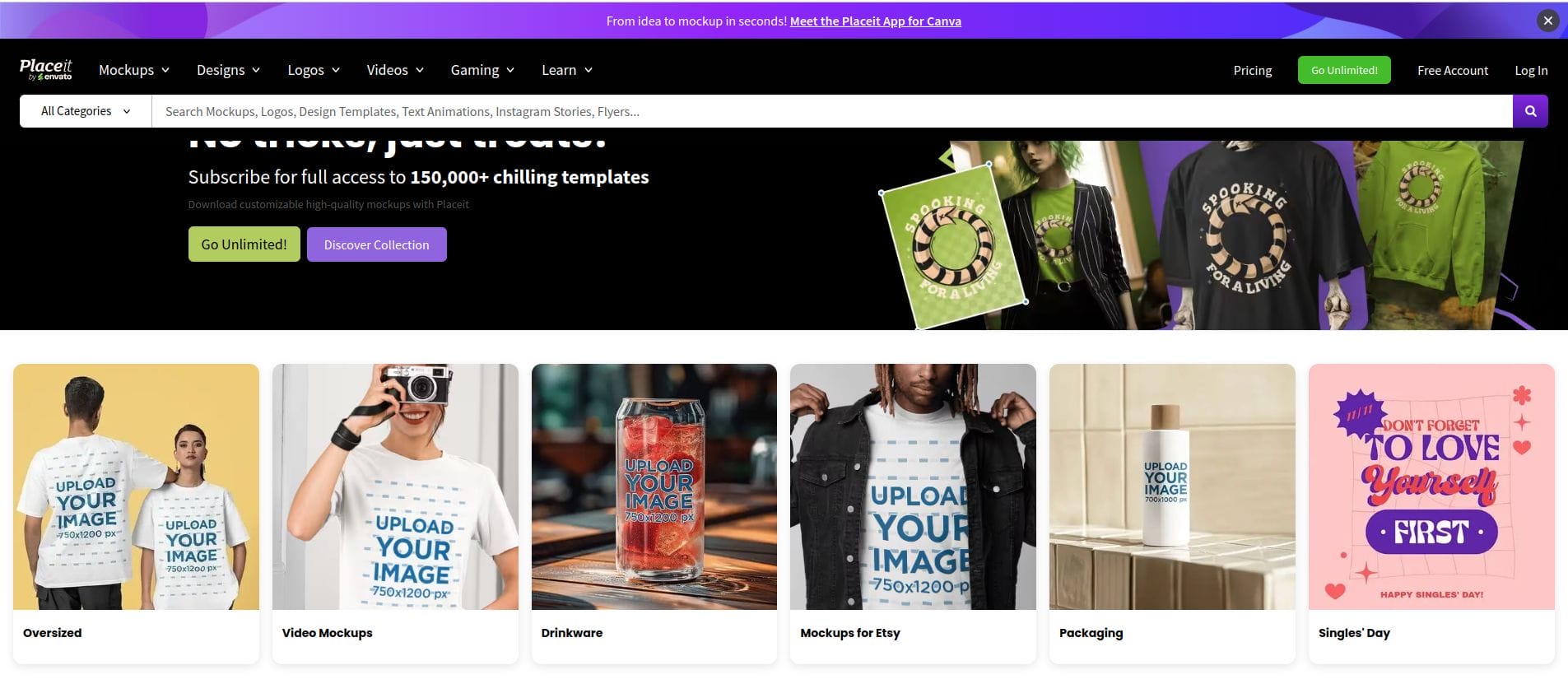
Placeit by Envato is an excellent choice if you’re looking for high-quality, polished flyer templates. Its selection of sports mockups, animations, and video flyer options makes it ideal for digital marketing. Placeit offers a variety of export options for social media, print, and web.
Pros:
High-quality and professional templates
Unique video and animation options
Cons:
Subscription required for full access
Comparison Table: 10 Best Tennis Flyer Maker
| Tool | Key Features | Pros | Cons |
|---|---|---|---|
| Canva | 1,000+ templates, drag-and-drop editor | User-friendly, free version available | Some assets require a subscription |
| Adobe Spark | Professional templates, cross-device use | Professional finish, cross-platform | Requires Adobe subscription for premium |
| PosterMyWall | Sports-specific templates, drag-and-drop | Extensive template library | Limited customization in free version |
| Crello (VistaCreate) | Animation options, free and premium | Dynamic flyer features | Some assets are premium only |
| DesignCap | 1,000+ templates, easy to use | High-quality templates, free options | Less advanced than competitors |
| Snappa | Quick design, high-quality photos | Fast and simple, print and digital | Limited free template variety |
| FotoJet | Sports templates, high-quality exports | Beginner-friendly | Limited free assets |
| Fotor | Photo editing tools, social media export | Advanced editing, polished flyers | Some tools paid-only |
| Venngage | Data visualization, custom icons | Easy data visualization | Limited free options |
| Placeit | Sports mockups, video flyer options | Professional quality | Subscription required |

Final Thoughts: Find Your Perfect Tennis Flyer Maker
With these 10 best tennis flyer maker, creating an impactful, visually appealing flyer has never been easier. Whether you want to design a flyer for social media or print, these tools provide a range of customization options and templates that cater to different skill levels and needs. Just pick the one that suits your project and start designing to attract tennis enthusiasts to your event!
Interesting Reads:
10 Best Football Flyer Maker Online

