

Creating engaging TikTok videos has become more than just a trend—it’s an art. To stand out on the platform, you need to create polished, eye-catching content that grabs attention within seconds. Fortunately, there are several powerful and easy-to-use online video editors tailored specifically for TikTok creators. In this post, we’ll explore the 10 best TikTok video editor online, breaking down their features, advantages, and what makes each of them unique.
Let’s dive in and find the perfect editor to take your TikTok videos to the next level!

Quick Links
Why Do You Need a Good TikTok Video Editor?
Elevating Your Content
TikTok is one of the most competitive social media platforms out there, with millions of users posting videos daily. Having the right editing tool can significantly elevate your content, adding professional polish, effects, and transitions that help your videos stand out. Whether you want to add catchy music, smooth transitions, or advanced effects, the right TikTok video editor will give you the tools you need to make your videos pop.
Simplifying the Editing Process
While TikTok offers basic editing features, many creators prefer third-party editors for more robust tools and easier workflows. A great video editor allows you to trim, crop, add text, music, and special effects without the hassle, making the process smoother and faster. These online editors are designed to enhance your videos without needing advanced technical skills.
1. Kapwing
Key Features:
- Trim, crop, and add subtitles easily
- Supports collaborative editing
- Wide range of templates for TikTok
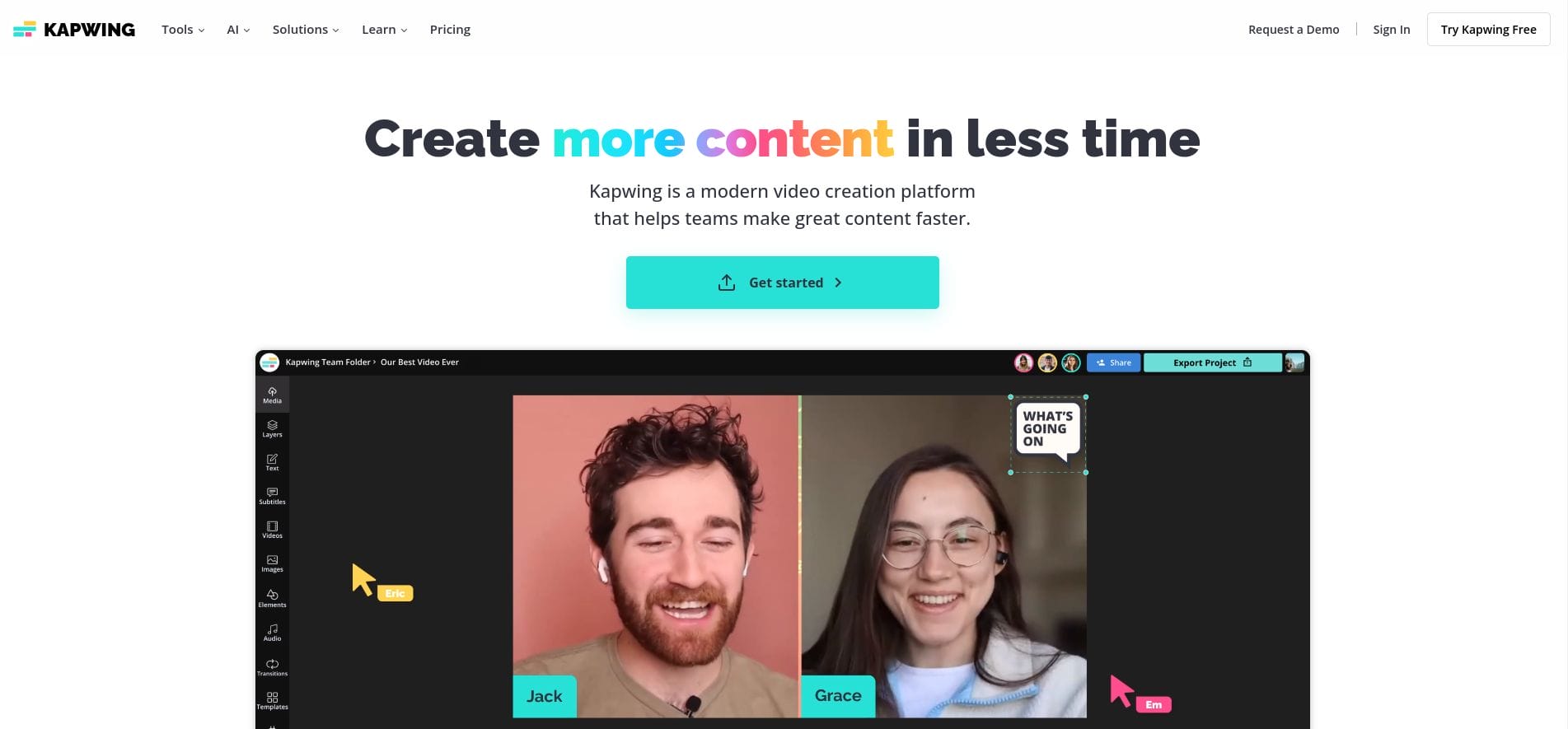
Kapwing is a versatile online video editor perfect for TikTok creators. It offers a comprehensive set of editing tools, from trimming and cropping to adding text, subtitles, and transitions. Its user-friendly interface makes it easy to create professional-looking TikTok videos quickly.
Pros:
- Free to use with basic features
- Allows team collaboration on video projects
Cons:
- The free version has watermarks, which can be removed with the paid plan
2. InVideo
Key Features:
- Pre-made TikTok templates
- Supports adding voiceovers, stickers, and music
- AI-powered suggestions for better storytelling
InVideo is an AI-powered editor that simplifies the video creation process. With its vast library of pre-made TikTok templates, you can create visually stunning videos in minutes. InVideo also allows users to add text overlays, transitions, and music to enhance the quality of their TikToks.
Pros:
- AI-driven editing suggestions for smoother workflows
- Thousands of templates tailored for TikTok
Cons:
- Some advanced features require a premium subscription
3. Clideo
Key Features:
- Easy video merging and compression
- Add music and transitions to TikTok videos
- Simple and intuitive interface
Clideo is an online video editing tool that makes it simple to merge, compress, and edit videos for TikTok. It is ideal for creators who need basic editing tools without complicated interfaces. Clideo’s clean design allows even beginners to master the art of editing within minutes.
Pros:
- Easy to navigate for beginners
- Quick video merging and editing
Cons:
- Limited customization options compared to other tools
4. VEED.io
Key Features:
- Extensive library of filters, transitions, and effects
- Add subtitles automatically
- TikTok-specific editing templates
VEED.io is a popular online video editor for TikTok, offering a wide array of creative tools. From automated subtitles to adding filters and transitions, VEED makes it easy to create engaging content. The TikTok-specific templates help streamline the creation process, allowing you to focus more on creativity.
Pros:
- User-friendly with powerful editing tools
- Automatic subtitle generation saves time
Cons:
- Free version limits access to certain effects
5. FlexClip
Key Features:
- Hundreds of TikTok video templates
- Drag-and-drop interface for easy editing
- Add voiceovers and royalty-free music
FlexClip is an online editor that offers a variety of pre-made templates designed for TikTok. The drag-and-drop functionality makes it easy to create videos quickly, even for beginners. You can add voiceovers, text, and royalty-free music, ensuring your TikTok videos are both professional and captivating.
Pros:
- Ideal for beginners with its drag-and-drop interface
- Access to a large music and template library
Cons:
- Limited advanced editing tools for experienced users
6. Animoto
Key Features:
- Customizable templates for TikTok
- Royalty-free music library
- Add text overlays and effects easily
Animoto is a well-known video editing tool that allows you to create high-quality TikTok videos with ease. It offers customizable templates and a library of royalty-free music, making it a great choice for creators who want to add a professional touch to their videos.
Pros:
- Customizable templates for a personalized touch
- Simple interface with high-quality music options
Cons:
- Limited editing features in the free version
7. Wideo
Key Features:
- Create animated TikTok videos
- Pre-designed templates for quick edits
- Easy video sharing and exporting
Wideo stands out for its focus on animation, allowing creators to make unique animated TikTok videos. It offers pre-designed templates, and its simple interface makes it a favorite for creating fun and engaging content. If you’re looking for something different, Wideo could be your go-to choice.
Pros:
- Perfect for creating animated videos
- Pre-designed templates for faster creation
Cons:
- Not ideal for live-action video edits
8. WeVideo
Key Features:
- Cloud-based editor
- Thousands of stock videos and images
- Advanced timeline-based editing
WeVideo is a cloud-based video editor that gives you the power to edit videos anywhere, anytime. It offers a wide range of editing features, including advanced timeline-based editing, making it perfect for users who want more control over their video content.
Pros:
- Cloud-based, allowing you to edit from any device
- Access to a library of stock images and videos
Cons:
- Premium version required for advanced features
9. Magisto
Key Features:
- AI-powered video creation
- Automatic editing tools
- Easy video sharing to social platforms
Magisto is another AI-powered editor that takes the hassle out of video creation. With its automatic editing tools, Magisto helps you create high-quality TikTok videos without any technical knowledge. Simply upload your clips, and the AI will handle the rest.
Pros:
- Fast, automated video creation
- Ideal for quick, professional TikTok videos
Cons:
- Limited control over manual editing
10. Adobe Spark Video
Key Features:
- Professional-grade video editing
- Customizable fonts, colors, and transitions
- Integrated with other Adobe products
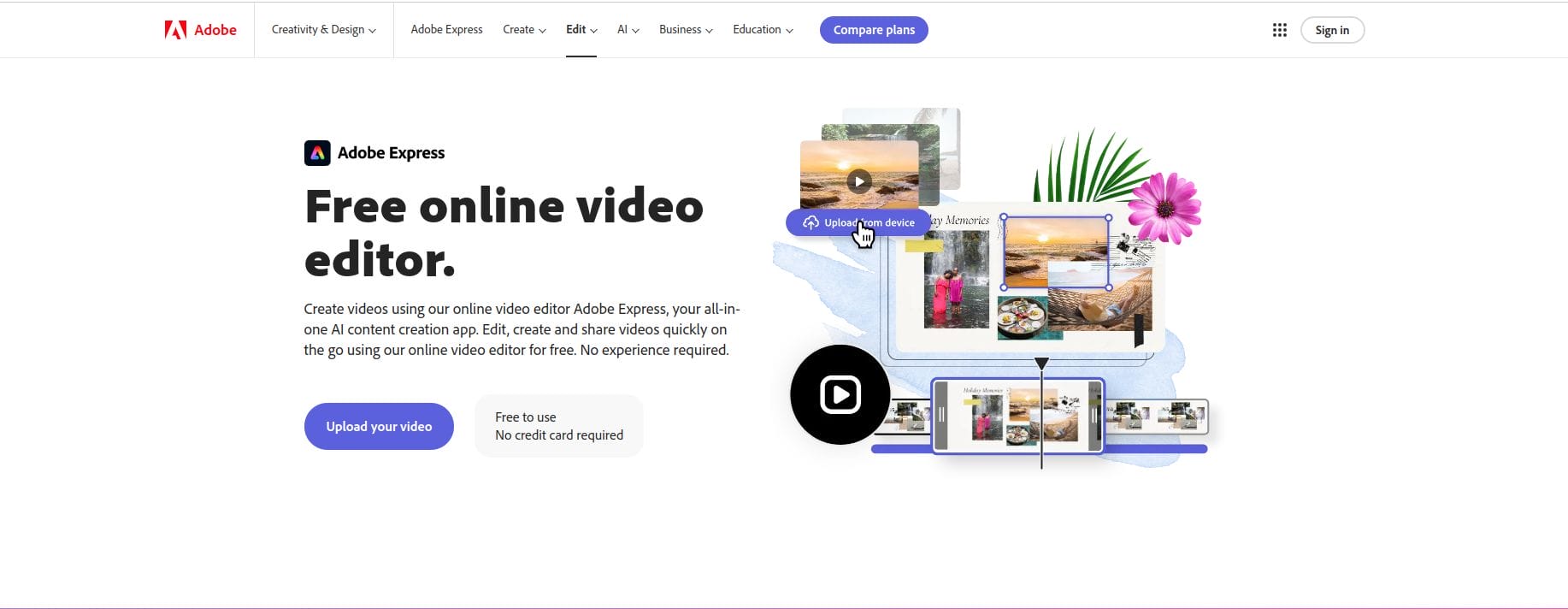
Adobe Spark Video is part of Adobe’s suite of online tools, designed for creators who want professional-level editing features in an easy-to-use package. With a variety of templates and advanced customization options, Adobe Spark Video helps you produce stunning TikTok content with minimal effort.
Pros:
- Professional templates with advanced customization
- Integration with Adobe Creative Cloud
Cons:
- Free version is limited in features
Comparison Table: 10 Best TikTok Video Editor Online
| Editor | Key Features | Pros | Cons |
|---|---|---|---|
| Kapwing | Trim, crop, add subtitles | Free to use, collaborative | Watermark on free version |
| InVideo | Pre-made templates, AI suggestions | AI-driven, vast template library | Some features are premium |
| Clideo | Merge, compress, add music | Simple and beginner-friendly | Limited customization options |
| VEED.io | Filters, transitions, TikTok templates | Automatic subtitles, easy-to-use | Limited free version |
| FlexClip | Drag-and-drop interface, TikTok templates | Ideal for beginners | Limited advanced tools |
| Animoto | Customizable templates, music library | Simple interface, professional results | Free version is limited |
| Wideo | Animated video creation | Great for animations | Not for live-action videos |
| WeVideo | Cloud-based, stock library | Edit from any device, stock assets | Premium required for full access |
| Magisto | AI-powered video creation | Automatic editing | Limited manual control |
| Adobe Spark Video | Custom fonts, colors, transitions | Professional-grade templates | Limited free version |

Closing Remarks
Whether you’re just starting your TikTok journey or you’re an experienced content creator, choosing the right video editor can make all the difference. Each tool on this list of the 10 best TikTok video editor online offers something unique, from the simplicity of Clideo to the professional-grade capabilities of Adobe Spark Video.
By selecting the right editor, you can streamline your content creation process and ensure that your TikTok videos stand out from the crowd. Try out a few of these editors, experiment with their features, and take your TikTok videos to the next level!
Interesting Reads:
10 Best Online Photo Resizer for LinkedIn

