

Whether you’re a seasoned streamer or just starting out, having the right visual elements on your Twitch profile is crucial. From banners to profile pictures, your Twitch channel’s branding can make or break your first impression. But how do you ensure your images look sharp and professional without stretching or cropping them awkwardly? Enter the world of Twitch resizer for images. These tools help you resize your graphics to meet Twitch’s specific size requirements, ensuring a polished look.
In this post, we’ll explore the 10 best Twitch resizer for images, covering their features, strengths, and why they’re great choices for streamers. Let’s dive into the tools that can help elevate your Twitch branding.

Quick Links
Why You Need a Twitch Image Resizer
The Importance of Proper Image Sizing
On Twitch, visuals are everything. Viewers make snap judgments based on how your channel looks. Misaligned or poorly resized images can distract from your content and make your channel appear unprofessional. Twitch has specific dimensions for images like profile pictures (256x256px), banners (1200x480px), and thumbnails, so it’s crucial to get your image sizing right.
The Benefits of Using Resizer Tools
While you could use advanced graphic design software to resize your images, that often requires experience and time. The good news is that resizer tools streamline this process, offering user-friendly ways to adjust your images to fit Twitch’s exact dimensions. Plus, many of these tools come with additional editing features, like cropping, compressing, and optimizing your images for faster load times.
1. Canva
Key Features:
- Pre-made Twitch templates
- Drag-and-drop functionality
- Easy export options
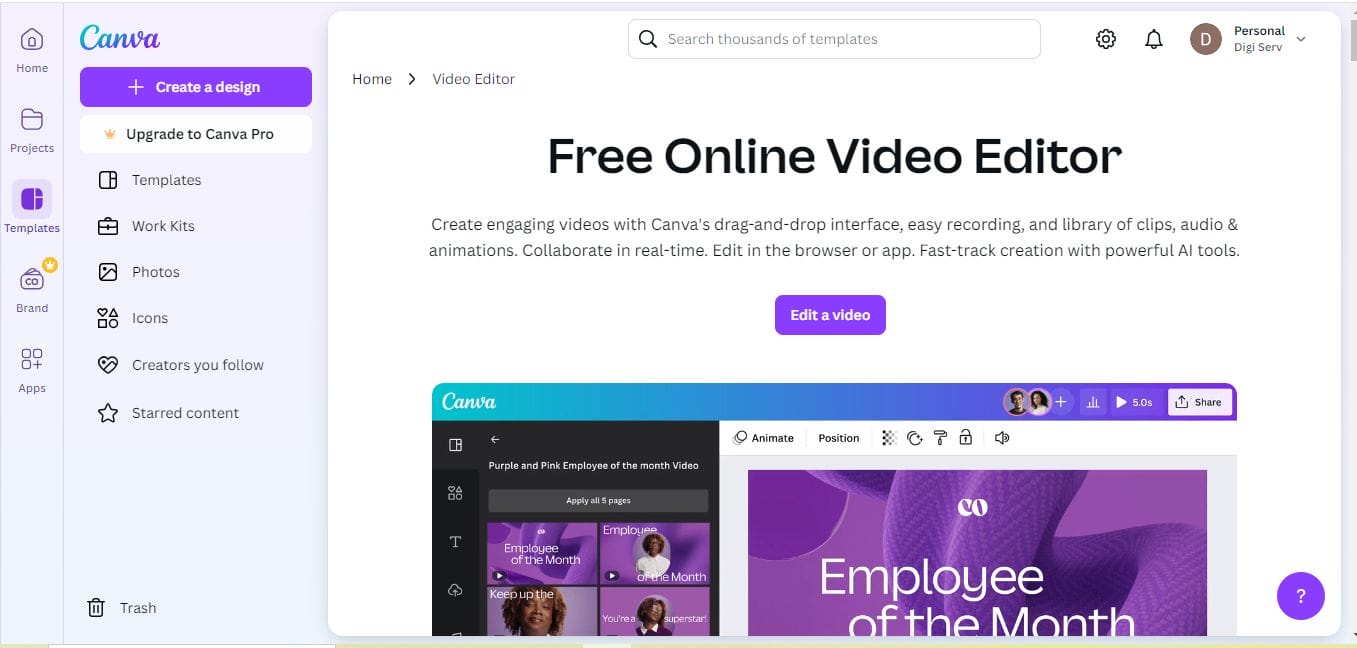
Canva is a design powerhouse, offering users access to thousands of templates, including those optimized for Twitch. Its intuitive interface allows you to easily resize images to Twitch’s specifications. Just upload your image, choose the exact Twitch dimensions, and adjust accordingly. You can also add design elements to further enhance your images.
Pros:
- Free to use, with premium options
- Includes Twitch-specific templates
Cons:
- Some advanced features locked behind a paywall
2. Adobe Spark
Key Features:
- Predefined image sizes for Twitch
- Simple, user-friendly interface
- Syncs with Adobe Creative Cloud
Adobe Spark is another great tool that offers quick and easy resizing options for Twitch images. With pre-designed templates and easy export options, you can create or resize your Twitch banner, profile picture, or thumbnail in minutes. Adobe Spark is perfect for users who are already familiar with the Adobe ecosystem but want a simpler, web-based tool.
Pros:
- Fast resizing with professional designs
- Integrates with other Adobe tools
Cons:
- Limited free features
3. Kapwing
Key Features:
- Supports multiple image formats
- Free and fast resizing
- No watermarks in free version
Kapwing is a fast, browser-based tool that simplifies resizing images for Twitch. It supports a variety of image formats, and you can easily set custom dimensions to fit any of Twitch’s image size requirements. It’s perfect for streamers who need to quickly resize an image without downloading bulky software.
Pros:
- Simple, easy-to-use interface
- Free to use without watermarks
Cons:
- Limited editing features beyond resizing
4. Fotor
Key Features:
- Custom Twitch image sizes
- Additional photo editing tools
- Easy sharing options
Fotor offers a robust set of tools for resizing and editing images. Not only can you quickly adjust your images to Twitch’s size requirements, but you can also tweak brightness, contrast, and even apply filters. Fotor is great for streamers who want to polish their images before uploading them to Twitch.
Pros:
- Free version with basic features
- Includes additional editing tools like filters
Cons:
- Ads in the free version can be annoying
5. BeFunky
Key Features:
- Drag-and-drop resizing
- Custom dimensions for Twitch images
- Intuitive photo editor
BeFunky is an excellent choice for beginners looking to resize their images for Twitch without much hassle. The drag-and-drop interface makes it easy to adjust your image size, while the built-in photo editor allows you to fine-tune your visuals. Whether it’s a banner or a profile picture, BeFunky has you covered.
Pros:
- Beginner-friendly interface
- Free version available
Cons:
- Limited template selection compared to other tools
6. ResizeImage.net
Key Features:
- Manual dimension entry
- Simple drag-and-drop interface
- Supports a variety of file types
ResizeImage.net is a no-frills, web-based image resizer perfect for Twitch streamers who need a fast solution. It’s straightforward and allows you to manually enter the dimensions for Twitch images. You can also crop and compress your images to ensure they’re optimized for fast loading.
Pros:
- Easy-to-use with no sign-up required
- Completely free
Cons:
- Lacks additional design features
7. Promo Image Resizer
Key Features:
- Preset Twitch dimensions
- Supports multiple platforms
- Fast resizing tool
Promo Image Resizer allows you to resize your images for multiple platforms, including Twitch. Just upload your image and select the predefined Twitch dimensions to have your image resized automatically. This tool is excellent for multi-platform streamers who need to resize images for more than just Twitch.
Pros:
- Quick and simple resizing
- No sign-up required
Cons:
- Limited customization options for advanced users
8. PicResize
Key Features:
- Bulk resizing for multiple images
- Easy cropping and adjustment tools
- No watermarks
PicResize is perfect for streamers who need to resize multiple images quickly. You can resize your Twitch banner, profile picture, and even thumbnail images all at once. Its bulk resizing feature saves you time and effort, making it a favorite among streamers who frequently update their channel visuals.
Pros:
- Bulk resizing feature
- Free to use with no watermarks
Cons:
- Basic interface and fewer advanced options
9. iPiccy
Key Features:
- Custom resizing dimensions
- Free to use with premium options
- Includes editing features like filters and effects
iPiccy combines a powerful photo editor with an easy-to-use resizer. You can resize images for Twitch by entering custom dimensions, while also tweaking them using filters and effects. iPiccy is ideal for streamers who want to add a little extra flair to their images before uploading them.
Pros:
- Powerful free editor with premium features
- Simple resizing tools
Cons:
- Ads in the free version
10. Landscape by Sprout Social

Key Features:
- Pre-set Twitch image dimensions
- Automated resizing for multiple platforms
- Optimized for social media and streaming
Landscape by Sprout Social is tailored for resizing images for social media platforms like Twitch. Its automated resizing feature allows you to upload an image once and receive multiple resized versions optimized for various Twitch elements. This tool is perfect for streamers who want efficiency and speed.
Pros:
- Quick automated resizing
- Great for multi-platform streamers
Cons:
- Limited design customization
Comparison Table: 10 Best Twitch Resizer for Images
| Tool Name | Key Features | Pros | Cons |
|---|---|---|---|
| Canva | Pre-made templates, drag-and-drop | User-friendly, Twitch-specific templates | Some features behind paywall |
| Adobe Spark | Twitch sizes, simple interface | Professional design, Adobe integration | Limited free features |
| Kapwing | Multiple formats, fast resizing | No watermarks in free version | Limited editing features |
| Fotor | Custom sizes, photo editing tools | Free version available | Ads in free version |
| BeFunky | Drag-and-drop resizing | Beginner-friendly, free version | Limited template selection |
| ResizeImage.net | Manual resizing, drag-and-drop | Free, simple interface | Basic design features |
| Promo Image Resizer | Preset dimensions for Twitch | No sign-up required | Limited customization |
| PicResize | Bulk resizing, cropping | Handles multiple images at once | Basic interface |
| iPiccy | Custom sizes, editing features | Powerful editor, free features | Ads in free version |
| Landscape by Sprout Social | Automated resizing, multi-platform | Fast resizing, social media optimized | Limited customization |

Closing Remarks

When it comes to creating a polished, professional Twitch channel, having the right image sizes is crucial. Fortunately, with the 10 best Twitch resizer for images, you can quickly and easily adjust your graphics to meet Twitch’s requirements. Whether you’re a design novice or an experienced content creator, these tools will help you achieve the perfect look for your channel.
Interesting Reads:

