

In an increasingly digital world, establishing a strong online presence is vital for anyone, whether you’re a budding entrepreneur, a passionate blogger, or an established business. With countless website builders available, the choice can feel overwhelming. This guide will explore ten of the best website builders, outlining their key features, advantages, and drawbacks to empower you in making an informed decision that aligns with your needs.

Quick Links
What is a Website Builder?
A website builder is an intuitive tool designed to help users create websites without requiring extensive coding skills. Most platforms provide a variety of templates, drag-and-drop functionality, and numerous customisation options, making it accessible for anyone looking to establish their digital footprint.
Why Choose the Right Website Builder?
The right website builder can make all the difference in your online success. An effective platform will:
- Simplify the design and setup process.
- Offer essential tools for SEO and marketing to boost visibility.
- Provide reliable customer support for any challenges that may arise.
- Allow for scalability, ensuring that as your needs grow, your website can grow with them.
Top 10 Website Builders
Let’s explore ten of the best website builders available today:
1. Design.com
Design.com gives you an easy way to build a clean and professional website without any technical skills. You start by choosing your logo or creating one with the built-in AI tool, then the website builder automatically creates a layout with your brand colors and style. The editor is simple to use, so you can add pages, images, and text without worrying about code. It is a helpful choice for small businesses and creators who want a website that looks polished and is quick to publish.
The platform also includes matching design tools for social posts, business cards, and marketing graphics. This makes it easier to keep your brand consistent everywhere. Everything stays in one workspace, so you do not need multiple apps to build your online presence.
Key Features
- Ready-made website layouts that match your logo
- Drag and drop editor designed for beginners
- Built-in AI tools for branding and design
- Matching templates for social media, ads, and printed materials
- High-quality file exports for web and print
- Commercial rights included for all brand assets
Pricing
- Free to try
- Paid plans are available for full export options and advanced features
Pros
- Easy to use, even for first-time website builders
- Helps create a full brand look in one platform
- Clean and professional templates
Cons
- Some premium templates require a paid plan
- Not ideal for large or complex websites
2. BrandCrowd
BrandCrowd offers a simple website builder that automatically creates pages based on the logo you design or upload. Once you select your preferred logo, the builder selects colours and styles that keep everything consistent. You can then customise your pages with an editor that feels straightforward and beginner-friendly. It is a useful tool for freelancers, small shops, and hobby businesses who want something fast and clean, with few settings to manage.
Along with the builder, BrandCrowd gives you access to matching business cards, social media graphics, and marketing designs. This helps you present a unified brand across your website and other online platforms. Everything is handled in a single dashboard, which keeps the process simple.
Key Features
- Auto-generated website layouts based on your logo
- Easy editing for text, images, and page sections
- Integrated tools for social media and business branding
- High-resolution logo downloads for web use
- Large library of design assets
Pricing
- Free previews
- Paid plans for full downloads and advanced features
Pros
- Very quick setup
- Ideal for beginners
- Provides full brand matching across designs
Cons
- Fewer advanced website features than dedicated site builders
- Some customisation options require a paid plan
3. Wix- best website builder
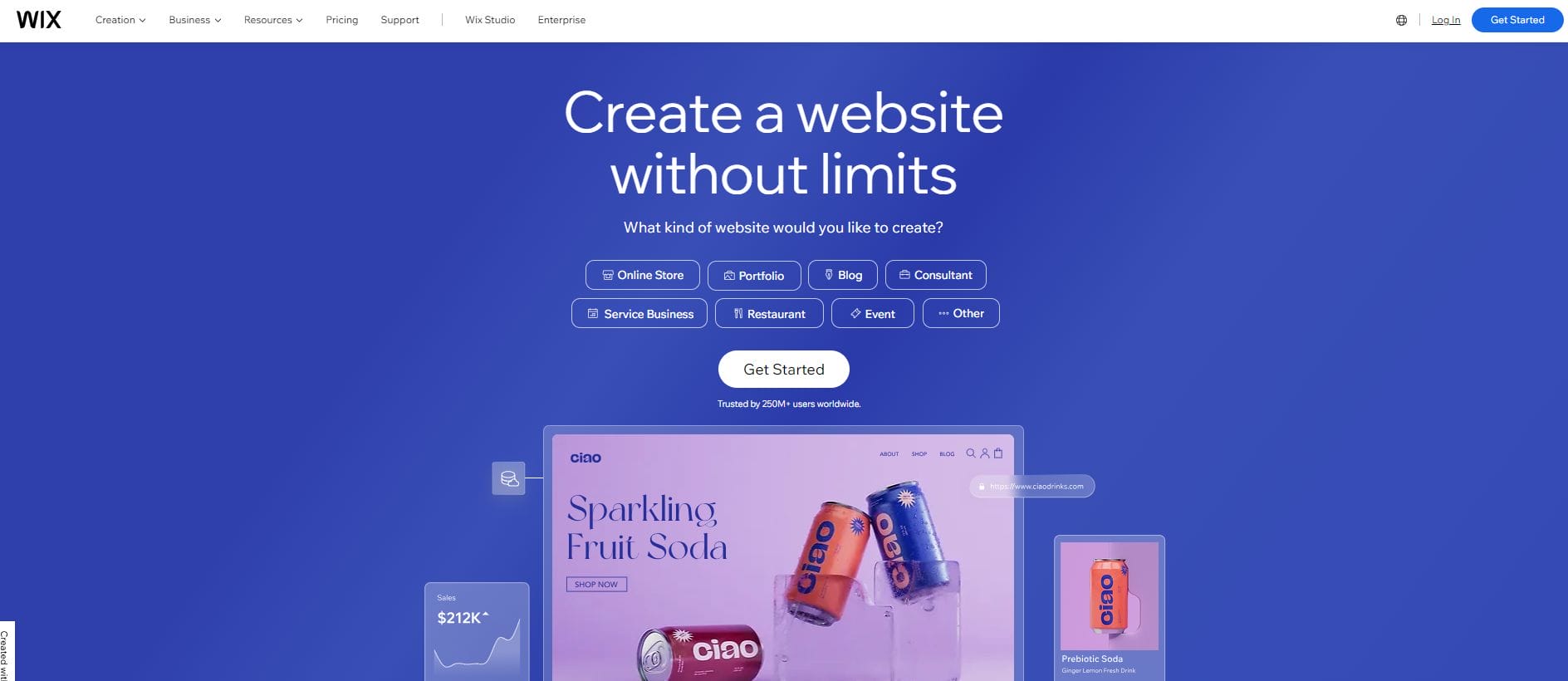
Wix stands out as a leading website builder, renowned for its user-friendly interface. With over 900 customizable templates and a robust drag-and-drop editor, users can effortlessly create stunning websites.
Pros:
- Extensive template library with a variety of design options.
- AI-driven site creation option (Wix ADI) simplifies the process.
- Robust SEO tools enhance site visibility.
Cons:
- The free version includes Wix branding.
- Limited flexibility in changing templates after the site is live.
- Certain features may require additional costs.
4. Hostinger- best website builder
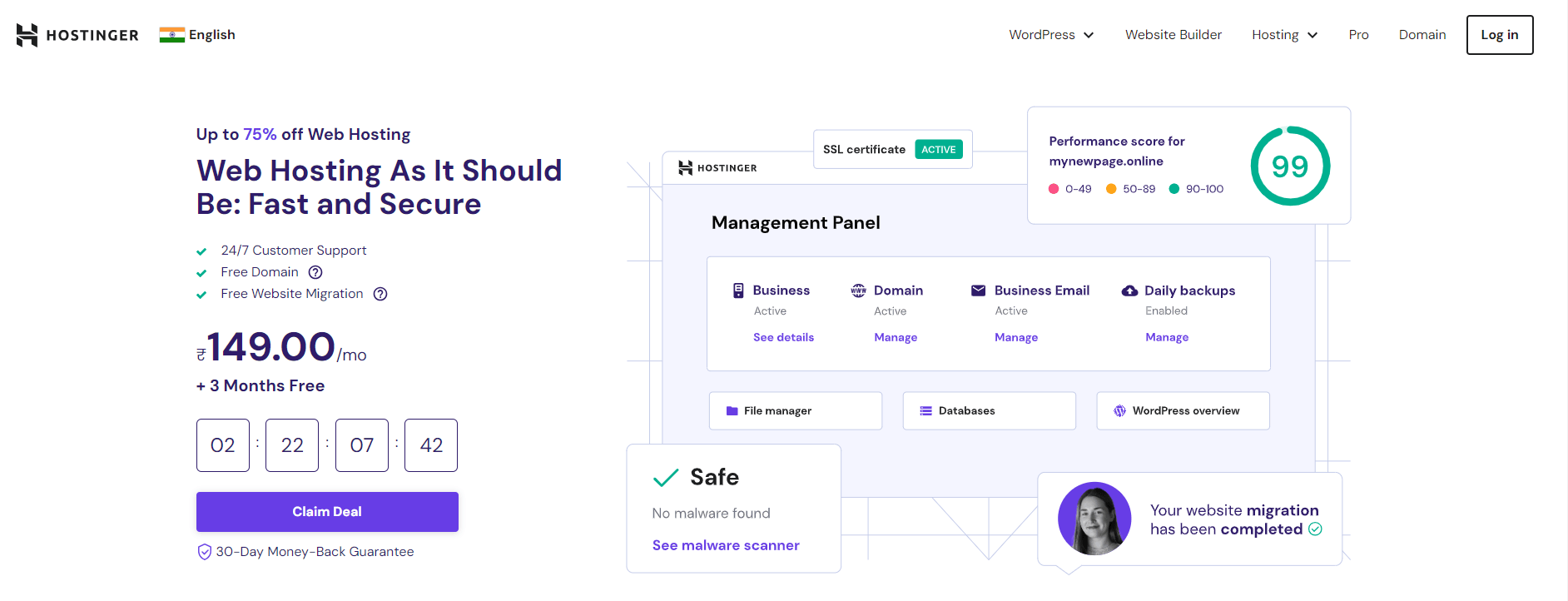
Hostinger merges affordable hosting solutions with an intuitive website builder. Its pre-designed templates and drag-and-drop interface make it perfect for small businesses and personal websites.
Pros:
- Cost-effective pricing plans for small budgets.
- Built-in SEO tools and marketing integrations.
- User-friendly interface suitable for beginners.
Cons:
- Limited template customisation compared to competitors.
- Customer support can be slow during peak times.
- Some advanced features are lacking.
5. Squarespace- best website builder
Squarespace is famous for its visually striking templates and comprehensive analytics tools. It’s a prime choice for creatives and businesses that prioritise aesthetics. Strong blogging and eCommerce capabilities, including customizable features like the Squarespace navigation bar.
Pros:
- Elegant and modern template designs.
- Strong blogging and eCommerce capabilities.
- Integrated analytics tools for performance tracking.
Cons:
- Higher price point compared to some competitors.
- Learning curve for beginners unfamiliar with design.
- Limited third-party app integration.
Also Read: Top Challenges for Artificial Intelligence
6. GoDaddy
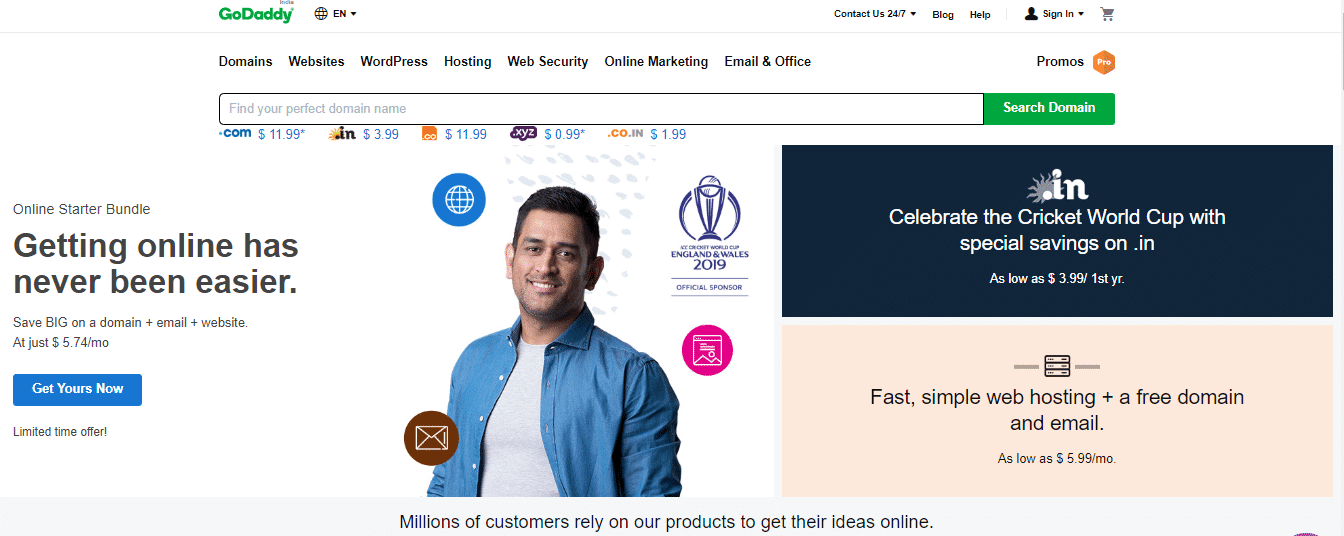
Widely recognised as a domain registrar, GoDaddy also offers a straightforward website builder with customizable templates and integrated marketing tools.
Pros:
- All-in-one solution including domain registration and hosting.
- Easy-to-use interface for quick site setup.
- Integrated marketing tools simplify promotion.
Cons:
- Less design flexibility compared to other builders.
- Additional costs for advanced features.
- Limited SEO tools.
7. Shopify
For those focused on eCommerce, Shopify is the go-to platform. It provides extensive tools for payment processing, inventory management, and more.
Pros:
- Comprehensive eCommerce functionalities.
- An extensive app ecosystem for added features.
- User-friendly interface designed for online sales.
Cons:
- Monthly fees can add up, especially with app subscriptions.
- Limited blogging capabilities.
- Transaction fees apply if not using Shopify Payments.
Also Read: Best AI Tools for Students
8. Weebly (now Square Online)- best website builder
Weebly, now part of Square Online, is known for its easy-to-use interface and seamless eCommerce integration.
Pros:
- User-friendly interface suitable for beginners.
- Integrated payment processing through Square.
- Flexible templates for various site types.
Cons:
- Limited customisation options for advanced users.
- Fewer third-party app integrations.
- Some features may feel basic compared to competitors.
9. WordPress.com
WordPress.com is a powerful blogging platform that offers extensive customisation options through themes and plugins.
Pros:
- Highly flexible and customizable.
- Strong community support and documentation.
- Excellent SEO capabilities for content-heavy sites.
Cons:
- Learning curve for new users.
- Limited control in the free version.
- Some advanced features require a paid plan.
10. Duda- best website builder
Duda focuses on responsive design, providing tools that facilitate the quick creation of mobile-friendly websites, ideal for agencies building multiple sites.
Pros:
- Excellent for creating responsive designs.
- Collaboration features for teams and agencies.
- User-friendly drag-and-drop editor.
Cons:
- Pricing may be higher for smaller businesses.
- Limited third-party integrations.
- Fewer template options compared to competitors.
11. Web.com- best website builder
Web.com offers a straightforward website builder that includes essential features such as domain registration and hosting.
Pros:
- Simple setup process for beginners.
- All-in-one solution for domain and hosting.
- Affordable pricing plans.
Cons:
- Limited customisation features.
- Less modern design compared to competitors.
- Customer support may not be as responsive.
12. IONOS- best website builder
IONOS offers various hosting plans along with a basic website builder that features customizable templates.
Pros:
- Affordable pricing structures.
- User-friendly interface for quick site setup.
- Includes hosting, making it a convenient option.
Cons:
- Limited advanced features for customisation.
- Customer support can be hit-or-miss.
- Fewer design templates are available.

Final Thought: Choose the Best Website Builder
Choosing the best website builder hinges on your specific needs, technical expertise, and budget. Whether launching a blog, setting up an eCommerce store, or creating a portfolio, there’s a platform suited to your goals. Carefully consider each option’s ease of use, design flexibility, eCommerce functionalities, and customer support. By selecting the right website builder, you’ll be well on your way to establishing a successful online presence.
FAQs
1. What should I look for in a website builder?
When selecting a website builder, consider factors such as ease of use, design flexibility, eCommerce capabilities, SEO tools, customer support, and pricing. These elements will significantly impact your site’s performance and your ability to manage it effectively.
2. Are website builders suitable for eCommerce?
Yes, many website builders, such as Shopify and Wix, are tailored for eCommerce, offering essential features like payment processing, inventory management, and marketing tools to facilitate online sales.
3. Can I switch website builders later?
While it’s possible to switch website builders, it can be a complex process that involves redesigning your site and migrating content. It’s crucial to choose a platform that aligns with your long-term goals from the start.
4. How much do website builders cost?
Website builder costs vary widely, ranging from free plans with basic features to premium options that include additional tools and support. It’s essential to assess your needs and budget before choosing a plan.
5. Do I need a domain name?
Yes, having a custom domain name enhances your website’s professionalism and branding. Many website builders offer domain registration as part of their services, simplifying the process.
Interesting Reads
How AI and Automation Are Changing the Nature of Work

