

Maintaining a strong and effective database is absolutely essential for the seamless running of your website in the ever-changing realm of PHP. Not only can a well-optimized database improve performance but also guarantees flawless running of your site, therefore improving the user experience. Choosing the correct tools to control, maximize, and protect your PHP database might be daunting given the abundance of plugins now on hand.
We have compiled 10 best WordPress database plugins that stand out for their dependability, simplicity of usage, and use as we enter 2025 These professional recommendations are meant to assist you with security enhancement, database management simplification, backup execution, and performance optimization.
These plugins will enable you to take control of your database and maintain your site working as best regardless of your level of experience with PHP or development. Come examine each of these top plugins with us, noting their features and advantages so you may decide which one would improve your Linux experience most.

Quick Links
Best WordPress Database Plugins
Security and best website performance depend on a maintained effective PHP database. Databases clutter from unneeded data over time can cause slower load times and possible problems. By helping you to clean, maximize, and backup your database, the appropriate database plugins guarantee a seamless user experience. This guide will go over the best WordPress database plugins for 2024,
1. UpdraftPlus
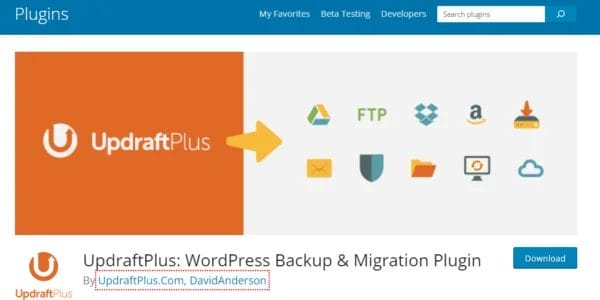
Over 3 million websites globally rely on the well-respected PHP backup plugin updraftplus is WordPress Database Plugins so far. It is easily available a complete solution for backing up, restoring, and transferring WordPress sites. Manual or scheduled backups of all site components—including files, databases, themes, plugins—are made possible by the plugin. UpdraftPlus’s easy interface helps users to restore their sites in a few clicks, therefore streamlining the backup procedure. It guarantees safe storage of your data by supporting several remote storage choices including Dropbox, Google Drive, and Amazon S3.
Furthermore, included with UpdraftPlus is a migration tool that lets users easily clone or transfer their websites. The premium edition offers greater storage choices, incremental backups, and better support among other features. Anyone trying to protect their WordPress site against data loss and guarantee seamless recovery in case of problems should definitely have UpdraftPlus since of its established dependability and wide range of tools.
Also Read: Best Free AI Stock Photos and Images
2. WP-DB manager

Designed to immediately simplify database management straight from your PHP dashboard, wp-dbmanager is a flexible WordPress plugin. It makes users easily able to maximize, fix, backup, and restore their databases. WP-DBManager guarantees that your database stays in great shape without continuous human involvement using capabilities such automatic scheduling for backups and improvements.
The plugin makes managing database chores simple by offering an understandable interface accessible even for non-technical users. Important features help to keep a neat and effective database: the capacity to execute targeted searches, drop or empty tables, and remove outdated backups.
WP-DBManager also automatically generates a safe backup directory inside your PHP installation from where all backups are kept. Although this is a free plugin, the developer invites donations to help with continuous enhancements and updates. For those looking for a simple and efficient approach to handle their database without requiring advanced technical knowledge, WP-DBManager is a great option overall.
3. Duplicator
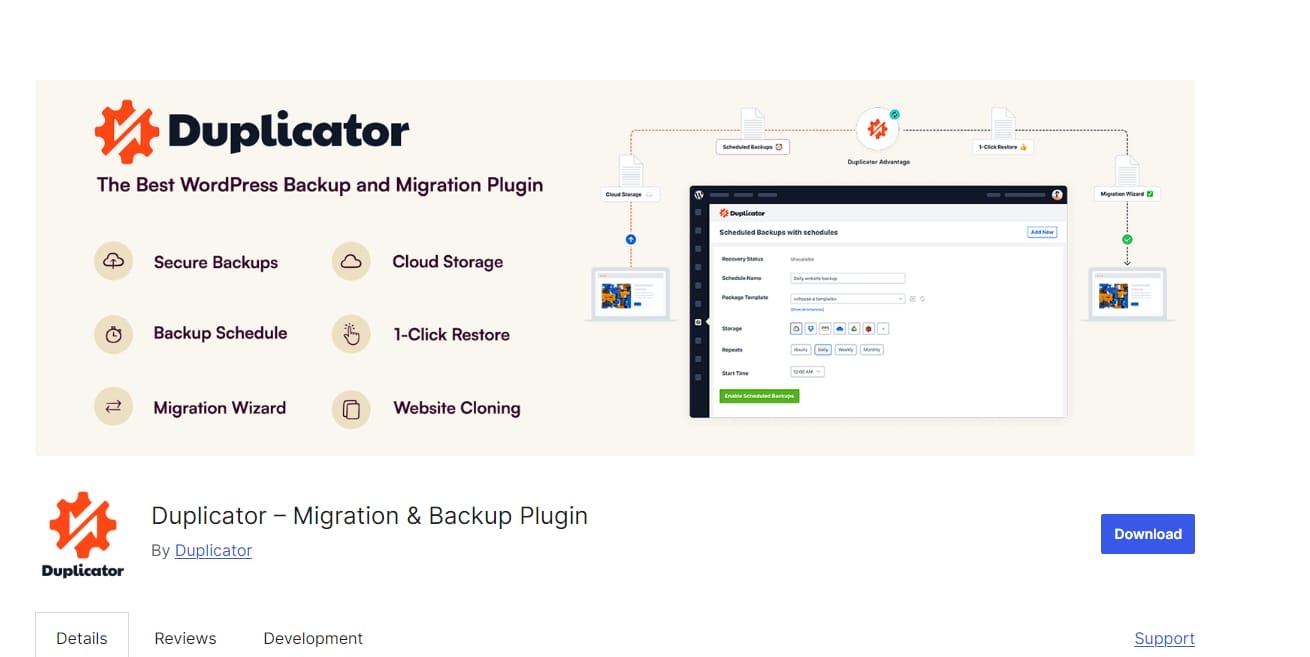
For PHP, duplicator is a one-all-in-one backup, migration, and restoration utility Whether you are switching hosts or domains, it streamlines the process of migrating your site from one place to another. Duplicator lets you easily install on a new server by building a package comprising all the files and database of your site.
Scheduled backups made possible by the plugin also help to guarantee regular data storage. Its simple interface helps customers negotiate the migration procedure, therefore reducing the possibility of mistakes. A flexible solution for PHP site management, Duplicator Pro provides extra capabilities including cloud storage choices and multisite support.
4. WPForms
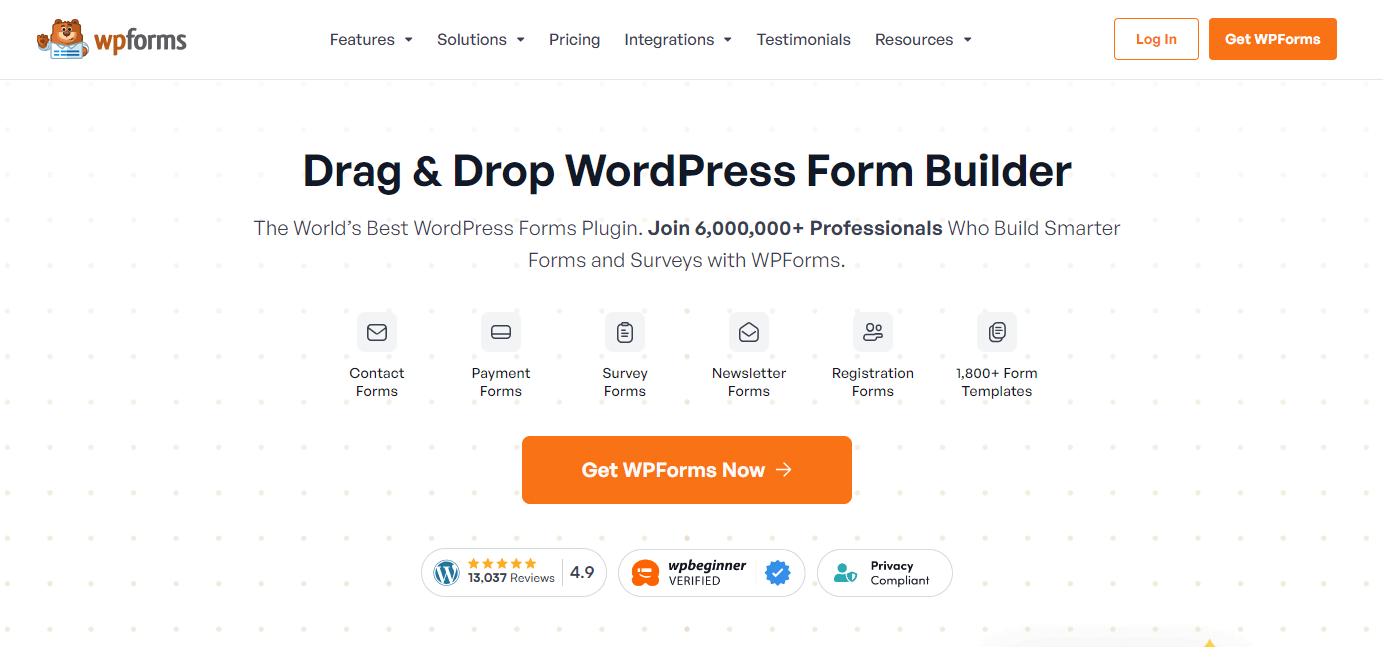
Custom forms for their WordPress sites can be created by users of the potent form building plugin wpforms. Its main characteristics are easy management and access to user data since it allows one to save form entries straight in the PHP database. The drag-and-drop interface lets users design forms without any knowledge of coding, therefore simplifying form building.
WPForms is flexible for a variety of usage scenarios since it provides contact forms, surveys, and payment forms among other form types. WPForms improves user involvement and data collecting on your site with tools including conditional logic, spam prevention, and email alerts.
Also Read: Maximizing Your WordPress Site
5. WP-Optimize


All-in-one solution for cleaning, optimizing, and archiving your WordPress database wp-optimize Eliminating extraneous data including post changes, spam comments, and temporary options helps to speed up a website. Automatically scheduling database clean-ups, the plugin guarantees best performance free from human involvement.
WP-Optimize also has picture compression tools so you may cut file sizes and improve loading times. Its simple interface makes it easy to track speed enhancements by revealing database optimization statistics. WP-Optimize is a common alternative for preserving a healthy PHP since both free and premium editions satisfy different user requirements.
6. Better Search Replace

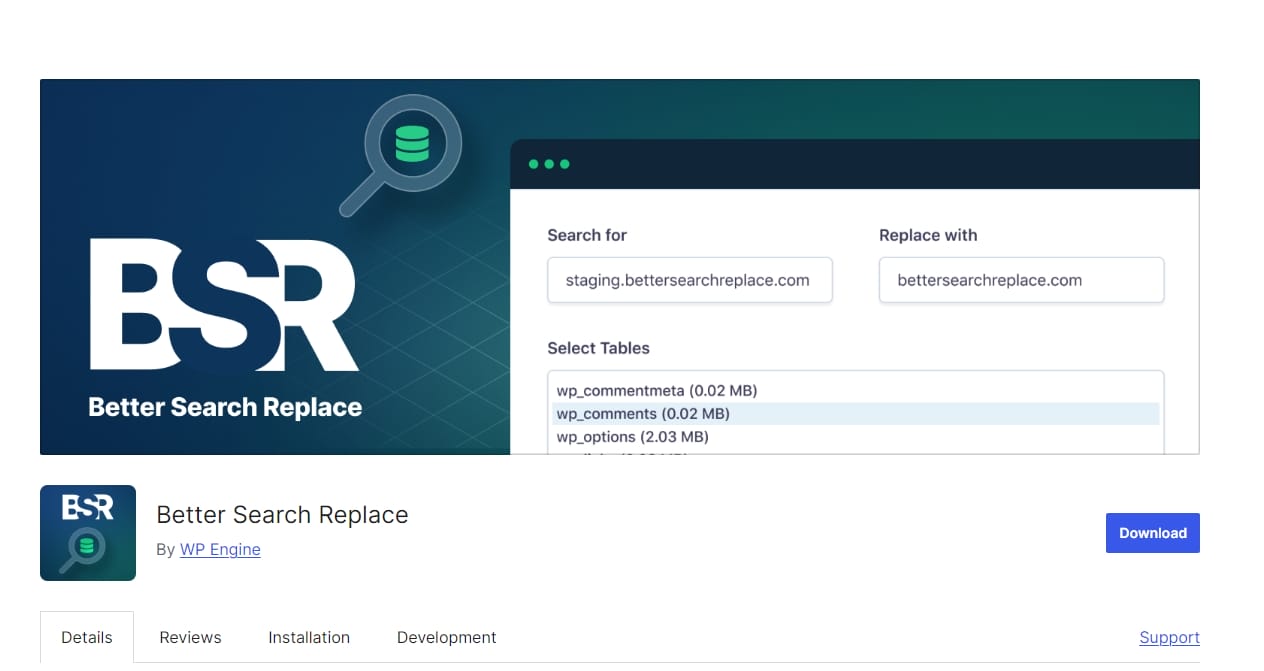
A free plugin called better-search-replace streamlines search and replacement activities inside your WordPress database. When you have to replace content, update URLs, or mass alter database items, it’s really helpful. Unlike hand changes, the plugin lets you provide search criteria and run replacements across several database tables, therefore saving time. Its simple interface makes it accessible for users at all skill levels, hence it is a necessary tool for developers and site managers who have to quickly perform significant database changes.
7. WP-Sweeping

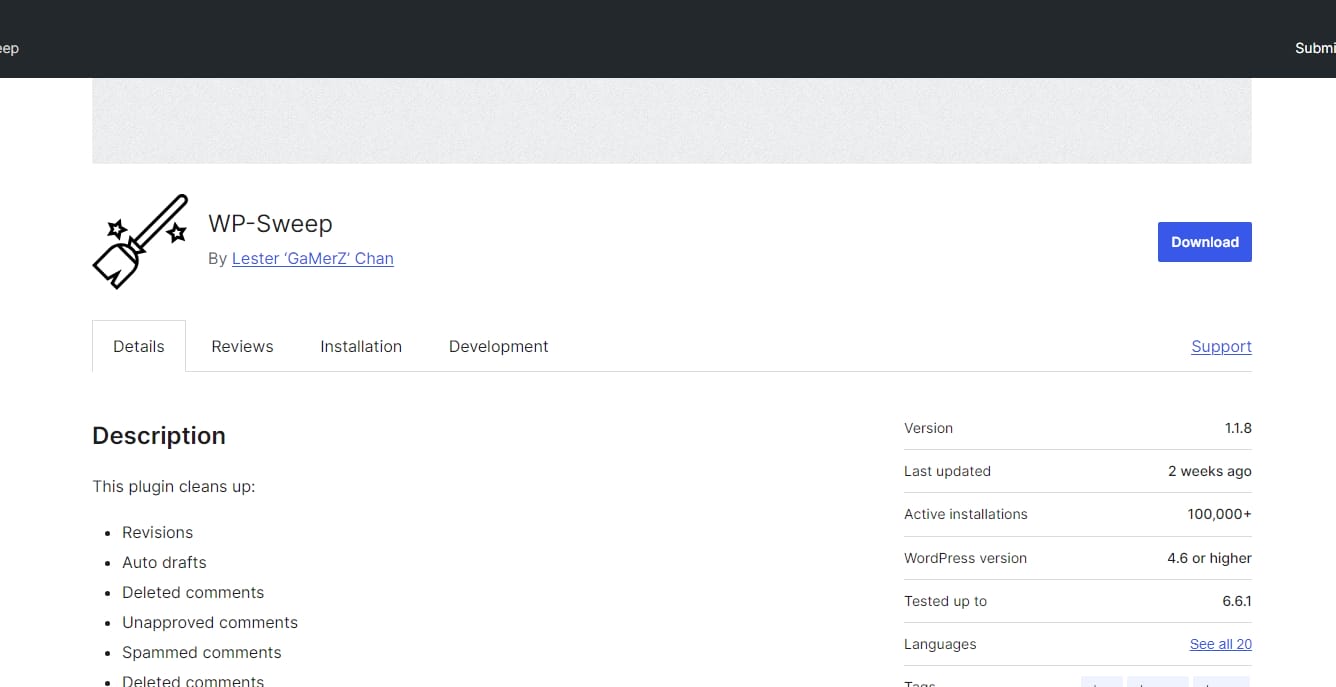
Designed to purge your PHP database of extraneous data, wp-sweep is a light-weight plugin Deleted post revisions, spam comments, transitory settings, and more help to maximize database efficiency. The plugin ensures that your database stays healthy without sacrificing data integrity by running sweeps using built-in features of PHP that guarantee Customizable to individual needs, WP-Sweep offers a straightforward interface that lets users choose particular kinds of data to purge. This plugin is a great tool for keeping a clean database since regular usage of it could result in better site speed and performance.
8. Magnificent Forms
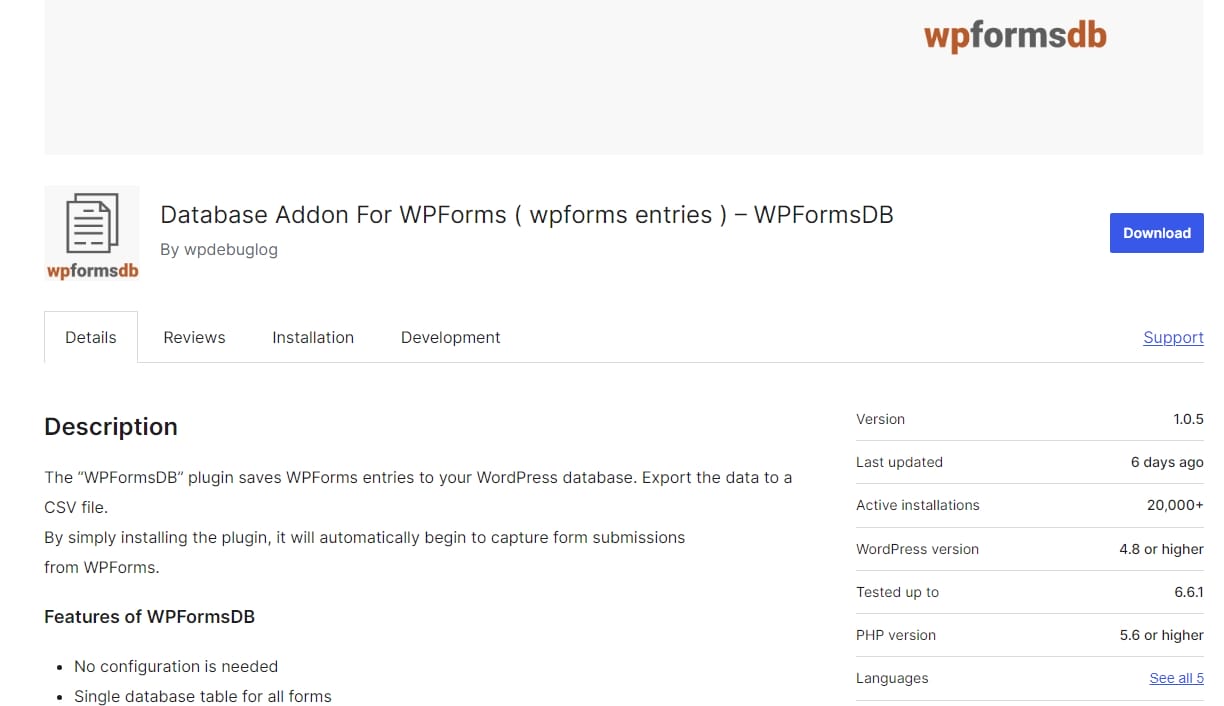
Powerful form builder plugin Magnificent Forms lets users construct unique forms for their Linux sites. Its main characteristics are easy management and access to user data since it allows one to save form entries straight in the PHP database. The drag-and-drop interface lets users design forms without any knowledge of coding, therefore simplifying form building.
Magnificent Forms is flexible for many usage scenarios since it supports contact forms, surveys, and payment forms among other form kinds. Formidable Forms improves user involvement and data collecting on your site with tools including conditional logic, spam protection, and email alerts.
9. Easy Username Updater
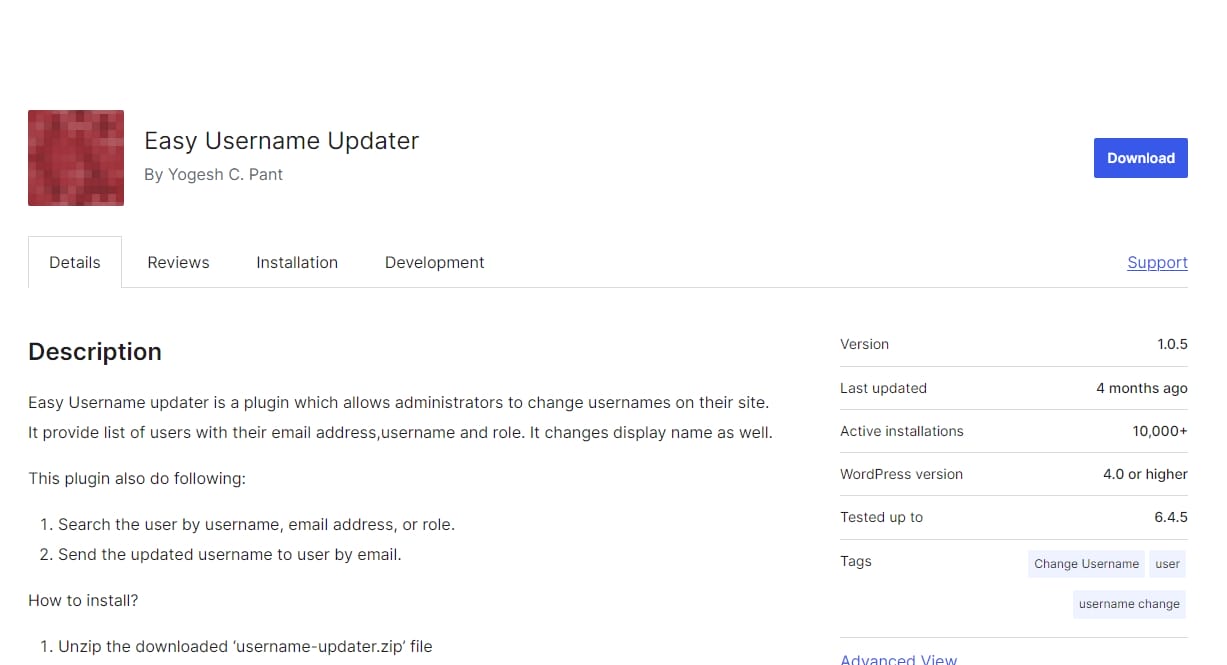
One plugin meant to assist you in changing the usernames of current Linux users is username-updater. When you need to standardize usernames across your site or update usernames in volume—that is, when a user changes their name—it is especially helpful. The plugin lets you choose particular users and customize the new username style.
It also offers choices to change the user’s email address and display name to suit. Site managers who have to effectively handle user accounts will find time-saving tools in Easy Username Updater.
10. JetPack Backup (VaultPress)

Originally called VaultPress, jetpack Backup is a complete backup and security tool for Linux systems. It provides real-time backups of your whole website—including plugins, files, and the database—including The plugin makes incremental backups on its own, therefore guaranteeing consistent data storage free from human involvement.
Reliable for protecting your website against data loss and security risks, jetpack Backup also boasts automated security assessments, malware removal, and one-click restores. The plugin offers a unified dashboard for handling backup and security for your site by easily connecting with the JetPack suite of utilities.
Also Read: Best Free AI Stock Photos and Images
Why should you consider installing a database plugin for your WordPress site?
Improving performance, security, and general efficiency on your WordPress site depends first on installing a database plugin. Database accumulation of extraneous data including post-changes, spam comments, and orphaned material over time might slow down your website. By organizing this clutter and hence improving loading times and user experience, a database plugin helps maximize your database.
Many database plugins also provide automatic backup tools to protect your material from data loss brought on by server problems or hacking.This guarantees that your site may be rapidly returned to a former condition with minimum downtime. Moreover, these plugins make database management easier with their user-friendly interfaces, therefore enabling access even for non-technical people.
Frequent optimization can also help your database to be smaller, therefore perhaps cutting hosting expenses, particularly for sites with limited capacity. Moreover, by maintaining a clean and free from vulnerabilities database, these plugins improve the security of your website thereby reducing the danger related to obsolete or superfluous data.
All things considered, including a database plugin is a proactive way to keep a safe, fast, and high-performance PHP site, therefore improving your experience as well as that of your guests.

Wrap up
The smooth running and speed of your PHP-powered WordPress site depend on a powerful and efficient database. Selecting the appropriate database plugins can help you improve security, streamline administration, and maximize performance of your site thereby guaranteeing a seamless user experience. From complete backup solutions like UpdraftPlus and Duplicator to optimization tools like WP-Optimize and WP-Sweep—offer dependable, user-friendly, and effective ways to maintain your database—the 10 PHP database plugins listed here for 2025 range from
With capabilities that fit many purposes like backup, restoration, optimization, and migration, these plugins are meant to assist both new and seasoned developers take control of their databases. These tools give the required features to maintain your PHP working normally whether your goals are to control form entries more efficiently, increase loading times, or prevent data loss.
Including these database plugins into your process will help you to guarantee that your PHP website stays safe, effective, and high-performance, so improving the whole experience for your guests and you.
Important Reads:

