

Yes, you can create an Android app from a WordPress site, and it can be an effective way to reach a broader audience and provide a more immersive experience for your users. Converting a WordPress site into an Android app involves using tools and platforms that can transform your site’s content into a mobile-friendly format. This approach allows you to leverage your existing WordPress content, plugins, and design while offering the additional benefits of a native app, such as push notifications, offline access, and better user engagement.
In this article, we’ll learn the steps, tools, and considerations involved in turning your WordPress site into a fully functional Android app.

Quick Links
Why Convert a WordPress Site to an Android App?
1. Enhanced User Experience: Native apps offer faster load times, smoother navigation, and better performance compared to mobile websites.
2. Push Notifications: Apps can send push notifications directly to users, keeping them engaged with your content.
3. Offline Access: With an app, users can access content offline, making it convenient for those with limited internet access.
4. Brand Visibility: Having an app can increase your brand’s visibility as users spend more time on their mobile devices.
5. Monetization Opportunities: Apps provide additional monetization options such as in-app purchases and ads.
Tools and Platforms to Create an Android App from WordPress
Several tools and platforms can help you convert your WordPress site into an Android app. Here are some of the most popular options:
1. AppPresser
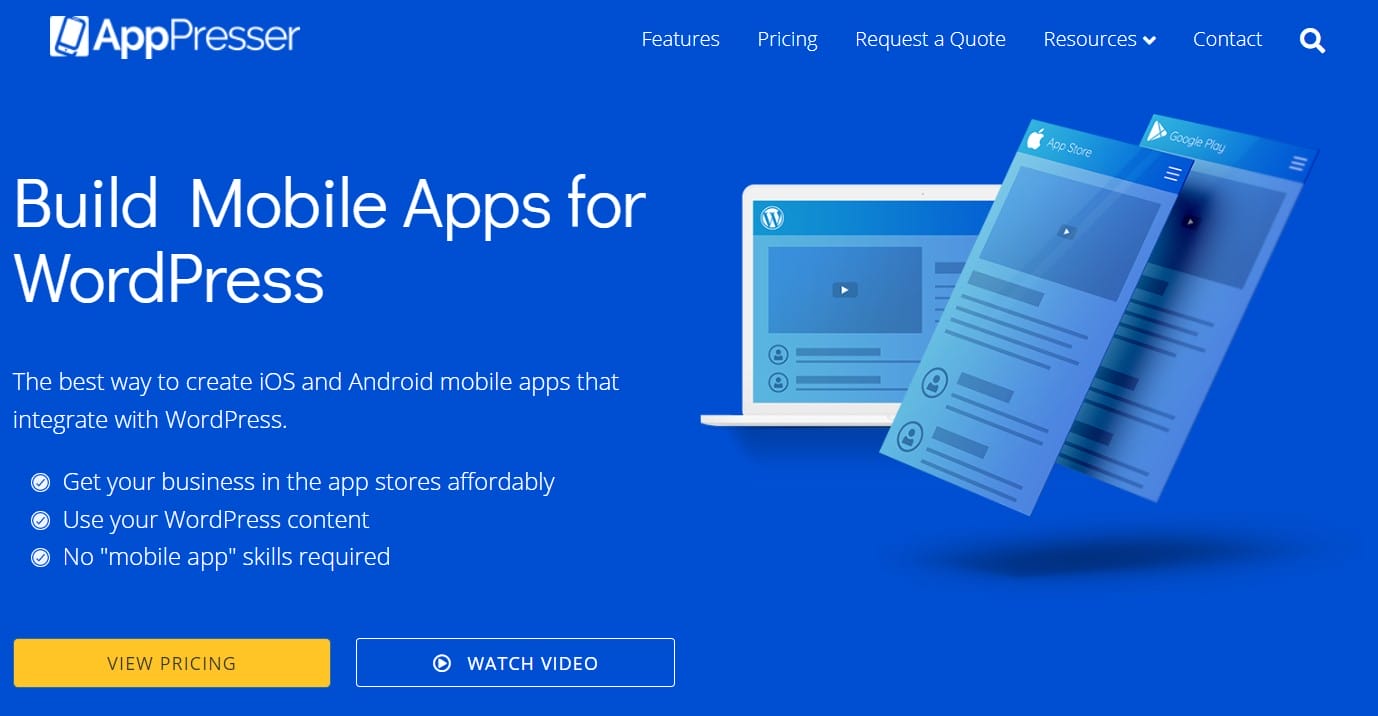
AppPresser is one of the most popular tools for converting WordPress sites into mobile apps. It offers deep integration with WordPress, allowing you to use your existing plugins, themes, and content in the app. You can customize the app using a simple drag-and-drop builder and access features like push notifications, social sharing, and offline access.
Key Features:
- Full WordPress integration.
- Customizable app design.
- Push notifications.
- Offline content access.
- Supports WooCommerce for mobile eCommerce.
2. MobiLoud
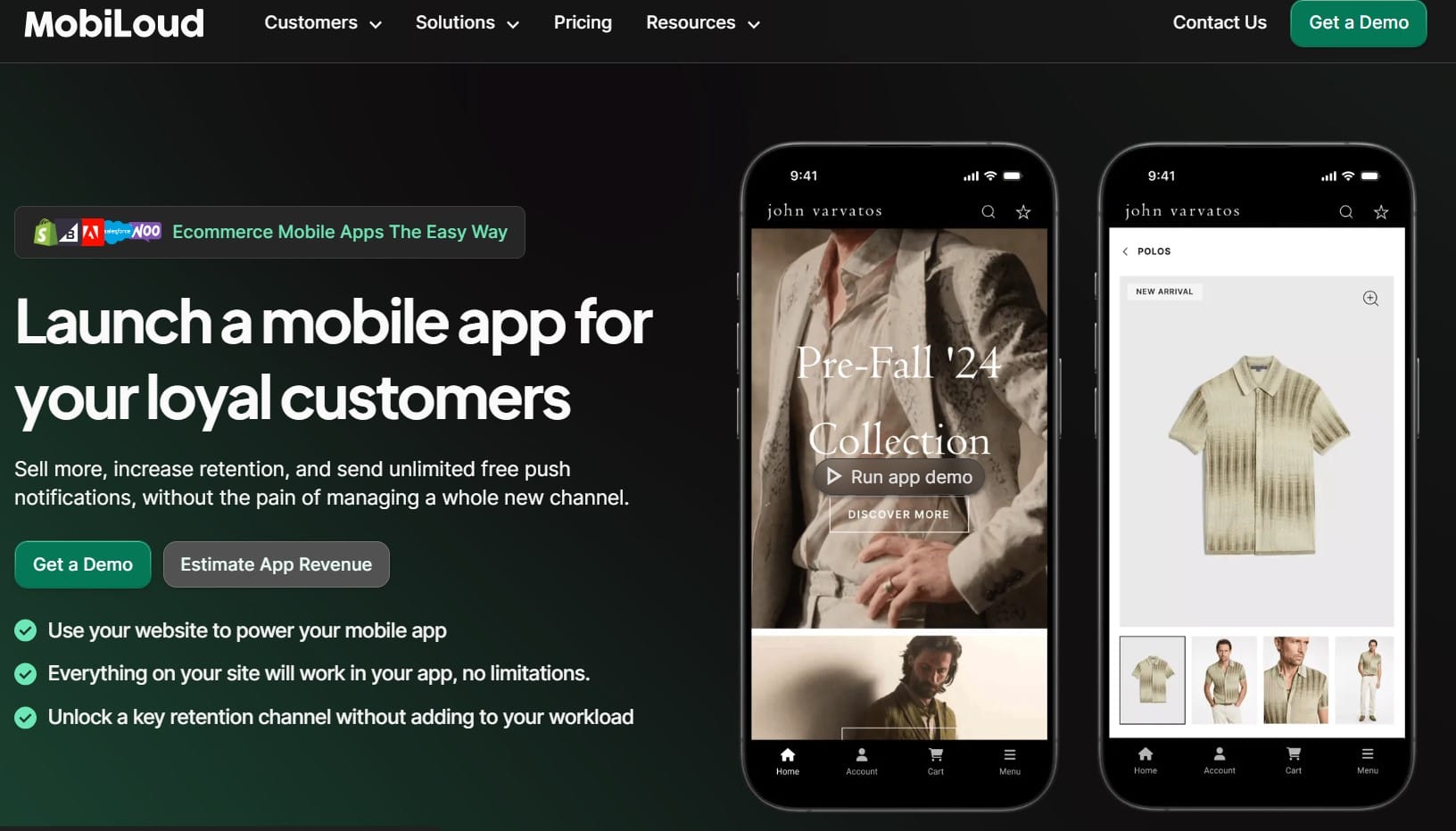
MobiLoud specializes in converting WordPress sites into mobile apps with a focus on news sites, blogs, and online magazines. It offers native features like push notifications, social media sharing, and customizable designs. MobiLoud takes care of the entire app development process, from design to publishing on the Google Play Store.
Key Features:
- Native mobile app experience.
- Push notifications.
- Monetization support with ads.
- Full-service app management.
3. Androapp
Androapp is a cost-effective solution for creating Android apps from WordPress sites. It supports a variety of features, including offline reading, push notifications, and social sharing. Androapp is particularly suited for content-heavy sites like blogs and news portals.
Key Features:
- Offline content access.
- Push notifications.
- Social media sharing.
- Easy theme customization.
4. WordApp
WordApp is a plugin that allows you to create a mobile app from your WordPress site with minimal effort. It offers a drag-and-drop interface to design your app and supports eCommerce, push notifications, and AdMob integration for monetization.
Key Features:
- Easy drag-and-drop app builder.
- WooCommerce support.
- Push notifications.
- AdMob integration for monetization.
5. WebViewGold
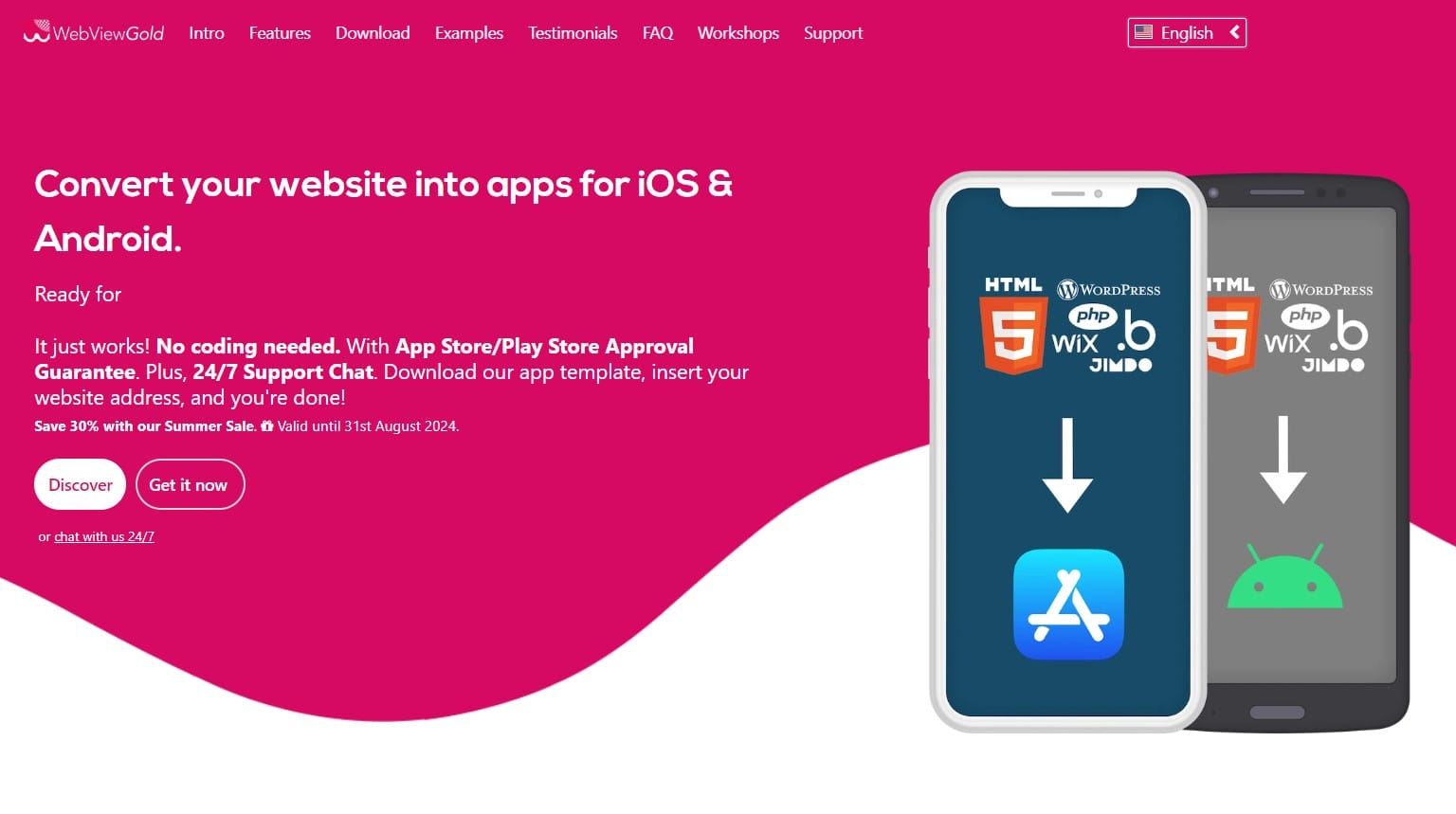
WebViewGold is a hybrid approach that turns your WordPress site into a mobile app by wrapping your website in a WebView shell. This approach is quick and easy, but it relies on your site being fully responsive and optimized for mobile users.
Key Features:
- The quick conversion process.
- Supports all WordPress content.
- Customizable WebView settings.
- Supports push notifications and in-app purchases.
Considerations When Converting WordPress to an Android App
1. Responsiveness: Ensure your WordPress site is fully responsive and optimized for mobile devices before converting it into an app.
2. User Experience: Focus on creating a seamless and intuitive user experience. The app should be easy to navigate, with fast load times and smooth transitions.
3. Security: Protect user data by implementing SSL certificates and other security measures within your app.
4. Updates and Maintenance: Regularly update your app to fix bugs, add new features, and improve performance.
Transform Your WordPress Site into a Mobile App
Converting your WordPress site into an Android app can significantly enhance user engagement, improve accessibility, and boost your brand’s visibility. With the right tools and strategies, the process is straightforward and can yield impressive results. Whether you’re running a blog, an eCommerce store, or a content-rich website, turning your WordPress site into a mobile app is a step toward staying relevant in a mobile-first world.
By following the steps outlined in this guide and choosing the right tool for your needs, you can create a powerful and effective Android app that complements your WordPress site and offers your users a superior mobile experience. So why wait? Start transforming your WordPress site into an app today and reach your audience like never before.
Interesting Reads:
Tools To Convert Your WordPress Website To HTML

