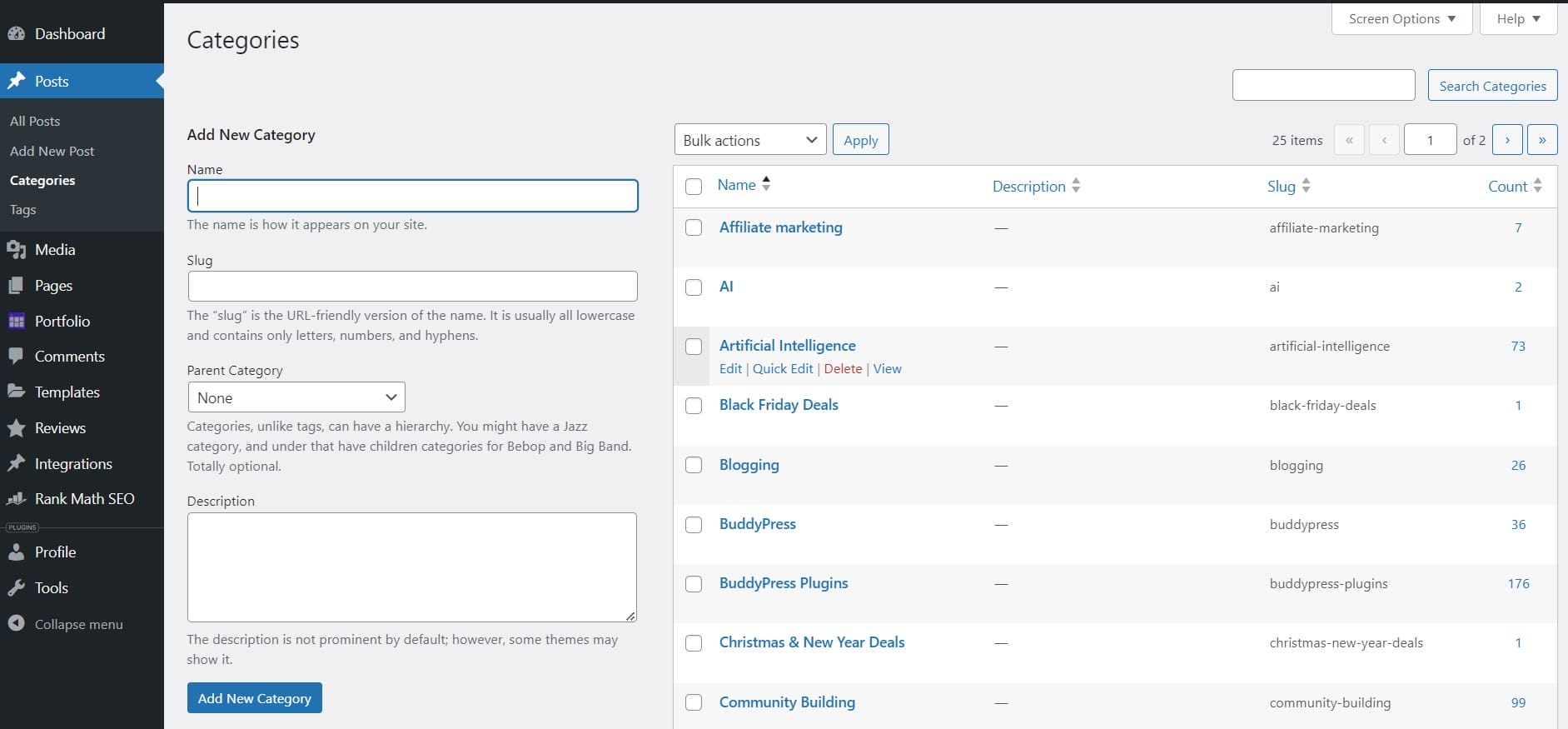
Accidents happen, and sometimes you delete a category that you didn’t intend to. Once a category is deleted in WordPress, it can seem like it’s gone for good. Fortunately, there are ways to potentially recover or recreate a deleted category. You can try looking to restore from a backup or manually recreate the category, understanding your options is key to effectively managing your WordPress site.
Quick Links
Methods to Undelete a WordPress Category
1. Restore from Backup
If you have a recent backup of your WordPress site, you can restore the category from the backup. This method will involve restoring your database to a point before the category is deleted.
Step 1: Locate your latest backup.
Step 2: Restore the backup via your hosting provider or a backup plugin you’re using, such as UpdraftPlus or BackupBuddy.
Step 3: Verify that the category is restored.
Note: Restoring from a backup will revert your site to the state it was in at the time of the backup, meaning any changes made after the backup was taken will be lost.
2. Manual Recreation
If you don’t have a backup, you can manually recreate the category. You may need to reassign posts to this newly created category if they were originally associated with the deleted category.
Step 1: Go to Posts >> Categories in your WordPress dashboard.
Step 2: Add the category again by filling in the name, slug, and other relevant details.
Step 3: Manually reassign the posts that were in the deleted category to the newly created category.
3. Database Recovery (Advanced)
If you’re comfortable with working directly with your WordPress database, you might be able to recover the deleted category if you act quickly.
Step 1: Access your database using phpMyAdmin or a similar tool.
Step 2: Navigate to the wp_terms and wp_term_taxonomy tables. These tables store category data.
Step 3: Look for any remnants of the deleted category. If you find the entry and it’s not completely removed, you might be able to restore it by updating the deleted status.
Warning: This is an advanced method and could potentially cause more issues if not done correctly. Always back up your database before making any changes.
While WordPress doesn’t offer a simple “undelete” option for categories, you can recover from the loss by restoring a backup, manually recreating the category, or attempting advanced database recovery. Regularly backing up your WordPress site is crucial to prevent permanent data loss in situations like this.