

Creating attention-grabbing flyers has never been easier with online flyer makers. Whether you’re a marketer, small business owner, or hobbyist, a well-designed flyer can amplify your message. Fortunately, there are many free online flyer makers that offer robust design features, templates, and customization options. Below, we’ll go through ten of the best free online flyer makers for 2023, detailing their features, pros, and cons to help you find the right fit. We’ll also include a comparison table for easy reference.

Quick Links
What to Look for When Choosing an Online Flyer Maker
When choosing an online flyer maker, there are several key factors to consider to ensure it aligns with your design needs and helps create impactful, professional-looking flyers. Here’s a breakdown of what to look for:
1. Ease of Use and Interface
- User-Friendly Design: An intuitive, drag-and-drop editor can save time and make the flyer creation process straightforward, especially for beginners.
- No Learning Curve: Ideally, the tool should require minimal onboarding, with an interface that lets users start designing immediately.
2. Template Variety
- Relevant and Customizable Templates: Look for a tool with a diverse range of templates suitable for various flyer types, like event promotions, real estate, or educational flyers.
- Customizable Options: Templates should be fully editable, allowing you to adjust colors, fonts, images, and layouts to match your branding or style preferences.
3. Design Elements and Stock Assets
- Access to Stock Images, Icons, and Graphics: Quality images, icons, and design elements are essential for eye-catching flyers. Some tools include free stock images, while others may require a paid plan.
- Graphics and Icons: Icons, shapes, and patterns can enhance your flyer’s look and make it more engaging. Check if the tool offers these elements without extra charges.
4. Customization Options
- Advanced Editing Tools: From text formatting to color gradients, the flyer maker should provide a range of tools that allow you to personalize your design in detail.
- Layers and Effects: Look for tools that offer layer-based editing, effects (like shadows and gradients), and customization options for a more professional finish.
5. Collaboration Features
- Real-Time Collaboration: If you’re working in a team, opt for a flyer maker that offers real-time collaboration features. This enables seamless teamwork and instant feedback.
- Sharing and Commenting Options: Some flyer makers allow team members to share, comment, and suggest edits, which can be helpful for faster approvals and feedback.
6. Download and Export Options
- Multiple Formats: Choose a flyer maker that allows you to download your design in various formats, such as PDF, JPG, PNG, or even SVG for vector graphics.
- High-Resolution Exports: For print-quality flyers, you’ll need high-resolution export options to ensure your design looks crisp in print.
Best Online Flyer Maker
1. Canva

Canva is a popular design tool that offers a wide array of templates, graphics, and customizable options. Known for its user-friendly drag-and-drop interface, Canva makes creating professional-looking flyers easy, even for beginners. With a library of free templates, images, and fonts, users can also purchase premium elements if desired.
Key Features:
- Extensive template library
- Easy drag-and-drop editor
- Collaboration tools for team projects
- Access to stock photos, icons, and fonts
Pros:
- Beginner-friendly interface
- Free plan with many resources
- Good for collaborative projects
Cons:
- Limited features in the free version
- Premium elements often require paid subscription
2. Adobe Express (formerly Spark)
Adobe Express provides a sleek, professional design experience that’s accessible to everyone, especially those familiar with Adobe’s suite. It comes with various templates for flyers, and users can easily resize their creations to fit different formats.
Key Features:
- Templates from Adobe’s professional design library
- Seamless integration with other Adobe products
- High-quality export options
Pros:
- Access to high-quality design elements
- Intuitive interface for both beginners and advanced users
Cons:
- Limited free version; full features require a subscription
- Requires an Adobe account for access
3. Visme
Visme offers a range of visual tools for creating dynamic flyers, presentations, infographics, and more. Known for its versatility and professional-grade designs, Visme’s templates are easy to customize.
Key Features:
- Robust template selection
- Animation options to create more dynamic flyers
- Integrations with stock image libraries
Pros:
- Ideal for creating multimedia flyers
- Templates designed for a professional look
Cons:
- Free plan offers limited download options
- Some premium assets are locked behind a paywall
4. Crello (Now VistaCreate)
VistaCreate is a versatile design platform that specializes in social media and marketing visuals, making it great for creating flyers with modern designs. Its interface is similar to Canva, and users will find plenty of free templates, design elements, and animations.
Key Features:
- Animation tools for dynamic flyers
- Modern templates optimized for social media sharing
- Free access to many design elements
Pros:
- Attractive templates for modern designs
- Free to use with many customization options
Cons:
- Requires an account for use
- Limited offline options
5. 
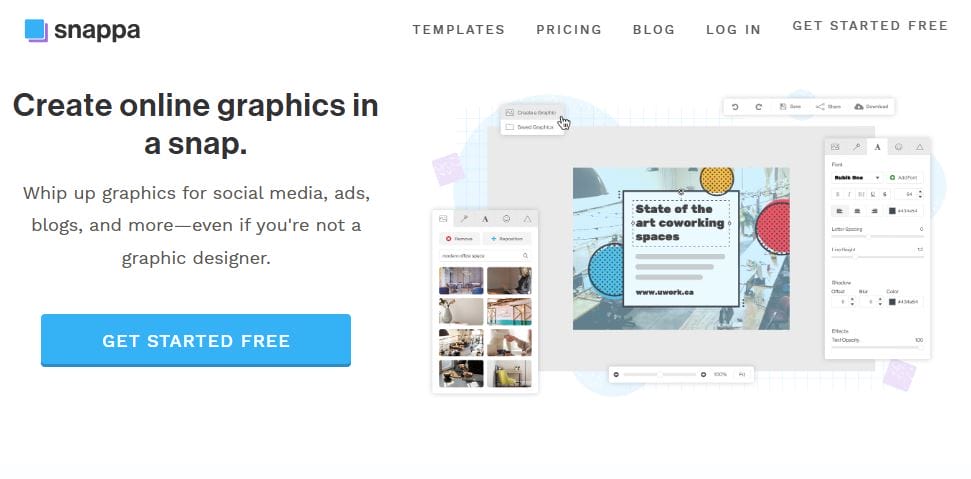
Snappa is an intuitive graphic design tool built with speed and simplicity in mind. With its drag-and-drop interface, users can quickly create flyers from various templates and access a library of over a million free photos.
Key Features:
- Over a million free photos and graphics
- Templates for various flyer styles
- Easy resizing tool for different formats
Pros:
- Streamlined interface suitable for beginners
- Strong image library included in the free plan
Cons:
- Limited features in the free version
- Limited to a few downloads per month on the free plan
Also Read: 10 Best Photography Video Makers
7. PosterMyWall
PosterMyWall specializes in poster and flyer designs, offering both print and digital design options. Users can access thousands of templates for free, making it a go-to choice for those who need professional designs quickly.
Key Features:
- Huge library of flyer templates
- Video and GIF options for animated flyers
- One-click resize feature
Pros:
- Extensive template variety
- Video flyer options make it unique
Cons:
- Watermarked downloads in the free version
- Some premium assets require payment
8. Piktochart
Originally an infographic tool, Piktochart also allows for flyer creation. It’s ideal for users looking to add data visualizations, making it a unique option for corporate or educational flyers.
Key Features:
- Excellent for data-based flyers
- Supports infographics, reports, and presentations
- Easy-to-use, data-oriented templates
Pros:
- Great for creating informational flyers
- Quality infographic elements
Cons:
- Limited design elements for free users
- Not as flexible for general flyer use
9. FotoJet
FotoJet offers easy flyer creation through templates, and users can start designing without an account. This simplicity makes FotoJet an excellent choice for quick projects.
Key Features:
- Doesn’t require an account signup
- Basic templates and layout options
- Photo editing tools included
Pros:
- Easy to use, minimal setup required
- Quick projects with essential tools
Cons:
- Limited advanced features
- Fewer templates than competitors
10. BeFunky
BeFunky is a popular photo editor with flyer creation capabilities. Its design tools allow users to work on multiple types of projects, including collages and social media graphics.
Key Features:
- Powerful photo editing features
- Collage-making option
- Quick drag-and-drop flyer templates
Pros:
- High-quality photo editing tools
- Good for mixed media projects
Cons:
- Ads in the free version
- Limited flyer templates
11. DesignCap
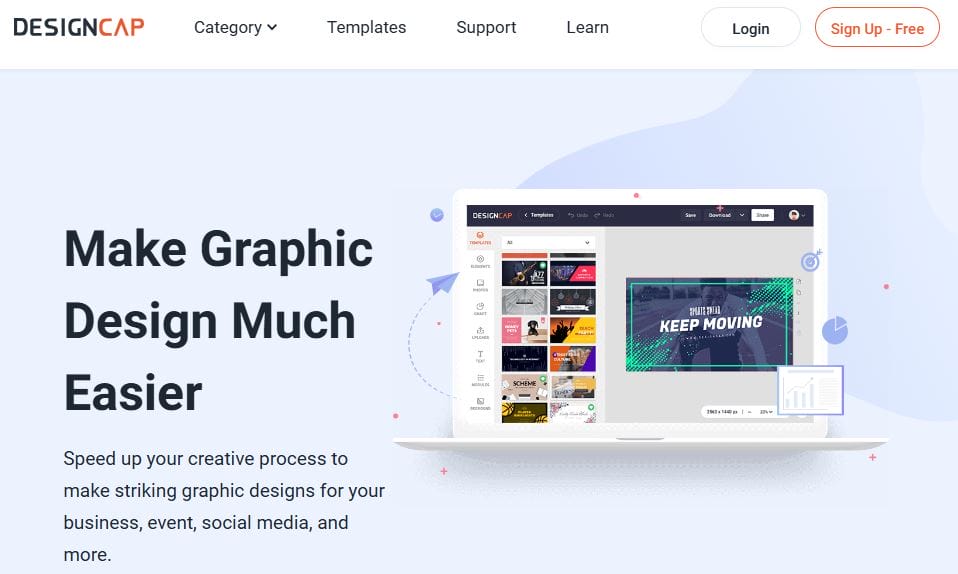
DesignCap is another easy-to-use flyer maker that offers templates for flyers, posters, infographics, and more. With an extensive icon library, DesignCap is ideal for creating visually appealing flyers with minimal effort.
Key Features:
- Icon and shape library
- Free and paid template options
- User-friendly, simple interface
Pros:
- Accessible and straightforward
- Icon-rich design choices
Cons:
- Limited to basic design options
- More advanced features require payment
Comparison Table of the Best Free Flyer Makers
| Tool | Key Features | Free Plan Limitations | Ideal For | Unique Aspects |
|---|---|---|---|---|
| Canva | Drag-and-drop editor, collaboration, templates | Limited premium elements | Beginners, teams | Collaborative projects |
| Adobe Express | Professional templates, Adobe integration | Requires Adobe account | Experienced designers | Integration with Adobe suite |
| Visme | Animations, multimedia templates | Limited downloads | Professional designs | Animation options |
| VistaCreate | Social media optimized, animations | Requires account | Social media flyers | Modern, trendy templates |
| Snappa | Over 1M photos, quick resizing | Limited downloads per month | Quick projects | Beginner-friendly |
| PosterMyWall | Video flyer options, resizing | Watermarked downloads | Quick, versatile flyers | Video and GIF flyer options |
| Piktochart | Data-based templates, infographic support | Limited elements | Corporate, educational | Data visualization |
| FotoJet | Account-free, basic templates | Limited advanced tools | Quick projects | Simple, no account needed |
| BeFunky | Photo editor, collage maker | Ads in free version | Mixed media projects | High-quality photo editor |
| DesignCap | Icon library, simple editor | Basic tools | Simple designs | Extensive icon library |

Final Thoughts
Each of these tools offers a variety of free features, making flyer creation accessible regardless of your design experience. By understanding your project needs and each tool’s unique capabilities, you can select the flyer maker that best aligns with your goals. Whether you prioritize ease of use, professional elements, or specific design options, there’s a flyer maker in this list to suit your needs.
Interesting Reads
10 Best Online Banner Maker For Free

