Ghost vs WordPress: How to Pick the Right Platform for Your Website

As the online world continues to evolve, selecting the right content management system can define the success of your online presence. Among the top contenders in the world of CMS platforms, two names stand out: Ghost vs WordPress. Both are popular open-source blogging platforms, yet they cater to distinctly different audiences and use cases.
Choosing between these platforms is not a simple task—it involves understanding their unique features, capabilities, and the kind of website you’re looking to create. Whether you’re an aspiring blogger, a business owner, or a developer, each platform offers distinct advantages that align with different needs. WordPress, for instance, is known for its extensive plugin ecosystem and flexibility, making it a go-to for a wide range of users. Ghost, on the other hand, focuses on providing an optimised experience for content creators, with a streamlined, minimalist approach to website building.
Ghost
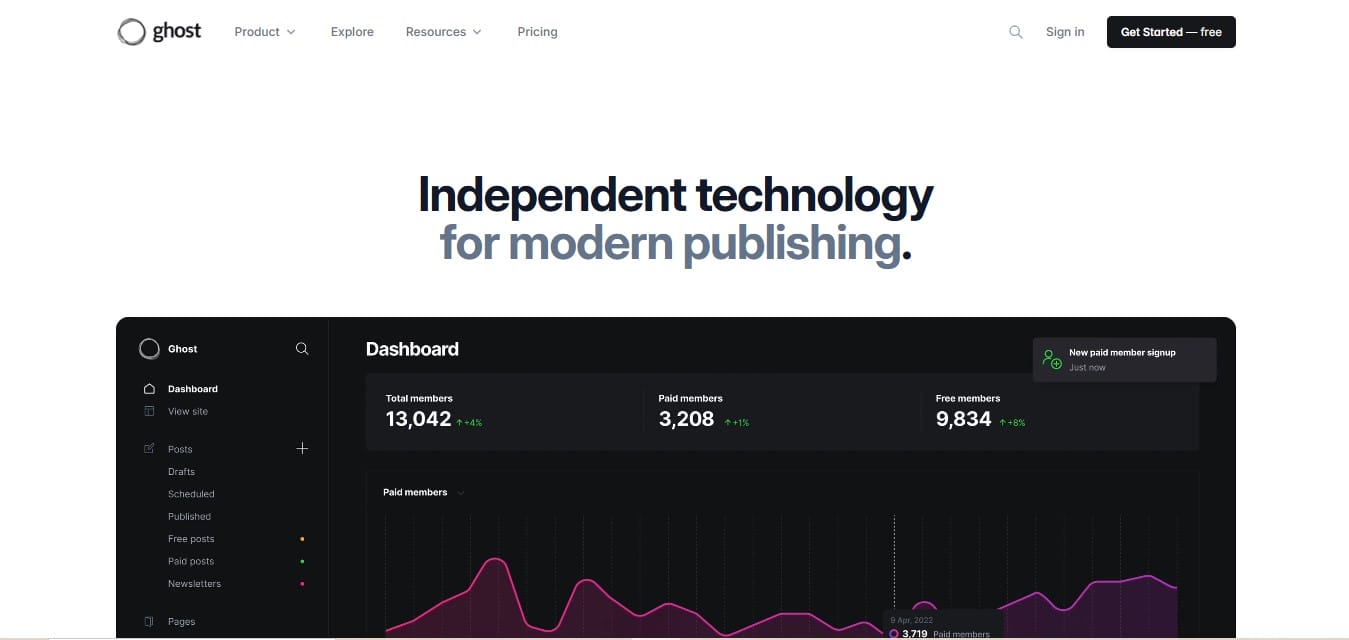
Ghost is a modern, open-source platform designed specifically for professional publishing and blogging. It prides itself on a minimalist, no-frills approach, focusing solely on providing an optimised writing and content management experience.
How to Install Ghost
Installing Ghost is relatively straightforward, but it requires some technical knowledge. To set it up on your server, you need to ensure that your system meets the requirements, such as having Node.js and a MySQL or SQLite database. The process involves using the Ghost CLI (Command Line Interface) to install and configure the platform on your server.
Alternatively, if you prefer a hassle-free setup, Ghost offers managed hosting where the platform is pre-installed and ready to use, eliminating the need for technical installation.
1. Clean and Minimalist User Interface
Ghost offers a distraction-free interface that appeals to writers, journalists, and creators. The dashboard is designed with clarity in mind—simple menus, no clutter, and a laser focus on content creation. You won’t find unnecessary widgets or settings that often complicate the user experience in other CMS platforms. This minimalist structure not only improves productivity but also reduces onboarding time for new users.
Also Read: Top 11 Google Voice Alternatives and Competitors for VoIP Calling and Business Use
2. Markdown-Based Editor
The Ghost editor is powered by Markdown, allowing users to format content quickly without toggling between menus. This makes writing fast, efficient, and enjoyable, especially for those who are used to using plain text for structuring articles. The editor also supports rich media embeds for platforms like YouTube, Twitter, and Unsplash without requiring plugins. With a live preview option and a clean interface, writers can stay immersed in their work.
3. Built-in SEO Tools
One of the most appreciated Ghost CMS features is its native SEO optimisation. Ghost allows you to edit meta titles, descriptions, canonical URLs, and structured data directly within the editor. You won’t need third-party plugins for basic SEO tasks, which helps keep the platform clean and fast. This makes Ghost especially ideal for solo creators or teams that want to streamline their SEO strategy without additional tools.
4. Membership and Subscription Features
Ghost is built for creators who want to monetise their content. You can set up paid memberships, create email newsletters, and manage subscribers—all from within the platform. Stripe integration allows you to charge for access to premium posts and gated content, making it ideal for independent writers, educators, and newsletter creators. With segmentation tools and audience insights, it also supports targeted content delivery.
5. Blazing Fast Performance
Built on Node.js, Ghost is exceptionally fast. The backend is optimised for high performance, and sites built with Ghost typically perform well in Google’s Core Web Vitals. The lightweight structure also means faster load times, which translates to better user experience and higher search engine rankings. Ghost also has a minimal dependency footprint, making site maintenance simpler.
6. Headless CMS Architecture
For developers, Ghost functions as a modern headless CMS. This allows complete separation between the content and the front end. You can use frameworks like Gatsby, Next.js, or Eleventy to create custom front-end experiences while Ghost handles the content via API. This is a significant advantage for projects that require scalability and custom design implementation.
7. Built-In Newsletter Delivery
Unlike WordPress, Ghost includes native email newsletter functionality. You can write, format, and send newsletters directly from the Ghost dashboard. There’s no need to integrate third-party platforms like Mailchimp. Plus, newsletters are seamlessly tied to your content, so you maintain control over branding and engagement.
8. Pricing and Hosting Options
Ghost offers two main options: self-hosted and managed hosting. For self-hosting, Ghost is free to use, but you will need to cover your own hosting costs. The official Ghost Managed Hosting starts at $ 9/month for the “Basic” plan, which includes one website, one contributor, and 1GB of storage. Higher-tier plans, such as the “Creator” and “Team” plans, range from $25/month to $50/month, offering more storage, advanced features, and the ability to manage multiple websites.
Also Read: Why Website Speed Tests Are Critical in Modern Web Development Projects
WordPress
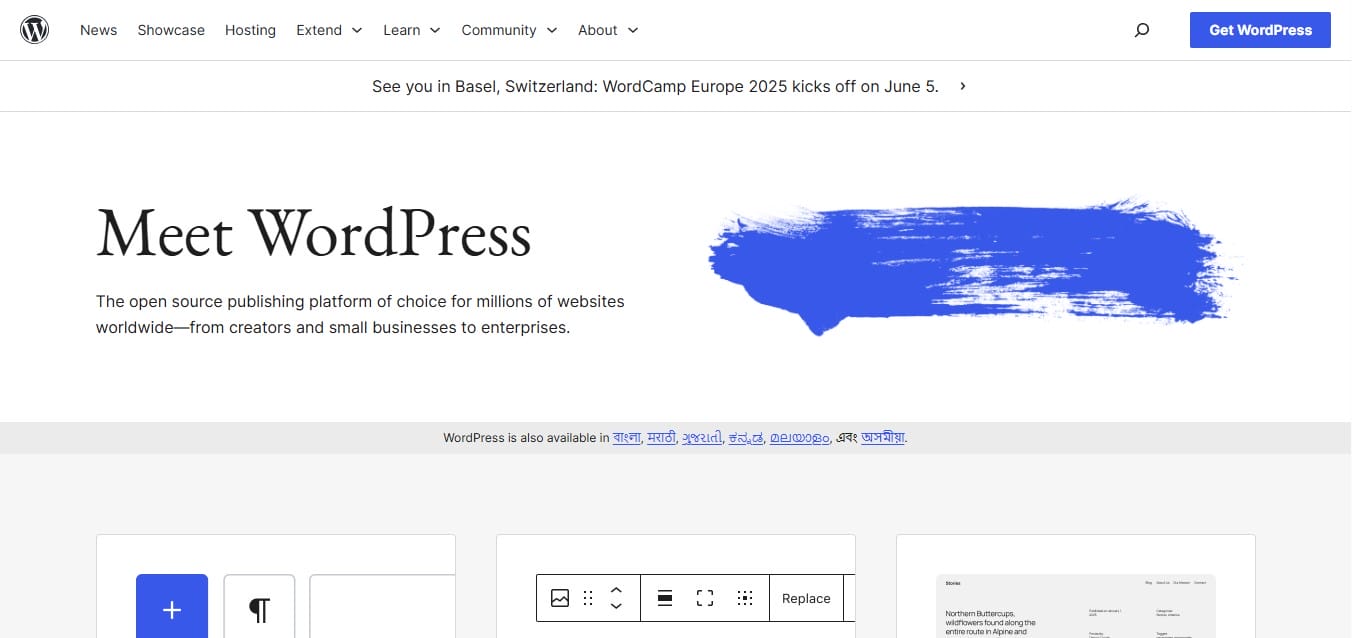
WordPress is a widely used open-source CMS that powers millions of websites, from personal blogs to large enterprises. Known for its flexibility, WordPress offers an extensive library of plugins and themes, making it suitable for any website, whether a simple blog or an e-commerce store. Its user-friendly interface allows beginners to easily create websites, while developers can customise themes and plugins. With built-in SEO tools and a strong community, WordPress ensures both ease of use and scalability, making it an ideal choice for diverse needs.
How to Install WordPress
Installing WordPress is simple, especially with hosting providers offering one-click installations. If you prefer manual installation, download WordPress, create a MySQL database, and upload the files to your server. After configuring the wp-config.php file with your database details, run the installation script by visiting your domain, and follow the prompts to set up your site.
1. Customisable Dashboard and UI
In contrast to Ghost’s minimalism, WordPress offers a robust dashboard that caters to every kind of user, from bloggers to developers. The admin panel includes rich functionality with widgets, menus, and access to all the tools you need for building any type of website. With continuous updates and support from the open-source community, WordPress remains both powerful and adaptable.
2. Gutenberg Block Editor- Ghost vs WordPress
The default WordPress editor, Gutenberg, uses a block-based design that lets users visually arrange text, images, videos, and widgets with drag-and-drop ease. For users preferring more advanced control, third-party page builders like Elementor or Beaver Builder offer near limitless design possibilities. Gutenberg has matured significantly and now supports reusable blocks, custom templates, and more dynamic content management.
3. Plugin Ecosystem- Ghost vs WordPress
One of the most powerful features of WordPress is its extensive plugin ecosystem. With over 60,000 plugins in the official repository, WordPress can be extended to support SEO, performance optimisation, e-commerce (via WooCommerce), LMS platforms, CRM tools, contact forms, and much more. If there’s a feature you need, there’s almost certainly a plugin for it. This rich ecosystem allows businesses and creators to evolve their website functionality without rebuilding from scratch.
4. Extensive Theme Library
WordPress boasts a massive selection of themes, both free and premium. Whether you’re building a portfolio, business site, online store, or magazine, you’ll find a theme to match your vision. Most themes also support full customisation through WordPress Customizer or page builders. Additionally, themes like Astra, OceanWP, and Kadence are built with speed and SEO in mind.
5. Full SEO Control with Plugins
While WordPress doesn’t offer built-in SEO functionality like Ghost, it compensates through plugins like Yoast SEO, All in One SEO Pack, and Rank Math. These tools offer comprehensive on-page optimisation, XML sitemap generation, breadcrumb support, and even content readability analysis. The flexibility and depth these tools provide make WordPress a solid choice for SEO-driven websites.
6. Flexible Content Management- Ghost vs WordPress
WordPress is more than just a blogging tool. You can manage posts, pages, custom post types, taxonomies, categories, and tags with ease. The platform is equally suited for large content archives or multi-author publishing environments, thanks to its user role management and editorial plugins. It supports versioning, scheduling, and draft management, making it a strong CMS platform for enterprise-level content teams.
7. E-commerce Capabilities
With WooCommerce, WordPress can power robust online stores. From physical product listings to digital downloads and subscription services, WordPress supports full-scale e-commerce solutions. You can manage inventory, accept payments, handle shipping, and even integrate marketing automation tools seamlessly. WooCommerce also offers extensions for bookings, memberships, and loyalty programs.
8. Multisite and Multilingual Support
WordPress offers multisite capabilities, allowing you to manage multiple websites from a single installation. It also integrates smoothly with multilingual plugins like WPML and Polylang, making it a top choice for international brands and content creators targeting global audiences. This feature is particularly beneficial for companies operating in diverse geographic regions.
9. Open Hosting Environment- Ghost vs WordPress
Unlike Ghost(Pro), which restricts hosting to its managed service, WordPress can be hosted anywhere. From shared hosting to VPS, cloud, or managed WordPress hosting, users have full control over how and where they deploy their site. This flexibility helps manage costs and scale performance as needed. Providers like Bluehost, SiteGround, and Kinsta offer tailored WordPress environments for varying needs.
10. Pricing- Ghost vs WordPress
WordPress is free to download and use for self-hosting, though you’ll need to pay for your own hosting and domain name. Popular shared hosting plans for WordPress can range from $3 to $10 per month. If you opt for the managed WordPress hosting through providers like WordPress.com, pricing starts at $4/4/month for the Personal plan and can go up to $45/month for the Business plan, offering additional features like custom themes, advanced SEO tools, and more.
Also Read: 10 Best Lightroom Alternatives and Competitors to Try
Ghost vs WordPress: Feature-by-Feature Summary
Both platforms bring impressive functionality to the table, but their focus areas differ significantly:
| Feature | Ghost | WordPress |
| Ease of Use | Clean, focused on writing | Feature-rich, higher learning curve |
| Editor | Markdown-based | Gutenberg block-based |
| SEO Tools | Built-in | Via third-party plugins |
| Membership Support | Native | Requires plugins |
| Speed and Performance | Very high (Node.js) | Depends on the setup and plugins |
| E-commerce | Not natively supported | Fully supported (WooCommerce) |
| Customisability | Limited themes, code-based | Extensive themes and plugins |
| Community Support | Smaller but active | Large, global community |
| Multilingual & Multisite | Limited | Strong multilingual & multisite |
| Pricing | Higher for managed hosting | Highly flexible, lower entry cost |

Which Platform Should You Choose?
When weighing Ghost vs WordPress, the right choice depends on your priorities. If your primary need is a sleek, high-performance publishing platform with native monetisation features, Ghost is purpose-built for that. The Ghost CMS features align perfectly with writers, journalists, and subscription-based creators.
On the other hand, if you need a flexible, extensible platform capable of supporting complex sites, stores, or custom applications, WordPress is unrivalled. The breadth of WordPress features, combined with its vast plugin and theme ecosystem, makes it a more versatile option among the two CMS platforms.
Ultimately, both are powerful open-source blogging platforms, but your choice should reflect the goals, scope, and future growth plans of your website.
FAQs
WordPress vs. Ghost: Who are they for?
WordPress is ideal for users seeking flexibility and a wide range of plugins and themes for various website types, while Ghost is tailored for writers, bloggers, and publishers who want a fast, minimalist, and content-centric platform.
Is Ghost a good blogging platform?
Ghost is a strong blogging platform with robust built-in SEO features, though it doesn’t offer the same depth and flexibility as WordPress. Like any platform, it may require add-ons and integrations to extend functionality and connect with third-party services for a fully customised blogging experience.
Is Ghost a good alternative to WordPress?
Ghost is a fast, modern alternative to WordPress, designed specifically for professional publishing. If you’re considering switching, Ghost offers a streamlined, content-focused experience that can simplify publishing, though it may not have the extensive plugin ecosystem that WordPress provides.
Is Ghost blog better than WordPress?
WordPress is highly customizable and flexible, making it ideal if you need extensive features or full control over your site, though it often requires more technical expertise. In contrast, Ghost focuses exclusively on blogging, providing a simple, elegant platform for storytelling and content creation.
Is Ghost a good WordPress alternative?
While WordPress has dominated the market for years, Ghost has grown in popularity since its launch in 2013. It’s become a top choice for content creators who value speed, simplicity, and a clean, streamlined publishing experience.
Is Ghost a good CMS compared to WordPress?
Ghost is fast, highly secure, and very user-friendly. Unlike WordPress, it requires little to no server management or coding, allowing you to focus on creating content rather than troubleshooting technical issues. If your goal is a simple, streamlined platform for sharing stories, Ghost is an excellent CMS choice.
Interesting Reads:
Choosing Craft CMS vs WordPress for Your Website Development

Shashank is a seasoned digital marketing and WordPress expert who specializes in SEO, software tools reviews, and cutting-edge strategies for boosting online presence. With a passion for simplifying complex topics, Goutham crafts engaging blog posts that help readers optimize their websites, improve search engine rankings, and stay ahead in the ever-evolving digital landscape.


