

Independence Day is a time to reflect on our history, celebrate freedom, and, of course, send some heartfelt greetings to friends and family. What better way to express your patriotic spirit than with a personalized Independence Day card? Whether you’re designing something traditional with flags and fireworks or creating a modern design with creative touches, a great card maker can help you craft the perfect greeting.
In this post, we’re diving into the 10 best Independence Day card maker available for 2024. These tools are easy to use, come with a variety of templates, and let you add that personal touch. So, let’s explore these incredible platforms and find the one that suits your creative vision!

Quick Links
How to Create Stunning Independence Day card maker with the Best Tools
1. Canva: The Ultimate Card Maker for Customization
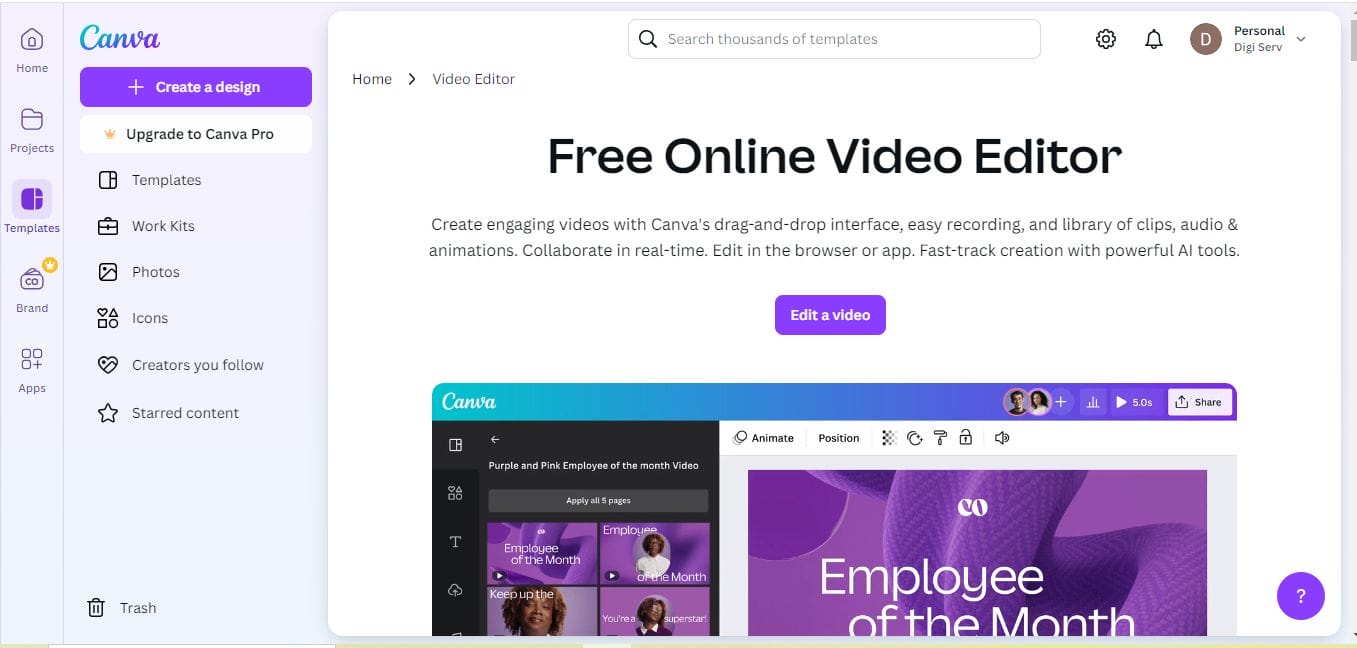
If you’ve ever looked for an easy and versatile card maker, Canva probably came up in your search. Canva is a well-known platform for creating everything from social media posts to posters, and it doesn’t disappoint when it comes to designing Independence Day cards. With a wide range of customizable templates, you can create a card that perfectly reflects your style.
Canva’s drag-and-drop editor is super intuitive. Even if you have no design experience, you can customize templates, add text, choose from an impressive library of patriotic images, and make the card your own. The best part? Canva offers a free version with lots of features, though the Pro version unlocks even more resources like exclusive templates and images.
Key Features:
- Pre-made Independence Day templates
- Easy-to-use drag-and-drop editor
- Free and Pro versions
Pros:
- Beginner-friendly and intuitive
- Huge library of stock images and design elements
- Great for both digital and print cards
Cons:
- Some advanced features are locked behind the Pro version
- Requires an internet connection to use effectively
2. Adobe Express: Professional Results for Every Occasion
For those who want a more polished design, Adobe Express (formerly Adobe Spark) is a powerful tool. Adobe Express allows you to create stunning, high-quality Independence Day cards with professional-grade templates. The platform provides a wide range of patriotic-themed templates, icons, and design tools, making it easy to customize your card and get it just right.
One of the highlights of Adobe Express is its ability to work seamlessly with other Adobe products. If you’re already familiar with the Adobe ecosystem, this platform will feel intuitive. The free version is solid, but if you want access to additional templates and premium features, you’ll need the paid plan.
Key Features:
- Professional-grade templates
- Integration with Adobe Creative Cloud
- High-quality design tools
Pros:
- High-quality output perfect for print
- Customizable design options
- Great integration with other Adobe products
Cons:
- The learning curve may be steep for beginners
- Some features are limited in the free version
Also Read: 10 Best Twitch Resizer for Images
3. Fotor: Fast and Fun Card Creation
Fotor is another excellent tool for creating Independence Day cards quickly and efficiently. It’s known for its photo-editing capabilities, but Fotor also offers an easy-to-use card-making tool. You can start with a template and add your photos, text, and various festive elements. The platform also lets you apply fun filters and effects to give your card a unique twist.
Fotor is perfect if you need a quick yet high-quality card for your friends and family. The free version offers plenty of customization options, and the Pro version provides access to even more features like advanced design tools and premium templates.
Key Features:
- Customizable templates and filters
- Easy photo editing features
- Quick and efficient card-making process
Pros:
- Fast card creation process
- Offers both free and paid versions
- User-friendly design interface
Cons:
- Limited templates in the free version
- Some advanced features are reserved for premium users
4. Crello: Perfect for Animation and GIF Cards
If you’re looking for something a little different, Crello offers the ability to create animated cards. This is perfect for sending a lively Independence Day greeting, especially on social media. With Crello, you can choose from a variety of animated templates, add dynamic elements like fireworks, and bring your card to life in just a few clicks.
Crello’s interface is incredibly easy to navigate, and it’s a great option if you want to create both static and animated cards. The free version offers a solid selection of features, but for access to premium templates and animations, you’ll need the Pro version.
Key Features:
- Animated card templates
- Easy drag-and-drop editor
- Huge library of design elements
Pros:
- Great for creating animated cards
- Fun and engaging design options
- Easy-to-use platform
Cons:
- Limited free features
- Some templates and animations are locked behind the Pro version
5. Greetings Island: A Free, No-Hassle Option
Greetings Island is all about simplicity and ease of use. With a variety of customizable Independence Day card templates, this platform makes card creation quick and stress-free. Simply choose a template, personalize it with your message, and you’re ready to go! You can print your cards directly or send them as eCards.
The platform doesn’t require a sign-up, making it incredibly user-friendly for those in a hurry. However, the free version includes ads, and there are some limitations on customization. Upgrading to the premium version removes ads and unlocks more features.
Key Features:
- Ready-to-use templates
- No sign-up required
- Free and premium versions
Pros:
- Very easy to use
- Quick card creation process
- Print or send as eCards
Cons:
- Limited customization in the free version
- Free version includes ads
Also Read: 10 Best Image Resizer for YouTube
6. Snappa: Simple and Effective for Quick Designs
Snappa is another straightforward platform for creating Independence Day cards in no time. It’s perfect for users who want a no-frills design process that still delivers professional-looking results. Snappa offers a range of templates tailored for various occasions, including Independence Day, and its intuitive interface makes it easy to add personal touches to your design.
While the free version of Snappa gives you access to a basic set of features, the Pro version offers more templates, stock photos, and higher resolution downloads. If you’re a small business looking to send a batch of cards, Snappa is a good option for fast and efficient design.
Key Features:
- Simple drag-and-drop interface
- Customizable templates for Independence Day
- High-resolution exports
Pros:
- Quick and easy card creation
- Free version available
- High-quality output
Cons:
- Limited free templates
- Advanced features require a paid plan
7. Placeit: Effortless Card Making with Stunning Results
Placeit is a great tool for those who need to create high-quality cards quickly. While it’s often used for creating marketing content, Placeit’s card-making features are excellent for creating unique Independence Day greetings. With pre-made templates that are easy to customize, you can design a card in minutes.
Placeit’s platform is highly intuitive and offers a variety of layouts to suit different styles. While there’s no free plan, the affordable subscription gives you access to a huge library of design elements and templates. It’s perfect if you want to create a polished, professional-looking card without spending too much time on it.
Key Features:
- Pre-made, customizable templates
- Quick and easy design process
- High-quality design elements
Pros:
- No design experience required
- High-quality, professional templates
- Quick to create
Cons:
- No free plan available
- Limited customization options compared to other tools
8. BeFunky: Creative and Flexible Card Designs
If you’re feeling artistic, BeFunky offers a wide variety of tools to help you design unique and creative Independence Day cards. From customizable templates to a plethora of editing features, BeFunky is great for adding a personal, artistic touch to your card.
BeFunky allows you to work with both photo editing and graphic design, so you can create a card that’s as simple or intricate as you like. The free version is pretty functional, but the premium version unlocks even more advanced tools and templates.
Key Features:
- Extensive photo editing tools
- Creative card design templates
- Free and Pro versions available
Pros:
- Great for creative, artistic designs
- Easy-to-use interface
- Flexible design options
Cons:
- Some advanced features are behind a paywall
- Ads in the free version
Also Read: 10 Best Tools To Make a Basketball Flyer and Poster with AI
9. Piktochart: Best for Infographic Style Cards
For something a little different, Piktochart offers a unique way to make Independence Day cards, especially if you want to incorporate statistics, data, or fun facts about the holiday. Piktochart is primarily known for infographics, but it’s an excellent tool for creating informative and visually striking cards. You can add elements like charts, icons, and even maps to your design, all while keeping the patriotic theme alive.
The free version provides plenty of basic features, but if you want to unlock more advanced features like premium icons and templates, you’ll need to upgrade to the Pro version.
Key Features:
- Infographic-style templates
- Customizable icons and charts
- Simple drag-and-drop interface
Pros:
- Great for informative and creative designs
- Easy-to-use editor
- Offers both free and premium plans
Cons:
- Limited templates specific to Independence Day
- Advanced features require a Pro account
10. FotoJet: Professional and Fun Card Maker
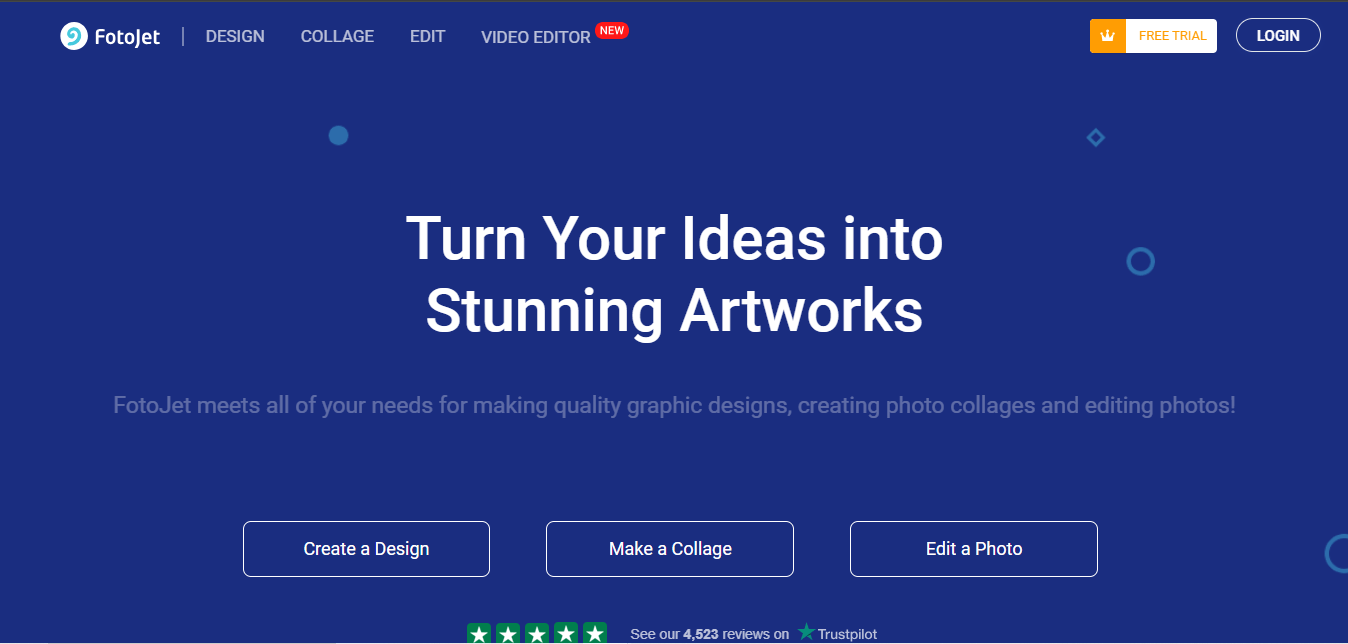
FotoJet is an underrated gem in the world of online design tools. It’s easy to use, with an intuitive drag-and-drop editor that allows you to create stunning Independence Day cards in minutes. FotoJet’s templates are highly customizable, and you can add personal touches with various design elements like clipart, frames, and more.
The platform is free, but the paid version offers access to more templates, resources, and higher-quality downloads. FotoJet is ideal for those who want a fast, effective way to design a professional-looking card without a steep learning curve.
Key Features:
- Intuitive drag-and-drop design interface
- High-quality customizable templates
- Free and premium options
Pros:
- Fast card creation
- High-quality output
- No registration required for basic features
Cons:
- Free version has limited templates
- Some features locked behind the Pro version
Comparison Table: 10 Best Independence Day Card Maker
| Tool | Key Features | Pros | Cons |
|---|---|---|---|
| Canva | Templates, drag-and-drop editor | Easy to use, vast template library | Some features require Pro version |
| Adobe Express | Professional-grade templates and tools | High-quality designs, integration with Adobe tools | Steeper learning curve |
| Fotor | Photo editing, customizable filters | Fast and easy, great for beginners | Limited advanced features in free version |
| Crello | Animated templates, drag-and-drop editor | Fun animations, great for digital cards | Limited templates in free plan |
| Greetings Island | Simple card templates, no sign-up required | Quick and easy, no account needed | Limited customization in free version |
| Snappa | Easy card creation, customizable templates | Fast, high-quality output | Limited features in free version |
| Placeit | Ready-to-use templates, professional results | Quick and polished designs, no design experience needed | No free plan |
| BeFunky | Creative design, photo editing tools | Fun and artistic, flexible | Some features are behind a paywall |
| Piktochart | Infographics, customizable templates | Great for informative cards | Limited Independence Day templates |
| FotoJet | Easy-to-use, customizable templates | High-quality output, no registration required | Limited templates in free version |

Final Reflection : Finding the Right Tool for Your Independence Day Card
With so many amazing options for creating Independence Day cards, it’s important to choose the tool that best fits your needs. Whether you’re looking for simplicity, customization, or something creative like animated cards, the 10 best Independence Day card maker listed above have you covered. Each platform offers a variety of features, templates, and customization options, so you can create a card that truly celebrates the holiday in your own unique way.
Interesting Reads:

