10 Best Online Photo Color Correction Tools


Photo Color Correction is an essential task in digital photography, whether you’re a professional photographer, content creator, or casual user. Color correction enhances the vibrancy, balance, and accuracy of your photos. Whether you’re fixing lighting issues, adjusting color tones, or enhancing the image’s natural hues, Photo Color Correction plays a pivotal role in achieving the perfect shot. With so many online tools available for this purpose, it can be overwhelming to choose the best one. In this post, we’ll highlight the top 10 online Photo Color Correction tools that will help you bring your photos to life with ease. These tools cater to different skill levels and needs, ensuring everyone can improve their photos efficiently.

The Importance of Photo Color Correction
Whether you’re a budding photographer or someone who simply loves sharing beautiful images online, Photo Color Correction can elevate your visuals significantly. Have you ever taken a stunning photo but found that the colors don’t quite pop as expected? Or maybe your photo is too dark or too bright, and you just can’t seem to get it right? These common problems are easily fixable with the right Photo Color Correction tools. The perfect color balance can make all the difference in your images, ensuring that they look professional and polished.
When used correctly, Photo Color Correction can bring out the hidden potential in your photos, making them more vibrant, appealing, and true to life. With the right online tools, you can correct exposure, remove unwanted color casts, adjust saturation, and even apply filters to enhance the mood of your photos. The best part? You don’t need advanced photo-editing software to achieve stunning results—many online tools are accessible and easy to use, even for beginners.
The Struggle to Find the Right Photo Color Correction Tools
With the wide variety of online photo editing tools available today, many people find it challenging to select the right one for their specific needs. The abundance of options can be overwhelming, and not every tool offers the same level of quality or ease of use. While some tools are user-friendly, they may lack the advanced features needed for precise Photo Color Correction, and others might require more technical expertise.
Additionally, many free tools come with limitations, such as watermarks or subpar image quality, while even paid versions can be too complex or expensive for casual users. If you’re looking to make specific adjustments, like fixing skin tones, eliminating unwanted color casts, or fine-tuning contrast levels, not every tool will provide the necessary capabilities.
The Best Online Photo Color Correction Tools to Solve Your Problems
In this guide, we promise to provide you with the best 10 online tools that offer high-quality Photo Color Correction without the need for complicated software. Whether you’re a beginner looking for simple adjustments or an experienced photographer in need of advanced features, the following tools will help you improve the color quality of your photos without breaking the bank. These tools are easy to use, and many of them offer free versions with premium options for those who want more advanced capabilities.
1. Fotor-A Simple Yet Powerful Tool
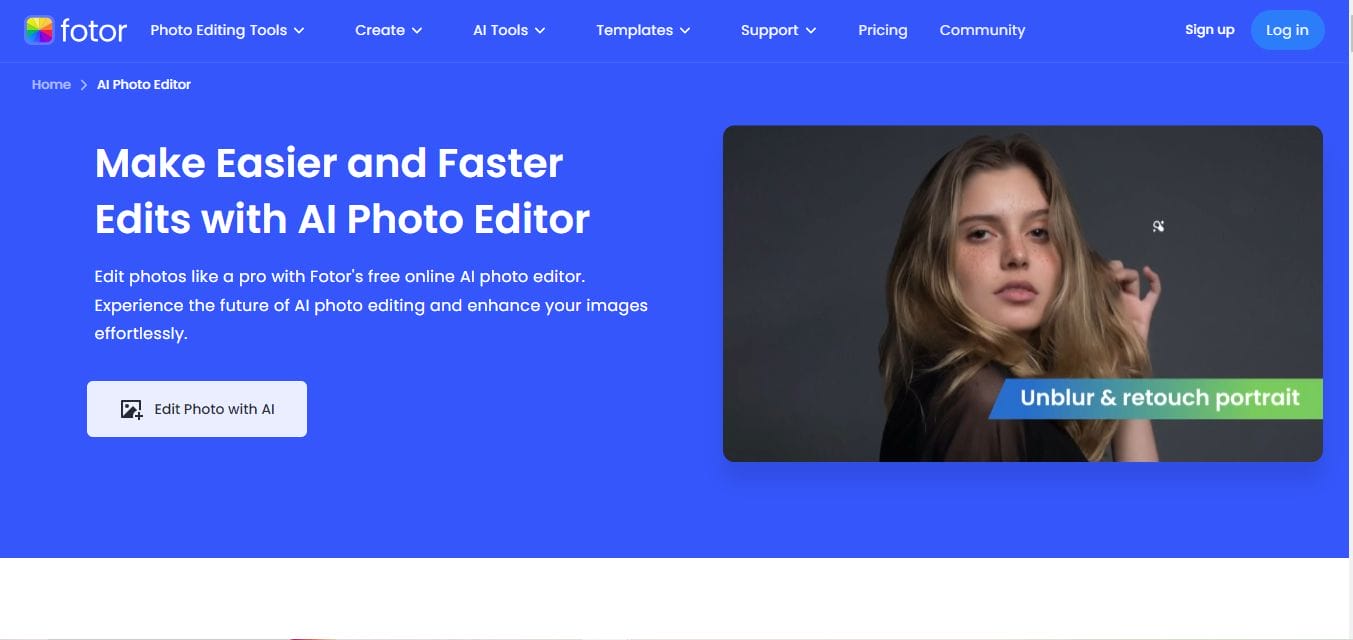
For beginners looking to enhance their photos quickly, Fotor is a great option. Offering easy-to-use sliders and color adjustments, Fotor makes Photo Color Correction accessible without sacrificing quality. Whether you need a simple fix or a more detailed edit, this tool has something for everyone.
Key Features
- Easy-to-use interface with intuitive sliders for color adjustments.
- Advanced HSL (Hue, Saturation, and Lightness) controls for precision.
- One-click enhancements for quick fixes.
- A wide range of filters and effects to enhance your photos further.
Pros
- Beginner-friendly with simple and fast editing tools.
- Free version available with no watermarks.
- High-quality results with minimal effort.
Cons
- Limited features in the free version.
- Some advanced tools are only available in the paid version.
Why Choose Fotor? Fotor is ideal for those who need a simple yet effective tool for Photo Color Correction. It’s a great option for beginners or anyone looking to enhance their photos with minimal effort.
2. Canva-Beyond Graphics and Color Correction
Canva isn’t just for graphic design—it also offers excellent tools for Photo Color Correction. With a user-friendly interface and a variety of creative filters, Canva allows you to quickly adjust colors and add enhancements to your images. It’s perfect for people who want to combine color correction with design work in one platform.
Key Features
- Simple sliders to adjust brightness, contrast, and saturation.
- Built-in filters to improve your photos’ color tones.
- Templates for quick photo edits and social media posts.
- Integration with other Canva design tools for creative projects.
Pros
- Intuitive interface, great for beginners.
- Offers both free and paid versions.
- Excellent for creating social media graphics in addition to photo correction.
Cons
- Lacks advanced color correction features found in other tools.
- Some features (like background remover) are only available in the premium version.
Why Choose Canva? If you’re looking for a quick and easy Photo Color Correction tool that doubles as a design platform, Canva is an excellent choice. It’s ideal for social media users who need to enhance photos and create engaging content quickly.
Also Read: 10 Best Christmas Video Maker for Social Media
3. PicMonkey-All-in-One Photo Editor
For a more comprehensive editing experience, PicMonkey offers both color correction and creative features. From Photo Color Correction to retouching tools, PicMonkey is a solid option for anyone who wants to take their images to the next level.
Key Features
- Auto Adjust feature for quick corrections.
- Detailed manual color correction tools like exposure, saturation, and vibrance.
- Text and graphic features for added creativity.
- Advanced retouching tools, including wrinkle removal and skin smoothing.
Pros
- Easy-to-use auto-adjust feature for beginners.
- Good selection of creative effects and filters.
- Great for both photo editing and graphic design.
Cons
- Somewhat expensive compared to other tools.
- Free version is limited in features.
Why Choose PicMonkey? PicMonkey offers a balance between Photo Color Correction and creative design, making it great for users who want to enhance their photos and add unique elements in one place.
4. Polarr-Advanced Editing for All Levels
Polarr is a powerful tool that offers Photo Color Correction with advanced features like curves and selective color adjustments. It’s a fantastic choice for photographers who want precision in their edits and the flexibility to fine-tune every aspect of their images.
Key Features
- Advanced curves and selective color adjustments for fine-tuned edits.
- HSL adjustments to manipulate specific color ranges.
- Supports RAW file editing for professional photographers.
- AI-powered filters and presets for quick results.
Pros
- High level of customization for advanced users.
- Free version offers a surprising number of features.
- Cloud-based editing for access anywhere.
Cons
- May be overwhelming for beginners due to the advanced tools.
- Some tools require a premium subscription.
Why Choose Polarr? Polarr is ideal for intermediate to advanced photographers who need more control over their Photo Color Correction and want to make detailed edits with precision.
5. Adobe Spark-Quick and Easy Color Enhancement
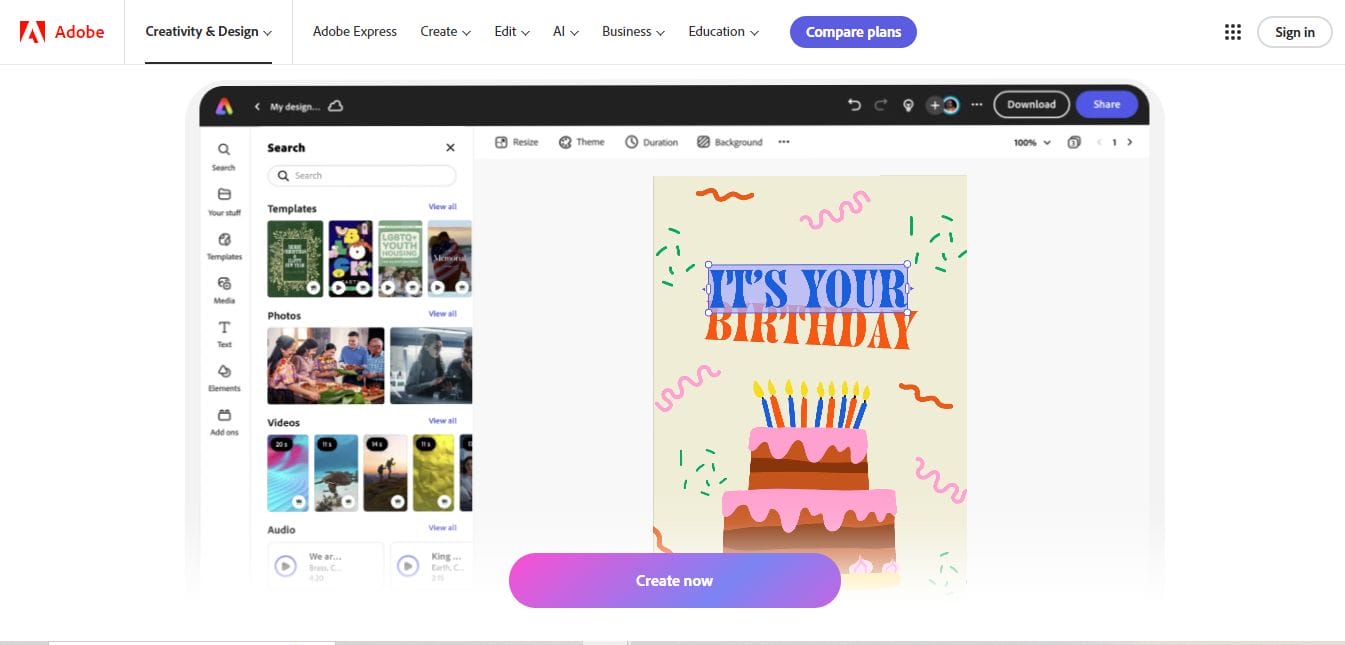
Adobe Spark provides a fast and easy way to adjust the color balance of your images. With Photo Color Correction tools like exposure and saturation adjustments, it’s perfect for those who need to improve their photos in just a few steps.
Key Features
- One-click automatic adjustments for exposure and color balance.
- A variety of color filters and effects.
- Integration with Adobe Creative Cloud for advanced projects.
- User-friendly interface with drag-and-drop functionality.
Pros
- Easy to use for beginners.
- Free to use with Adobe account integration.
- Allows for quick, professional-looking photo edits.
Cons
- Lacks advanced editing options compared to other Adobe products.
- Limited features in the free version.
Why Choose Adobe Spark? Adobe Spark is ideal for users who need quick Photo Color Correction without diving deep into advanced features. It’s perfect for people who want to enhance their images without the complexity of professional software.
6. BeFunkyA Creative Way to Edit Photos
BeFunky offers a wide range of creative filters and color correction tools, making it a great choice for people who want to add more flair to their photos. Whether you’re looking to adjust color balance or try out artistic effects, BeFunky has it all.
Key Features
- One-click color correction tools for quick edits.
- Advanced editing options like curves and HSL.
- Plenty of creative effects like digital art, cartoonizer, and HDR.
- Collage maker and design features for enhanced projects.
Pros
- Very user-friendly with a wide range of creative tools.
- Free version available with basic color correction features.
- Great for adding artistic effects to photos.
Cons
- Some advanced tools are only available in the paid version.
- Editing options are more limited compared to other professional tools.
Why Choose BeFunky? If you’re looking for fun and creative Photo Color Correction along with artistic effects, BeFunky is the right tool. It’s perfect for those who want to make their images stand out with unique and playful edits.
Also Read: 10 Best Free New Year Sale Design Online
7. Luminar AI-Color Correction Powered by AI
Luminar AI uses artificial intelligence to make Photo Color Correction easier and faster. It’s designed to help you achieve professional-level color edits in seconds while maintaining full control over the creative process.
Key Features
- AI-powered photo enhancements for automatic adjustments.
- Color grading tools for precise color correction.
- Advanced portrait enhancement features, such as skin tone and eye adjustments.
- Filters and presets for fast results.
Pros
- AI technology makes color correction quick and accurate.
- Great for both beginners and professionals.
- Works with both JPG and RAW images.
Cons
- Premium version can be expensive.
- Limited features in the free trial.
Why Choose Luminar AI? Luminar AI is ideal for users who want fast, professional-grade Photo Color Correction powered by AI technology. It’s perfect for those who don’t have time to manually adjust every setting but still want top-quality results.
8. Snapseed-Professional-Grade Editing by Google
Snapseed, developed by Google, is a powerful mobile editing app that excels at Photo Color Correction. It provides precise tools for adjusting color and exposure, making it a great option for those looking for professional-level editing on their phones.
Key Features
- Selective editing tool to adjust colors in specific areas.
- Precision color and exposure adjustments.
- Filters, textures, and effects for enhanced photo editing.
- Free to use with no watermarks.
Pros
- Mobile app with robust editing features.
- Completely free with no ads or watermarks.
- Supports RAW image editing for professional photographers.
Cons
- Mobile-only platform, which may be a limitation for some.
- Can be difficult to navigate for beginners due to advanced tools.
Why Choose Snapseed? Snapseed is perfect for mobile photographers who need professional-level Photo Color Correction. Its powerful tools allow for precise edits, even on the go.
9. FotoJet-Simple and Efficient
FotoJet is a straightforward tool for anyone needing quick and easy Photo Color Correction. It’s great for users who don’t need advanced editing but still want their photos to look vibrant and polished.
Key Features
- Basic color correction tools for brightness, contrast, and saturation.
- No registration required for quick photo edits.
- Collage maker and graphic design templates for enhanced creativity.
- Free version with essential editing features.
Pros
- No sign-up required for quick edits.
- User-friendly interface with basic editing features.
- Great for basic photo corrections and design work.
Cons
- Limited features in the free version.
- More advanced editing tools are available in the paid version.
Why Choose FotoJet? FotoJet is perfect for beginners who need fast Photo Color Correction and basic editing tools without any hassle. It’s ideal for those who want to make their photos look good quickly without learning complicated features.
Also Read: 2024 New Year Wishes and Ecard Maker
10. Darkroom – Color Correction for Mobile Photographers
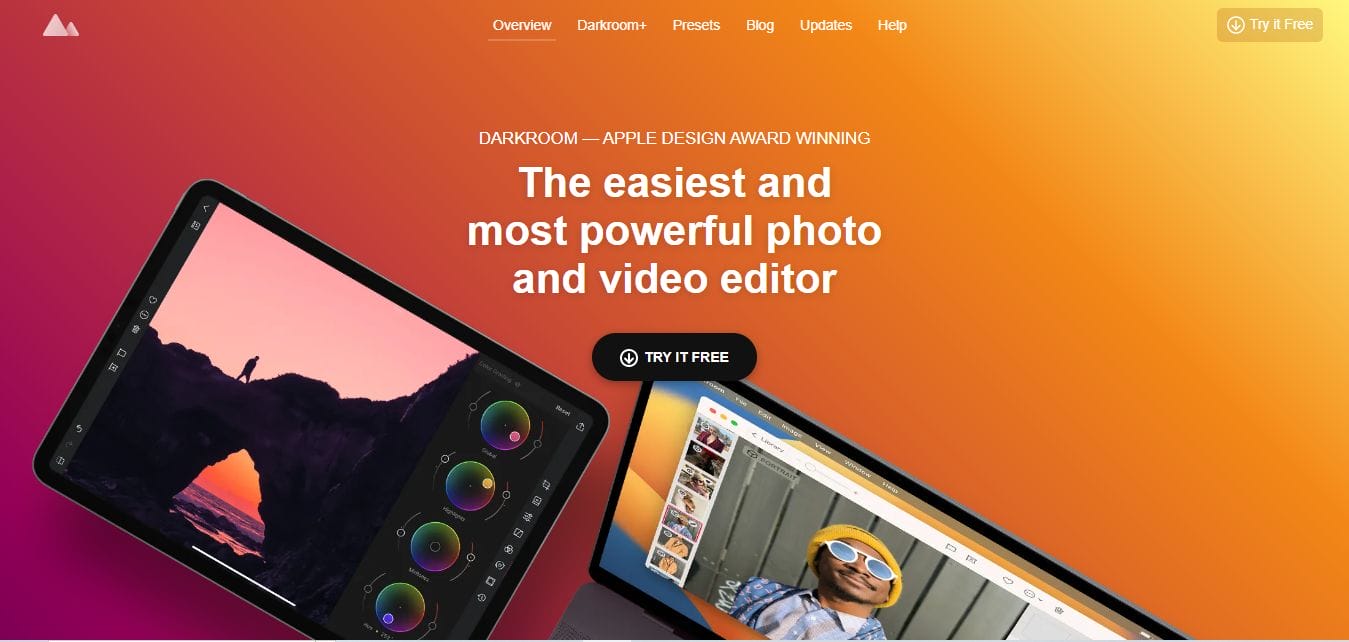
Darkroom is an advanced photo editor that works both on iOS and Android devices. With its powerful color grading tools, it’s perfect for mobile photographers looking for high-quality Photo Color Correction.
Key Features
- Full-featured color correction and editing tools.
- Supports both JPG and RAW files.
- Custom filters and presets for quick color edits.
- Advanced curves and gradients for precise control.
Pros
- High-quality editing tools for mobile devices.
- Fast and responsive interface.
- Supports RAW image editing for professional results.
Cons
- Only available for iOS and Android devices.
- Premium version required for full access to advanced features.
Why Choose Darkroom? Darkroom is perfect for mobile photographers who need professional-grade Photo Color Correction tools in a mobile format. It’s ideal for those who want to edit high-quality images directly on their smartphones.
Comparison Table
| Name of Tool | Best for | Standout Feature | Pricing |
|---|---|---|---|
| TinyPNG | Basic Image Compression | Supports PNG and JPEG with smart compression techniques | Free for up to 20 images at a time |
| CompressPNG | Simple Compression | No sign-up required and batch compression | Free |
| ImageOptim | Mac Users | Drag-and-drop functionality for batch compression | Free |
| JPEG-Optimizer | Adjustable Compression | Ability to adjust image quality during compression | Free |
| Kraken.io | Advanced Users & Developers | Lossless and lossy compression options with bulk support | Free and Paid versions |
| Optimizilla | Fine-tuned Compression | Adjustable compression levels with image preview | Free |
| PNGGauntlet | Power Users & Batch Compression | Multiple compression algorithms for maximum efficiency | Free |
| Squoosh | Simple and Quick Compression | Real-time preview of images after compression | Free |
| Cloudinary | Business & Developer Use | Cloud-based platform with API integration | Paid with a free tier |
| ILoveIMG | Basic Image Compression | Batch image compression with no registration | Free for basic features |
Your Photo Color Correction Toolbox
Now that you’re familiar with the 10 best online Photo Color Correction tools, it’s time to pick the one that suits your needs. Whether you’re looking for a simple, beginner-friendly tool like Fotor or an advanced editor like RawTherapee, these tools provide a wide range of features that cater to different skill levels. From automatic adjustments to professional-grade color grading, there’s a tool for everyone. By mastering these Photo Color Correction techniques, you can ensure your images always look their best. Happy editing!
Interesting Reads
10 Best Tools to Compress PNG Online

Shashank is a seasoned digital marketing and WordPress expert who specializes in SEO, software tools reviews, and cutting-edge strategies for boosting online presence. With a passion for simplifying complex topics, Goutham crafts engaging blog posts that help readers optimize their websites, improve search engine rankings, and stay ahead in the ever-evolving digital landscape.