

In today’s digital world, a profile picture can make or break your online presence. Whether you’re creating a professional LinkedIn profile or updating your social media avatar, a great profile picture can leave a lasting impression. But how do you create one that stands out? With the right tools, of course! Enter the profile picture maker, a powerful tool designed to help you design the perfect online profile picture with ease.
In this blog post, we’ll explore the 10 best profile picture maker tools available, each with its unique features and benefits to help you put your best foot forward. Whether you need a professional headshot or a fun social media photo, these tools offer something for everyone. Let’s dive in!

Quick Links
Why Do You Need a Profile Picture Maker?
Before we get into the best profile picture maker tools, let’s briefly discuss why having the right profile picture is so important. Your profile picture is often the first thing people notice when they come across your social media profile, professional page, or any online platform. It’s your digital first impression, and having a clear, high-quality photo can help you stand out from the crowd.
A profile picture maker tool simplifies the process, making it easy to create a polished and professional image, even if you don’t have access to expensive equipment or professional photographers. With these tools, anyone can design a great profile picture, no matter their skill level.
1. GenYOU
- Maintains your unique features in every image
- Offers styles for professional, casual, and creative profiles
- Customization options to adjust your look or choose pre-designed styles
- Simple setup—just upload four selfies to start
- Free version with optional premium upgrades
- High-quality images that match your features
- Wide variety of styles to choose from
- Quick and easy to use
- Limited access to some features without a premium subscription
- Requires good-quality selfies for the best results
2. Canva

Canva is widely recognized as one of the best profile picture maker available. With its easy-to-use interface, users can create stunning profile pictures with just a few clicks. Whether you’re looking for basic edits or advanced designs, Canva offers a range of templates and customization options to suit your needs.
Key Features
- Extensive library of templates for social media, business, and personal use
- Drag-and-drop interface for easy photo editing
- Ability to upload photos or use free stock images
- Customizable elements, including text, backgrounds, and stickers
Pros
- Easy to use for beginners
- Extensive templates and design options
- Free and paid versions available
Cons
- Limited features on the free plan
Why Choose Canva? Canva is ideal for anyone looking for an easy and professional way to create a profile picture maker. With a large selection of customizable templates and design tools, it’s a great choice for both personal and business profiles.
3. Fotor
When searching for a best profile picture maker, Fotor is a top choice. This online tool allows users to quickly enhance their photos with simple editing tools and special effects. Whether you’re adjusting brightness, contrast, or applying filters, Fotor helps you create a polished profile picture effortlessly.
Key Features
- AI-powered photo enhancement tools
- Background remover and custom design options
- Easy-to-use interface with real-time editing
Pros
- AI-powered photo enhancement
- Excellent photo editing tools
- Easy to use
Cons
- Some features are behind a paywall
Why Choose Fotor? If you want to quickly improve the quality of your photo with AI-powered enhancements, Fotor is a great choice. It’s ideal for beginners or those who need a quick, professional-looking profile picture.
Also Read: 10 Best Christmas Promo Video Templates
4. Adobe Spark
Adobe Spark is another excellent best profile picture maker that combines ease of use with professional-quality results. With its broad selection of templates, fonts, and customization features, Adobe Spark enables users to create personalized and impactful profile images.
Key Features
- High-quality editing tools for photo effects, lighting, and color correction
- Customizable templates for professional-looking images
- Ability to add text, logos, and branding elements
Pros
- High-quality design tools
- Customizable templates
- Integration with Adobe products
Cons
- More complex than some other options
Why Choose Adobe Spark? For those who are looking for professional-grade tools to create a profile picture maker, Adobe Spark offers high-end editing options. If you’re familiar with Adobe’s suite, this tool integrates seamlessly with other Adobe products.
5. Remove.bg
When you need a quick and hassle-free best profile picture maker, Remove.bg excels at removing backgrounds from your photos. This is ideal if you want a clean, professional image for your profile picture, with minimal effort required.
Key Features
- Fast and accurate background removal
- AI technology to detect and remove backgrounds
- HD quality image downloads
Pros
- Fast and efficient background removal
- Free version available
- Ideal for creating a clean, professional profile picture
Cons
- Limited features in the free version
Why Choose Remove.bg? Remove.bg is the perfect choice if you want a clean, professional profile picture with a transparent background. It’s especially useful for creating images where the background isn’t needed.
6. ProfilePicture.AI
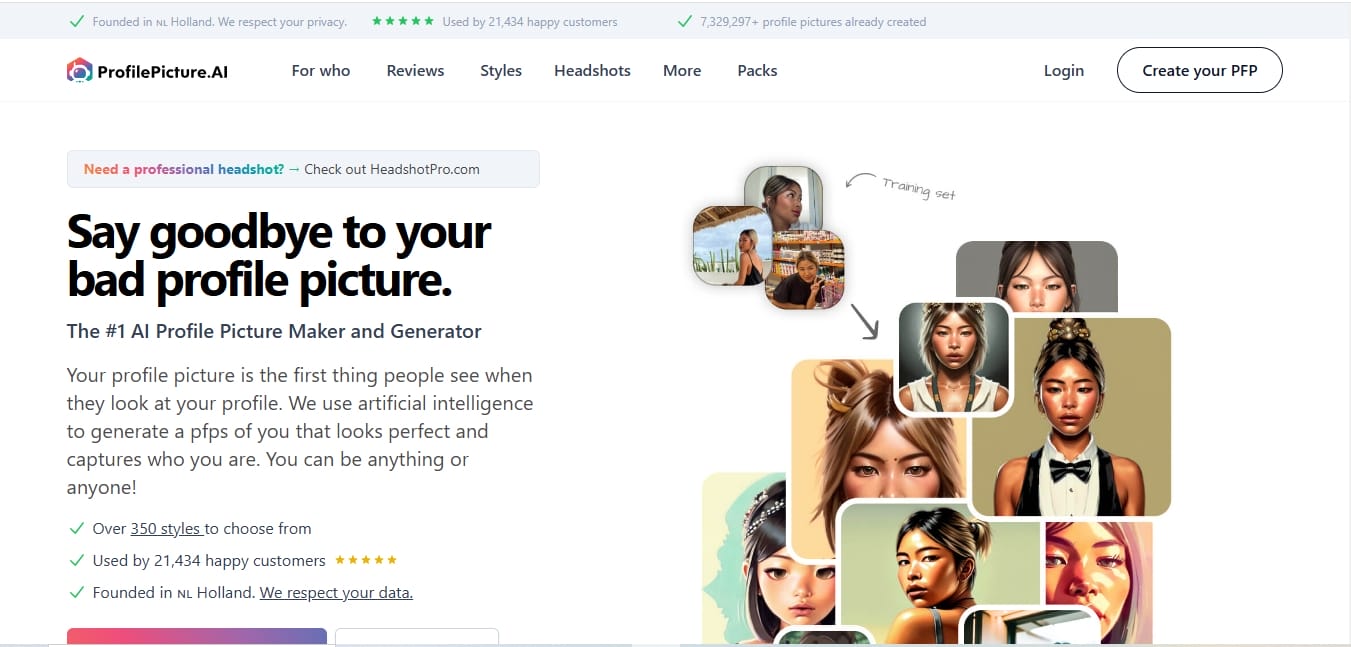
ProfilePicture.AI is a unique best profile picture maker tool designed to generate AI-powered profile pictures. By simply uploading a photo, this tool uses machine learning to create multiple professional profile images, tailored to your specific style.
Key Features
- AI-powered photo editing tailored for professional LinkedIn or business profiles
- High-quality business-friendly templates
- Background removal and enhancements for a polished look
Pros
- AI-powered photo enhancement
- Ideal for LinkedIn or professional use
- Easy to use
Cons
- Focused mainly on business profiles, not social media
Why Choose ProfilePicture.AI? ProfilePicture.AI is perfect for creating high-quality, professional LinkedIn photos or business profile pictures. It simplifies the process and ensures you have a polished image for professional use.
Also Read: 10 Best Christmas Video Maker for Social Media
7. PicMonkey
PicMonkey offers a highly intuitive platform for creating high-quality profile pictures. As one of the best profile picture makers, it provides an array of customization options, including filters, text, and textures, making it perfect for personal branding.
Key Features
- Comprehensive editing tools including filters, overlays, and text
- Easy-to-use interface with a wide range of customization options
- Templates for social media, websites, and professional use
Pros
- Easy-to-use interface
- Many creative effects and tools
- Free trial available
Cons
- Subscription required for full features
Why Choose PicMonkey? If you’re looking for a profile picture maker that offers both ease of use and advanced creative tools, PicMonkey is the ideal choice. It offers plenty of customization for those looking to add a bit of flair to their profile picture.
8. Profile Pic Maker
Profile Pic Maker is an easy-to-use online tool that helps you create stunning and professional profile pictures in just a few clicks. As one of the top choices for a profile pic maker, it offers a variety of templates and customization options, allowing users to create personalized images for social media profiles, resumes, or any online presence. Whether you’re looking to add a background, adjust lighting, or simply resize your image, Profile Pic Maker is a great option for getting the perfect look quickly and easily.
Key Features
- Automatic enhancement of uploaded photos
- Background removal with transparent or custom background options
- Fast and efficient cropping into a square format
Pros
- Fast and efficient
- Easy background removal
- No need for complex edits
Cons
- Limited design options
Why Choose Profile Pic Maker? For a quick and easy profile picture maker tool that focuses purely on creating an excellent profile image without the need for additional design work, Profile Pic Maker is perfect.
9. LunaPic
LunaPic is a free, online Profile Picture Maker that lets you create and edit images with ease. This powerful tool offers a wide range of editing features, from basic cropping and resizing to more advanced functions like adding filters, effects, and backgrounds. Whether you’re looking to enhance your selfie or design a completely new look, LunaPic’s intuitive interface makes it accessible for both beginners and experienced users alike. With LunaPic, you can quickly transform your photos into eye-catching profile pictures.
Key Features
- Free online photo editor with a variety of editing tools
- Features include background removal, filters, and artistic effects
- Supports a wide range of file types and formats
Pros
- Completely free to use
- Plenty of editing options
- Background removal feature
Cons
- Interface feels a bit outdated
Why Choose LunaPic? LunaPic is a great free option for anyone who wants to enhance their photos without spending money. While the interface might feel a bit old-fashioned, it offers a solid set of editing tools to create the perfect profile picture maker.
10. Befunky
BeFunky is a fantastic option for those looking to use a best profile picture maker that balances simplicity and powerful features. With its wide selection of photo editing tools, you can easily refine your image to create the perfect profile picture for any platform.
Key Features
- User-friendly interface with many editing options
- Filters, overlays, and text tools for added personalization
- Ability to adjust photo size and format
Pros
- Simple drag-and-drop interface
- Lots of templates and design tools
- Free version available
Cons
- Paid subscription required for some advanced features
Why Choose Befunky? Befunky is great for users who need a simple, user-friendly interface with creative editing tools. It’s perfect for anyone who wants to add a personal touch to their profile picture.
Also Read: 10 Best Free New Year Sale Design Online
11. Snappr
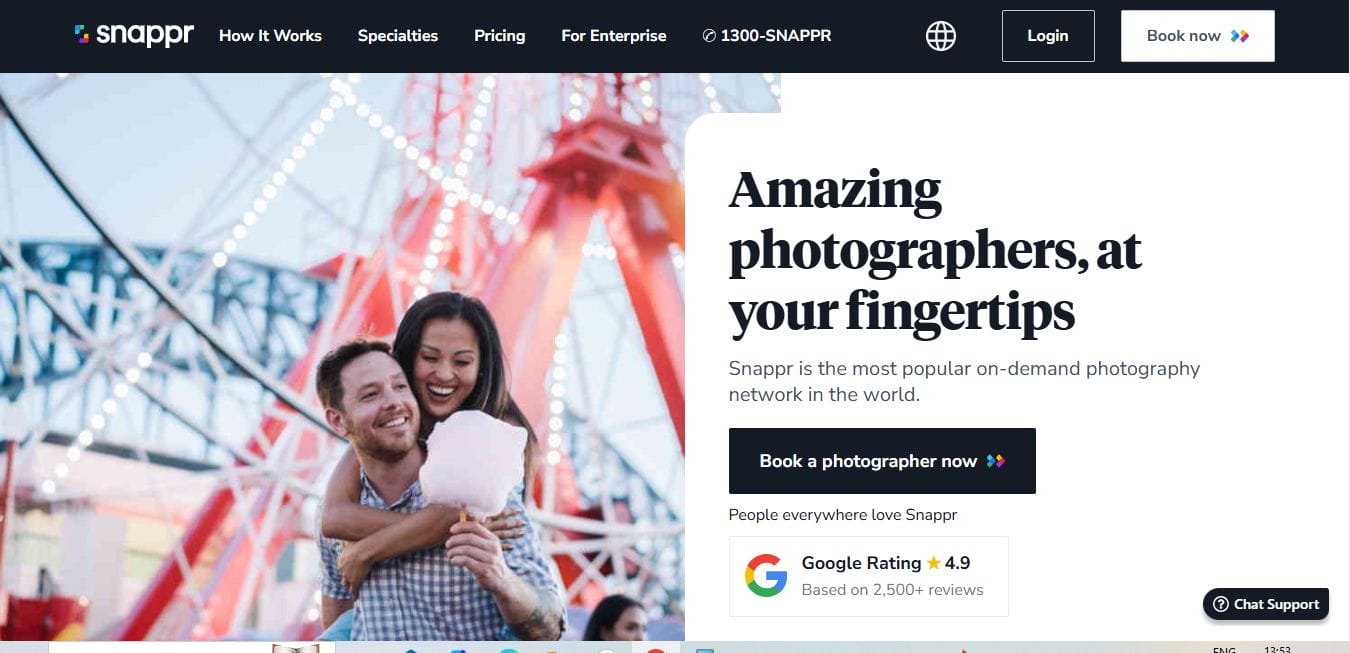
Snappr is a simple Profile Picture Maker that uses AI to enhance your photos. It improves lighting, composition, and background, making it easy to create professional-quality profile pictures in just a few minutes.
Key Features
- AI-powered editing tools that enhance photos and suggest improvements
- High-quality, professional photo editing tools
- Background removal and lighting adjustments
Pros
- AI-powered enhancements
- High-quality professional photo editing
- Easy to use
Cons
- Some features require a subscription
Why Choose Snappr? Snappr is perfect for those looking for a professional-quality profile picture maker with a quick, AI-powered process. It’s particularly useful for those who want to enhance their photos without extensive editing.
Comparison Table
| Name of Tool | Best for Standout | Feature | Pricing |
|---|---|---|---|
| Canva | Easy-to-use Design | Extensive library of templates, drag-and-drop editing, customizable elements | Free and Paid Versions |
| Fotor | AI-powered Photo Enhancement | AI-powered photo enhancement, background remover, custom design options | Free and Paid Versions |
| Adobe Spark | Professional-Grade Editing | High-quality editing tools for photo effects, color correction, customizable templates | Free and Paid Versions |
| Remove.bg | Fast Background Removal | AI-powered background removal, HD quality image downloads | Free and Paid Versions |
| ProfilePicture.AI | Professional Business Profiles | AI-powered enhancements, business-friendly templates, background removal | Paid |
| PicMonkey | Creative Customization | Comprehensive editing tools, creative effects, templates for social media | Free Trial, Paid Subscription |
| Profile Pic Maker | Quick and Efficient Editing | Automatic photo enhancement, background removal, square cropping | Free |
| LunaPic | Free Editing Tool | Background removal, filters, artistic effects, free to use | Free |
| Befunky | Simple Editing with Personalization | User-friendly interface, lots of templates, filters, overlays | Free and Paid Versions |
| Snappr | AI-powered Photo Editing | AI-powered enhancements, background removal, professional photo editing tools | Paid |

Which Profile Picture Maker Is Right for You?
Choosing the right profile picture maker depends on your needs. If you’re looking for a simple and fast solution, tools like ProfilePic.AI and Remove.bg are perfect. If you want more customization options and creative tools, try Canva or PicMonkey. For professional-quality headshots, Adobe Spark and Snappr are excellent choices. Whatever you choose, the right tool will help you create a standout profile picture that enhances your online presence and leaves a great impression.
Interesting Reads

