12 Best Software for Interactive Learning in 2025

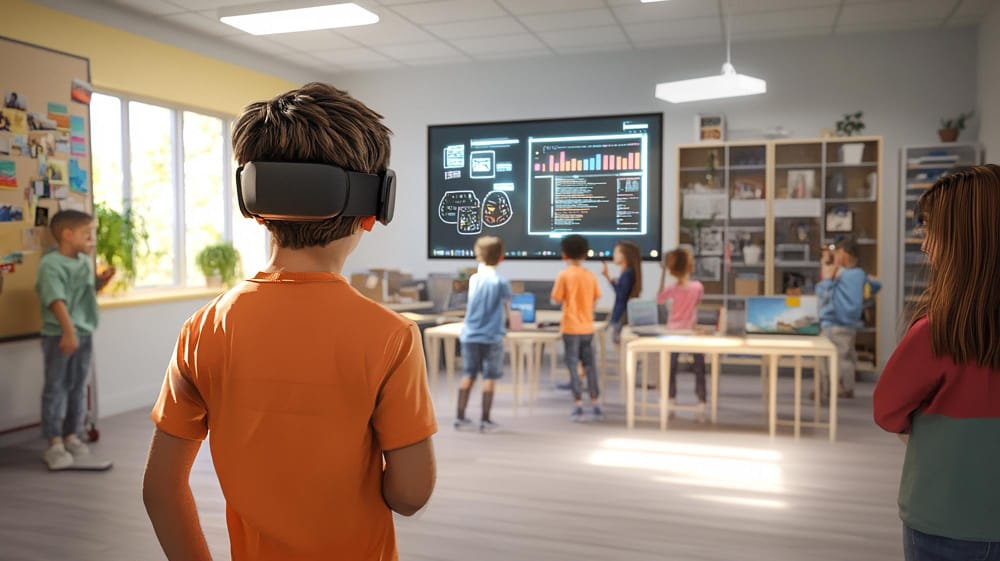
Education is no longer confined to chalkboards, textbooks, and lectures. The age of passive learning has been swiftly overtaken by digital innovation, and at the heart of this transformation is software for interactive learning. As education evolves, so does the need for tools that make learning immersive, personalized, and hands-on. Interactive learning software empowers educators to engage students more effectively while offering learners dynamic experiences that traditional methods simply can’t match.
This blog explores the top 12 software tools redefining education through interactivity. From virtual classrooms and gamified content to simulations and real-time collaboration, these platforms have reshaped the educational terrain. Whether you’re an educator, student, corporate trainer, or content creator, understanding and using the right tools is crucial to staying ahead.
Let’s delve deeper into what makes software for interactive learning essential today, why it’s become indispensable, and how you can harness its power to revolutionize your educational approach.
What Is Interactive Learning Software?
Interactive learning software refers to digital tools designed to actively involve users in the learning process through feedback, collaboration, simulations, multimedia, and gamification. Unlike traditional passive learning, these tools create opportunities for students to engage directly with content.
The software typically features a combination of quizzes, real-time discussions, videos, drag-and-drop activities, and live feedback systems. It transforms learning from a monologue into a dialogue, ensuring learners are not just consuming information but also applying it.
From K–12 education to higher learning and professional development, software for interactive learning is now a cornerstone of digital pedagogy. Tools like these allow instructors to track performance, adapt materials in real-time, and create differentiated learning experiences tailored to each individual.
Why Use Software for Interactive Learning?
The benefits of interactive learning software extend far beyond simple engagement. These platforms are rooted in cognitive science principles that help improve retention, critical thinking, and problem-solving skills.
-
Increased Retention Rates: Studies consistently show that active engagement in learning leads to higher memory retention. Interactive features stimulate multiple senses and promote deeper learning.
-
Real-Time Feedback: With the ability to receive instant feedback, learners can immediately understand mistakes, self-correct, and improve without waiting for assessments to be returned.
Moreover, in remote and hybrid learning environments, software for interactive learning bridges the gap between instructors and students, ensuring meaningful, real-time interactions. Whether you’re using it in a classroom or a boardroom, these tools adapt to various learning needs and styles, making them highly versatile.
How to Choose the Right Interactive Learning Software
Choosing the best interactive learning tool involves more than just comparing prices or looking at user interfaces. To make an informed decision, educators and administrators must assess their needs thoroughly.
Start by evaluating:
-
Learning Goals: Are you focused on delivering content, encouraging collaboration, or building problem-solving skills?
-
Target Audience: Is the software appropriate for the age group and skill level of your learners?
-
Integration: Does it seamlessly work with your current LMS or tech stack?
-
Customization: Can you tailor content, assessments, and activities?
By answering these questions, you’ll be better equipped to identify software for interactive learning that aligns with your pedagogical goals.
The Top 12 Software for Interactive Learning in 2025
Here’s a curated list of standout platforms that are shaping the future of interactive education.
1. Nearpod—Engage Every Student, Every Day

Nearpod transforms static lessons into interactive experiences. With real-time quizzes, polls, virtual reality tours, and collaborative boards, it offers a robust way to keep learners engaged from start to finish.
Its drag-and-drop editor allows teachers to create or modify lessons easily. Students can access content through any device, making it an excellent choice for both in-person and remote classrooms.
2. Learning Through Play
Kahoot! gamifies education, turning lessons into fun and competitive quizzes. Widely used across schools and corporate environments, it encourages participation through timed questions and live leaderboards.
Instructors can create custom games or pull from an expansive library of pre-made quizzes. It’s particularly effective for review sessions, formative assessments, and remote learning engagement.
3. Edpuzzle—Make Any Video Interactive
Edpuzzle allows educators to take existing videos and transform them into interactive assignments. You can insert questions, notes, and voiceovers, ensuring that students stay focused and absorb key concepts.
This software for interactive learning also provides detailed analytics, so educators can see who watched the video, how many times, and how well they performed on embedded questions.
4. Classcraft—Turn Learning into an Adventure
By integrating storytelling and role-playing elements, Classcraft makes learning an adventure. Teachers can assign challenges, award points, and manage behavior using a gamified interface that encourages teamwork and self-regulation.
Its personalized learning paths allow students to progress at their own pace, making it ideal for differentiated instruction.
5. Flip (formerly Amplify Student Voice
Flip is a video discussion platform that enables students to respond to prompts via short video clips. It builds confidence and communication skills and fosters peer-to-peer learning.
Teachers can moderate responses, provide feedback, and even add interactive stickers and frames to make the experience fun and accessible.
6. Pear Deck—Slide into Interaction

Pear Deck integrates with Google Slides and Microsoft PowerPoint to add interactive questions, polls, and prompts. It allows students to respond anonymously, encouraging participation from even the most reserved learners.
Its real-time dashboard gives educators insight into student understanding and engagement during live sessions.
7. Miro—Collaborative Learning in Real Time
Miro is an online whiteboard that brings collaboration to life. Whether you’re brainstorming, diagramming, or mapping out processes, Miro allows real-time contributions from multiple users.
It’s especially useful in higher education and corporate training, offering templates that support agile learning, project planning, and team ideation.
8. Quizizz—Engage with Assessment
Quizizz offers a self-paced alternative to traditional quizzes. With its gamified approach and meme-filled feedback, it keeps learners entertained while testing their knowledge.
Teachers can create quizzes, assign homework, or conduct live sessions. Detailed reports help track individual and group performance.
9. ThingLink—Bring Static Content to Life
ThingLink allows educators to embed interactive hotspots in images, videos, and 360° media. These hotspots can include links, text, videos, or quizzes, creating rich multimedia learning experiences.
Used in subjects like history, geography, and science, it enables learners to explore concepts through exploration and inquiry.
10. Articulate 360—Professional-Grade eLearning
Articulate 360 is a suite of tools for creating responsive, media-rich eLearning courses. It offers screen recording, slide-based lessons, and interactive scenarios that adapt to learners’ choices.
Corporate trainers and instructional designers love its flexibility and SCORM-compliant exports, which integrate easily into most LMS platforms.
11. Mentimeter—Turn Presentations into Conversations
Mentimeter transforms static presentations into live conversations. You can add polls, word clouds, rankings, and Q&A sessions that participants respond to in real time.
Its clean interface and cross-device compatibility make it ideal for webinars, workshops, and classroom sessions.
12. Explain Everything—Draw, Record, Explain

This whiteboard app offers recording features, real-time collaboration, and multimedia integration. Instructors can create tutorials, walk through concepts, and collaborate live with students across devices.
Perfect for flipped classrooms, Explain Everything allows users to co-create content, encouraging active learning and digital literacy.
Features to Look for in Interactive Learning Software
As you explore your options, it helps to know which features separate excellent tools from mediocre ones. Here’s what to prioritize:
-
Real-time collaboration tools
-
Customizable content and templates
-
Multimedia integration (video, audio, graphics)
-
Gamification and point systems
-
Analytics and progress tracking
These features contribute significantly to the efficacy of software for interactive learning. Selecting tools that align with these characteristics ensures you’re investing in a future-proof solution.
Final Thoughts: A Smarter Way to Learn
Interactive learning isn’t just a trend; it’s the direction education is headed. The right tools don’t just make learning more engaging—they make it more effective, inclusive, and personalized.
With this list of top-tier software for interactive learning, you’re now equipped to transform your educational practice, whether you’re teaching a classroom of second graders or onboarding a team of remote professionals. Choose the platforms that best fit your context and start creating learning experiences that are as impactful as they are enjoyable.
Interesting Reads:
12 Best Software for Online Tutoring in 2025

Shashank is a seasoned digital marketing and WordPress expert who specializes in SEO, software tools reviews, and cutting-edge strategies for boosting online presence. With a passion for simplifying complex topics, Goutham crafts engaging blog posts that help readers optimize their websites, improve search engine rankings, and stay ahead in the ever-evolving digital landscape.