

Converting your WordPress website to HTML can offer numerous benefits, including enhanced security, improved site performance, and reduced server load. Static HTML websites are generally faster and less susceptible to certain types of attacks, making them a popular choice for users who prioritize speed and security. Below, we’ve compiled a list of some of the best tools and plugins available to help you convert your WordPress site into a static HTML site.

Tools to Convert Your WordPress Website to HTML
1. Jekyll
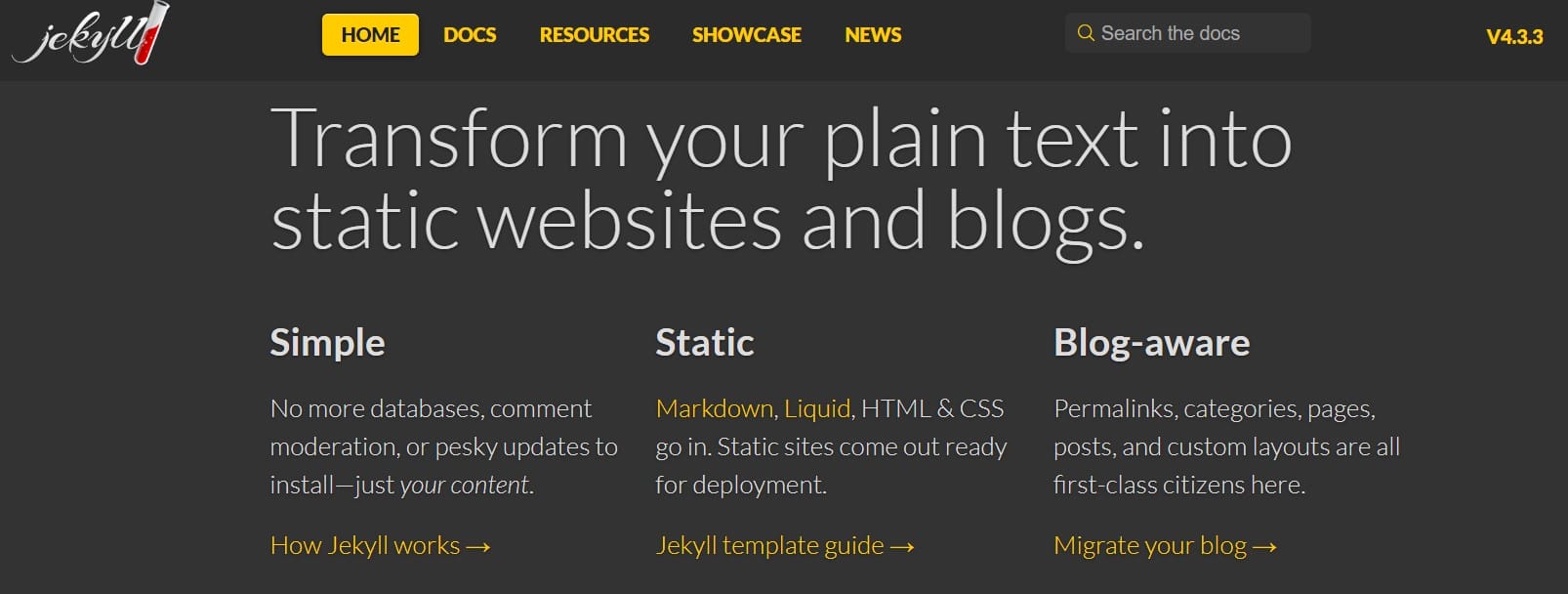
Jekyll is a static site generator written in Ruby. It transforms plain text files into static websites and blogs. Some key features of Jekyll include:
- Simple: No databases, comment moderation, or pesky updates to install – just your content.
- Blog-aware: Supports features like Permalinks, categories, pages, posts, and custom layouts.
- Static: Jekyll generates a complete, static HTML website from your content.
Benefits:
- Simple setup: Jekyll has minimal dependencies and can be quickly installed with Ruby gems.
- Secure: Static sites generated by Jekyll are more secure than dynamic websites.
- Fast: Jekyll sites load quickly as the HTML is generated ahead of time.
- Flexible: Jekyll supports Markdown, HTML, and Liquid templates for creating content and layouts.
- Free hosting: Jekyll sites can be easily hosted for free on GitHub Pages.
2. Simply Static
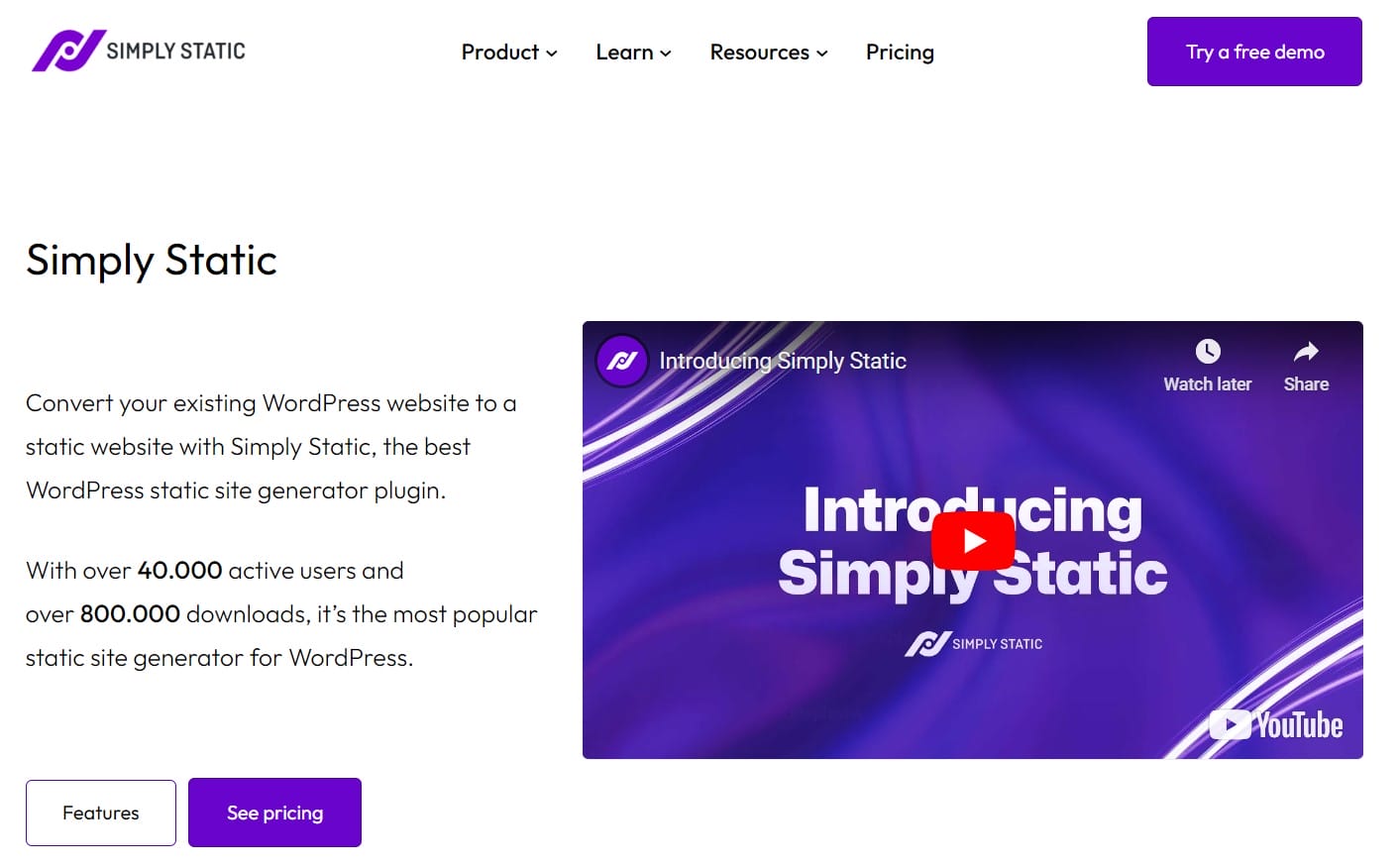
Simply Static is a WordPress plugin that allows you to convert your existing WordPress website into a static website. It generates a static version of your site that can be hosted on a server, static hosting provider, or CDN.
Benefits:
- Improved performance: Static sites load much faster than dynamic WordPress sites since there are no database queries or server-side processing required
- Enhanced security: Removing the connection between your WordPress installation and the publicly accessible website reduces the attack surface and the risk of hacking.
- Reduced hosting costs: Static sites can be hosted very cheaply on services like GitHub Pages or Netlify, or even for free in some cases.
- Local development: Simply Static integrates with local development tools like LocalWP and Lando to allow offline development of your static site.
3. Pelican
Pelican is a static site generator implemented in Python that allows users to create websites and blogs using content written in Markdown or reStructuredText. It utilizes Jinja2 templates for layout and design, making it a flexible choice for developers and content creators.
Features and Benefits:
- Static Site Generation: Pelican generates static HTML files, which are faster to load and easier to deploy compared to dynamic websites that rely on databases.
- Content Management: Users can write their content in Markdown or reStructuredText, and Pelican will compile it into a static site structure.
- Plugins and Extensibility: Pelican supports a rich ecosystem of plugins, allowing users to extend its functionality, such as adding search capabilities or integrating with third-party services.
- Theming: It offers a variety of themes that can be customized to change the look and feel of the site.
- Multi-language Support: Pelican can manage content in multiple languages, making it suitable for international audiences.
- Feed Generation: It can generate Atom and RSS feeds for content syndication.
4. SiteSucker
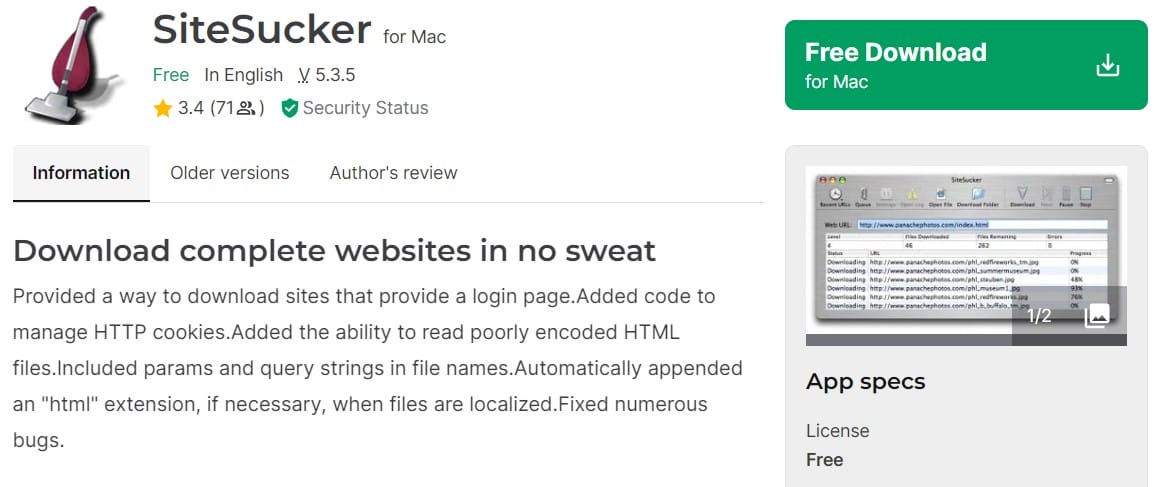
SiteSucker is a versatile application designed for macOS and iOS that allows users to automatically download entire websites from the Internet. Here’s a detailed overview of its features and functionality:
Features and Benefits:
- Website Downloading: SiteSucker copies webpages, style sheets, images, PDFs, and other files from a specified website to your local hard drive, effectively duplicating the site’s directory structure.
- Offline Browsing: The application “localizes” the files it downloads, enabling users to browse the site offline as if they were connected to the Internet.
- Link Scanning: When downloading a webpage or style sheet, SiteSucker scans the file for links and downloads those links as well, ensuring all necessary resources are available offline.
- User-Friendly Interface: Users can easily enter a URL to start downloading. SiteSucker also allows users to save their download settings in documents for future use.
5. Hugo
Hugo is a popular open-source static site generator written in Go. It was initially created by Steve Francia in 2013 and has since gained recognition for its speed and flexibility in building websites.
Features and Benefits:
- Markdown Support: Users can write content in Markdown, which Hugo then converts into static HTML. This makes it easy to manage and format content without dealing with complex HTML code.
- Theming and Templating: Hugo supports a robust theming system, allowing users to choose from over 300 community-maintained themes. It also provides powerful templating capabilities using Go templates, enabling customization of layouts and designs.
- Multilingual Support: Hugo has built-in support for creating multilingual websites, making them suitable for global audiences.
- Shortcodes: The plugin system allows for the inclusion of reusable components in content, enhancing functionality and presentation without cluttering the Markdown files.
- Static File Management: Hugo efficiently handles static files like images, CSS, and JavaScript, ensuring they are correctly linked to the generated site.
6. Eleventy

Eleventy, also known as 11ty, is a powerful static site generator that allows users to create fast and efficient websites using HTML, CSS, and JavaScript without the need for server-side languages or databases. It is particularly noted for its simplicity, flexibility, and speed, making it an excellent choice for both beginners and experienced developers.
Features and Benefits:
- Zero Configuration: Eleventy is designed to work out of the box with minimal setup. Users can start building their sites without extensive configuration, making them accessible to newcomers.
- Multiple Templating Languages: Eleventy supports a wide range of templating languages, including Markdown, Nunjucks, Liquid, Handlebars, Pug, and more. This flexibility allows developers to choose the best tools for their projects or even mix different languages within a single site.
- Fast Build Times: Eleventy is recognized for its fast build performance, particularly for small to medium-sized sites. It can generate static HTML pages quickly, making it suitable for projects that require rapid deployment.
- Content-Driven: Eleventy excels at creating content-driven sites, such as blogs, portfolios, and documentation. It allows for easy management of content through reusable components and data files.
- Active Community and Resources: There is a vibrant community around Eleventy, providing numerous tutorials, plugins, and themes to enhance functionality and design.
7. HTTrack
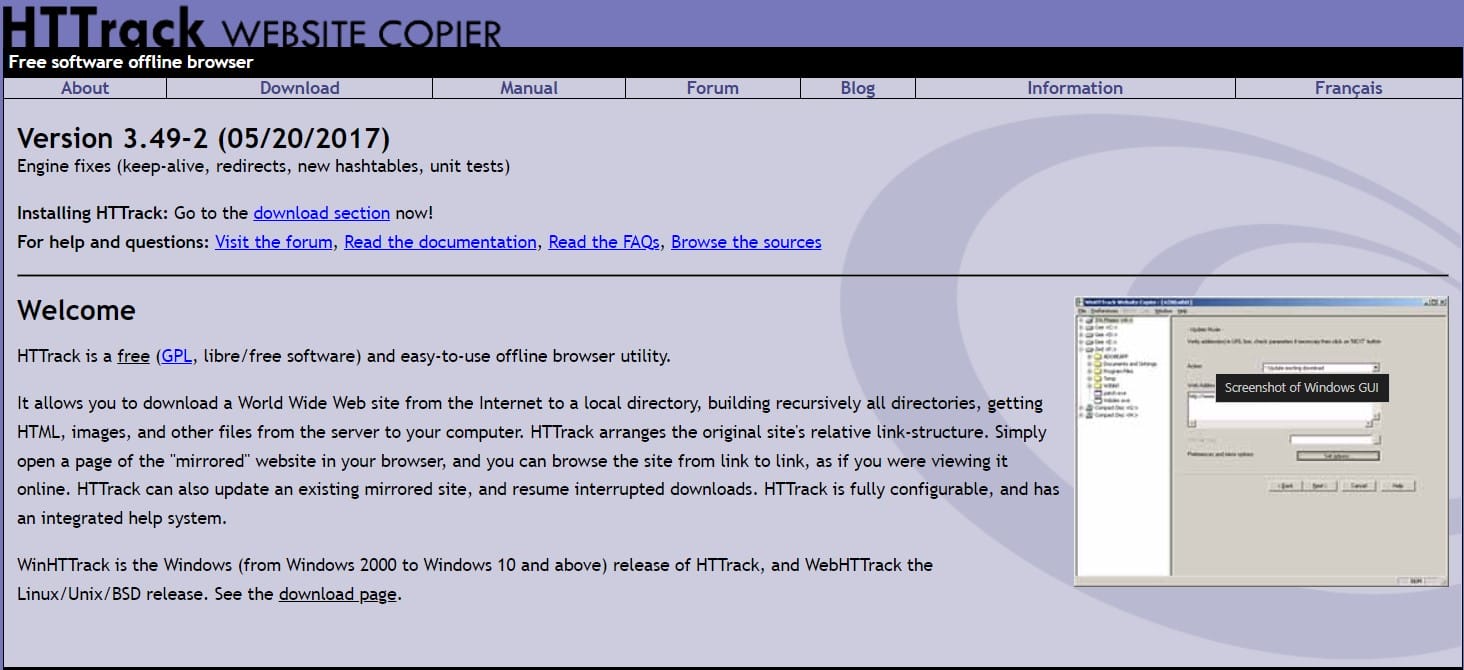
HTTrack is a free and open-source offline browser utility that allows users to download entire websites from the Internet to a local directory for offline browsing. It is particularly useful for creating a complete copy of a website and preserving its structure and files, including HTML, images, and other resources.
Features and Benefits:
- Website Mirroring: HTTrack can recursively download all files from a specified website, maintaining the original link structure. This allows users to navigate the downloaded site as if they were online.
- Customizable Options: Users can configure various settings, such as download limits, file types to include or exclude, and the depth of the crawl.
- Resume Capability: If a download is interrupted, HTTrack can resume the process without starting over, making it efficient for larger sites.
- Cross-Platform Support: HTTrack is available for multiple operating systems, including Windows (WinHTTrack) and Linux (WebHTTrack), ensuring broad accessibility.
- Integrated Help System: The tool comes with extensive documentation and an integrated help system, making it easier for users to navigate its features.
8. Gatsby
Gatsby is a popular open-source framework for building fast and secure websites and applications using React. It combines the power of React with GraphQL to fetch data from various sources and generate static HTML pages at build time.
Features and Benefits:
- Static Site Generation (SSG): Gatsby generates HTML pages during the build process, which are then served directly to the browser. This results in fast load times and improved performance.
- Data Fetching with GraphQL: Gatsby uses GraphQL to fetch data from various sources, including Markdown files, APIs, databases, and content management systems. This makes it easy to integrate content from multiple sources.
- Optimized Performance: Gatsby employs techniques like code splitting, image optimization, and lazy loading to ensure fast load times and optimal performance.
- Plugin Ecosystem: Gatsby has a rich plugin ecosystem that allows you to extend its functionality and add features like authentication, forms, and analytics.
- Scalability: Gatsby sites can be easily scaled by hosting them on CDNs or serverless platforms, making them suitable for high-traffic websites.
9. Strattic
Strattic is a comprehensive platform designed to convert WordPress sites into static websites, offering a seamless transition process while maintaining the familiar WordPress content management experience.
Features and Benefits:
- Easy Migration and Setup: Strattic provides a user-friendly migration process, allowing users to convert their existing WordPress sites into static versions without extensive technical knowledge. This contrasts with traditional static site generator plugins, which may require more complex setup and troubleshooting.
- Content Delivery Network (CDN): Strattic utilizes Amazon’s CloudFront CDN to serve static assets, ensuring fast load times globally. This is a significant advantage over standard static site generator plugins, which do not offer built-in CDN support.
- Multiple Publishing Options: Users can choose from various publishing methods, including full, quick, or selective publishing. This flexibility allows for efficient updates to the static site, enhancing the content management process.
- Preview and Staging: Strattic allows users to preview changes using WordPress’s native preview function, as well as a dedicated preview site for testing new features before going live.
10. Export WP Page to Static HTML/CSS

This plugin allows developers to convert each dynamic feature of WordPress into static HTML blocks. It’s specifically designed for WordPress and provides options to export complete pages or posts without images or comments.
Features and Benefits:
- Full Site Export: The premium version allows you to export the entire site as HTML, including related pages and posts.
- Automatic Export: You can set the plugin to automatically export pages or posts after publishing.
- FTP Upload: The plugin can upload exported files directly to an FTP server.
Simplifying the Conversion Process
Converting your WordPress site to static HTML is easier than ever with the tools and plugins available today. Whether you’re looking for simplicity, customization, or advanced features, there’s a tool that fits your needs. The primary goal of this conversion is to enhance your site’s security and speed, making it more resilient against potential threats.
Interesting Reads:
Should I Remove Polyfill From WordPress

