

Google Forms has long been a popular choice for creating surveys, quizzes, and feedback forms due to its simplicity and ease of use. However, as businesses, educators, and individuals look for more advanced features like customization, payment integration, and workflow automation, the need for more robust alternatives has grown. In 2025, several form-building tools have emerged, offering enhanced functionality and flexibility to meet these evolving needs. Whether you’re looking for interactive designs, in-depth analytics, or seamless integration with other tools, there’s an alternative to Google Forms that can elevate your data collection efforts. In this blog, we’ll explore the top five Google Forms alternatives to help you find the best solution for your specific requirements.

What is Google Forms?
Google Forms is a free online tool provided by Google that allows users to create surveys, quizzes, polls, and feedback forms. It’s part of the Google Workspace suite (formerly G Suite), and it’s widely used due to its user-friendly interface and seamless integration with other Google tools like Google Sheets, Google Drive, and Gmail.
With Google Forms, users can quickly design forms by choosing from a variety of question types, including multiple choice, short answers, checkboxes, and dropdowns. The tool also offers basic customization options, such as adding images, videos, and changing color themes. Once a form is created, it can be easily shared via a link, email, or embedded on websites, and responses are collected and organized in real-time.
Key Features of Google Forms:
- Simple Form Creation: Drag-and-drop interface makes it easy to build forms quickly.
- Real-Time Collaboration: Multiple users can work on the same form simultaneously.
- Response Collection: Automatically collects and organizes responses in Google Sheets.
- Customizable Templates: Offers a library of templates for surveys, quizzes, feedback forms, and more.
- Free to Use: Available at no cost with a Google account.
While Google Forms is perfect for basic needs, its limited customization, lack of advanced features, and absence of certain integrations have led users to seek more sophisticated alternatives.
Also Read: The Top AI Tools for DevOps | Transforming the Future of Software Delivery
Top 5 Google Forms Alternative
1. Typeform
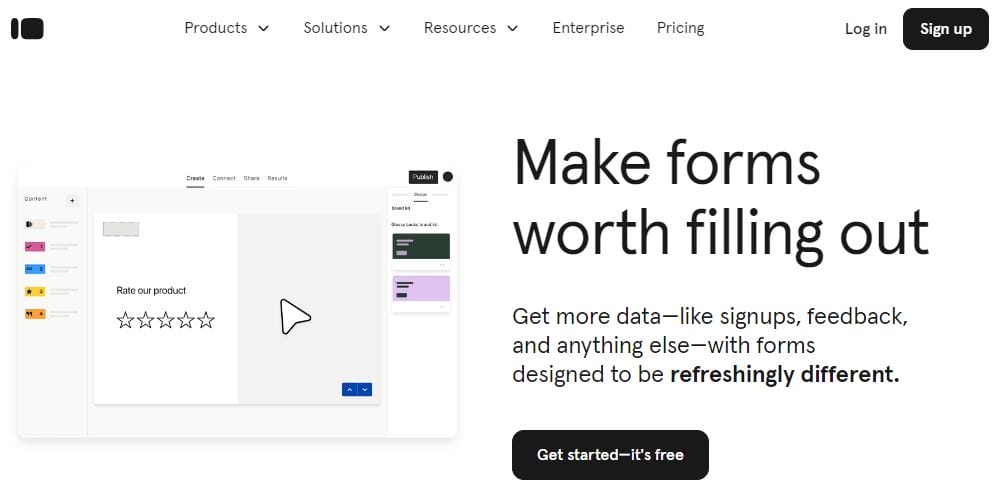
Typeform is renowned for its conversational and interactive form design, breaking away from traditional static formats by presenting one question at a time. Reducing overburden and boosting completion rates. Its intuitive design, customizable templates, and seamless mobile responsiveness create a natural, dialogue-like flow, making it an ideal choice for businesses and individuals looking to create interactive surveys, quizzes, or lead-generation forms. Typeform’s unique style enhances user engagement and ensures a smoother, more personalized experience.
Key Features:
- Conversational Design: Each question appears one at a time, simulating a natural conversation.
- Customizability: Extensive design options that allow you to personalize the form layout, fonts, and colors.
- Logic Jumps: Direct respondents based on their answers to specific questions, making the survey more dynamic.
- Integrations: Easily merge with tools like Slack, Google Sheets, Zapier, and Mailchimp.
- Analytics: Advanced analytics tools to track responses and performance.
Pricing:
- Free plan available with limited features.
- Paid plans start at $25/month.
2. Microsoft Forms
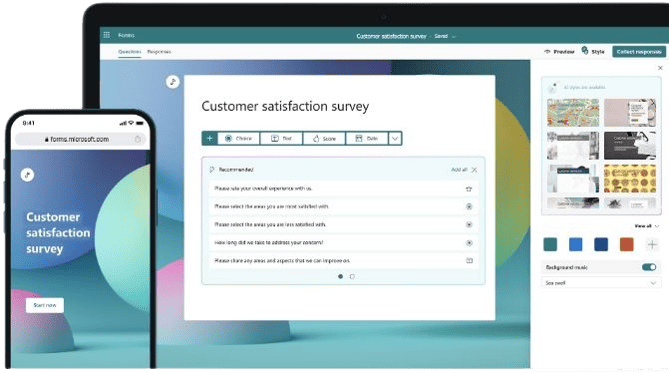
Microsoft Forms, part of the Microsoft 365 suite, is a straightforward tool for creating surveys, quizzes, and polls. While it may not offer as many advanced features as some other form builders, its seamless integration with the broader Microsoft ecosystem, including tools like Excel, Teams, and SharePoint, makes it an attractive option for businesses already using Microsoft products. Its simplicity, coupled with real-time collaboration and data analysis through Excel, ensures efficiency and ease of use, particularly for organizations looking for a cohesive solution within the Microsoft environment.
Key Features:
- Easy Integration: Works flawless with other Microsoft 365 tools like Excel, PowerPoint, and Teams.
- Real-Time Collaboration: Collaborate on forms with team members in real-time.
- Quizzes: Create quizzes with automatic scoring for educational purposes.
- Data Export: Export data easily to Excel for further analysis.
- Customizable Themes: Personalize forms with different themes and background options.
Pricing:
- Free for Microsoft 365 users.
- Paid plans start at $6/month (included with Microsoft 365 subscription).
Also Read: Best AI Tools for Language Learning Of 2024
3. HubSpot Forms
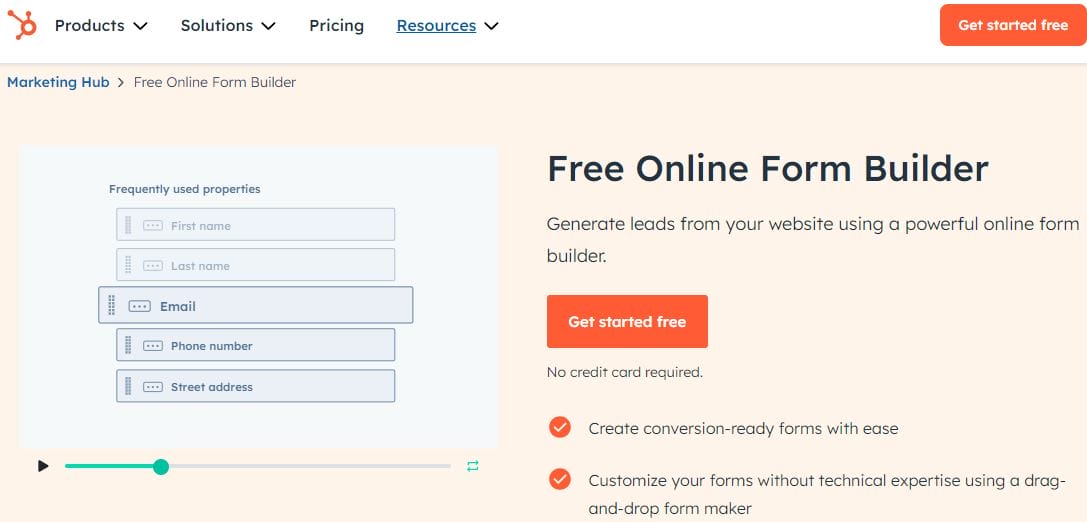
HubSpot Forms is an integral component of the HubSpot CRM suite, designed to seamlessly integrate with the platform’s marketing, sales, and customer service tools. Ideal for businesses focused on lead generation and customer engagement, HubSpot Forms enables users to capture valuable leads, track interactions, and manage customer relationships efficiently within the HubSpot ecosystem. With its user-friendly design and automation capabilities, it simplifies the process of nurturing leads by connecting form submissions directly to HubSpot’s email marketing and CRM functionalities, providing businesses with a comprehensive tool to grow and manage their customer base.
Key Features:
- Drag-and-Drop Builder: Easily create forms using a drag-and-drop interface without needing any technical knowledge.
- CRM Integration: Automatically sync form submissions to HubSpot’s free CRM, allowing you to manage and track leads efficiently.
- Pop-Up Forms: Create engaging pop-up forms to capture leads on your website.
- Follow-Up Emails: Automatically send follow-up emails to respondents based on their form submissions.
- Customizable Fields: Tailor forms to collect the specific data you need from your audience.
Pricing:
- Free plan available as part of HubSpot’s free CRM.
- Paid plans start at $45/month with additional marketing and sales features.
4. Zoho Forms
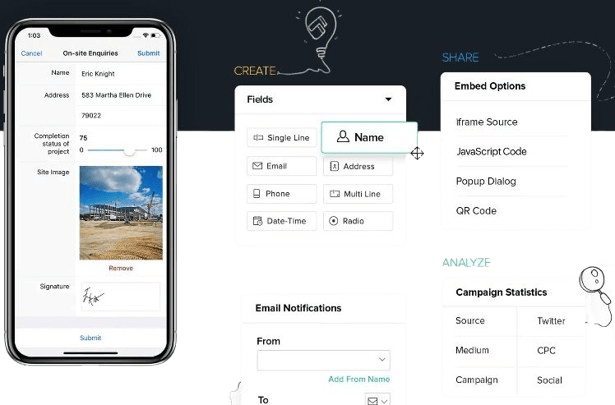
Zoho Forms, part of Zoho’s extensive suite of business tools, provides a flexible and robust platform for creating professional forms. It is designed to meet the needs of both individuals and businesses, offering advanced data management, workflow automation, and detailed reporting capabilities in addition to basic form creation. Its integration with other Zoho applications, such as CRM, transforms it into an effective tool for streamlining business processes, collecting data, and automating tasks. Zoho Forms is especially useful for businesses looking for a comprehensive solution that seamlessly integrates with their current operations.
Key Features:
- Conditional Logic: Show or hide fields based on user input, creating personalized experiences.
- Collaboration Tools: Share forms with teams for collaborative form-building and data management.
- Mobile App: Create and manage forms on the go with the Zoho Forms mobile app.
- Payment Integration: Collect payments securely with integrations like PayPal and Stripe.
- Custom Reports: Generate detailed reports to analyze form submissions and track responses.
Pricing:
- Free plan available with limited features.
- Paid plans start at $12/month.
Also Read: What Image Does WordPress Show On Preview
5. JotForm
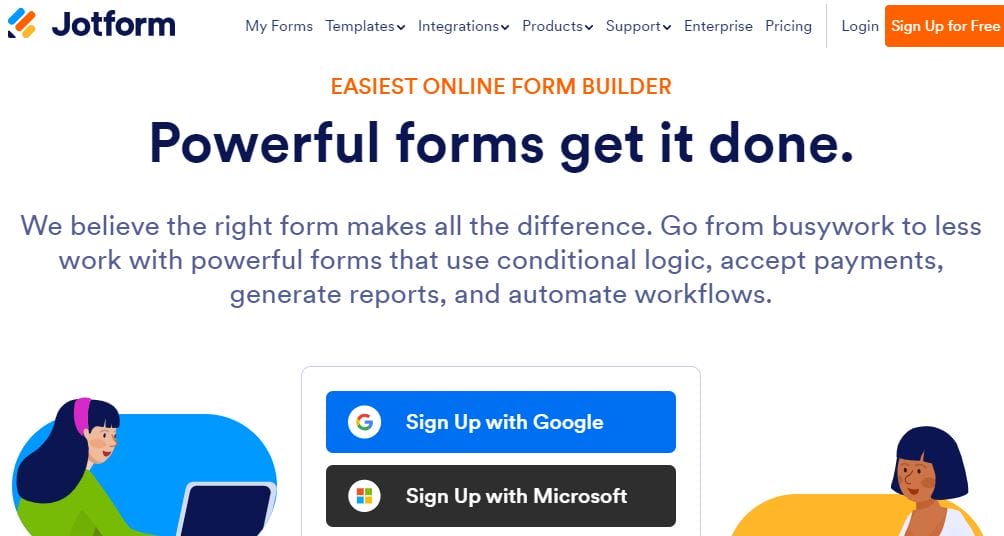
JotForm is a strong alternative to Google Forms, with a wide range of features tailored to different form-building requirements. Its simple drag-and-drop builder enables users to easily create professional and customized forms, even without technical knowledge. JotForm’s extensive template library, advanced design options, and integration capabilities make it an adaptable tool for businesses, educators, and individuals seeking greater control and functionality in their forms. Whether for surveys, payment forms, or event registrations, JotForm offers a versatile solution for streamlining data collection and improving user experience.
Key Features:
- Form Templates: Over 10,000 ready-made templates to help you get started instantly.
- Drag-and-Drop Builder: Create forms with ease using a simple drag-and-drop interface.
- Conditional Logic: Customize forms by showing or hiding fields based on user responses.
- Payment Integrations: Accept payments through PayPal, Stripe, Square, and more.
- File Uploads: Allow users to upload documents, images, or other files as part of the form submission.
Pricing:
- Free plan available with limited features.
- Paid plans start at $34/month.

Final Thought on Google Forms Alternative
Selecting the right form-building tool can significantly impact how you collect and manage data. While traditional options offer simplicity, more advanced alternatives provide enhanced features like interactive designs, comprehensive analytics, and seamless CRM integrations.
By choosing the right solution for your needs, you can improve data collection efficiency, boost user engagement, and streamline your processes. Exploring these alternatives will help you find a tool that not only meets your requirements but also elevates your overall data management strategy in 2025.
Interesting Reads:
Top 10 A/B Testing Tools of 2024

