

Securing a WordPress site is crucial in today’s digital landscape, where hackers and malicious software frequently target websites. With WordPress powering over 40% of all websites, its popularity makes it a prime target for cyber threats. Regularly scanning your WordPress site for vulnerabilities, malware, and other security issues is essential in safeguarding your online presence.
This ensures the protection of your data and the trust and confidence of your site’s visitors. In this article, learn some of the best tools available to scan your WordPress site, highlighting their key features and benefits to help you choose the right one for your needs.

Quick Links
The Best Tools to Scan Your WordPress Site
1. Wordfence

Wordfence is one of the most widely used security plugins for WordPress, offering a comprehensive set of tools to protect your site from various threats. Its scanning capabilities include detecting malware, identifying file changes, and finding potential backdoors that hackers could exploit. Wordfence also provides a real-time view of traffic and hacking attempts, making it a robust solution for WordPress security.
Features:
-
- Firewall: Wordfence provides a web application firewall that blocks malicious traffic, protects against vulnerabilities, and prevents brute-force attacks.
- Security Scanner: The scanner checks for vulnerabilities in plugins, themes, and core files. It also scans for malware, bad URLs, backdoors, and code injections.
- Login Security: Wordfence includes features like two-factor authentication, login CAPTCHA, and the ability to block logins for users with known compromised passwords.
- Centralized Management: Wordfence is compatible with Wordfence Central, which allows managing and monitoring the security of multiple sites from a single dashboard.
2. Sucuri Security
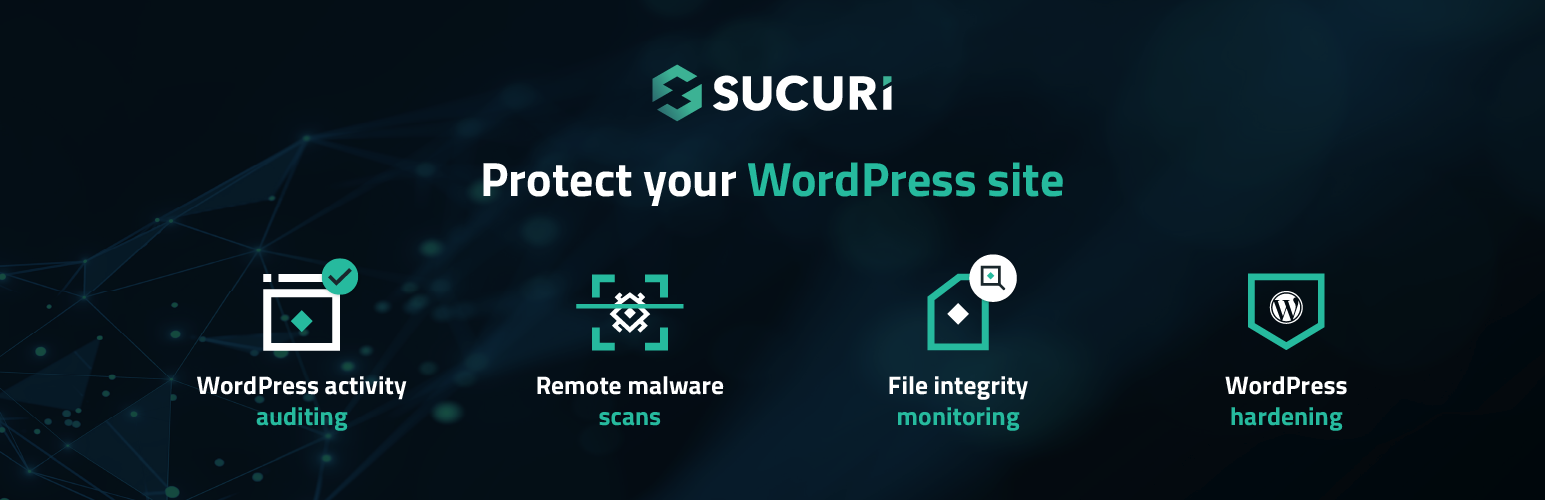
Sucuri Security is a trusted name in website security, offering both a plugin and a web-based service for WordPress users. Sucuri’s strength lies in its server-side scanning, which can detect malware that isn’t visible from the front end. In addition to malware scanning, Sucuri offers services like firewall protection, malware removal, and post-hack recovery, making it a comprehensive solution for WordPress security.
Features:
-
- Malware Scanning: The Sucuri plugin provides remote malware scanning to detect malicious code and vulnerabilities on your site. It utilizes the Sucuri SiteCheck tool, which scans for visible malware and security issues.
- Security Activity Auditing: It monitors and logs security-related activities on your website, helping you track changes and potential threats.
- File Integrity Monitoring: The plugin checks the integrity of core WordPress files, alerting you to any unauthorized changes that could indicate a security breach.
- Blocklist Monitoring: Sucuri checks if your site is listed on any security blocklists, which can affect your site’s reputation and accessibility.
- Security Hardening: The plugin offers various hardening features to enhance your site’s security posture, such as modifying file permissions and disabling potentially vulnerable features.
- Post-Hack Security Actions: If your site is compromised, Sucuri provides post-hack actions to help you recover, including malware removal and a checklist to secure your site.
3. MalCare
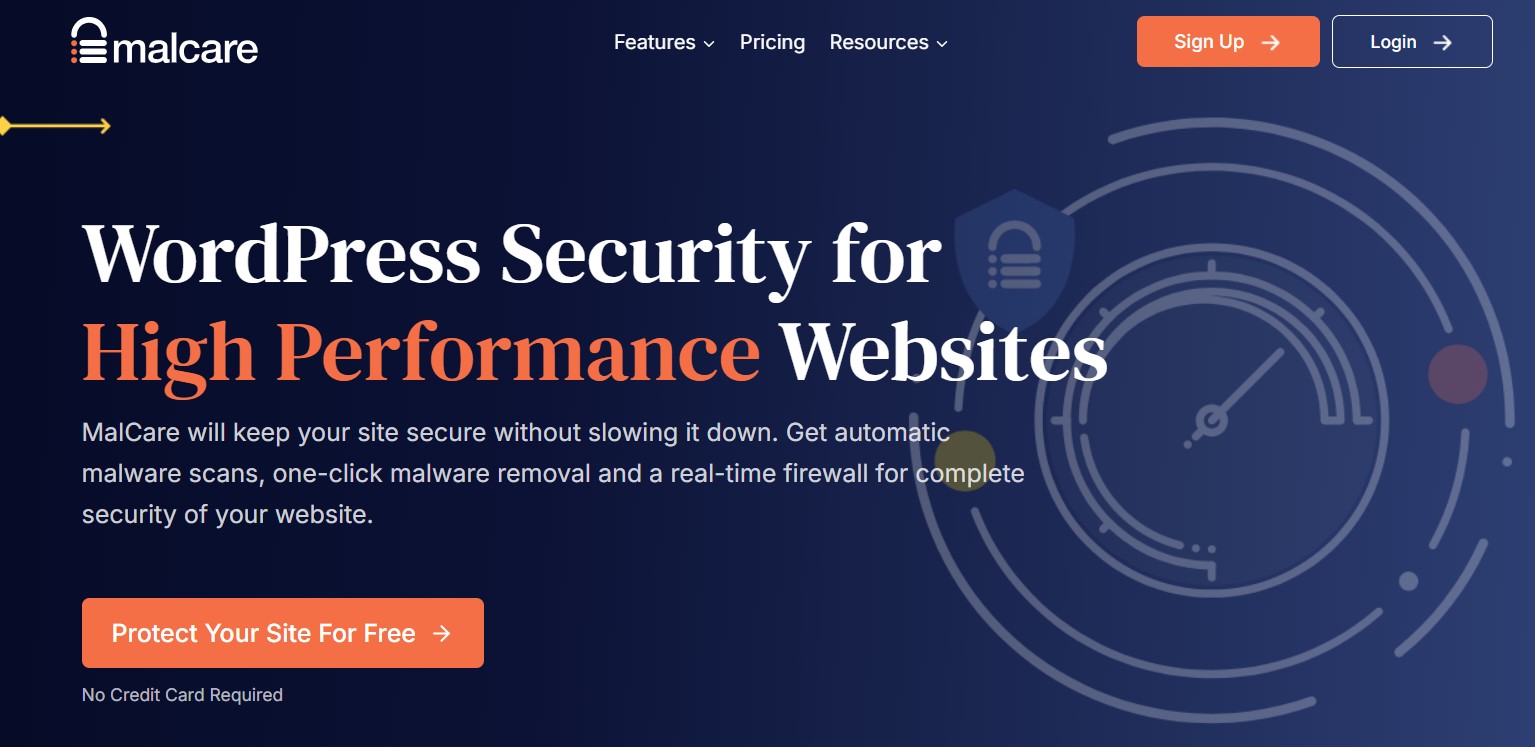
MalCare is a specialized WordPress security solution known for its deep scanning capabilities. Unlike some other tools, MalCare performs its scans on external servers, ensuring that your site’s performance isn’t affected. It’s particularly adept at detecting complex malware and can automatically clean up your site with just one click.
Features:
-
- Automatic Malware Scanning: MalCare provides a cloud-based malware scanning service that detects complex malware often missed by other security plugins. This scanning process does not impact your website’s performance.
- One-Click Malware Removal: The plugin offers an industry-first one-click malware removal feature, allowing users to clean their hacked sites quickly and efficiently, often within minutes.
- Web Application Firewall (WAF): MalCare includes a powerful firewall that protects against various attacks, including brute force attacks and spam. It blocks malicious traffic before it reaches your site.
- Security Hardening: The plugin helps users configure recommended security practices with just one click, enhancing the overall security of the WordPress installation.
- Uptime Monitoring: MalCare monitors your website’s uptime and alerts you if your site goes down, allowing for prompt action to minimize downtime.
4. Solid Security
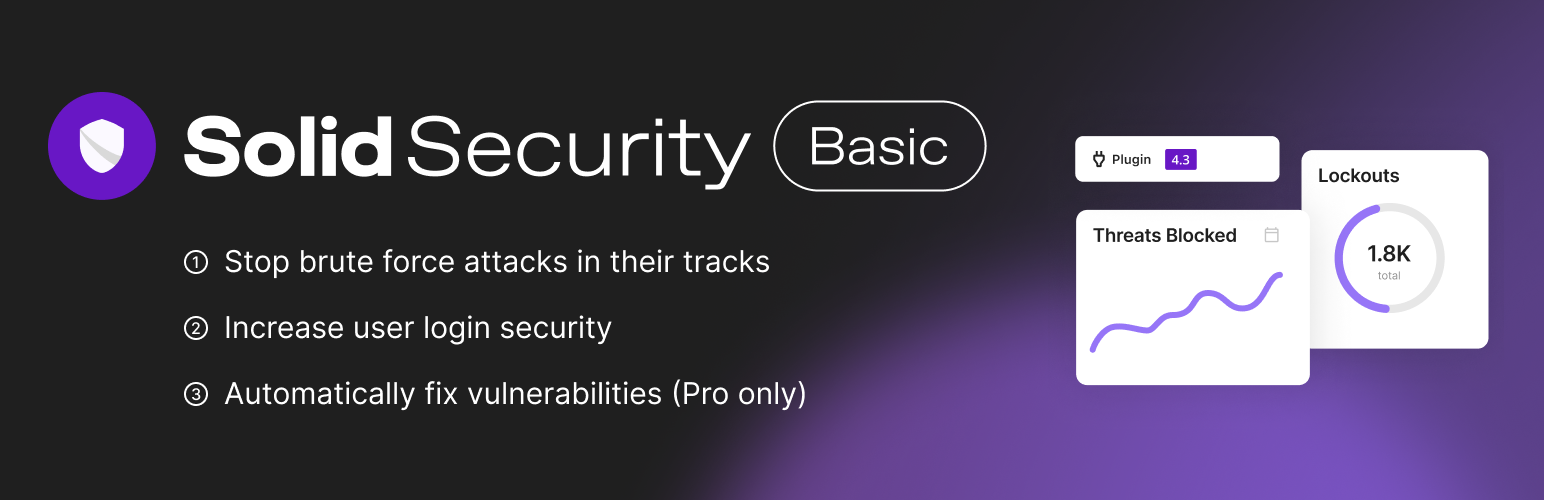
Solid Security(formerly Better WP Security) is another powerful tool that focuses on preventing security issues before they become a problem. It offers a range of features to protect your site, including vulnerability detection, file change monitoring, and strong password enforcement. It’s a great option for users who want to enhance their site’s security with a comprehensive set of tools.
Features:
-
- Malware scanning: Scans for malware, backdoors, and unauthorized file changes
- Brute force protection: Blocks brute force attacks and bad user agents
- Two-factor authentication: Adds an extra layer of security to user logins
- Database backups: Automatically back up your WordPress database
- Geo-IP blocking: Blocks traffic from specific countries to prevent attacks
5. WPScan
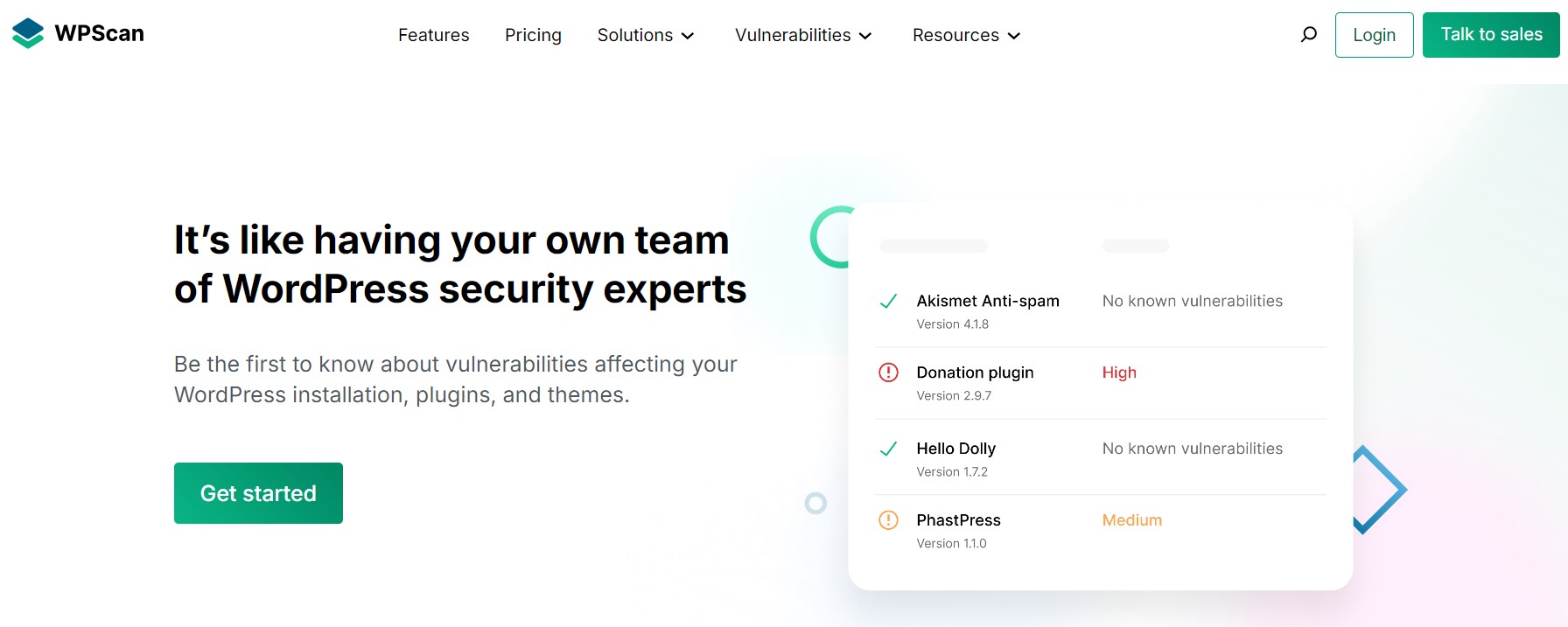
WPScan is a powerful tool specifically designed to detect known vulnerabilities in WordPress core, themes, and plugins. It’s widely used by developers and security professionals to stay ahead of potential security threats. WPScan provides detailed reports that help you understand the vulnerabilities in your site and how to fix them.
Features:
-
- Vulnerability Database: WPScan uses a manually curated database that contains over 21,000 known vulnerabilities, updated daily by security specialists and the community. This extensive database allows the plugin to effectively scan for vulnerabilities specific to WordPress, plugins, and themes.
- Automated Scanning: Users can schedule automated daily scans to check for vulnerabilities, ensuring that their site is regularly monitored for potential threats.
- Email Notifications: The plugin can send email alerts when new vulnerabilities are detected, keeping site administrators informed of potential security issues.
- API Integration: WPScan requires a free API token for scanning. The free plan allows for 25 API requests per day, which is generally sufficient for most WordPress sites.
- Admin Toolbar Notifications: WPScan displays an icon on the WordPress admin toolbar that indicates the total number of security vulnerabilities found, providing quick access to security insights.
6. Quttera Web Malware Scanner

Quttera is an external web malware scanner that offers a detailed analysis of your website for malware, suspicious files, and blacklist status. It’s a great tool for users who need an external perspective on their site’s security and want to ensure that it’s free from malicious content.
Features:
-
- Comprehensive Malware Detection: Quttera scans for a wide range of threats, including malware, trojans, backdoors, worms, viruses, spyware, and more. It also detects JavaScript code obfuscation, malicious iframes, and code injections.
- Heuristic Scanning: The plugin employs a unique heuristic scanning approach that goes beyond traditional signature matching. This allows it to identify previously unknown malware by analyzing the behavior of the code.
- Blacklist Status Monitoring: Quttera checks if your website is blacklisted by Google and other authorities, helping you maintain your online reputation.
- Detailed Reports: After scanning, Quttera provides a detailed investigation report that highlights any detected issues, allowing users to take appropriate action.
- Cloud Technology: The scanning process utilizes cloud technology, which enhances performance and reduces the load on the server.
- One Click Scan: Users can initiate a scan with a single click, making it user-friendly and efficient.
7. SiteLock
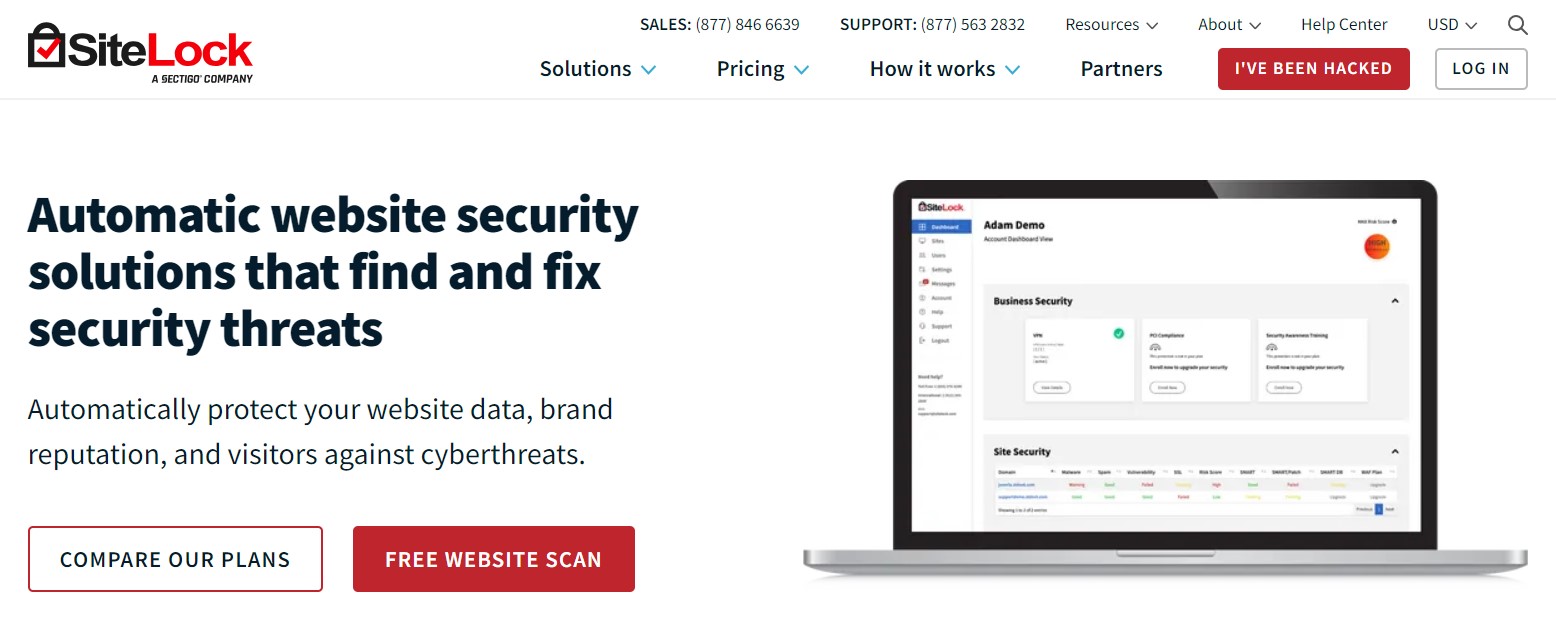
SiteLock provides both basic and advanced scanning services to detect malware, vulnerabilities, and other security threats. It also offers automatic malware removal, making it a convenient choice for users who want a set-and-forget solution to site security.
Features:
-
- Daily Malware Scans: SiteLock performs automated daily scans to detect malware and vulnerabilities on your website, ensuring ongoing protection.
- Malware Removal: The service includes a malware removal tool that helps clean up any detected threats quickly and efficiently.
- Web Application Firewall (WAF): SiteLock’s TrueShield Firewall blocks harmful traffic and protects against attacks such as SQL injection and cross-site scripting (XSS).
- Performance Optimization: With the TrueSpeed CDN, SiteLock enhances website speed by caching content and delivering it from the nearest geographical location to the user.
- Security Trust Seal: SiteLock provides a trust seal that can be displayed on your website, helping to build customer trust by indicating that the site is secure.
Choosing the Right Tool
Securing your WordPress site is not just about installing a plugin and forgetting about it; it’s about regularly scanning your site to ensure that it remains protected against emerging threats. Wordfence and Sucuri are excellent choices for those seeking comprehensive security coverage, while WPScan is ideal for developers focused on vulnerability detection. For users looking for deep scanning without compromising site performance, MalCare offers a robust solution. No matter which tool you choose, consistent monitoring and timely updates are key to maintaining the security and performance of your WordPress site.
By selecting the right tool for your specific needs, you can significantly reduce the risk of a security breach and ensure that your website remains safe and secure for all users.
Interesting Reads:
Should I Remove Polyfill From WordPress

