

In today’s competitive e-commerce world, engaging video content has become essential for driving traffic and increasing sales. Creating captivating product videos doesn’t require expensive tools or advanced skills anymore. There are several online video makers that can help you create professional-looking videos for your online shop for free. Below, we’ll explore the 10 best free online shop video makers, along with their key features, pros and cons, to help you choose the right one.

Quick Links
How to Choose the Best Online Shop Video Makers
Choosing the best online shop video maker depends on various factors that align with your business needs, skill level, and the type of video content you want to create. Here are some key factors to consider when selecting the right video maker for your e-commerce shop:
1. Ease of Use
If you’re new to video creation, you’ll want a tool that offers a simple interface and intuitive controls. Tools like Canva, Animoto, and FlexClip are ideal for beginners due to their drag-and-drop features and easy-to-use templates. On the other hand, if you have some experience, platforms like InVideo and Veed.io offer more advanced editing options but remain accessible for non-experts.
What to consider:
- Do you need a beginner-friendly tool with templates?
- Can you easily create and edit videos without extensive training?
2. Available Templates and Customization
The availability of templates and customization options is crucial if you want to speed up the video creation process. Tools like InVideo, Renderforest, and Wave.video offer thousands of pre-made templates specifically designed for e-commerce, product promotion, and social media marketing. Kapwing and Adobe Express offer more flexibility for creating custom designs but may require more hands-on work.
What to consider:
- Does the platform offer templates suitable for your online shop’s needs?
- Can you easily customize videos with your brand elements (logos, colors, fonts)?
3. Stock Media and Assets
Most video makers offer stock videos, images, and music to enrich your video content. Veed.io, Clipchamp, and Renderforest offer access to extensive stock libraries, while Canva and InVideo also provide free assets. However, some platforms limit access to premium stock in their free versions, requiring upgrades for higher-quality assets.
What to consider:
- Does the video maker provide free access to high-quality stock videos, images, or music?
- Will you need to create videos using your own assets, or will stock footage suffice?
4. Branding and Personalization
Creating brand-consistent videos is essential for e-commerce businesses. Some tools allow you to add logos, custom fonts, and colors that align with your brand. Animoto, Wave.video, and Adobe Express are particularly good for branding options. Kapwing also allows for collaborative editing, making it easier for teams to work on branded content.
What to consider:
- Does the tool allow you to easily add your logo, colors, and branding?
- Are there options for custom fonts and layouts?
5. Export Quality and Watermarks
Export quality can be a deal-breaker if you need crisp, high-resolution videos. Some free tools, such as Renderforest and FlexClip, limit exports to lower resolutions (480p) in their free versions. InVideo, Kapwing, and Wave.video offer HD exports but might include watermarks unless you upgrade to a premium plan.
What to consider:
- Do you need HD video exports, or is lower resolution acceptable for your platform (e.g., social media)?
- Can you remove watermarks, or are you willing to upgrade for a clean, watermark-free video?
Best Online Shop Video Makers
1. Canva

Canva is known for its user-friendly interface and powerful design tools. It offers a free video maker with numerous templates, stock images, and audio options, making it great for quick product videos.
Key Features:
- Drag-and-drop interface
- Pre-made video templates for social media
- Stock footage, images, and audio available
- Download options in various formats (MP4, GIF)
- Works on both desktop and mobile apps
Pros:
- Simple and easy-to-use
- Variety of free templates
- Integration with Canva’s photo editor
Cons:
- Limited customization for free users
- Some premium templates require paid subscription
2. InVideo
InVideo offers an intuitive interface with powerful features for creating online shop videos. It provides a wide variety of templates, music, and stock media to create professional product videos.
Key Features:
- 5000+ customizable templates
- Media library with over 1 million assets
- Text-to-speech functionality
- HD export and social sharing
Pros:
- Wide range of templates
- Great for beginners
- Multiple export options
Cons:
- Free version includes watermarks
- Limited premium features unless you upgrade
3. Animoto
Animoto is a simple drag-and-drop video maker that allows online shop owners to create compelling videos by combining images, text, and music effortlessly.
Key Features:
- Pre-built storyboards for faster video creation
- Drag-and-drop interface
- Extensive music library
- Branding customization (logos, colors)
Pros:
- Very easy to use
- Great for social media promotions
- Flexible pricing options for upgrades
Cons:
- Watermarks on free videos
- Limited customization features
4. Veed.io
Veed.io is an all-in-one video editing tool that offers an online editor with a clean interface. It’s a great tool for e-commerce businesses that need quick, professional videos.
Key Features:
- Subtitles generation
- Transitions, filters, and effects
- Templates for product showcases
- Direct social media sharing
Pros:
- Fast video editing features
- Supports subtitles and translations
- User-friendly for beginners
Cons:
- Free plan adds a watermark
- Some effects are limited to the paid version
Also Read: 10 Best Photography Video Makers
5. Kapwing
Kapwing is an online video editor that allows users to create product videos with ease. It provides plenty of templates, GIFs, and music to give a polished look to your videos.
Key Features:
- Collaborative video editing
- Hundreds of templates
- Multi-platform support
- Meme and GIF creation
Pros:
- Great for collaboration
- Easy to edit and customize
- Supports various file formats
Cons:
- Limited export quality for free users
- Watermark included with free plan
6. Clipchamp
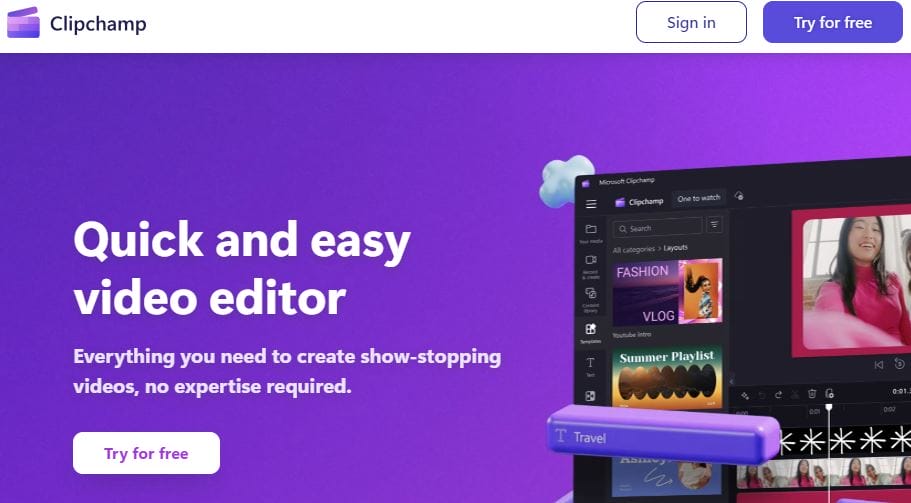
Now owned by Microsoft, Clipchamp offers an excellent platform for online shop video creation. With its user-friendly features, you can create product demos and promo videos easily.
Key Features:
- Free stock images and videos
- Basic and advanced video editing tools
- Screen recording feature
- Direct social media export
Pros:
- Simple interface
- Access to royalty-free assets
- Good export options
Cons:
- Requires Microsoft login for full access
- Free version includes watermark
7. Renderforest
Renderforest is a comprehensive online video maker offering a wide array of templates. It’s ideal for creating promotional videos, intro animations, and product showcases.
Key Features:
- Thousands of templates for product and business videos
- Free stock footage and audio
- Logo and intro makers
- Cloud storage for projects
Pros:
- Simple to use
- Good template variety
- No software installation needed
Cons:
- Free plan exports only in low resolution
- Watermarks on free videos
8. FlexClip
FlexClip is a free video maker that provides plenty of templates, drag-and-drop editing, and various stock videos to help online shops create promotional content quickly.
Key Features:
- Rich template library
- Stock video and music access
- Simple editing with drag-and-drop
- Export in various formats
Pros:
- Extremely easy for beginners
- Good selection of stock footage
- No watermarks for videos under 1 minute
Cons:
- Limited to 480p resolution on free plan
- Basic features only in free version
9. Adobe Express Video
Adobe Express Video (formerly Adobe Spark) is Adobe’s free tool for creating quick, engaging videos. It is well-suited for businesses looking to create branded content.
Key Features:
- Ready-made storyboards
- Access to Adobe’s design assets
- Supports text, music, and photos
- Integration with Adobe Creative Cloud
Pros:
- Simple to use, no design skills needed
- High-quality design elements
- Excellent branding tools
Cons:
- Requires an Adobe ID login
- Free plan has limited stock media
10. Wave.video
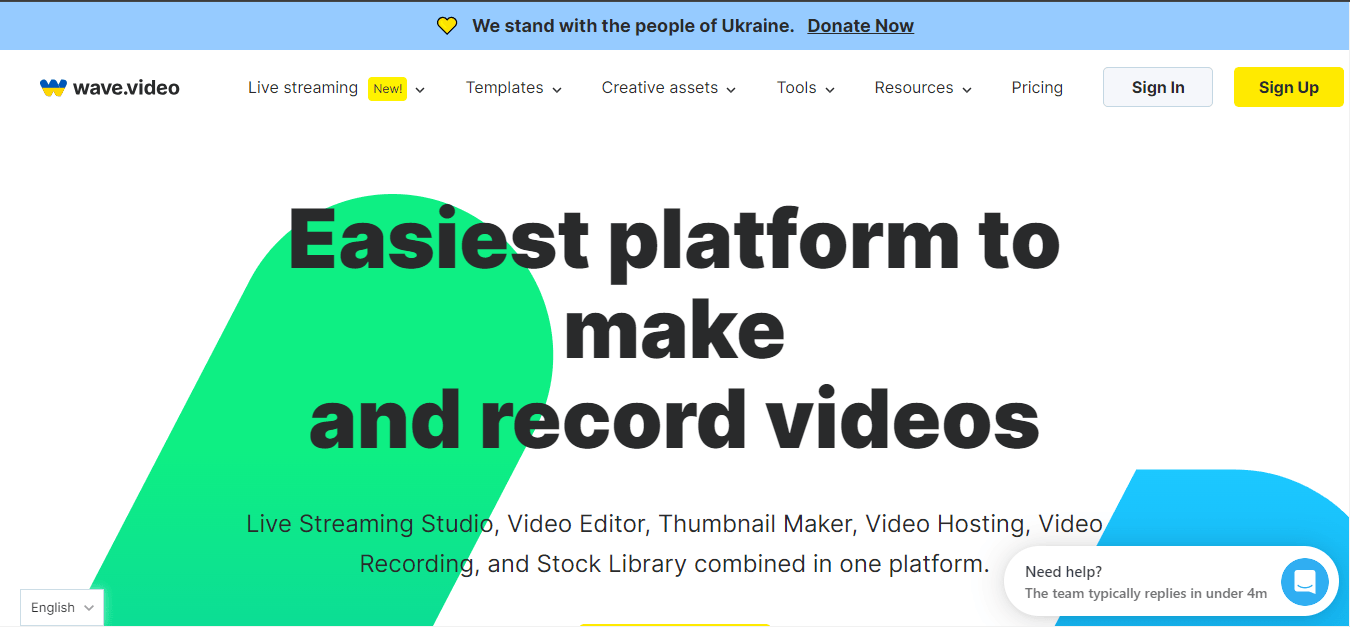
Wave.video is a free video maker that comes with various templates, stock footage, and editing tools to create professional-looking promotional videos.
Key Features:
- Drag-and-drop editor
- Large library of stock videos and music
- Video hosting and embedding features
- Custom branding tools
Pros:
- Great for video marketing
- Easy to use and customize
- Direct social media publishing
Cons:
- Watermark in free version
- Limited advanced editing features for free users
Comparison Table: Best Free Online Shop Video Makers
| Tool | Key Features | Pros | Cons |
|---|---|---|---|
| Canva | Pre-made templates, stock footage | Easy to use, versatile | Watermarks on some premium content |
| InVideo | 5000+ templates, text-to-speech | Wide range of templates | Watermarks in free plan |
| Animoto | Pre-built storyboards, drag-and-drop | Simple, great for social media | Watermarks, limited customization |
| Veed.io | Subtitles, transitions, filters | Fast, beginner-friendly | Watermark on free version |
| Kapwing | Collaborative editing, GIF creation | Easy editing, multi-platform support | Limited export quality for free users |
| Clipchamp | Stock footage, screen recording | Access to free assets, good export | Requires Microsoft login |
| Renderforest | Thousands of templates, cloud storage | Easy to use, good variety of templates | Low resolution in free plan |
| FlexClip | Stock videos, drag-and-drop editing | Beginner-friendly, fast | Limited resolution in free version |
| Adobe Express | Ready-made storyboards, Adobe assets | High-quality design tools | Free plan has limited stock media |
| Wave.video | Drag-and-drop editor, video hosting | Easy, great for marketing | Watermark on free version |

Final Thoughts
These 10 free online shop video makers offer a wide variety of features to help create professional product videos quickly and efficiently. Whether you’re a beginner looking for an easy-to-use tool like Canva or FlexClip, or you need advanced editing options like InVideo or Kapwing, there’s something for every online business. While the free versions often come with watermarks or limited export quality, upgrading to paid plans will unlock even more features to take your video content to the next level.
Interesting Reads
10 Best Online Promotion Video Makers for Free in 2024

