10 Best Free Online Educational Video Makers


Creating educational content has become more accessible with the rise of online video-making platforms. Whether you’re a teacher, student, or content creator, there are many free tools available that simplify the process of creating engaging videos. In this post, we’ll discuss the 10 best free online educational video makers, highlighting their key features, pros, and cons, and help you choose the best one to suit your needs.
WordPress Maintenance PlanWhat to Look for When Choosing Online Educational Video Maker
When choosing an online educational video maker, it’s essential to consider several factors to ensure you select the tool that best fits your needs. Here’s a breakdown of key features and considerations to keep in mind:
1. Ease of Use
- User-Friendly Interface: If you’re new to video creation, an intuitive platform with drag-and-drop functionality is crucial. Choose a tool that doesn’t require advanced technical skills.
- Learning Curve: Look for platforms that offer tutorials, guides, or templates to help you get started quickly, especially if you have limited time to learn the software.
2. Video Editing Features
- Basic Editing Tools: At a minimum, the platform should offer trimming, cutting, splitting, and rearranging clips. This will allow you to create smooth, professional-looking videos.
- Advanced Editing Features: If your video content requires more, look for advanced options like multi-layer editing, chroma key (green screen), transitions, and effects.
- Text and Annotation Tools: For educational videos, it’s crucial to add titles, captions, and annotations to emphasize key points or instructions.
3. Templates and Themes
- Pre-built Templates: Templates save time by offering pre-designed layouts and structures for your videos. Choose a tool with educational-themed templates to make your content look professional with minimal effort.
- Customization: Ensure that the templates are customizable so you can adjust elements to fit your specific topic and audience.
4. Stock Media Library
- Access to Stock Images, Videos, and Audio: A well-stocked media library can save you the time and effort of sourcing external assets. Look for tools that provide royalty-free stock images, videos, sound effects, and background music.
- Quality of Assets: The quality of the stock media (HD, 4K) should match the level of professionalism you want in your videos.
5. Audio and Voiceover Support
- Voiceover Recording: Many educational videos require narration. Make sure the video maker has built-in voiceover recording and editing tools, allowing you to add commentary or instructions easily.
- Background Music: Adding music can make your videos more engaging, but it’s important that the software lets you adjust volume levels so that background music doesn’t overpower narration.
6. Collaboration Features
- Team Collaboration: If you’re working in a team (teachers, instructional designers, etc.), choose a platform that supports collaboration, where multiple people can edit, comment, or provide feedback on the video.
Best Free Online Educational Video Makers
1. Canva

Canva is well-known for its design capabilities but also features a free video editor ideal for educational videos. It offers a user-friendly drag-and-drop interface and an extensive library of templates.
- Key Features:
- Thousands of video templates for various themes
- Stock footage, animations, and music library
- Easy-to-use timeline editor
- Collaboration feature for teams
- Allows adding text and visual effects
- Pros:
- Extremely user-friendly
- Versatile and well-designed templates
- Excellent media library
- Supports team collaboration
- Cons:
- Limited advanced editing features
- Watermark on some export formats in the free version
2. Kapwing
Kapwing is a free online video editor that’s perfect for educators who want to quickly create or edit videos. It supports a wide range of features from trimming to adding subtitles and even creating GIFs.
- Key Features:
- Easy editing tools (trim, crop, resize)
- Subtitles and captions feature
- Multi-language support
- Collaboration on projects
- Cloud-based, no installation required
- Pros:
- No watermarks on videos under 7 minutes
- Fast and easy to use
- Supports multiple formats
- Free to use for most basic tasks
- Cons:
- 7-minute video limit for free users
- Limited advanced features
- Slow rendering for large projects
3. Animoto
Animoto is another beginner-friendly video maker with a wide variety of templates. It’s known for allowing users to create high-quality videos using drag-and-drop functionality.
- Key Features:
- Drag-and-drop video creation
- Customizable templates
- Royalty-free music and stock footage
- Upload your own media
- Easy sharing to social platforms
- Pros:
- Simple interface for beginners
- Excellent for creating explainer videos
- High-quality output even in the free version
- Cons:
- Limited customization options in the free plan
- Watermark on free version videos
4. Biteable
Biteable allows educators to create fun and engaging videos for their students. With pre-built templates and a focus on animation, it’s great for creating short, visually captivating content.
- Key Features:
- Huge library of animated scenes and templates
- Built-in audio library
- Fast drag-and-drop creation
- Pre-designed characters and props
- Pros:
- Great for beginners
- Focus on short, engaging content
- Ready-made animation templates
- Simple sharing options
- Cons:
- Limited customization
- Biteable watermark in the free version
- Basic editing features
5. Clipchamp
Clipchamp provides a comprehensive free online video editor with no watermarks and a range of editing tools, perfect for creating more polished educational videos.
- Key Features:
- Templates for various content types
- Stock library of images, videos, and audio
- Export in 1080p for free
- Speech-to-text and text-to-speech features
- Easy-to-use video compressor and converter
- Pros:
- No watermarks on free exports
- Speech-to-text transcription
- User-friendly interface
- 1080p video quality for free
- Cons:
- Requires a stable internet connection
- Limited stock footage in the free plan
- Slower export times
6. WeVideo
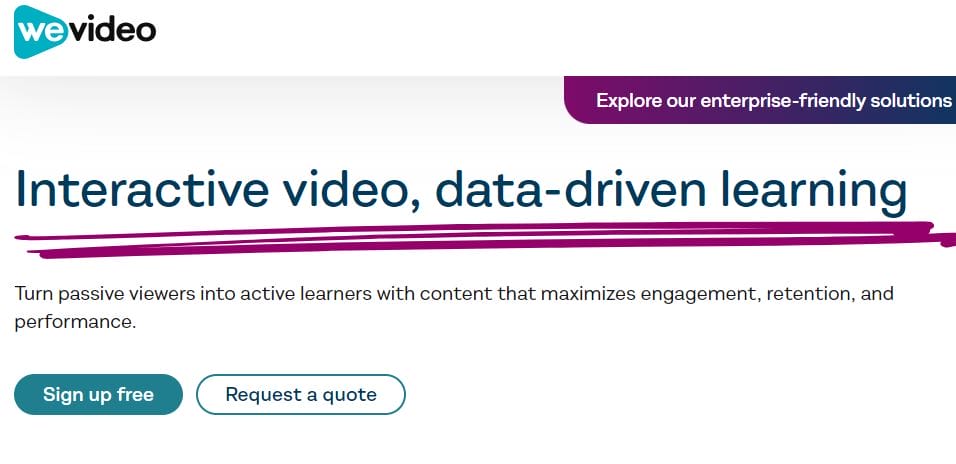
WeVideo is a cloud-based video editing platform with extensive tools for creating educational content. It supports multi-layered editing, making it more versatile for creators.
- Key Features:
- Multi-layer editing
- 720p export in free version
- Stock footage, music, and text animations
- Voiceover recording
- Direct publishing to YouTube and Google Drive
- Pros:
- Advanced editing tools available for free
- Cloud-based, no software installation needed
- Allows voiceovers, great for narrating lessons
- Easy integration with Google Drive and YouTube
- Cons:
- 720p video export quality in the free plan
- WeVideo watermark on free exports
- Limited access to stock media in free version
7. Powtoon
Powtoon is known for its animated video creation capabilities. It’s ideal for teachers who want to make interactive and engaging animated lessons.
- Key Features:
- Pre-made animation templates
- Drag-and-drop interface
- Animated characters and scenes
- Voiceover and music integration
- Collaboration and sharing tools
- Pros:
- Great for animated explainer videos
- Intuitive design and easy to use
- Suitable for interactive lessons
- Engaging animated content
- Cons:
- Watermark on free videos
- Limited to 3-minute videos in free plan
- Few customization options
8. Renderforest
Renderforest is an all-in-one platform for creating educational videos, intros, and animations. It’s best for users who need templates and quick editing options.
- Key Features:
- Ready-made templates for educational videos
- 3D animations and infographic video creation
- Background music library
- Customizable text and design elements
- Easy cloud storage and sharing options
- Pros:
- Fast and simple to create videos
- High-quality output
- Supports animations and infographics
- Ideal for educational presentations
- Cons:
- Watermarks on free videos
- Limited video length in the free version
- Basic customization features
Also Read: 10 Best Online Food Video Makers for Free
9. Veed.io
Veed.io is an easy-to-use online video editor that’s ideal for educators who want to create tutorials, explainers, or how-to videos.
- Key Features:
- Intuitive drag-and-drop video editor
- Built-in subtitles and translations
- Free stock images and audio
- Background noise removal
- High-quality video export
- Pros:
- No watermark in free plan
- Supports multiple languages and translations
- Excellent for tutorials and subtitles
- Free cloud storage
- Cons:
- Some features are limited in the free plan
- Occasional lag during editing
- Limited stock media library
10. FlexClip
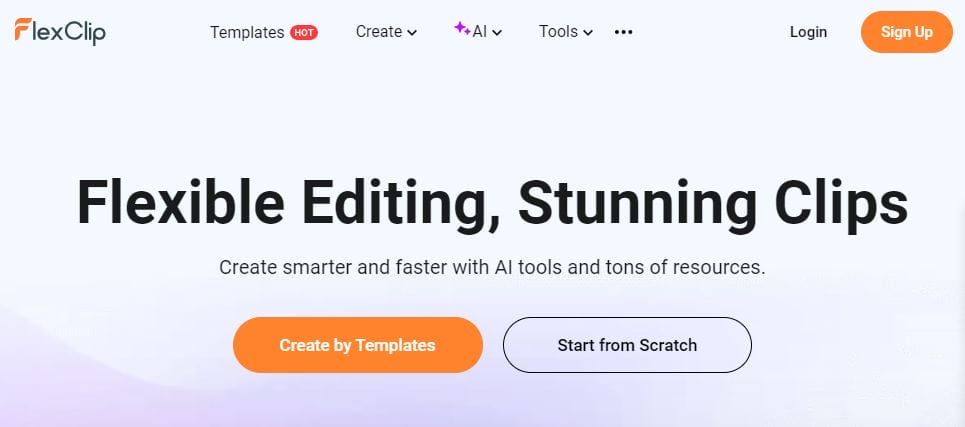
FlexClip is a simple, browser-based video editor designed for quick educational video creation. It features a wide range of templates and editing tools.
- Key Features:
- Drag-and-drop editor
- Pre-made templates for educational videos
- Stock footage, images, and music
- Text overlay, transitions, and effects
- High-definition exports
- Pros:
- Easy to use for beginners
- Good library of templates
- Suitable for short educational videos
- Supports HD video creation for free
- Cons:
- FlexClip watermark on free videos
- Limited to short videos in the free version
- Advanced features are behind a paywall
Educational Video Makers at a Glance
| Video Maker | Best For | Watermark in Free Plan | Max Video Length | Stock Media | Export Quality | Collaboration |
|---|---|---|---|---|---|---|
| Canva | Templates, ease of use | Yes | No limit | Yes | 1080p | Yes |
| Kapwing | Fast, quick edits | No (under 7 mins) | 7 minutes | Yes | 1080p | Yes |
| Animoto | Beginners, explainer videos | Yes | No limit | Yes | 720p | Yes |
| Biteable | Animated videos | Yes | No limit | Yes | 1080p | Yes |
| Clipchamp | Comprehensive editing | No | No limit | Yes | 1080p | No |
| WeVideo | Advanced editing | Yes | No limit | Yes | 720p | Yes |
| Powtoon | Animated content | Yes | 3 minutes | Yes | 720p | Yes |
| Renderforest | Templates, fast creation | Yes | No limit | Yes | 1080p | Yes |
| Veed.io | Tutorials, how-to videos | No | No limit | Yes | 1080p | Yes |
| FlexClip | Quick, simple videos | Yes | No limit | Yes | 720p | No |
Final Thoughts
Choosing the right video maker depends on your educational goals. Canva and Clipchamp are excellent choices for those who need high-quality, polished videos with minimal effort. Kapwing and Veed.io are great for quick tutorials and adding subtitles. Powtoon and Biteable are ideal if you want to focus on animations. Evaluate your needs, and pick the tool that suits your content style, skill level, and budget!
Interesting Reads
10 Best Online Headlines Video Makers for Free

Shashank is a seasoned digital marketing and WordPress expert who specializes in SEO, software tools reviews, and cutting-edge strategies for boosting online presence. With a passion for simplifying complex topics, Goutham crafts engaging blog posts that help readers optimize their websites, improve search engine rankings, and stay ahead in the ever-evolving digital landscape.