

In today’s digital world, banners are essential for promoting content, whether on social media, blogs, websites, or digital ads. An effective banner maker should enable users to create attractive, professional banners with ease and customization options, even without advanced design skills. Below, we explore the 10 best free online banner maker tools, detailing their key features, pros, and cons to help you find the best fit for your needs. A comparison table is also included to provide a quick overview.

Quick Links
What to Look for When Choosing Online Banner Makers
When choosing an online banner maker, it’s essential to look beyond templates and focus on features that will save you time, make the design process easier, and ensure your banners are visually impactful. Here are the key factors to consider:
1. Template Quality and Variety
- Why It Matters: Quality templates give your designs a professional look and save you time. A good banner maker should have a library that caters to different needs—social media ads, website headers, email banners, etc.
- What to Look For: Ensure the platform offers a wide range of templates across different industries, formats, and sizes. Platforms like Canva and VistaCreate offer templates with diverse themes and dimensions.
2. Customization Options
- Why It Matters: Even if templates are provided, the ability to customize designs is essential for creating unique, brand-aligned banners.
- What to Look For: Check if you can modify colors, fonts, images, and layout freely. Look for tools that allow you to upload brand assets (logos, custom fonts) and offer advanced customization options like layers, animations, and effects.
3. Ease of Use
- Why It Matters: A tool’s interface can make or break your design experience. If it’s too complicated, you might end up spending unnecessary time just trying to understand the platform.
- What to Look For: Opt for a tool with an intuitive, drag-and-drop editor that requires little to no design experience. Snappa, Adobe Express, and BeFunky are known for their beginner-friendly interfaces.
4. Export Quality and Formats
- Why It Matters: The quality of your exported banner affects its visual appeal, especially on large displays. Additionally, format flexibility helps with different usage needs.
- What to Look For: Choose a banner maker that offers high-resolution exports in formats like PNG, JPEG, and even GIF or MP4 for animated banners. Some free tools limit resolution, so make sure to check before committing.
5. Access to Stock Images and Icons
- Why It Matters: Stock images, icons, and graphics enhance your banner’s impact and save you from sourcing visuals separately.
- What to Look For: The best banner makers have built-in libraries of stock photos, icons, and illustrations. Canva, Placeit, and Adobe Spark all offer high-quality visuals directly within their platforms, though some may require a paid plan for full access.
Best Online Banner Maker
1. Canva

Canva is one of the most popular graphic design tools, known for its vast library of templates, images, and fonts. It allows users to create banners, social media posts, and other visuals effortlessly with drag-and-drop functionality.
Key Features:
- Extensive template library
- Customizable design elements
- Collaboration options for teams
- High-resolution downloads (some free; others paid)
- Supports custom dimensions and file types
Pros:
- Beginner-friendly interface
- Access to premium stock photos (with subscription)
- Integrated tools for video editing
Cons:
- Many elements require a paid subscription
- Limited features in the free plan
2. Crello (VistaCreate)
Crello, now VistaCreate, offers a variety of templates designed specifically for social media banners and ads. It combines an intuitive interface with advanced customization options, making it a strong alternative to Canva.
Key Features:
- Over 50,000 templates
- Animation and video support
- Unique filters and design elements
- Team collaboration options
Pros:
- Extensive selection of free templates and assets
- Animation capabilities
Cons:
- Limited export options in the free version
- Free plan lacks brand kit features
3. Snappa
Snappa is a streamlined graphic design tool that caters to both beginners and pros, offering easy-to-use templates, graphics, and font collections.
Key Features:
- Thousands of pre-made templates
- Customizable text and design elements
- Image resizing for different social platforms
- Stock photo and icon library
Pros:
- User-friendly and accessible
- Provides specific dimensions for major social networks
Cons:
- Limited template options in the free version
- Free plan only allows five downloads per month
4. Adobe Spark (Adobe Express)
Adobe Spark, now Adobe Express, is Adobe’s free tool for designing social media graphics, including banners. It provides a variety of customization features with a user-friendly interface.
Key Features:
- Integrated with Adobe’s creative suite
- High-quality templates and stock images
- Easy customization tools
- Various export options
Pros:
- Professional design quality
- User-friendly for both beginners and pros
Cons:
- Requires an Adobe account to access
- Limited options in the free plan
5. Fotor
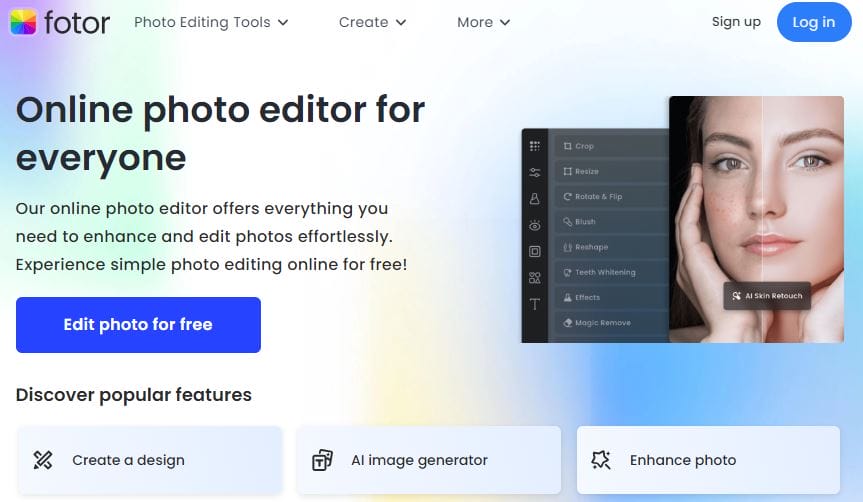
Fotor is an online design tool popular for photo editing and banner creation. Its features are geared towards individuals seeking quick yet polished visuals.
Key Features:
- A vast range of customizable templates
- Advanced photo editing tools
- High-resolution downloads
Pros:
- Intuitive photo editor
- Unique filters and editing tools
Cons:
- Ads in the free version
- Some designs require premium access
Also Read: 10 Best Free Online Event Video Makers
6. Bannersnack (Now Creatopy)
Bannersnack, now rebranded as Creatopy, specializes in banner and ad creation, offering versatile design tools and a library of pre-made templates.
Key Features:
- Template library tailored for ads
- Multiple export formats
- Animation and interactive options
Pros:
- Effective for creating display ads
- Provides brand consistency with custom kits
Cons:
- Limited templates in the free plan
- Certain features restricted to paid users
7. PixTeller
PixTeller is an online graphic design tool that offers easy design editing and high-quality exports for banners, infographics, and social media posts.
Key Features:
- Simple, drag-and-drop editor
- Animation and vector options
- Broad template and image library
Pros:
- Excellent for vector-based designs
- Supports animations
Cons:
- Free version includes PixTeller watermark
- Limited features compared to premium
8. Design Wizard
Design Wizard is a banner maker with a focus on simplicity. It offers a variety of high-quality templates and an image library powered by Getty Images.
Key Features:
- Professional template library
- Simple customization features
- Integration with popular social media platforms
Pros:
- Easy to use for beginners
- Variety of image editing tools
Cons:
- Limited features on the free plan
- Small number of free design assets
9. BeFunky
BeFunky is a robust online photo editor that includes banner-making tools. It’s especially popular for photo-based designs and social media banners.
Key Features:
- Comprehensive photo editor
- Hundreds of fonts, filters, and effects
- Collage maker for social content
Pros:
- Easy and fun to use
- Advanced photo effects
Cons:
- Ads in the free version
- Limited template selection
10. Placeit by Envato
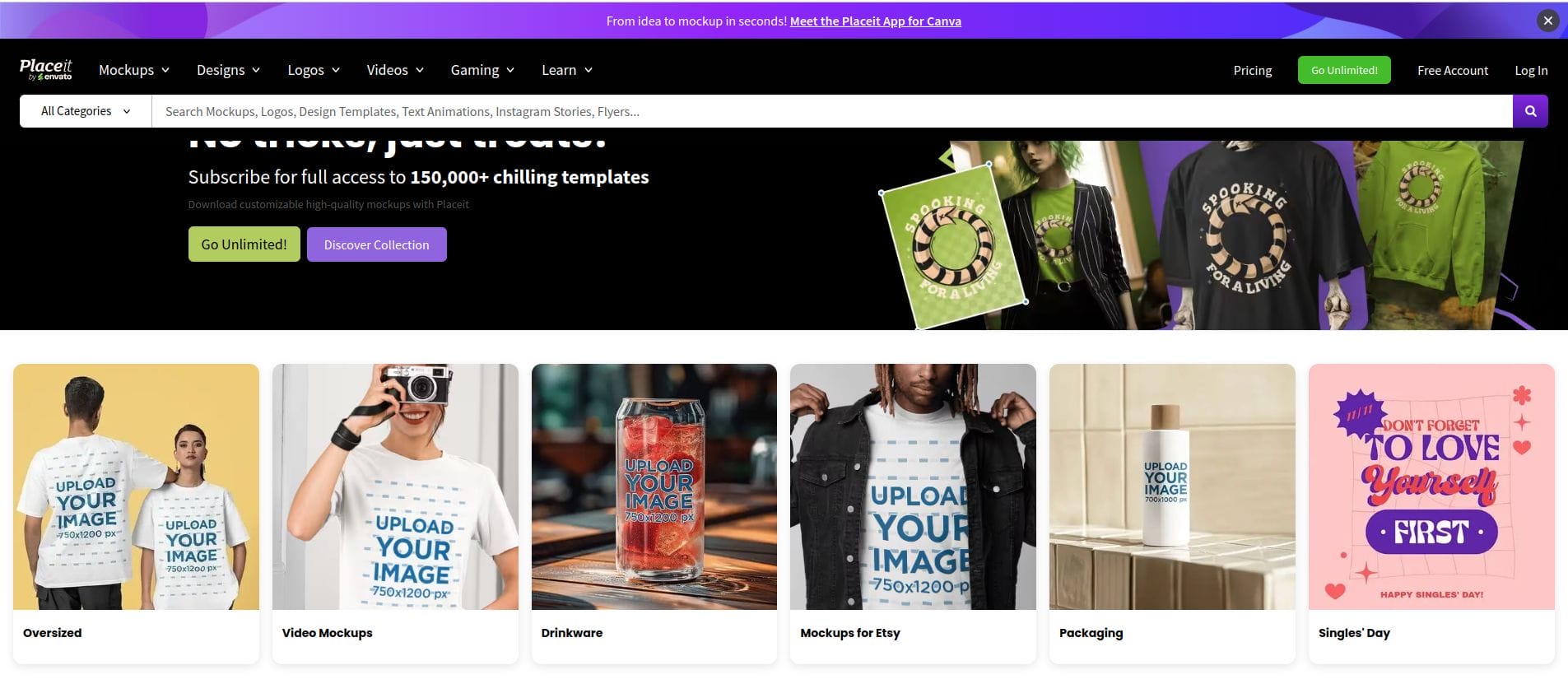
Placeit is a mockup generator and design tool by Envato, offering ready-made templates for banners and social media graphics.
Key Features:
- Extensive template and mockup library
- Customizable social media dimensions
- High-quality assets
Pros:
- Large variety of templates
- User-friendly
Cons:
- Limited downloads in the free plan
- Most features locked behind the premium subscription
Free Online Banner Makers at a Glance
| Tool | Key Features | Pros | Cons |
|---|---|---|---|
| Canva | Template library, customizable elements | Beginner-friendly, high-res images | Limited features in free plan |
| VistaCreate | Templates, animations, collaboration | Good animation tools, easy to use | Limited export options |
| Snappa | Pre-made templates, stock library | User-friendly, tailored dimensions | Limited free downloads |
| Adobe Express | Integrated templates, Adobe stock | High-quality templates | Adobe account required |
| Fotor | Photo editor, filters | Intuitive interface | Ads in free version |
| Creatopy | Ad-focused templates, brand kits | Brand consistency, interactive | Free plan limits features |
| PixTeller | Vector designs, animation options | Animation support | Watermarked in free version |
| Design Wizard | Templates, social media integration | Getty Images integration | Limited free assets |
| BeFunky | Photo editing, fonts and effects | Advanced photo effects | Ads in free plan |
| Placeit | Mockup templates, social dimensions | Extensive template selection | Most features are premium |

Make Your Creative Banners Today
Each of these tools offers unique features, from design simplicity and beginner-friendly templates to advanced animation and branding features. Canva, VistaCreate, and Adobe Spark are among the best for social media banners, while Bannersnack and Placeit excel in creating digital ads. To choose the right tool, consider the type of banner you need, as well as the level of customization and creative control required.
Interesting Reads
10 Best Free Online Poster Makers

