Best AI Tools For Photo Editing 2025

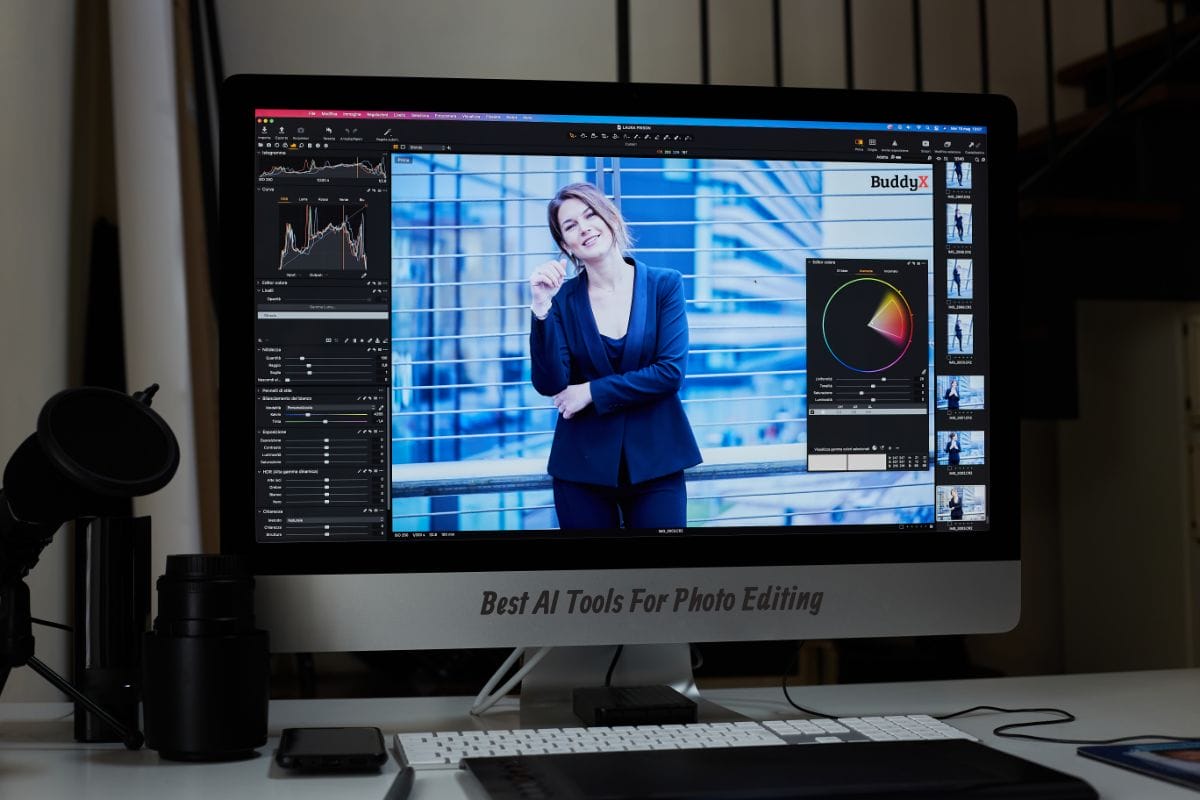
AI Tools for Photo Editing have emerged as indispensable assets in the realm of digital content creation. Photo editing plays a crucial role in enhancing the visual appeal of images, whether for personal use, professional projects, or social media platforms. It allows individuals and businesses to correct imperfections, adjust colors and lighting, and unleash their creative vision to produce stunning visual content. However, the traditional methods of photo editing often require manual intervention and can be time-consuming and labor-intensive. Enter AI technology, which has revolutionized the photo editing process by automating tasks, streamlining workflows, and offering innovative features that were previously unimaginable.
AI-powered algorithms analyze images, recognize patterns, and make intelligent decisions to enhance image quality, remove imperfections, and transform ordinary photos into extraordinary works of art. From automatic background removal and intelligent retouching to sophisticated style transfer and creative effects, AI Tools for Photo Editing empower users to achieve professional-level results with minimal effort and expertise. As AI continues to evolve, the possibilities for photo editing are limitless, opening up new avenues for creativity and expression in the digital age.
AI-Powered Photo Editing: A Game-Changer
AI-powered photo editing is reshaping traditional methods by leveraging machine learning and deep neural networks to enhance images with precision and consistency. These algorithms automate repetitive tasks, such as color grading and object removal, streamlining workflows and saving valuable time. Moreover, AI-driven tools offer innovative features like style transfer and content-aware cropping, enabling users to explore new creative avenues. By combining efficiency with creative freedom, AI-powered photo editing tools empower users to achieve professional-level results with ease, revolutionizing the way images are edited and shared in the digital age.
Also Read: Best ERP Software Tools for Resource Planning in 2024
Top AI Tools For Photo Editing
Overview of the best AI-powered photo editing tools available in the market.
1. Adobe Photoshop with Adobe Sensei
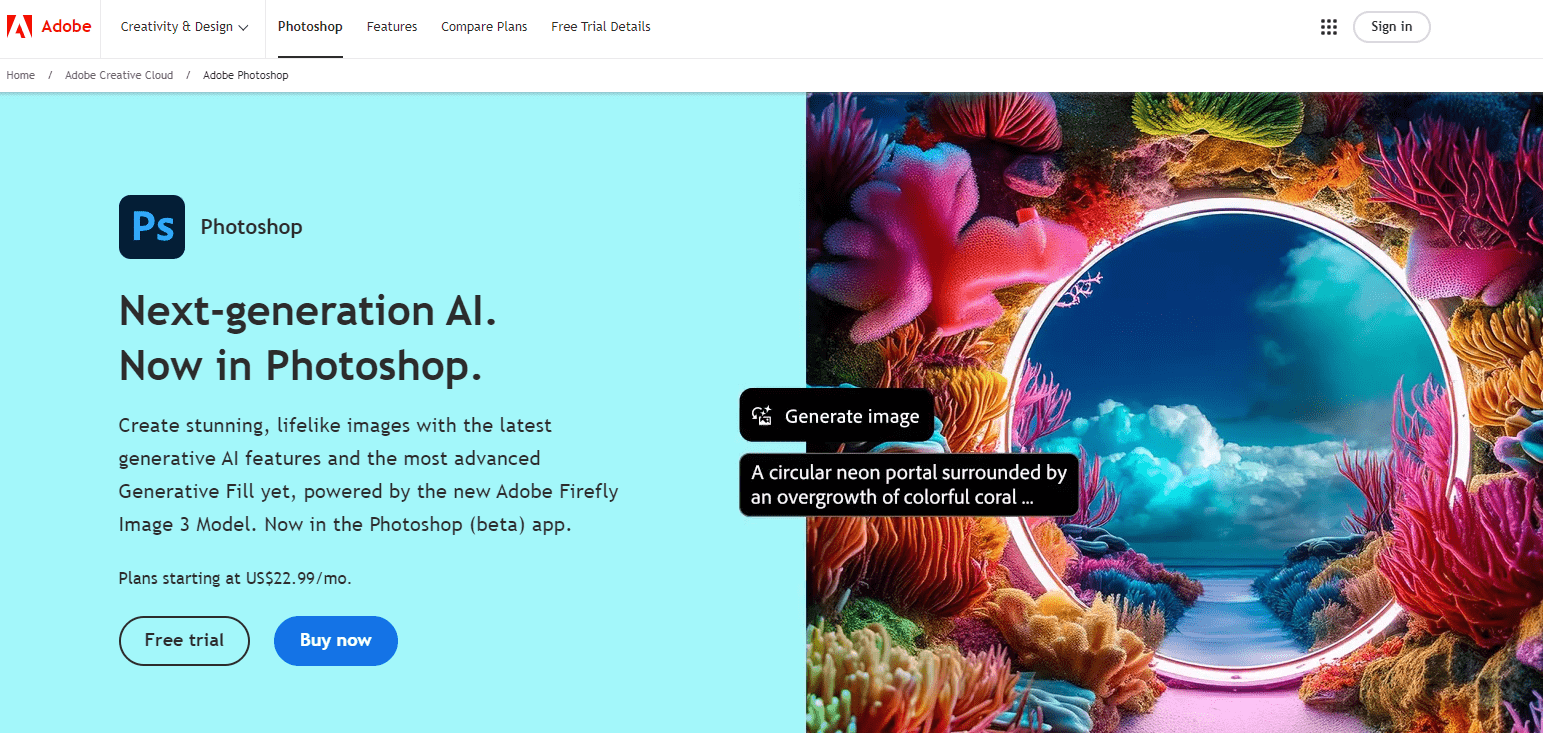
Adobe Photoshop, a flagship product of Adobe Inc., is an industry-leading photo editing software renowned for its extensive features and capabilities. Powered by Adobe Sensei AI technology, Photoshop offers a plethora of advanced tools and functionalities for editing, retouching, and manipulating images. Adobe Sensei AI enhances Photoshop’s capabilities by automating repetitive tasks, such as object removal, content-aware fill, and automatic color adjustment, allowing users to achieve professional-level results with ease. With its comprehensive set of tools, intuitive interface, and seamless integration with other Adobe Creative Cloud applications, Photoshop remains a go-to choice for photographers, designers, and digital artists worldwide.
Also Read: 10 Best Online Image-to-Text Converter Tools
2. Skylum Luminar AI
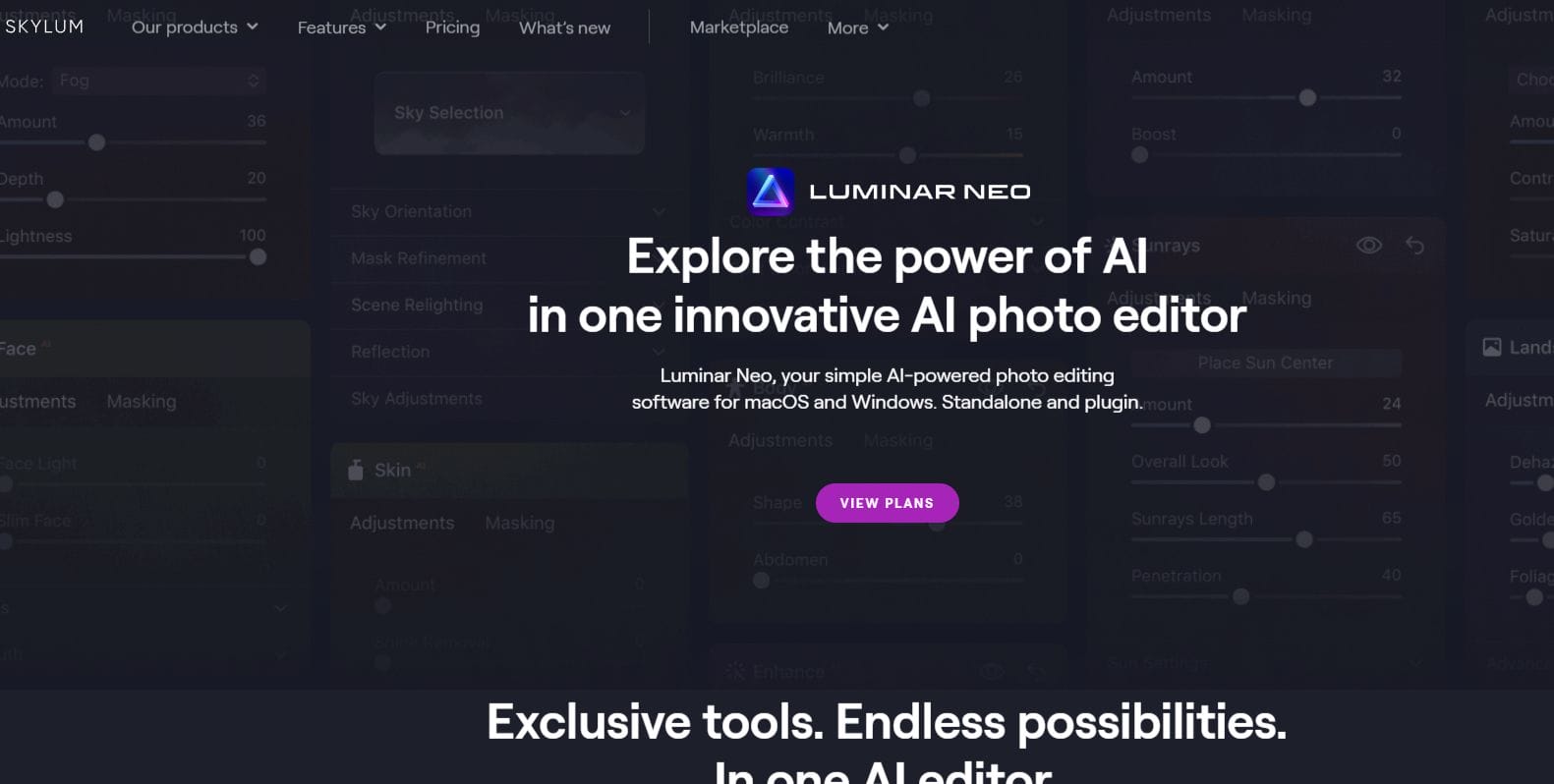
Skylum Luminar AI is an innovative photo editing software designed to simplify the editing process and unlock creative possibilities for photographers of all skill levels. Leveraging the power of artificial intelligence, Luminar AI introduces groundbreaking features like AI Sky Replacement, AI Structure, and AI Portrait Enhancer, which automate complex editing tasks and enhance image quality with remarkable precision. Whether it’s transforming landscapes, enhancing portraits, or adding artistic effects, Luminar AI empowers users to achieve stunning results quickly and effortlessly. With its user-friendly interface, customizable workflows, and seamless integration with popular photography platforms, Luminar AI has become a favorite among photographers seeking to streamline their editing workflow and unleash their creative potential.
3. ON1 Photo RAW with AI Auto Tone
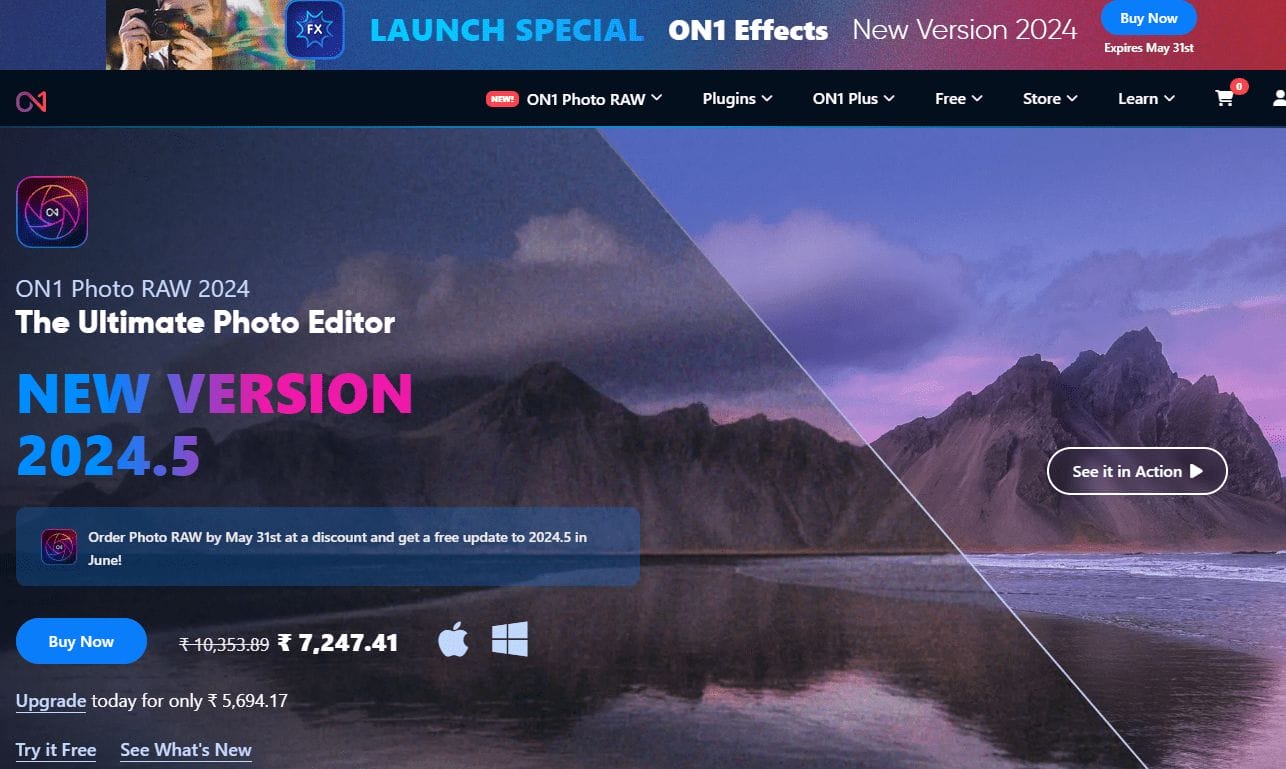
ON1 Photo RAW is a comprehensive photo editing software that combines powerful editing tools with seamless workflow management capabilities. With its AI Auto Tone feature, ON1 Photo RAW intelligently analyzes images and automatically adjusts exposure, contrast, and color balance to enhance image quality and achieve optimal results. Beyond automatic adjustments, ON1 Photo RAW offers a wide range of editing tools, including non-destructive adjustments, layer-based editing, and customizable presets, allowing photographers to fine-tune their images with precision and creativity. With its intuitive interface, flexible workflow options, and advanced editing features, ON1 Photo RAW is a versatile solution for photographers looking to streamline their editing process and achieve professional-quality results.
Also Read: 10 Best AI Tools For YouTube
4. PortraitPro with ClearSkin™ AI

PortraitPro is a powerful portrait editing software that utilizes advanced AI technology to enhance portraits and achieve professional-quality results with ease. With its ClearSkin™ AI technology, PortraitPro automatically retouches skin, removes blemishes, wrinkles, and imperfections, and enhances facial features to create stunning portraits. In addition to skin retouching, PortraitPro offers a range of portrait enhancement tools, including facial contouring, teeth whitening, and makeup application, allowing users to achieve natural-looking results that highlight the beauty of their subjects. With its user-friendly interface, real-time previews, and customizable editing options, PortraitPro is a go-to choice for photographers, portrait artists, and retouchers seeking to enhance their portraits quickly and effortlessly.
5. Topaz Labs AI Tools (Gigapixel AI, Sharpen AI, DeNoise AI)
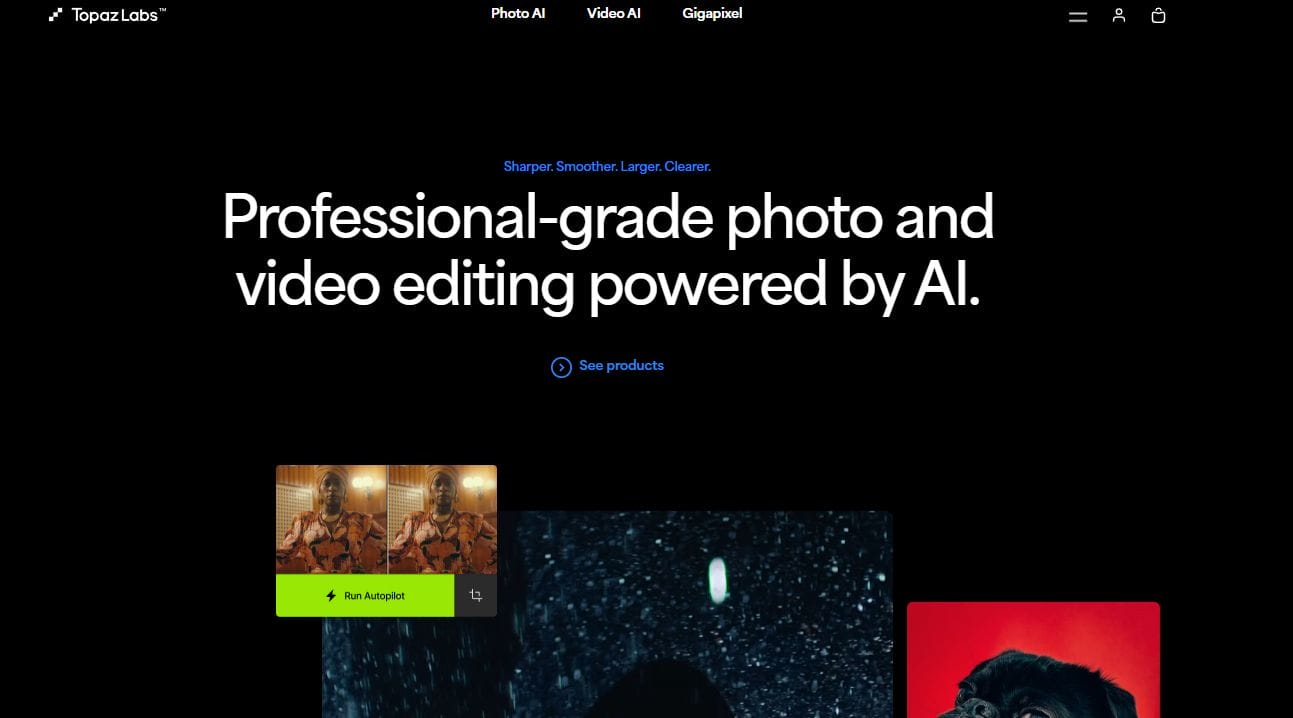
Topaz Labs offers a suite of AI-powered tools for photographers seeking to enhance image quality, detail, and clarity. Gigapixel AI, Sharpen AI, and DeNoise AI utilize advanced machine learning algorithms to upscale images, sharpen details, and reduce noise while preserving natural textures and fine details. Gigapixel AI enlarges images with remarkable clarity and detail, allowing photographers to upscale their images without sacrificing quality. Sharpened AI enhances image sharpness and detail, eliminating blur and improving overall image clarity.
DeNoise AI removes noise from images while preserving sharpness and detail, resulting in cleaner, more visually appealing photos. With their intuitive interfaces, customizable settings, and exceptional results, Topaz Labs AI tools are essential for photographers seeking to enhance their images and achieve professional-quality results.
Also Read: Best AI Tools For Data Visualization 2024
Choosing the Right AI Tool for Your Needs
Selecting the perfect AI tool for photo editing requires careful consideration of several factors to ensure it aligns with your specific requirements, workflow, and creative vision. Here are some key considerations and tips to help you make an informed decision:
Factors to Consider
- Features: Evaluate the features and capabilities offered by the AI tool, such as automatic adjustments, advanced editing tools, creative effects, and integration with other software platforms. Choose a tool that offers the functionalities you need to achieve your desired results.
- Compatibility: Check the compatibility of the AI tool with your existing hardware, operating system, and editing software. Ensure it integrates seamlessly with your preferred workflow and editing environment to avoid compatibility issues and workflow disruptions.
- Ease of Use: Consider the user interface and usability of the AI tool. Look for intuitive controls, customizable workflows, and helpful tutorials or documentation to streamline the learning curve and maximize productivity.
- Pricing: Assess the pricing structure of the AI tool, including one-time purchases, subscription-based models, or free trials. Determine whether the cost aligns with your budget and offers good value for the features and functionalities provided.
Tips for Evaluation
- Try Before You Buy: Take advantage of free trials or demo versions offered by AI tool providers to test the software and evaluate its performance, features, and usability before making a purchase decision.
- Read Reviews and Testimonials: Research online reviews, user testimonials, and professional recommendations to gain insights into the experiences of other users and the pros and cons of the AI tool.
- Consider Your Workflow: Consider how the AI tool fits into your existing workflow and editing process. Choose a tool that seamlessly integrates with your preferred editing software and enhances your productivity without adding unnecessary complexity.
- Evaluate Customer Support: Assess the level of customer support provided by the AI tool provider, including technical assistance, tutorials, and community forums. Ensure you have access to reliable support resources to address any issues or questions that may arise.
- Seek Recommendations: Reach out to fellow photographers, digital artists, or industry professionals for recommendations and insights into their experiences with different AI tools. Their feedback can help you make a more informed decision.
By carefully considering these factors and following these tips, you can effectively evaluate AI tools for photo editing and find the best fit for your needs, workflow, and creative vision.

Conclusion
In conclusion, the transformative impact of AI on photo editing processes cannot be overstated. AI-powered tools have revolutionized traditional editing methods by automating tasks, enhancing image quality, and unlocking new creative possibilities. With advanced algorithms and machine learning techniques, AI tools analyze images, recognize patterns, and make intelligent adjustments to achieve professional-level results with ease and efficiency. From automatic color correction and object removal to innovative effects and style transfer, AI has democratized the art of editing, making it more accessible to photographers and digital artists of all skill levels.
Therefore, I encourage photographers and digital artists to embrace AI technology as a valuable tool in their creative arsenal. By leveraging AI-powered tools, they can streamline their workflow, unleash their creativity, and elevate their work to new heights, ultimately pushing the boundaries of what’s possible in the world of digital content creation.
Interesting Reads:
7 Best AI Tools for Online Learning (2024)
5 Best AI Tools For Contract Management 2024
7 Best Copywriting Frameworks 2024

Shashank is a seasoned digital marketing and WordPress expert who specializes in SEO, software tools reviews, and cutting-edge strategies for boosting online presence. With a passion for simplifying complex topics, Goutham crafts engaging blog posts that help readers optimize their websites, improve search engine rankings, and stay ahead in the ever-evolving digital landscape.