

I’ve been testing a lot of AI website builders lately, and honestly, I’m still amazed at how far this technology has come. A few years ago, creating a website from scratch meant hours of coding, hiring developers, or struggling with confusing templates. But now? Thanks to AI-powered website builders, anyone can design a beautiful, fully functional website — even if you’ve never touched code in your life.
When I started experimenting with these tools, what stood out to me most was how personal the experience felt. The AI doesn’t just throw random templates at you — it actually asks thoughtful questions about your brand, your goals, and your preferred style. Within minutes, it generates a tailored layout, content suggestions, and even optimized images. I found myself spending more time fine-tuning creative details rather than worrying about structure or code.
What I appreciated most is how these AI tools handle everything under the hood — from mobile responsiveness to SEO optimization. Every site I built loaded fast, looked great on every screen size, and performed well in search engines. Many of them even include built-in analytics, AI-generated copywriting, and smart content layout adjustments based on your goals.

Quick Links
What Is An AI Website Builder?
If you’ve ever wished you could create a professional-looking website without hiring a developer or learning to code, AI website builders are exactly what you’ve been waiting for.
From my own experience testing these tools, I’ve found that an AI website builder uses artificial intelligence to handle almost every part of web design for you — from choosing layouts to writing copy. All you need to do is share a few details about your brand, your goals, and the type of site you want, and the AI gets to work generating a ready-to-edit website in just minutes.
What makes these tools so powerful is how intuitive they are. Even if you’ve never built a website before, AI builders make it feel effortless. It’s like having a digital designer who understands your preferences and creates something that looks clean, professional, and tailored to your needs.
How AI Website Builders Work?
When I first started experimenting with AI builders, I was curious — how does the “magic” actually happen behind the scenes? After testing a bunch of them, here’s what I discovered about their process:
1. User Input
It all starts with a few simple questions. Most AI website builders will ask you about your business type, target audience, preferred style, and what kind of website you want — for example, a blog, portfolio, or e-commerce store.
I found this part surprisingly quick and even fun. It’s like the AI is interviewing you to get a sense of your brand personality.
2. AI Analysis
Once you’ve entered your details, the AI starts analyzing everything you provided. This is where the tech really shines. It studies your input, looks for patterns, and then generates custom layouts, fonts, color palettes, and even image suggestions that align with your vision.
3. Automatic Design Generation
In seconds, you’ll see a complete website layout — complete with headers, menus, sections, and placeholders for your content. The best part? The structure is based on modern design best practices, so your site will look polished right from the start.
4. Smart Content Creation
Some of the more advanced AI builders even generate text and image content for you. For example, when I tried Framer and Zyro, they both offered AI-generated headlines and product descriptions that matched my website’s theme perfectly.
5. Easy Customization
This is where you get to add your personal touch. AI website builders usually include drag-and-drop editors, so you can tweak layouts, swap images, or rewrite text without touching code. I loved how flexible and user-friendly this part felt — even complex edits were just a few clicks away.
6. Built-in Optimization
Once your design is ready, the AI automatically ensures your site is mobile-friendly, SEO-optimized, and performance-ready. In my tests, pages loaded fast, and SEO checklists were built right into the interface, saving me a ton of time I’d usually spend on technical tweaks.
Also Read: Tools To Create Online Mastermind Group
Key Features of AI Website Builders
- Ease of Use: You don’t need to be a designer or developer. The interface is built for anyone — drag, drop, publish.
- Customization: Allows users to personalize their websites with various templates, design elements, and content options.
- Speed: Significantly reduces the time required to build a website, often creating a basic site in minutes. Building a blog on your website using Framer can be an excellent choice to create visually stunning and dynamic blogs due to its AI-powered design capabilities.
- Content Suggestions: Provides text, images, and other content suggestions to help users populate their sites.
- Responsive Design: Ensures websites look good and function well on all devices, including desktops, tablets, and smartphones.
- SEO Tools: Offers built-in tools to help optimize the website for search engines, improving visibility and traffic.
- Integration: Many AI website builders integrate with third-party services like social media platforms, e-commerce solutions, and marketing tools.
Best AI Website Builders
AI website builders use artificial intelligence to help users create websites quickly and with minimal effort. Here are some of the popular AI-powered website builders:
1. Wix ADI (Artificial Design Intelligence)

I recently tested Wix ADI (Artificial Design Intelligence), and I have to say, it genuinely changes the game when it comes to building a website. The whole experience felt surprisingly personal, like the tool actually understood what I wanted. Right from the start, Wix ADI asks a series of simple questions about your business, style preferences, and the features you need. I liked that it didn’t feel overwhelming—just a few clicks and selections, and it started working its magic.
What impressed me most is how fast it generated a fully functional website. Within minutes, I had a website that looked professional and polished, without me having to touch a single line of code. I also appreciated the range of templates and design elements it offered. I could tweak colors, fonts, and layouts easily, which made the site feel unique rather than a generic template.
2. Bookmark AiDA (Artificial Intelligence Design Assistant)

I recently explored Bookmark AiDA (Artificial Intelligence Design Assistant), and I was genuinely impressed by how much it streamlines the website creation process. Right from the start, AiDA guides you through a friendly series of questions to understand your business, style preferences, and the specific features you need. I liked how interactive and intuitive this process felt—it’s almost like having a personal web designer at your fingertips.
What stood out immediately was how fast and efficient AiDA is. Within minutes, it generated a fully functional website that was not only visually appealing but also professionally structured. Unlike many other AI website builders, AiDA focuses on responsive design, so your website looks great on desktops, tablets, and smartphones without any extra effort.
Also Read: Orange Black Website Design
3. Mixo- AI Website Builders

I recently tested Mixo ,and I was genuinely impressed by how it simplifies website creation for entrepreneurs and businesses. From the moment you start, Mixo uses advanced AI algorithms to understand your preferences and generate a website that feels tailor-made rather than templated. I liked how it balances speed and customization, allowing you to launch a professional site quickly without sacrificing control over the design.
One of the standout features is its unique design generation. Unlike traditional website builders that rely heavily on templates, Mixo creates layouts and visuals that are fresh and modern, giving your website a distinct look that fits your brand. I also noticed that Mixo automatically optimizes for SEO, helping your site rank better on search engines without extra effort.
4. Zyro – AI Website Builders

Zyro, I was pleasantly surprised by how easy and intuitive it makes building a website, especially for someone without any technical background. From the start, Zyro offers a variety of customizable templates, so you can quickly find a style that fits your brand or project. What really impressed me was its AI-powered tools, which do more than just design—they help generate content, create layouts, and even optimize your site for SEO.
One of my favorite features is the AI Writer, which helped me create engaging text for my pages without staring at a blank screen for hours. Zyro also has an AI Heatmap, a really smart tool that predicts where visitors are most likely to click, helping me optimize the user experience and improve conversions. I liked how practical this felt—it’s like having a mini UX expert built into the platform.
Also Read: Best AI Copywriting Tools
5. Jimdo Dolphin

I recently tried Jimdo Dolphin, and I was genuinely impressed by how quick and effortless it makes building a website. Right from the start, Dolphin asks a few simple questions about your business, design preferences, and goals. I liked how it felt personalized—almost like the tool understands exactly what your site needs. One of the coolest features I noticed is its ability to pull information from social media profiles, which makes populating your website with content faster and easier than I expected.
What really stood out was how fast Dolphin generates a fully customized website. Within minutes, I had a professional-looking site ready to go, complete with layouts, colors, and fonts that matched the style I selected. The platform also makes it easy to tweak everything with intuitive drag-and-drop design tools, so you can fine-tune your site without any coding knowledge.
6. Firedrop – AI Website Builders

I recently explored Firedrop , and what immediately caught my attention is its AI assistant, Sacha, which truly makes website building feel interactive and personal. Unlike traditional website builders, Firedrop lets you converse with Sacha, answering questions about your design preferences, goals, and the type of content you need. I liked how this approach made the entire process feel less like a task and more like having a personal web designer guiding me step by step.
Once I provided my inputs, Sacha generated customized website layouts and content that were both visually appealing and functional. I was impressed by how professional the designs looked, especially considering that I didn’t need any coding skills to get started. From there, Firedrop’s intuitive drag-and-drop interface allowed me to tweak elements, rearrange sections, and add personal touches effortlessly.
7. 10Web AI Builder- AI Website Builders

10Web AI Builder,I was impressed by how it simplifies WordPress website creation using artificial intelligence. Unlike traditional website building, this tool lets you either analyze existing content or answer a few quick questions about your business, and then it automatically generates a fully functional website. I liked how effortless this made the entire process—it felt like having a smart assistant handling all the heavy lifting for me.
One of the standout features is its AI-driven design automation. The platform not only creates layouts that are visually appealing but also ensures that the site feels professional and polished. I also appreciated that it handles content generation, so you don’t have to spend hours writing copy from scratch—the AI can suggest text, headings, and even blog content tailored to your niche.
Also Read: Agriculture Web Design with WordPress
8. GoDaddy Website Builder

I recently explored GoDaddy Website Builder, and I was pleasantly surprised by how easy and intuitive it is to use. The platform leverages AI to help you create a professional website tailored to your business or personal project, without needing any coding skills. I liked how the setup process feels guided—after a few inputs about your business and style preferences, the AI suggests designs, layouts, and content that fit your goals.
One of the standout features is the drag-and-drop editor, which makes customizing your site effortless. I could adjust layouts, images, fonts, and colors in seconds, giving the website a personalized touch. The platform also provides a wide variety of templates, so whether you’re running an online store, a portfolio, or a small business website, there’s a starting point that looks professional.
Also Read: Best WordPress Marketing Plugins
9. Squarespace

Squarespace what immediately stood out is how polished and visually appealing its websites can look, even for someone without much design experience. While Squarespace isn’t fully AI-driven like some other builders, it does include intelligent design features that guide you in creating a professional-looking website effortlessly. I liked how the platform balances ease-of-use with powerful customization, letting you produce a site that truly reflects your brand.
One of the strongest features is its high-quality templates. Whether you’re building a portfolio, personal blog, or business website, each template is thoughtfully designed and fully responsive, ensuring your site looks great on all devices. Squarespace also offers robust e-commerce solutions, allowing you to set up online stores with product pages, inventory management, and secure checkout options.
I was also impressed by the integrated marketing tools. SEO features, email campaigns, social media integration, and analytics are all built in, making it easier to attract and retain visitors without juggling multiple platforms.
10. Relume – AI Website Builders

Relume , I was impressed by how it transforms the e-commerce experience through AI-driven personalization. Unlike standard analytics tools, Relume uses machine learning algorithms to monitor user behavior in real time, allowing businesses to deliver highly targeted recommendations and tailored content. I liked how it doesn’t just track data—it actively optimizes the shopping experience, making it smarter and more engaging for customers.
One of the standout features is personalized product recommendations. By analyzing browsing patterns, purchase history, and customer preferences, Relume can suggest products that are highly relevant to each visitor. This not only enhances user engagement but also boosts conversion rates, which is essential for growing any online store.
11. Webflow AI
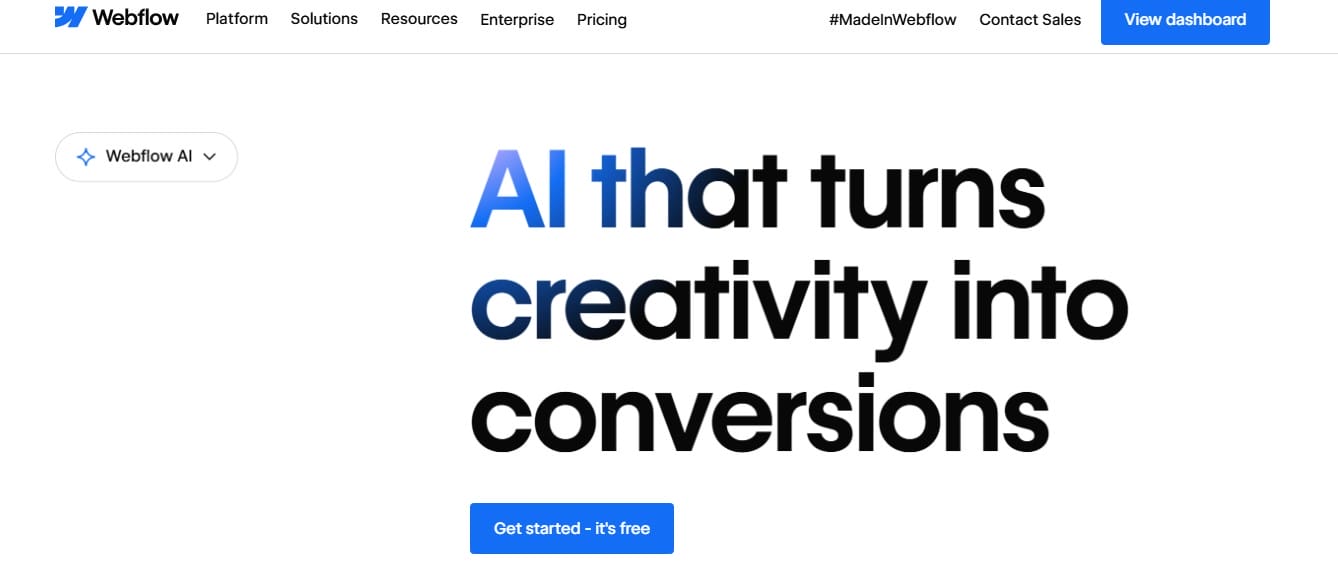
I’ve always admired Webflow for its design freedom, and with AI integrated, it’s become even more powerful. When I tested Webflow AI, I was amazed at how intelligently it suggested layouts and design adjustments. It almost felt like a creative partner that understands design language. The AI-assisted CMS made it super easy to organize dynamic content, while custom animations gave my pages a professional finish. Every design I published was perfectly responsive across devices, with zero manual tweaking needed.
12. Duda AI- AI Website Builders

If you’re someone like me who builds websites for clients, Duda AI can honestly save you hours of work. I tested it by creating a small business website, and I was really impressed with how smooth the process was. The AI personalization tools were a standout for me. It didn’t just throw random templates at me — it actually suggested layouts, color schemes, and design tweaks that fit the client’s brand style perfectly. I felt like the AI understood the vibe I was going for before I even did.
Another thing I loved was the integrated e-commerce support. Setting up a store usually takes a lot of time, but here, I was able to add a fully functional online store in just a few minutes. Products, pricing, checkout — all of it was straightforward, and the AI even helped with layout suggestions for the product pages.
13. Framer AI
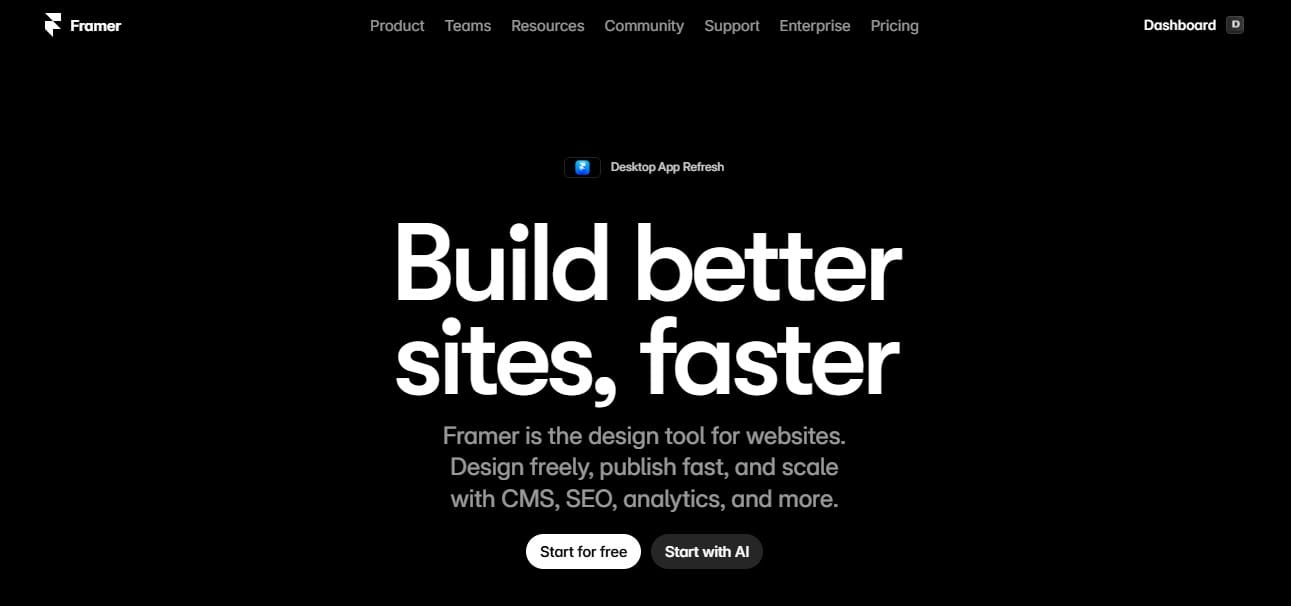
Framer AI honestly feels like magic for designers who want to move fast without sacrificing creativity. I decided to test it by building a portfolio website, and right from the start, I could see how much time it could save. The AI instantly generated interactive elements and animations — all without writing a single line of code. It felt like the tool knew exactly what I needed to make the site feel dynamic and professional.
I also really enjoyed the drag-and-drop interface. Everything flowed naturally, so I didn’t feel bogged down by menus or complicated settings. Moving elements around, adjusting layouts, or adding new components was smooth, almost effortless.
Also Read: Agriculture Web Design with WordPress
14. Tilda Publishing

I recently tested Tilda Publishing, and I have to say, I was really impressed with its block-based AI designs. I tried building a website from scratch, and each section the AI generated felt polished and ready to go live almost immediately. I didn’t have to spend extra time tweaking layouts or worrying about spacing — everything just looked professional right out of the box.
One thing I really liked was how Tilda handled responsiveness. Normally, I spend a lot of time checking how a site looks on desktop, tablet, and mobile, but here, the AI automatically adjusted everything for every device. It was such a relief to know that whatever I designed would look good no matter where it was viewed.
15. SITE123

When I tested SITE123, what immediately stood out was how beginner-friendly it is. I didn’t have to dive into complicated menus or settings — it just asked a few simple questions about the type of website I wanted to create, and within minutes, it generated a fully functional design.
I really liked the AI templates. Each one looked professional and polished, so I didn’t feel like I was starting from a generic or bland layout. On top of that, the built-in SEO optimization was a huge bonus. I could tell that my site was already structured in a way that made it ready to rank, without needing to tweak a bunch of technical settings.
16. PageCloud

PageCloud turned out to be one of those hidden gems I didn’t expect to enjoy as much as I did. When I tested it, the real-time AI website creation felt incredibly smooth. I could drag and drop elements wherever I wanted, and the AI automatically adapted everything to fit the layout perfectly. It made designing feel effortless, like the platform was thinking along with me.
I also really appreciated its SEO-friendly structure. Usually, I spend a lot of time tweaking technical elements to make sure a site is ready to rank, but here, I felt confident that I didn’t need to worry about that. The built-in structure meant I could focus on design and content, knowing the backend was already optimized.
Also Read: Best AI Tools for Stock Market Analysis
17. Hostinger AI Website Builder

Since Hostinger is already well-known for hosting, I was curious to see how its AI website builder would perform — and honestly, it didn’t disappoint. When I tested it, the SEO-ready templates loaded almost instantly, which made getting started feel effortless. I was impressed by how sleek the AI-generated designs looked right out of the box — they had a polished, professional feel without me having to tweak anything.
I also really appreciated that everything was automatically mobile-responsive. Normally, I spend a lot of time adjusting layouts for different screen sizes, but here, the AI handled it all for me. It was reassuring to know that my site would look great on desktops, tablets, and phones without any extra effort.
18. Adobe Express AI

Adobe Express AI honestly feels like the creative version of a web builder. I tested it by building a photography website, and right away, I could tell it was designed with creators in mind. The AI-assisted layouts made arranging galleries, text, and sections really smooth, and I loved how they paired perfectly with Adobe’s image generation tools. I could create visuals and add them directly into the design without any extra steps, which saved a ton of time.
One thing I really liked was how polished the site looked across devices. Both desktop and mobile versions felt elegant and professional without me having to tweak anything manually. Usually, I have to spend time adjusting layouts for smaller screens, but here, everything just worked.
Also Read: Best Automated Sales CRM Software
19. Ucraft AI

Ucraft AI genuinely surprised me with how simple and intuitive it is. When I tested it, the drag-and-drop editor felt really smooth — everything flowed naturally, and I didn’t have to fight with menus or settings to get things where I wanted them. I decided to try building a multilingual e-commerce store, and it was surprisingly quick. The AI made organizing products and pages straightforward, and I could see the store coming together almost instantly.
I also really appreciated the built-in SEO tools. Optimizing the site felt effortless, and I didn’t have to second-guess whether my pages were search-friendly. It gave me confidence that my store could perform well online without extra technical headaches.
20. Weblium Website Builder

I really enjoyed testing Weblium because it felt like having a design assistant that genuinely understands what looks good. When I built sites with it, the AI-guided layouts made sure everything was perfectly balanced visually — I honestly didn’t have to tweak a single element.
What I really liked was the AI content assistant. It suggested headlines, text blocks, and content placements that fit the design seamlessly, which saved me a ton of time and made the site feel cohesive. Every page I created looked polished and professional, without me having to second-guess my choices.
Also Read: Best Customer Database Software
21. Constant Contact AI Website Builder

I decided to test Constant Contact’s AI builder because it combines website creation with email marketing — something I rarely see in a single tool. Right away, I noticed how smart the AI suggestions were. It instantly recommended SEO-friendly structures, which made building a site feel faster and more strategic.
The drag-and-drop interface was another thing I liked. Everything felt intuitive, so I could place sections exactly where I wanted without struggling with layouts or menus. What stood out the most, though, was how it automatically optimized my newsletter signup section. I didn’t have to tweak forms or worry about placement — it was already designed to attract visitors and grow my audience effectively.
22. Tars AI Website Builder

Tars AI Website Builder really caught my attention because it’s designed for a very specific purpose: boosting conversions with AI-driven chatbots. When I tested it, I immediately noticed how much it focuses on making landing pages interactive and engaging, rather than just static designs.
What I liked the most was the conversational AI feature. It felt like the chatbot could actually guide visitors through a website, answer questions, and gently nudge them toward signing up or making a purchase — all without me needing to program complex interactions. It made creating a lead-generating landing page feel surprisingly simple.

Final Thought On AI Website Builders
When it comes to choosing the best AI website builders, a few platforms consistently rise to the top due to their combination of user-friendly interfaces, powerful features, and intelligent automation. These tools are designed to make website creation faster, easier, and more accessible, even for users with little to no technical knowledge. What sets them apart is their ability to leverage AI not just for design, but also for content generation, layout optimization, and user experience enhancements.
Modern AI website builders are equipped to streamline every step of the web design process. From asking simple questions about your business or personal project to automatically generating fully functional layouts, these platforms save time while maintaining professional quality. Many of them also offer features like drag-and-drop customization, responsive templates, SEO optimization, and integrated marketing tools, allowing users to personalize their websites and ensure they perform well on search engines.
Another advantage of top AI website builders is their ability to adapt and learn. Advanced algorithms analyze user input, content, and engagement patterns to make smarter design suggestions, improving usability and conversion rates. Some even offer AI-powered tools like content writers, heatmaps, or personalized product recommendations, making them especially valuable for businesses looking to enhance both the look and performance of their websites.
Interesting Reads:
Integrate AI Tools into Company Operations

