

WordPress is the leading content management system (CMS) that offers a vast array of plugins that can significantly enhance your marketing efforts. Finding the right tools to optimize your website, drive traffic, and boost conversions can be daunting. Whether you’re a seasoned marketer or a small business owner looking to amplify your reach, the right marketing plugins can make a significant difference. Let’s learn about the best WordPress marketing plugins that can help you drive traffic, engage visitors, and convert leads.
The Necessity of Using Multiple Plugins for Marketing Success
To rely on a single plugin to handle all aspects of digital marketing is impractical due to the diverse and specialized nature of marketing tasks. Each area of marketing,such as SEO, email marketing, social media integration, analytics, content creation, landing page design, and conversion optimization,requires unique functionalities and tools to achieve optimal results. While some plugins offer multi-faceted features, they often lack the depth and specialized capabilities provided by dedicated plugins for each task. Therefore, to become an effective marketer, it’s essential to utilize a multitude of plugins, each tailored to specific marketing needs, ensuring a comprehensive and robust approach to your marketing strategy.
1. SEO Plugins
Search Engine Optimization (SEO) is the cornerstone of any online marketing strategy. It enhances your website’s visibility on search engines, driving organic traffic. Here are the top SEO plugins for WordPress:
1. Yoast SEO
Yoast SEO is arguably the most popular SEO plugin for WordPress. It offers a comprehensive suite of features designed to optimize your website for search engines.
Features:
- On-page SEO analysis
- XML sitemap generation
- Breadcrumbs control
- Readability analysis
- Social media integration
Why Use Yoast SEO? Yoast SEO simplifies the process of optimizing your website. Its user-friendly interface provides actionable insights and recommendations, making it easier to improve your content’s SEO performance.
2. All in One SEO

All in One SEO is another powerful SEO plugin that caters to both beginners and advanced users, with 3M+ active installs. It offers a wide range of features to boost your site’s SEO.
Features:
- XML sitemap support
- Google AMP support
- Google Analytics integration
- Schema.org markup
- Advanced Canonical URLs
Why Use All in One SEO? This plugin is highly customizable, allowing you to fine-tune your SEO settings. Its seamless integration with popular plugins and tools makes it a versatile choice for any website.
3. Rank Math

Rank Math has grown into one of the most popular SEO plugins in the space, with 4M+ active installs, thanks to its robust features and ease of use.
Features:
- 404 error monitoring
- SEO audit tool
- Schema markup
- Local SEO optimization
- Keyword tracking
Why Use Rank Math? Rank Math offers advanced SEO features out of the box, and its intuitive setup wizard makes it easy to configure. It’s an excellent choice for users looking for an all-in-one SEO solution.
2. Email Marketing Plugins
Email marketing remains one of the most effective channels for engaging with your audience. These plugins help you manage and grow your email lists directly from your WordPress site.
1. Mailchimp

Mailchimp for WordPress (MC4WP) is a popular free plugin that integrates seamlessly with the Mailchimp email marketing service.
Features:
- Easy form creation
- Mailchimp account integration
- Email list management
- E-commerce integration
- Advanced form styling
Why Use Mailchimp for WordPress? This plugin makes it easy to connect your WordPress site with Mailchimp, allowing you to build and manage your email lists effortlessly. Its robust features and ease of use make it a top choice for email marketing.
2. Constant Contact
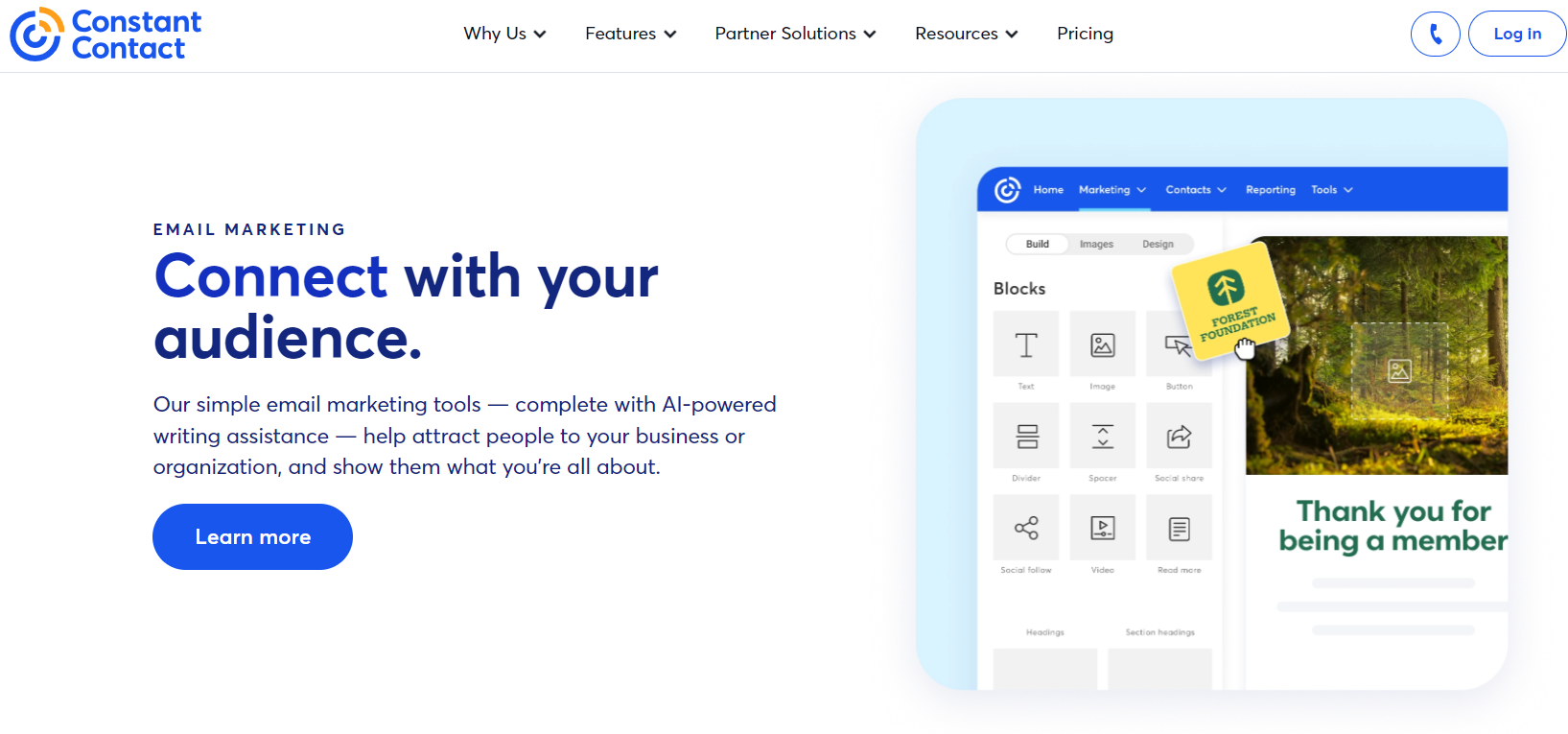
Constant Contact prompts you to select your sector and level of email expertise at signup, then tailors content and promotion suggestions to your preferences.
Constant Contact’s live chat, email, and community forum support are strong, backed by a wealth of informational resources.
Features:
- Quick and easy installation and setup
- Drip campaigns and automated email sequences
- Audience targeting via subset creation
- Promotional tools to boost list growth
- Analytics and metric reporting for continuous progress monitoring
Why Use Constant Contact for WordPress? This plugin helps to ensure the success of your email marketing efforts, providing a wide variety of editable email templates and reliable delivery infrastructure.
3. Newsletter

Newsletter (by Stefano Lissa) is a comprehensive, free email marketing plugin designed specifically for WordPress. It allows you to create and manage email campaigns directly from your site.
Features:
- Drag-and-drop email composer
- Subscriber management
- Analytics and reporting
- SMTP support
- Integration with popular plugins
Why Use Newsletter? Newsletter provides a user-friendly interface and powerful features, making it an excellent choice for managing your email marketing campaigns without leaving your WordPress dashboard.
3. Social Media Plugins
Social media is a crucial component of any marketing strategy. These plugins help you integrate social media with your WordPress site, making it easier to share content and engage with your audience.
1. Social Warfare

Social Warfare is a social sharing plugin that helps you increase social shares and drive more traffic to your site. It’s still updated (most recently in early 2025), but it’s worth knowing its history: the plugin suffered a widely publicized zero-day security breach in 2019. If you use it, keep it updated, run it behind a firewall, and test updates on staging before pushing to production.
Features:
- Customizable social sharing buttons
- Click-to-tweet quotes
- Social share counts
- Pinterest-specific image sharing
- Google Analytics integration
Why Use Social Warfare? Social Warfare offers a sleek design and powerful features that can help boost your social media engagement, though the more cautious option is to weigh its security track record against alternatives before committing on a production site.
2. Revive Social (formerly Revive Old Posts)

Revive Social (rebranded from Revive Old Posts, still distributed under the WordPress.org slug tweet-old-post) is a unique plugin that helps you keep your content alive by automatically resharing your old posts on social media. It’s an active, well-reviewed product with 30,000+ site owners and paid plans starting around $99/yr.
Features:
- Automatic post sharing
- Custom scheduling
- Hashtag integration
- Exclude specific posts or categories
- Analytics tracking
Why Use Revive Social? This plugin ensures your evergreen content continues to generate traffic by automatically sharing it on your social media channels, keeping your audience engaged.
3. Smash Balloon Social Photo Feed

Smash Balloon Social Photo Feed (formerly Instagram Feed) allows you to display Instagram photos on your WordPress site.
Features:
- Responsive design
- Multiple feed layouts
- Customizable styles
- Hashtag feeds
- Load more button
Why Use Smash Balloon Social Photo Feed? Displaying your Instagram photos on your website can enhance visual appeal and drive engagement. This plugin makes it easy to integrate your Instagram content seamlessly.
4. Analytics Plugins
Understanding how visitors interact with your site is crucial for making informed marketing decisions. These analytics plugins provide valuable insights into your site’s performance.
1. MonsterInsights

MonsterInsights is one of the most popular Google Analytics plugins for WordPress, providing detailed insights into your website traffic and user behavior.
Features:
- Easy setup with Google Analytics
- Real-time stats
- Enhanced e-commerce tracking
- Customizable reports
- Page-level analytics
Why Use MonsterInsights? MonsterInsights simplifies the process of integrating Google Analytics with your WordPress site, offering comprehensive insights that help you make data-driven decisions.
2. ExactMetrics

ExactMetrics (formerly Google Analytics Dashboard for WP) is another powerful plugin that brings Google Analytics data into your WordPress dashboard. It occupies very similar ground to MonsterInsights, so it’s worth comparing the two directly rather than installing both.
Features:
- Real-time stats
- E-commerce tracking
- Custom dimensions
- Affiliate link tracking
- Enhanced link attribution
Why Use ExactMetrics? ExactMetrics provides detailed analytics reports directly in your WordPress dashboard, making it easy to track and analyze your website’s performance.
3. WP Statistics

WP Statistics is a comprehensive, free, and actively maintained analytics plugin (36.5M+ downloads) that provides detailed information about your website’s traffic without relying on external services.
Features:
- Visitor tracking
- Search engine referrals
- Page and post statistics
- Geo-location data
- Exportable reports
Why Use WP Statistics? For those who prefer a self-hosted analytics solution, WP Statistics offers a robust set of features that provide valuable insights into your site’s performance.
5. Content Marketing Plugins
Creating and managing content is at the heart of any marketing strategy. These plugins help you streamline your content creation process and enhance your site’s functionality.
1. Jetpack
Jetpack is a versatile plugin that offers a suite of tools to enhance your WordPress site, including features for content marketing.
Features:
- Site statistics
- Social media sharing
- Related posts
- Custom CSS
- Backup and security
Why Use Jetpack? Jetpack’s all-in-one approach makes it a valuable addition to any WordPress site, providing tools that enhance security, performance, and content marketing.
2. Gravity Forms
Gravity Forms is one of the most robust and versatile form builder plugins available for WordPress (paid-only, no free tier, plans from roughly $59-259/yr). It allows users to create complex, custom forms with ease, making it an essential tool for any website that requires data collection, lead generation, or user interaction.
Features:
- Drag-and-Drop Form Builder
- Advanced Form Fields
- Conditional Logic
- Email Notification
- Payment Integration
Why Use Gravity Forms? It is designed to be user-friendly, with an intuitive interface that allows anyone to create and manage forms without needing technical expertise.
6. Landing Page Plugins
Landing pages are crucial for capturing leads and driving conversions. These plugins help you create high-converting landing pages with ease.
1. SeedProd

SeedProd is a popular landing page builder that allows you to create stunning landing pages without any coding.
Features:
- Drag-and-drop builder
- Pre-built templates
- Coming soon and maintenance mode
- Integration with email marketing services
- Real-time page builder
Why Use SeedProd? SeedProd’s user-friendly interface and powerful features make it easy to create professional landing pages that convert visitors into leads and customers.
2. Elementor

Elementor is a powerful drag-and-drop page builder that allows you to create custom layouts and designs for your content.
Features:
- Live front-end editing
- Pre-designed templates
- Responsive design controls
- Popup builder
- Integrations with popular marketing tools
Why Use Elementor? Elementor’s intuitive interface and extensive customization options make it easy to create visually appealing content that engages your audience.
3. Beaver Builder

Beaver Builder is a versatile page builder that lets you create custom landing pages and layouts for your WordPress site.
Features:
- Front-end editing
- Pre-designed templates
- Mobile-friendly designs
- Custom modules and widgets
- WooCommerce support
Why Use Beaver Builder? Beaver Builder’s flexibility and ease of use make it a great choice for creating custom landing pages that align with your brand and marketing goals.
7. Conversion Optimization Plugins
Conversion optimization plugins help you improve your website’s performance by increasing the likelihood of visitors taking desired actions.
1. WPForms
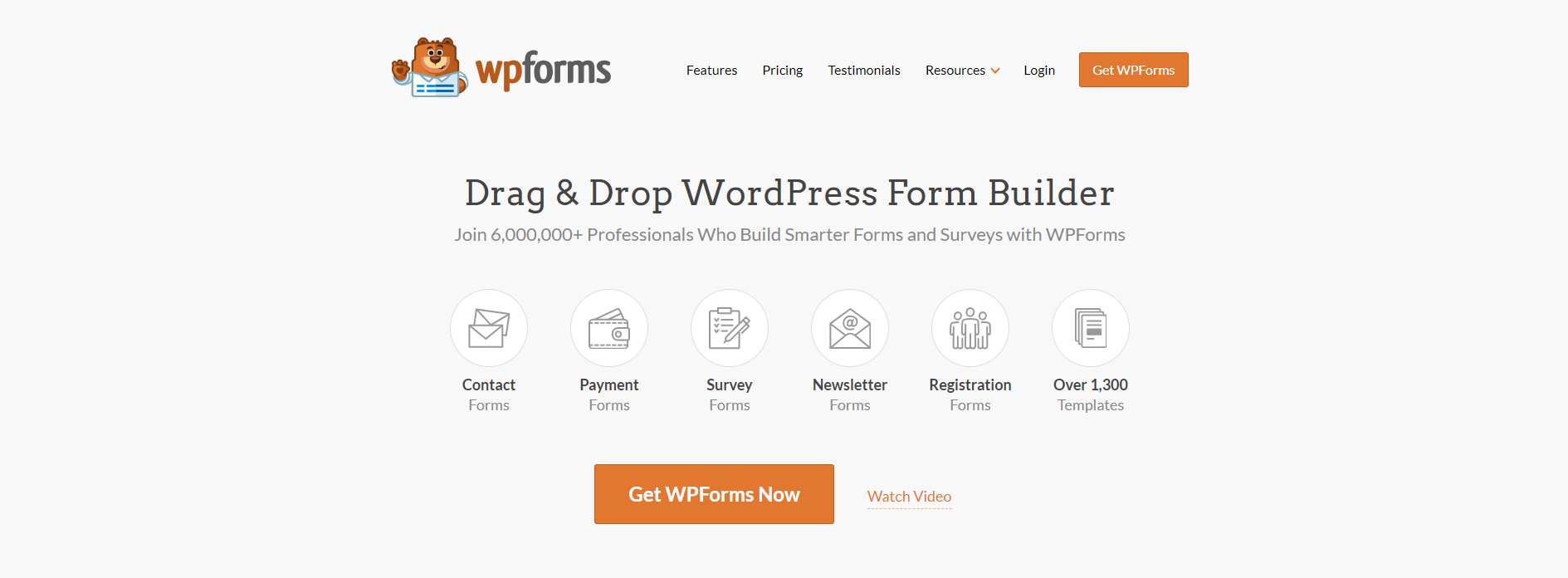
WPForms is a user-friendly form builder plugin (free Lite version plus paid tiers from roughly $49.50-299.50/yr) that allows you to create custom forms for lead generation and conversion optimization.
Features:
- Drag-and-drop form builder
- Pre-built form templates
- Conditional logic
- Payment integrations
- Spam protection
Why Use WPForms? WPForms’ ease of use and powerful features make it an excellent choice for creating custom forms that drive conversions.
Also Read: WPForms or Gravity Forms: Which One Fits Your Needs?
2. Convert Pro

Convert Pro (by Brainstorm Force) is a lead generation plugin that helps you create high-converting opt-in forms and popups, priced around $99/yr or a $399 lifetime option.
Features:
- Drag-and-drop editor
- A/B testing
- Exit-intent technology
- Mobile-responsive designs
- Integrations with popular email marketing services
Why Use Convert Pro? Convert Pro’s advanced targeting and personalization features allow you to create highly effective opt-in forms that convert visitors into subscribers and customers.
3. BDOW! (formerly Sumo)

The tool formerly known as Sumo (or SumoMe) has rebranded to BDOW!,note that the old sumo.com domain has since been sold and now hosts an unrelated product, so any old bookmarks pointing there are stale. The current free plugin is a more focused pop-up and opt-in form builder rather than the older, broader all-in-one growth suite (list building, social sharing, heat maps) that Sumo used to be known for.
Features:
- Pop-up and opt-in form builder
- List builder
- Targeting and display rules
- Basic analytics
Why Use BDOW!? If you specifically want a straightforward pop-up/opt-in tool and already know its current, narrower scope, it remains a workable free option,just don’t expect the full legacy Sumo feature set.
Leveraging the Best WordPress Marketing Plugins for Success
Choosing the right WordPress marketing plugins can significantly enhance your marketing efforts, driving more traffic, engaging visitors, and increasing conversions. Whether you need tools for SEO, email marketing, social media integration, analytics, content creation, landing page design, or conversion optimization, the plugins listed in this guide offer solutions to meet your needs. By leveraging these tools, you can streamline your marketing processes and achieve better results, ensuring your WordPress site reaches its full potential.