10 Best Graphic Element Illustration


Graphic elements and illustrations play a crucial role in visual communication, helping to make content engaging, aesthetically pleasing, and easy to understand. The right tools can elevate your creative process, whether you’re working on a website, app, or print design. In this blog, we’ll explore the 10 best graphic element illustration tools available today, each offering unique features to bring your visual ideas to life.
Why Use Specialized Illustration Tools?
Illustrations add personality and uniqueness to your design projects, distinguishing them from those that rely solely on stock photos or icons. A good illustration tool allows you to create custom visuals that fit your brand or project’s specific needs. Now, let’s dive into the top tools that can help bring your designs to the next level.
1. Adobe Illustrator
Key Features:
- Vector-based editing for scalability
- Wide range of brushes, shapes, and gradients
- Integrates seamlessly with other Adobe products
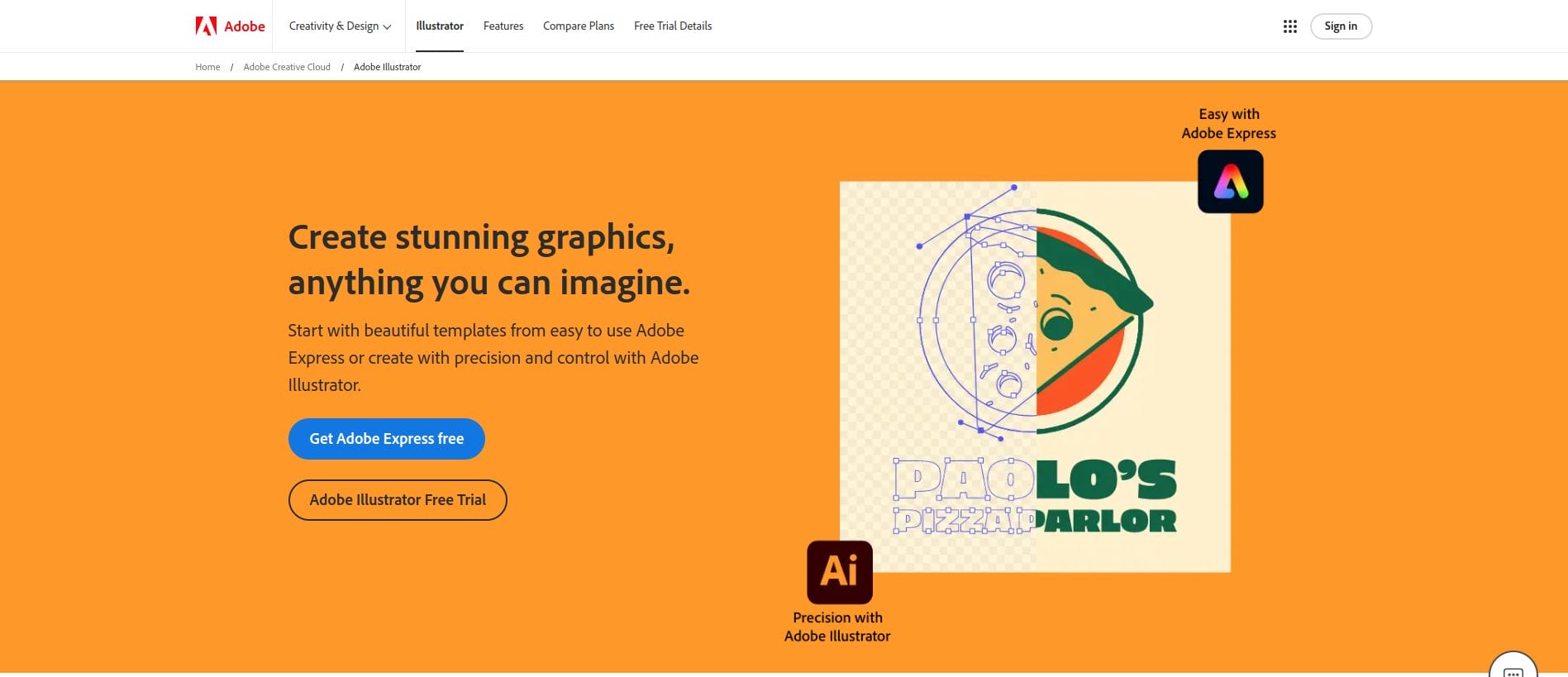
Adobe Illustrator has long been a go-to for professional designers looking to create detailed, high-quality illustrations. As a vector-based tool, it allows for infinite scalability, ensuring your designs look sharp at any size. With its extensive library of brushes, shapes, and gradients, Adobe Illustrator provides a versatile canvas for creating anything from logos to intricate illustrations.
Pros:
Industry standard with extensive features
Wide range of tools for professional illustration
Cons:
Monthly subscription may not be ideal for budget-conscious users
2. Procreate
Key Features:
- Layer-based editing for detailed work
- Extensive brush library and customization options
- User-friendly interface on iPad
Procreate is a favorite among digital illustrators, particularly for those using an iPad. Its intuitive interface makes it easy to dive into creating without a steep learning curve. The tool offers advanced features like customizable brushes and layer options, allowing for intricate, professional-quality designs on a tablet.
Pros:
Affordable one-time purchase
Perfect for iPad users with Apple Pencil
Cons:
Limited to iPad; not available on other devices
Also Read: Best Business Automation Software
3. Affinity Designer
Key Features:
- Vector and raster editing capabilities
- Affordable one-time purchase model
- Comprehensive set of tools for precision work
Affinity Designer has rapidly gained popularity as a cost-effective alternative to Adobe Illustrator. It offers both vector and raster capabilities, making it incredibly versatile for all types of design projects. With its professional-grade tools and affordable pricing, Affinity Designer is ideal for designers looking for a high-quality tool without a subscription fee.
Pros:
Excellent value with a single purchase
Supports both vector and raster design
Cons:
Lacks some advanced features found in Adobe Illustrator
4. Canva
Key Features:
- Extensive library of templates and elements
- Drag-and-drop interface
- Collaboration-friendly with team accounts
While Canva may not be as powerful as Adobe Illustrator or Procreate, it is perfect for quick, straightforward design needs. Canva offers a wide range of graphic elements, templates, and illustrations that you can customize. It’s ideal for marketers and non-designers looking to create visually appealing graphics without advanced design skills.
Pros:
User-friendly and accessible for beginners
Great for quick social media or web designs
Cons:
Limited customization options for professional illustrators
5. Figma
Key Features:
- Real-time collaboration
- Extensive library of graphic elements and plugins
- Vector editing for scalable graphics
Figma is a powerful, browser-based tool that has become popular for both UI/UX design and collaborative illustration projects. With its robust vector editing capabilities and extensive plugin library, Figma allows teams to work together on graphic elements in real-time, streamlining the creative process.
Pros:
Ideal for collaborative work
Powerful plugin ecosystem
Cons:
Limited offline capabilities
Also Read: Best Contact Manager Software
6. Sketch
Key Features:
- Intuitive interface for vector graphics
- Dedicated tools for web and app design
- Plugin support for extended functionality
Primarily popular among web and app designers, Sketch offers a streamlined platform for creating and editing vector-based illustrations. Its clean interface and focus on UX design make it perfect for creating icons, buttons, and other interactive elements. With plugins, Sketch can be customized to suit various design needs.
Pros:
Easy-to-use for web and app illustrations
Lightweight and fast performance
Cons:
Mac-only software limits accessibility
7. Inkscape
Key Features:
- Open-source vector graphic editor
- Extensive set of tools for freehand drawing and text
- Community-driven with regular updates
Inkscape is an open-source tool that offers powerful vector editing capabilities for free, making it a fantastic choice for budget-conscious designers. With a robust selection of drawing and text tools, Inkscape is ideal for creating custom graphic elements without the need for expensive software.
Pros:
Free and open-source
Comprehensive feature set for vector graphics
Cons:
Slightly outdated interface
8. CorelDRAW
Key Features:
- Advanced vector illustration tools
- Unique tools like LiveSketch and symmetry drawing
- Great for both print and digital illustrations
CorelDRAW is a powerful vector illustration tool, particularly popular in industries like print and apparel design. Its unique tools, like LiveSketch, make it a versatile option for illustrators who work with various types of projects, from logos to detailed illustrations.
Pros:
Versatile for multiple illustration types
Specialized tools for precision and creativity
Cons:
Higher cost for occasional designers
Also Read: Best HR Software for Small Companies
9. Gravit Designer
Key Features:
- Cloud-based, accessible from any device
- Vector editing with cross-platform support
- Intuitive user interface with plenty of templates
Gravit Designer offers vector design capabilities in a cloud-based format, making it accessible from any device with an internet connection. This tool is great for beginners and intermediate designers, with a range of templates and an intuitive interface.
Pros:
Cloud-based and platform-independent
User-friendly and budget-friendly
Cons:
Limited features compared to Adobe Illustrator
10. Krita
Key Features:
- Free, open-source illustration tool
- Wide range of brushes for creative freedom
- Ideal for comic and concept art
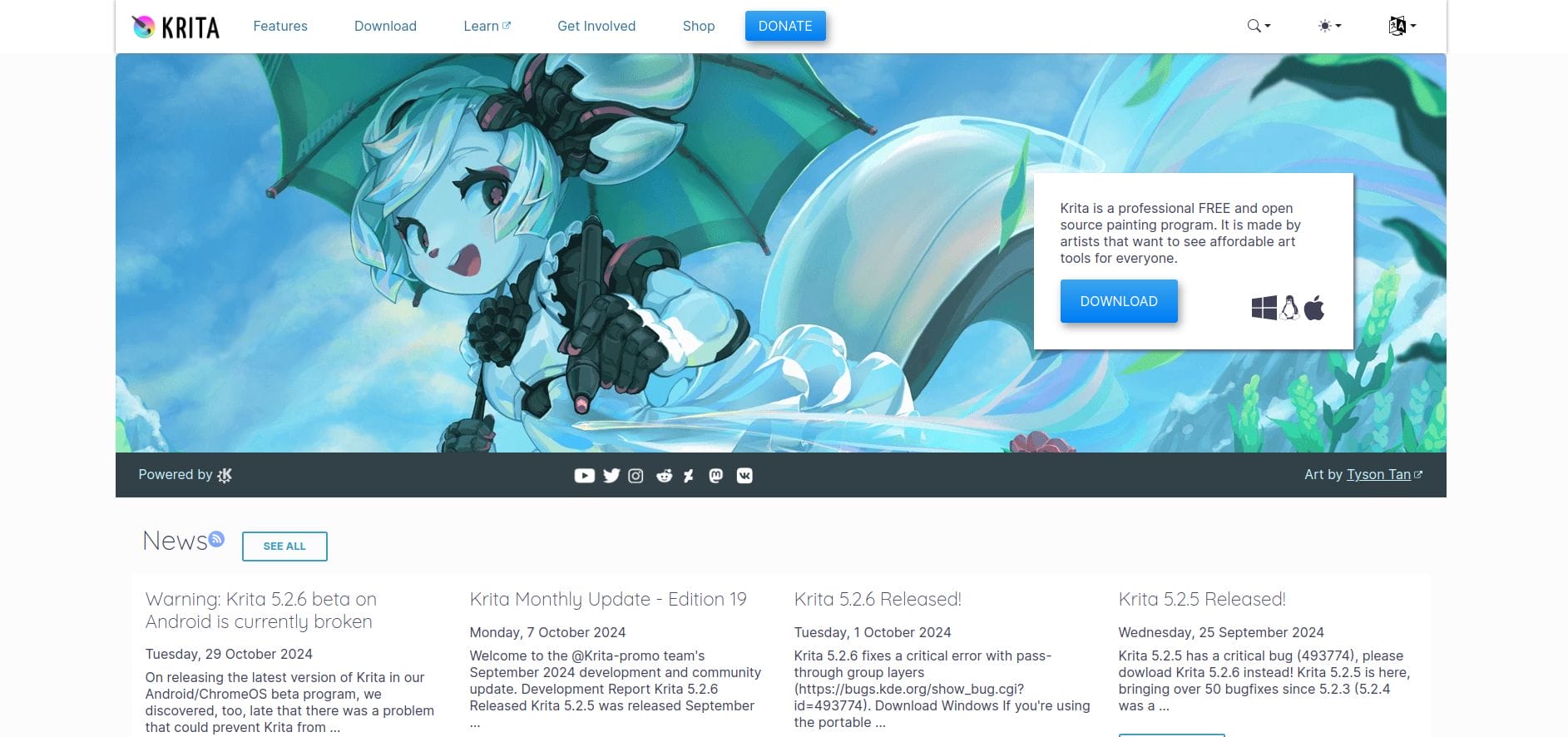
Krita is a free, open-source tool designed for illustrators who work in concept art, comics, and animation. It’s packed with features like customizable brushes and a smooth interface that supports a high level of detail in your illustrations, making it a powerful alternative to paid software.
Pros:
Completely free with professional-grade tools
Excellent for illustration-heavy projects
Cons:
Limited vector capabilities
Also Read: Best Free Task Management Software
Comparison Table: 10 Best Graphic Element Illustration Tools
| Tool | Key Features | Pros | Cons |
|---|---|---|---|
| Adobe Illustrator | Vector editing, broad toolset, Adobe integration | Industry-standard, versatile | Subscription-based |
| Procreate | Layered editing, iPad-exclusive, brush customization | Affordable, intuitive on iPad | iPad-only |
| Affinity Designer | Vector & raster editing, one-time purchase | Budget-friendly, versatile | Lacks some advanced features |
| Canva | Templates, drag-and-drop, collaboration tools | Easy for beginners | Limited customization |
| Figma | Real-time collaboration, vector editing | Excellent for teams | Limited offline capabilities |
| Sketch | Vector-focused, plugin support, Mac-only | Ideal for UX/UI | Mac-only |
| Inkscape | Free vector editor, open-source | Comprehensive features | Outdated interface |
| CorelDRAW | Advanced vector tools, LiveSketch | Versatile | Expensive |
| Gravit Designer | Cloud-based, accessible on any device | Platform-independent | Limited features |
| Krita | Open-source, excellent for comics | Free, specialized tools | Limited vector |
Key Takeaways
Choosing the right graphic element illustration tool can enhance your creativity and streamline your design process. Whether you prefer the power and versatility of Adobe Illustrator, the intuitive design of Procreate, or the accessibility of Canva, there’s a tool here for every type of designer. Evaluate your needs, try a few, and start creating stunning illustrations that make your projects stand out.
Interesting Reads:
Best Image Resizer for WhatsApp

Shashank is a seasoned digital marketing and WordPress expert who specializes in SEO, software tools reviews, and cutting-edge strategies for boosting online presence. With a passion for simplifying complex topics, Goutham crafts engaging blog posts that help readers optimize their websites, improve search engine rankings, and stay ahead in the ever-evolving digital landscape.