10 Best Website Design Softwares

Designing a website isn’t just about making it look good—it’s about crafting an engaging user experience, ensuring functionality, and staying ahead of trends. Regardless if you’re the best web design agency or a beginner, the right design software can elevate your website creation process. From intuitive drag-and-drop tools to advanced design systems, the software options available today offer everything you need to bring your vision to life. In this post, we’ll explore 10 of the best website design software tools that will help you build visually captivating and high-performance websites.
WordPress Site Audit PlanWhy Choosing the Right Website Design Software Matters
The website design software you choose plays a crucial role in the success of your online presence. Whether you’re building a personal blog, an e-commerce platform, or a corporate website, the right tool can make a significant difference in how efficiently you can create and manage your site. The right software empowers you with the necessary features to bring your vision to life, from intuitive design interfaces to advanced customization options. It can also save you time, reduce errors, and improve the overall user experience. Selecting the right tool helps you stay competitive, ensures scalability as your site grows, and provides a smoother, more satisfying experience for both you and your users.
How to Choose the Right Website Design Software
Selecting the right website design software can be overwhelming, given the vast array of options available. However, by considering a few key factors, you can make an informed decision that aligns with your goals and skill level. Here are some essential aspects to keep in mind:
Define Your Needs: First, consider the purpose of your website. Are you creating a simple blog, an e-commerce site, or a complex portfolio? This will help determine the features you need, such as e-commerce capabilities, blogging tools, or advanced design flexibility.
Skill Level: Evaluate your technical skills. If you’re a beginner, look for software with a drag-and-drop interface or pre-built templates. For more advanced users, a tool like Adobe XD or Webflow might be more suitable, offering greater customization and control.
Customization and Flexibility: If you’re looking for complete control over your website’s design and functionality, choose a platform that allows extensive customization. Platforms like WordPress, Webflow, and Sketch offer deep customization options, while drag-and-drop builders like Wix and Weebly may limit your design freedom.
Collaboration Features: For team projects, look for software that offers real-time collaboration and feedback, such as Figma or Adobe XD. These tools make it easier for multiple designers or stakeholders to work together.
SEO and Performance Features: Good design is only effective if your website performs well and ranks on search engines. Look for tools that integrate SEO features, like automatic metadata management or mobile optimization, to ensure your site performs well in search results.
Support and Community: The availability of customer support and a strong community of users is invaluable when you encounter issues or need advice. Opt for software with responsive support channels and active user forums, like WordPress or Figma, where you can find tutorials and troubleshooting tips.
Best Website Design Softwares
1. WordPress
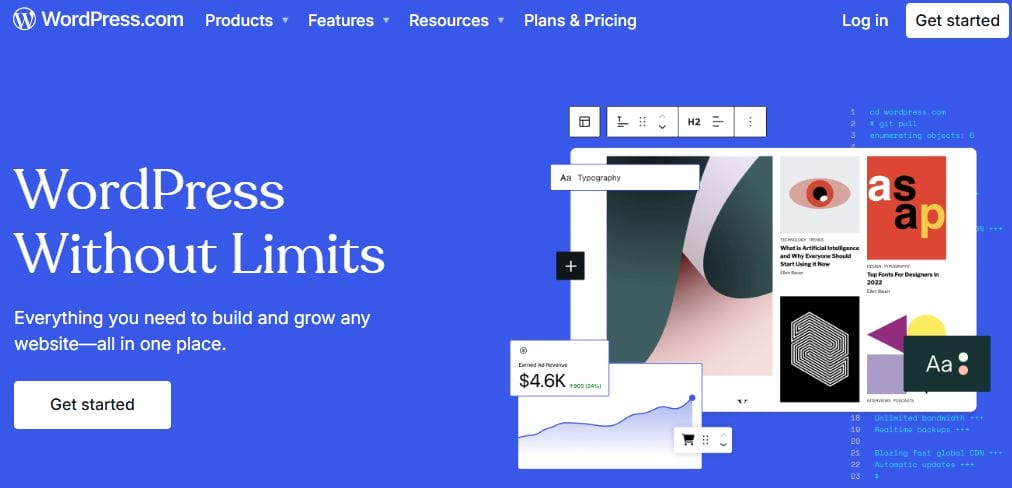
WordPress is a popular content management system (CMS) that offers extensive website design capabilities through themes like Reign and BuddyX, and plugins. It’s ideal for anyone looking to build a website with a lot of content and features.
Key Features
- Thousands of themes and plugins for customization.
- Built-in blogging and content management tools.
- Open-source and highly customizable with themes and plugins.
Pros
- Highly Customizable: Choose from thousands of plugins and themes.
- SEO-Friendly: Built-in tools to optimize content for search engines.
- Large Support Community: Access a wealth of tutorials and forums.
Cons
- Requires Maintenance: Regular updates and security patches are needed.
- Can Be Overwhelming: Setting up a site can be complex for beginners.
- Limited Design Flexibility with Themes: Pre-designed themes can be restrictive unless customizations are made.
2. Adobe XD
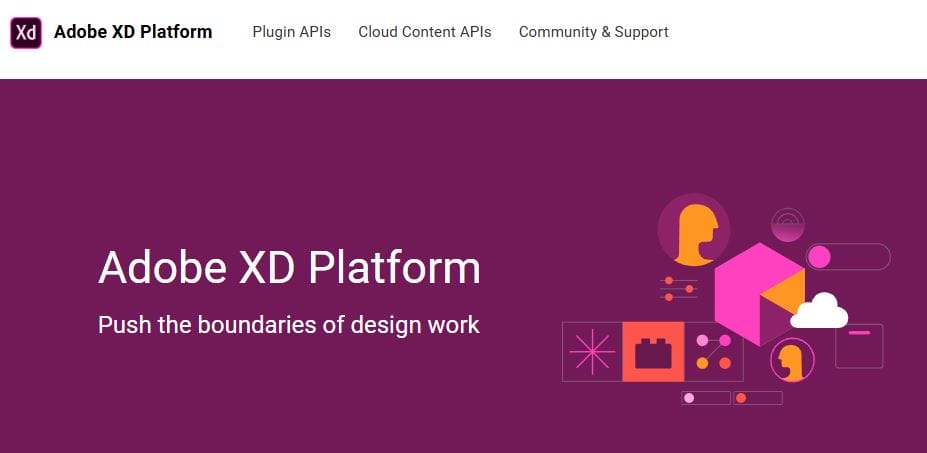
Adobe XD is a powerful tool for UI/UX designers. It’s perfect for wireframing, prototyping, and creating high-fidelity designs. Adobe XD’s collaborative features make it a top choice for teams working on website designs.
Key Features
- Real-time collaboration with team members.
- Powerful vector-based tools for designing UI components.
- Interactive prototypes with advanced animation features.
Pros
- Seamless Integration with Adobe Suite: Integrates well with other Adobe products.
- Collaborative Features: Ideal for team projects.
- Rich Prototyping Tools: Test your designs with interactive features.
Cons
- Steep Learning Curve: Not as beginner-friendly as other options.
- Limited Template Options: Fewer pre-made templates compared to website builders.
- Subscription-Based: Adobe XD is available through Creative Cloud, which is a subscription service.
3. Sketch
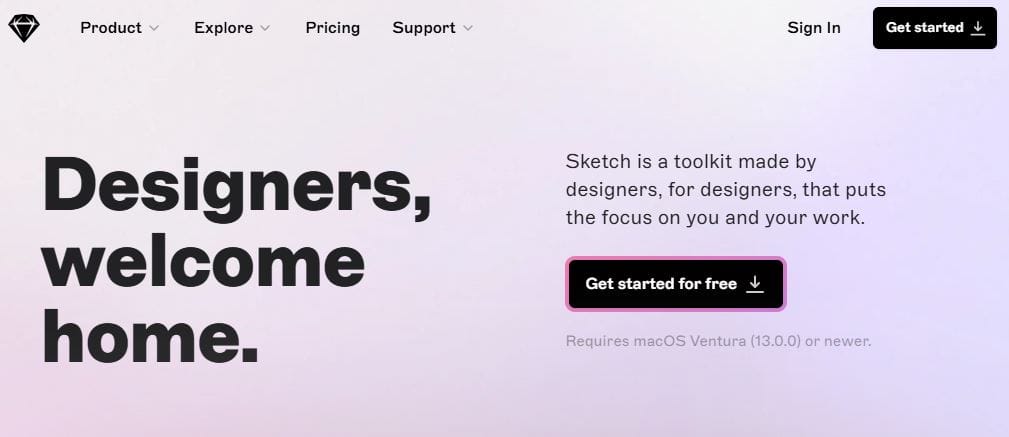
Sketch is a vector-based design tool popular for web and app design. It offers an intuitive interface with many plugins and integrations. Designers favor it for creating scalable website elements and detailed user interfaces.
Key Features
- Vector editing tools for sharp, scalable designs.
- A large library of plugins for additional functionality.
- Supports collaboration and version control via cloud services.
Pros
- Efficient for Prototyping: Ideal for creating responsive design layouts.
- Collaborative Features: Work with other designers in real-time.
- Extensive Plugin Ecosystem: Customize your workflow with numerous third-party plugins.
Cons
- Mac-Only: Only available on macOS.
- Learning Curve: Requires some time to get accustomed to the interface.
- No Built-In Code Export: Doesn’t provide automatic code exports for developers.
4. Figma

Figma has quickly become a favorite in the design community due to its collaborative design capabilities. It’s a cloud-based design tool that allows multiple users to design and comment on projects in real time.
Key Features
- Cloud-based collaboration for remote teams.
- Powerful vector and prototyping tools.
- Cross-platform support for both Mac and Windows.
Pros
- Real-Time Collaboration: Multiple team members can work together seamlessly.
- Cross-Platform: Available for both Mac and Windows users.
- Free Plan: A great option for individuals or small teams.
Cons
- Limited Offline Use: Requires an internet connection for full functionality.
- Advanced Features Locked in Paid Plans: Some premium features only available with paid subscriptions.
- Steeper Learning Curve for New Users: Can be overwhelming for beginners.
5. Wix
Wix is a well-known website builder that offers an easy-to-use drag-and-drop editor. It’s perfect for beginners who want to create websites quickly without a steep learning curve. With hundreds of templates and flexible customization options, Wix allows users to create personalized and professional-looking websites.
Key Features
- Drag-and-drop editor for easy customization.
- Hundreds of mobile-friendly templates.
- Built-in SEO tools to optimize your site for search engines.
Pros
- User-Friendly: No coding knowledge required.
- Variety of Templates: Wide selection of designs for any industry.
- Free Plan Available: Start building without upfront costs.
Cons
- Limited Flexibility: Less control for advanced customization.
- Can Be Expensive: Paid plans can get pricey as you scale.
- Limited E-Commerce Features: Lacks some advanced e-commerce tools compared to competitors.
Also Read: Top 10 Software Testing Companies
6. Weebly
Weebly is another beginner-friendly website builder that provides simple drag-and-drop tools for building a site. It’s especially useful for creating small business websites or personal portfolios.
Key Features
- Simple drag-and-drop interface for easy web design.
- Built-in e-commerce tools for online stores.
- Mobile optimization for responsive design.
Pros
- Easy-to-Use: Ideal for users with little technical expertise.
- Good E-Commerce Features: Great for small stores and portfolios.
- Affordable Pricing Plans: Offers an inexpensive entry-level plan.
Cons
- Limited Customization: Not as flexible as other website builders.
- Limited Templates: Smaller selection of templates compared to other platforms.
- Not Ideal for Complex Sites: Lacks functionality for larger or more intricate websites.
7. Webflow
Webflow is a website design tool that offers advanced customization without needing to write code. It’s known for its visual editor and the ability to produce responsive websites with full control over the design and layout.
Key Features
- Visual editor for designing websites without coding.
- CMS capabilities for content management.
- Hosting and publishing included within the platform.
Pros
- Advanced Customization: Full design flexibility for professionals.
- Responsive Design: Build mobile-friendly websites easily.
- No Code Required: Allows non-coders to design and launch websites.
Cons
- Learning Curve: May take time for beginners to master.
- Expensive Plans: Paid plans can be costly for small businesses.
- Limited Integrations: Fewer third-party integrations compared to WordPress.
8. Canva

Canva is a popular tool primarily known for graphic design, but it also offers website templates and drag-and-drop functionality. It’s especially useful for creating visually appealing websites on a budget.
Key Features
- Easy drag-and-drop interface for web design.
- Thousands of templates and design elements.
- Integrates with stock photo libraries.
Pros
- User-Friendly: Ideal for beginners and non-designers.
- Affordable: Free plan available with essential features.
- Wide Range of Templates: Access to pre-designed templates for quick website creation.
Cons
- Limited Functionality: Less advanced design features compared to other tools.
- Not Ideal for Complex Websites: Best for simple, visually-driven sites.
- Limited Customization: Not as flexible for detailed design work.
9. Grav
Grav is an open-source flat-file CMS that makes it easy to build fast, modern websites. It’s a great option for developers and designers who prefer a lightweight, flexible platform.
Key Features
- Flat-file CMS for faster performance.
- Markdown support for content creation.
- Flexible templating system for custom designs.
Pros
- Fast Performance: No database means faster loading times.
- Highly Flexible: Full control over the design and functionality.
- Open Source: Free to use and modify.
Cons
- Steep Learning Curve: Requires technical skills for setup and design.
- No Built-In Themes: Requires custom or third-party themes.
- Limited Support: Smaller community compared to WordPress.
10. Silex
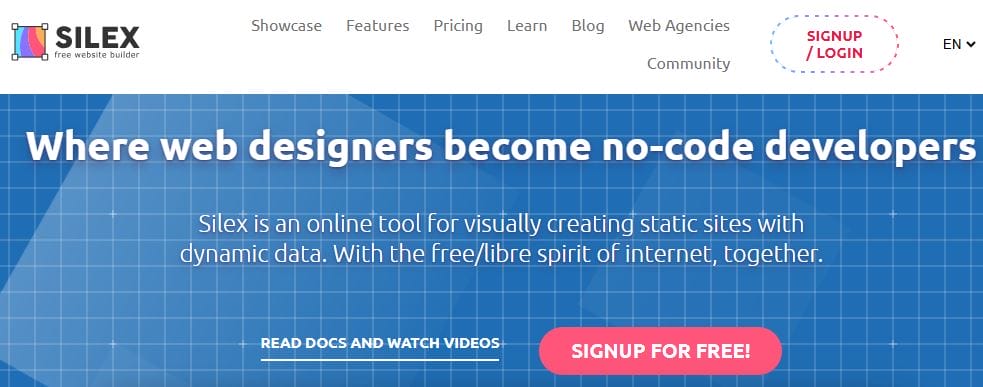
Silex is a website builder aimed at developers who want to build websites without needing to code. It offers an intuitive interface while allowing complete customization through HTML, CSS, and JavaScript.
Key Features
- Drag-and-drop interface for building sites without coding.
- Full access to HTML, CSS, and JavaScript for customization.
- Cloud-based and collaborative design platform.
Pros
- No Coding Required: Allows for fast website creation.
- Customizable: Offers complete control over design and functionality.
- Free to Use: Open-source and completely free.
Cons
- Limited Documentation: Fewer tutorials and resources available.
- Not Ideal for Beginners: Requires some coding knowledge to fully leverage.
- Small Community: Less support than more popular website builders.
Final Thought on Website Design Software
Selecting the right website design software is essential for bringing your ideas to life and ensuring a smooth, efficient design process. The right tool will depend on your specific needs, skill level, and the type of website you want to create. Whether you’re a beginner or a seasoned designer, there’s a solution out there that offers the right balance of ease, flexibility, and functionality. By carefully considering the features that matter most to you, you can choose the software that will help you craft a visually appealing and user-friendly website.
Interesting Reads

Shashank is a seasoned digital marketing and WordPress expert who specializes in SEO, software tools reviews, and cutting-edge strategies for boosting online presence. With a passion for simplifying complex topics, Goutham crafts engaging blog posts that help readers optimize their websites, improve search engine rankings, and stay ahead in the ever-evolving digital landscape.