

In today’s digital age, AI-powered tools have revolutionized the way we plan events, including sending out birthday invitations. Gone are the days of manually designing invitations; with AI-generated birthday eVites, you can now create personalized, creative, and visually appealing invites in just a few clicks. Whether you’re hosting a small gathering or a grand celebration, these online tools make it easier than ever to send out customized birthday invitations that match your theme and style. In this blog post, we will explore the 10 best AI-generated birthday evites online, highlighting their key features, pros, and cons. This will help you choose the perfect tool to create memorable invites for your special occasion.

Quick Links
How to Choose the Best Birthday Invitation Card Maker
Choosing the right birthday invitation card maker is crucial for ensuring your event gets off to a great start. Whether you’re organizing a casual get-together, a formal celebration, or a themed birthday party, your invitation sets the tone for the event. With many online tools available, it can be challenging to find the one that best suits your needs. To help you choose, here’s a guide to consider the most important factors:
1. Ease of Use
The ease of use should be one of the first considerations when selecting a birthday invitation maker. The tool should have an intuitive interface, even for those who aren’t very tech-savvy. Look for a platform with drag-and-drop features, customizable templates, and simple navigation. Tools like Canva and Evite are popular for their user-friendly interfaces that allow even beginners to design beautiful cards effortlessly.
Tip: If you are in a rush and want something fast and simple, choose a tool with a straightforward interface and pre-designed templates that require minimal customization.
2. Template Variety
A great invitation card maker should offer a wide variety of templates. These templates can be pre-designed for different occasions or themes, such as formal, casual, themed, kids’ parties, or milestone birthdays. Some tools, like Crello and Paperless Post, provide a large selection of customizable templates that can fit almost any birthday style.
Tip: Choose a platform that offers multiple options and let you change colors, fonts, and other elements to align with your party’s theme.
3. Customization Options
Customization is key to making your birthday invitation feel unique and personal. Look for a card maker that allows you to adjust not only the text but also images, colors, and layouts. Platforms like Designhill and Smilebox offer advanced design features where you can upload your photos and personalize every aspect of your invitation.
Tip: If you have a specific design in mind or want to match the invitation with the theme of your party, choose a card maker that gives you full creative control over the design elements.
4. AI Features and Assistance
AI-powered tools can simplify the design process by offering smart suggestions, auto-generating designs, and providing real-time editing recommendations. Canva and Fotor are excellent examples of platforms that use AI to suggest templates, layouts, and color schemes based on your preferences. These tools can make your design process faster and help you create something professional-looking, even if you lack design experience.
Tip: If you want to save time or don’t have design skills, opt for a tool with AI-powered design assistance or auto-generated suggestions.
5. Sharing and Delivery Options
Once you’ve designed your birthday invitation, you’ll need a convenient way to share it with your guests. The best birthday invitation makers should offer multiple sharing options, including email, social media, and downloadable formats (PDF, JPG, etc.). Tools like Evite and Klaviyo make it easy to send digital invitations directly through email or a link, while others like Zazzle allow you to print invitations if you prefer physical copies.
Tip: Consider how you plan to distribute your invitations. If you want to send out digital invites quickly, choose a platform that integrates well with email or social media.
Best AI-Generated Birthday Evite Online
1. Canva

Canva is a versatile design platform that uses AI to help users create custom birthday eVites. It offers a wide range of templates, easy-to-use drag-and-drop tools, and AI-powered design suggestions. You can personalize fonts, colors, and images, and even upload your own media.
Pros:
- Easy to use with a drag-and-drop interface
- Extensive library of templates
- Allows for complete customization
- Free plan available with premium options
Cons:
- Some templates are locked behind a paywall
- Limited advanced design features
2. Evite
Evite is one of the most popular online invitation platforms, featuring AI-driven templates for birthdays. It offers a range of customizable designs, RSVP tracking, and an easy-to-navigate interface. You can also add custom messages and multimedia elements.
Pros:
- RSVP tracking and reminder notifications
- Pre-designed templates for various birthday themes
- Mobile-friendly design
Cons:
- Limited customization compared to other tools
- Ads on free invitations
3. Paperless Post
Known for its elegant and high-quality designs, Paperless Post utilizes AI to create personalized birthday invitations. It provides a large library of sophisticated templates that can be customized with your own photos, text, and event details.
Pros:
- Elegant and stylish templates
- Seamless integration with social media
- Customizable designs
Cons:
- Most premium features require payment
- Fewer free options compared to others
4. Smilebox
Smilebox offers AI-driven templates with a variety of customizable birthday eVite options. You can easily create an invitation by choosing a design, adding event details, and sharing it via email or social media.
Pros:
- Large library of fun templates
- Easy to share via email, social media, or text
- User-friendly interface
Cons:
- Limited customization
- Requires subscription for some features
Also Read: 10 Best Online Banner Maker For Free
5. Designhill
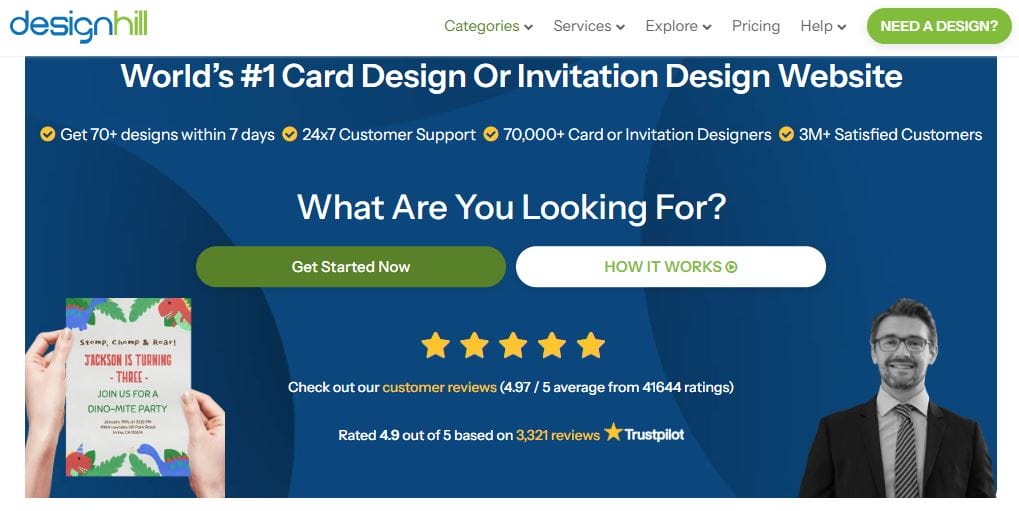
Designhill uses AI to offer a robust set of tools for creating custom birthday invitations. It includes features like auto-generated designs, drag-and-drop customization, and access to thousands of templates and graphics.
Pros:
- Auto-generated design suggestions
- Extensive template library
- High-quality images and graphics
Cons:
- Some templates require payment
- Limited free customization options
6. Crello
Crello is an AI-powered design tool similar to Canva. It offers customizable birthday templates, easy drag-and-drop features, and pre-designed content. Crello’s AI assists in designing invitations that are ready to send in a matter of minutes.
Pros:
- Large collection of customizable templates
- AI-assisted design features
- Free plan with premium upgrades
Cons:
- Some designs are locked behind a paywall
- Basic design features compared to more specialized platforms
7. Zazzle
Zazzle offers a range of customizable birthday eVites powered by AI, with templates for different party themes, from kids’ birthdays to more formal events. The platform allows easy design changes and printing options.
Pros:
- Customizable templates
- Option to order printed invitations
- Simple interface
Cons:
- Printing and shipping can be costly
- Limited free options for online invites
8. Adobe Spark
Adobe Spark uses AI to simplify the design process for custom eVites. It provides access to professional-grade templates, AI-powered design assistance, and easy integration with Adobe’s creative suite.
Pros:
- High-quality, professional templates
- AI-powered design suggestions
- Integration with Adobe Creative Cloud
Cons:
- Subscription required for full access
- Learning curve for beginners
9. Klaviyo
Klaviyo is primarily an email marketing tool, but it offers AI-driven templates for birthday eVites. This platform allows you to send personalized invites and track responses with ease, making it ideal for businesses or larger events.
Pros:
- Personalized email campaigns
- AI-driven automated invites
- Great for businesses with large customer bases
Cons:
- Requires more marketing knowledge to fully utilize
- More business-oriented than personal events
10. Fotor
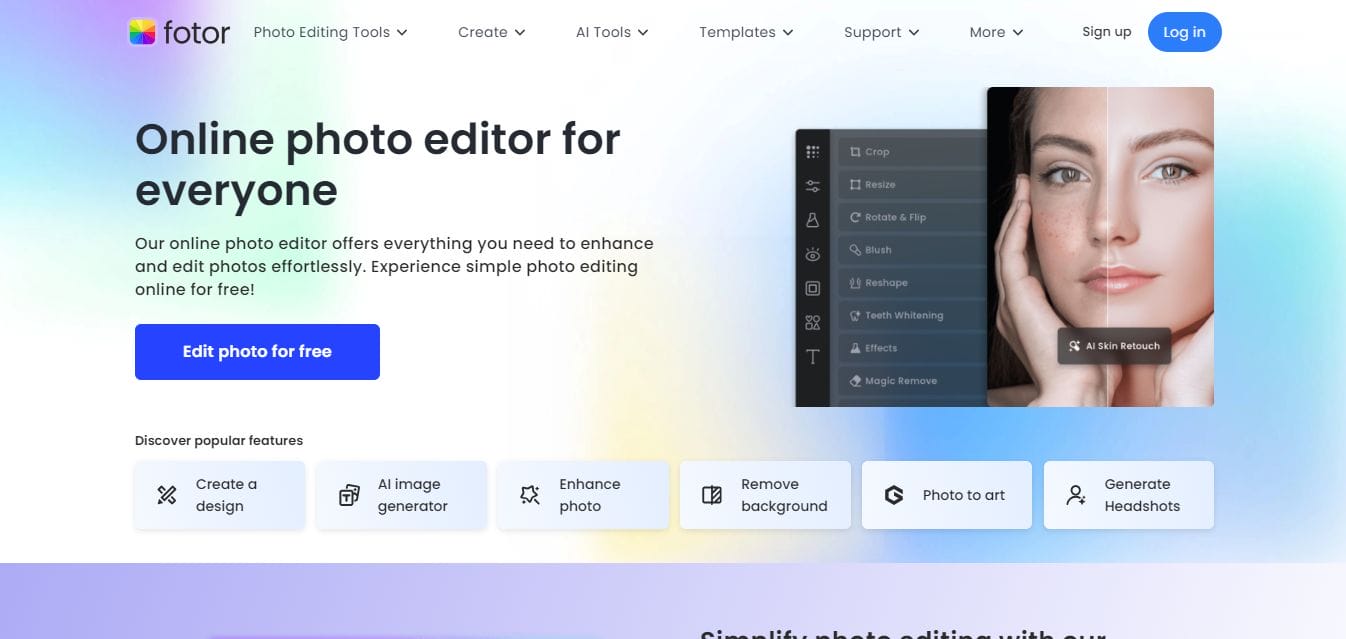
Fotor is an online photo editing tool with AI-assisted templates for creating beautiful birthday invitations. It allows you to upload photos, adjust layouts, and personalize text to make the perfect eVite.
Pros:
- AI-assisted photo editing tools
- Free and paid templates
- Easy-to-use interface
Cons:
- Limited free templates
- Basic design features compared to Canva or Adobe Spark
Comparison Table
| Tool | Key Features | Pros | Cons | Pricing |
|---|---|---|---|---|
| Canva | Drag-and-drop design, customizable templates | Easy to use, large library of templates | Some templates are premium | Free, paid options |
| Evite | RSVP tracking, pre-designed templates | Easy RSVP tracking, mobile-friendly | Limited customization, ads on free plans | Free, paid options |
| Paperless Post | Elegant designs, customizable templates | Stylish designs, social media integration | Most features require payment | Free, paid options |
| Smilebox | Large library of templates, easy sharing | User-friendly, quick to share via multiple channels | Limited customization, subscription required | Free, subscription needed |
| Designhill | Auto-generated designs, customizable templates | High-quality graphics, vast template library | Some premium features are paid | Free, paid options |
| Crello | AI-assisted design, drag-and-drop customization | Large collection of templates, free options | Premium designs are locked | Free, paid options |
| Zazzle | Customizable templates, printing options | Customizable and print-ready designs | High shipping costs, limited free templates | Pay-per-product |
| Adobe Spark | Professional templates, AI-powered design | High-quality templates, design suggestions | Subscription required for full access | Paid subscription |
| Klaviyo | Email marketing templates, personalized invites | Ideal for businesses, automated invitations | More business-oriented, requires marketing knowledge | Paid, subscription-based |
| Fotor | Photo editing, customizable templates | Easy to use, free and paid templates | Basic design features, limited free options | Free, paid options |

Make Your AI-Generated Birthday Evite Online Today
AI-powered birthday eVites are a convenient and creative way to manage event invitations. Whether you are looking for sophisticated designs, quick customization, or RSVP tracking, there are numerous tools to meet your needs. Canva and Evite stand out for their ease of use and vast template libraries, while tools like Adobe Spark and Zazzle are better for those seeking high-end design elements. Whatever your needs, one of these AI-generated eVite tools will help you create the perfect invitation for your special day.
Interesting Reads
10 Best Free Baby Milestones Card Makers

