

If you’re someone who regularly works with images on websites, blogs, or social media, you might already know how important it is to Compress PNG files. PNG images are great for high-quality graphics, but their file sizes can be quite large, making them slow to load and harder to share. In this guide, we’ll look at 10 of the best tools to Compress PNG online so you can optimize your images, improve website speed, and enhance user experience without losing image quality.
The internet is full of image optimization tools, but finding the right one that suits your needs can be overwhelming. Don’t worry—we’ve got you covered! Let’s dive into the top tools to Compress PNG and make your images as efficient as possible.

Quick Links
Why You Should Compress PNG Images
Before we jump into the best tools, let’s quickly discuss why you need to Compress PNG files in the first place.
The Importance of PNG Compression
PNG files are widely used due to their lossless compression, making them perfect for images that require transparency or high quality. However, the downside is that these files can quickly become quite large. Large image files can cause slow loading times on your website or mobile app, leading to a frustrating user experience. If you’re running an e-commerce store, blog, or portfolio, slow-loading images could also affect your SEO ranking. Compressing PNG images helps solve this problem, making them easier to load and faster to share without compromising the quality.
Top 10 Tools to Compress PNG Files for Smaller Sizes
We’ve done the legwork for you! Here are 10 of the best tools to Compress PNG online, each with its unique features, benefits, and pricing plans.
1. TinyPNG
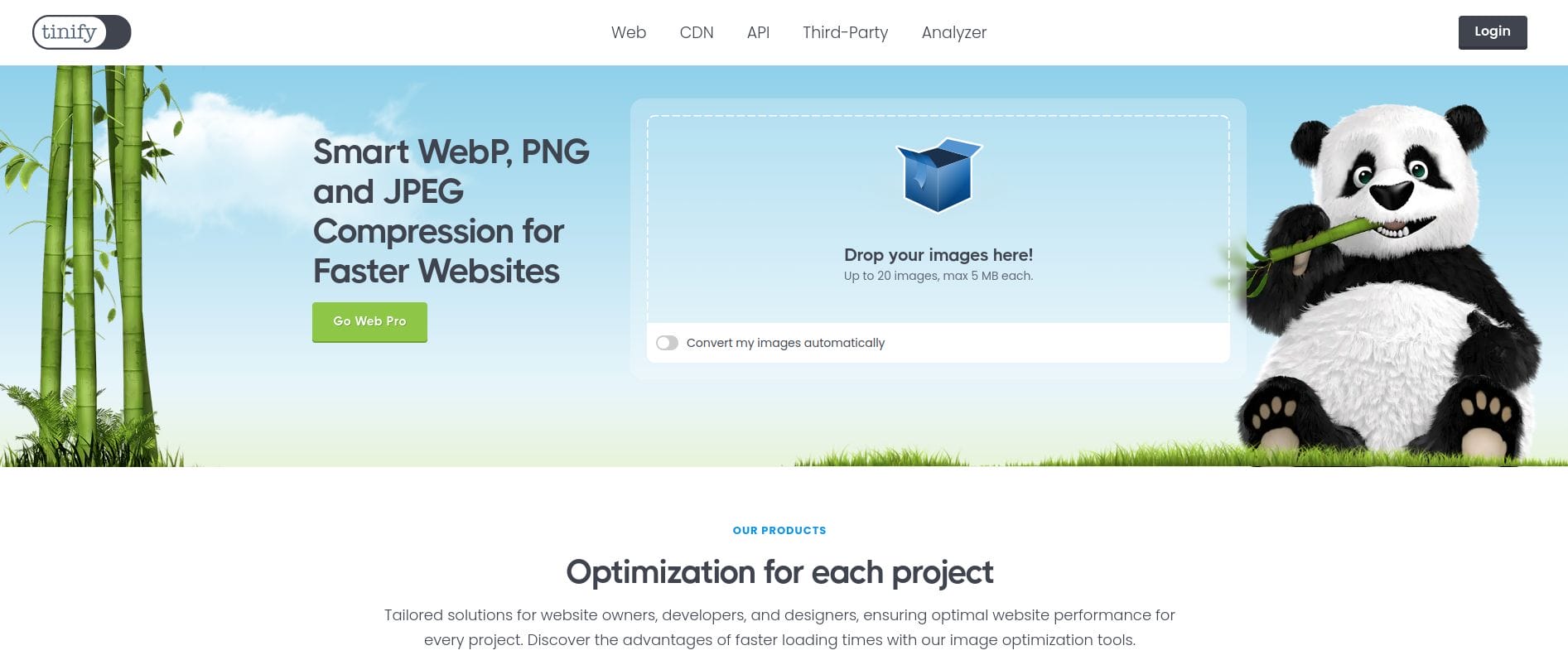
TinyPNG is one of the most popular online tools for Compress PNG files. It allows users to upload their PNG files and reduce the file size significantly while maintaining high quality. TinyPNG uses smart lossy compression techniques to decrease the file size without compromising image quality.
Key Features
- Supports both PNG and JPEG files.
- Drag-and-drop functionality.
- Automatic optimization on upload.
- Free to use for up to 20 images at a time.
Pros
- Extremely easy to use.
- Fast compression process.
- Free tier with limited usage.
Cons
- Free version limits the number of images you can compress at once.
2. CompressPNG
CompressPNG is another excellent tool to Compress PNG images without sacrificing quality. It works by reducing image size while keeping it visually indistinguishable from the original.
Key Features
- Simple, no-fuss interface.
- Batch compression available.
- No sign-up required.
Pros
- Easy to navigate.
- Free tool.
- No watermark added to images.
Cons
- Doesn’t offer advanced features like some other tools.
Also Read: 10 Best Christmas Promo Video Templates
3. ImageOptim
If you’re a Mac user looking to Compress PNG files, ImageOptim is the perfect solution. It’s a free, downloadable tool that reduces file sizes by optimizing images without compromising quality.
Key Features
- Works on MacOS.
- Drag-and-drop functionality.
- Supports various formats, including PNG, JPG, and GIF.
Pros
- Excellent for batch compression.
- Very fast and efficient.
- Free to use.
Cons
- Only available for MacOS.
4. JPEG-Optimizer
While JPEG-Optimizer is primarily focused on compressing JPEG files, it also offers an effective Compress PNG option. This simple tool lets you compress your PNG files while adjusting the quality.
Key Features
- Allows you to adjust the image quality during compression.
- Compression for both PNG and JPEG files.
- Easy-to-use interface.
Pros
- Simple and straightforward.
- Customizable compression levels.
Cons
- Limited features for advanced users.
5. Kraken.io

Kraken.io is a robust image optimizer that provides both free and premium options. It allows you to Compress PNG images quickly and efficiently while maintaining high image quality.
Key Features
- Offers lossless and lossy compression.
- Bulk image compression.
- API integration for developers.
Pros
- Great for both individual users and businesses.
- Supports various image formats.
Cons
- Some features are only available in the paid version.
Also Read: 10 Best Festive Christmas Photo Collage Makers
6. Optimizilla
Optimizilla is a simple but powerful tool to Compress PNG files online. It allows users to adjust the level of compression and preview the results before downloading the optimized image.
Key Features
- Supports batch compression of up to 20 images.
- Adjustable compression slider for better control.
- Previews images before final download.
Pros
- Allows fine-tuning of compression levels.
- Fast and user-friendly.
Cons
- Requires internet connection for use.
7. PNGGauntlet
PNGGauntlet is a free and powerful tool designed to help you Compress PNG files. It’s specifically designed for Windows users and integrates several popular compression tools to achieve maximum results.
Key Features
- Free and open-source.
- Multiple compression algorithms for maximum efficiency.
- Batch compression support.
Pros
- Free tool with advanced options.
- Great for power users and those needing batch compression.
Cons
- Only available for Windows users.
8. Squoosh
Squoosh is a web-based image compression tool created by the makers of the popular image optimization platform, Figma. It allows users to Compress PNG images with ease while keeping the image quality intact.
Key Features
- Simple and fast image compression.
- Various file format support.
- Offers real-time preview of images after compression.
Pros
- User-friendly interface.
- No need to sign up or create an account.
Cons
- Limited batch compression.
9. Cloudinary
Cloudinary is an image and video management platform that offers advanced image optimization features, including the ability to Compress PNG files. It’s a great choice for developers and businesses looking to optimize their entire image library.
Key Features
- Supports both lossless and lossy compression.
- Cloud-based platform for easy access and management.
- Offers API integration.
Pros
- Perfect for businesses and developers.
- High-quality optimization.
Cons
- More suitable for larger scale operations.
Also Reads: 10 best Christmas Invitation Video Maker
10. ILoveIMG
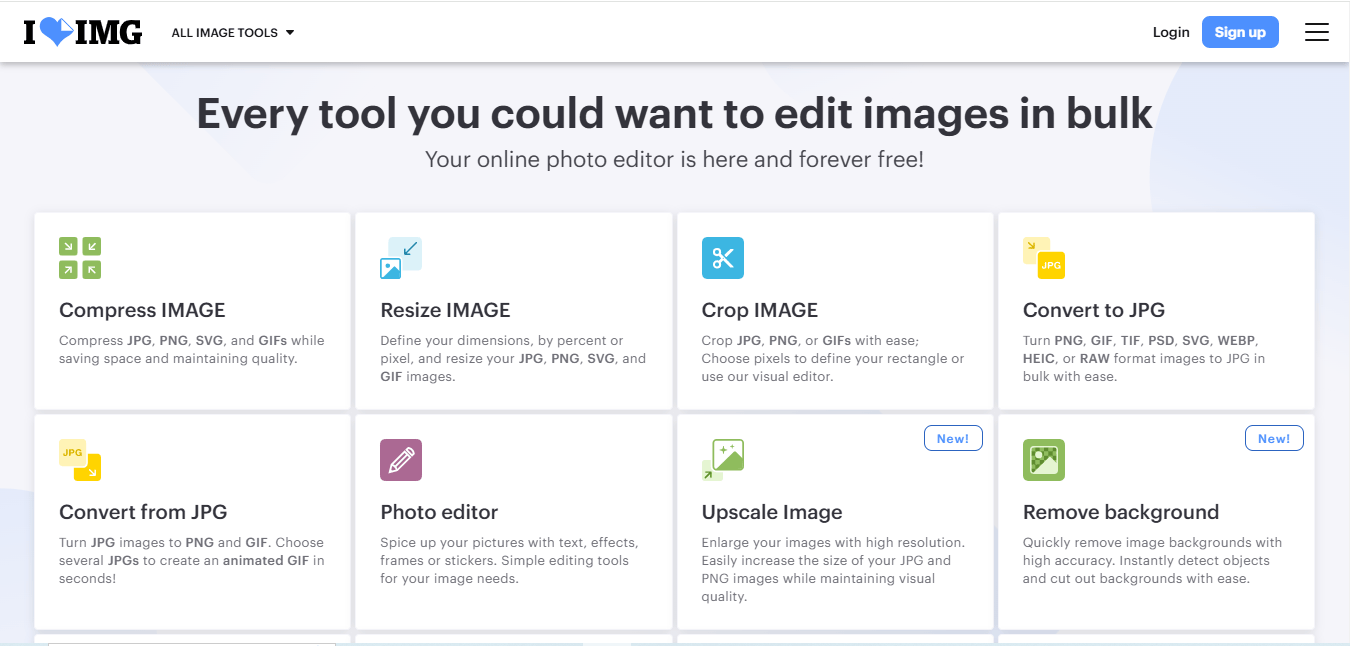
ILoveIMG is another great online tool to Compress PNG images without losing quality. It’s part of a larger suite of image-related tools that make it easier to handle images on the web.
Key Features
- Simple, no-registration required.
- Batch image compression.
- Supports a wide variety of image formats.
Pros
- Very easy to use.
- Fast and efficient compression.
Cons
- Limited to basic features in the free version.
Comparison Table
| Name of Tool | Best for | Standout Feature | Pricing |
|---|---|---|---|
| TinyPNG | Basic Image Compression | Supports PNG and JPEG with smart compression techniques | Free for up to 20 images at a time |
| CompressPNG | Simple Compression | No sign-up required and batch compression | Free |
| ImageOptim | Mac Users | Drag-and-drop functionality for batch compression | Free |
| JPEG-Optimizer | Adjustable Compression | Ability to adjust image quality during compression | Free |
| Kraken.io | Advanced Users & Developers | Lossless and lossy compression options with bulk support | Free and Paid versions |
| Optimizilla | Fine-tuned Compression | Adjustable compression levels with image preview | Free |
| PNGGauntlet | Power Users & Batch Compression | Multiple compression algorithms for maximum efficiency | Free |
| Squoosh | Simple and Quick Compression | Real-time preview of images after compression | Free |
| Cloudinary | Business & Developer Use | Cloud-based platform with API integration | Paid with a free tier |
| ILoveIMG | Basic Image Compression | Batch image compression with no registration | Free for basic features |

Which Tool Should You Choose?
When it comes to Compress PNG files, choosing the right tool depends on your needs. For quick and easy optimization with a user-friendly interface, TinyPNG and CompressPNG are excellent choices. If you need more control over compression or are working on a larger scale, Kraken.io or Cloudinary may be better suited to your needs.
By using these tools, you can ensure that your PNG images are optimized for web performance, leading to faster load times, better user experience, and improved SEO. Happy compressing!
Interesting Reads
10 Best Online Profile Picture Creator

