Exploring WordPress 6.7: A Deep Dive Into the Latest Features and Enhancements

WordPress has once again raised the bar for content management systems with the release of WordPress 6.7 on November 12, 2024. Named “Rollins” in tribute to the jazz saxophonist Sonny Rollins, this update brings a symphony of new features, improvements, and enhancements designed to boost creativity, usability, and performance for users at all levels. Let’s delve into what WordPress 6.7 offers.
New Default Theme
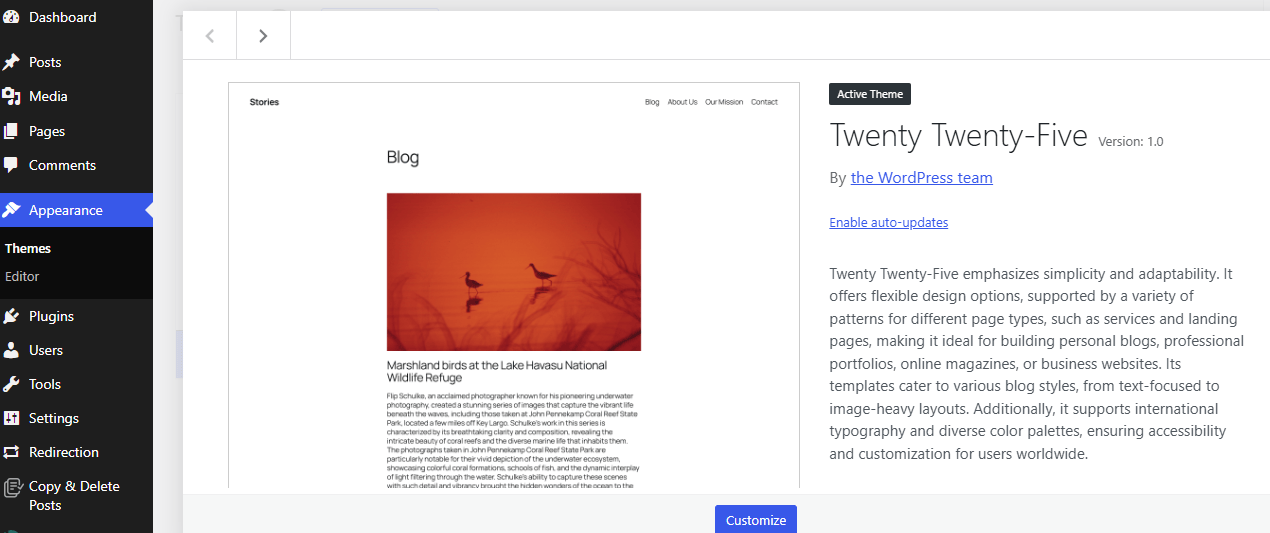
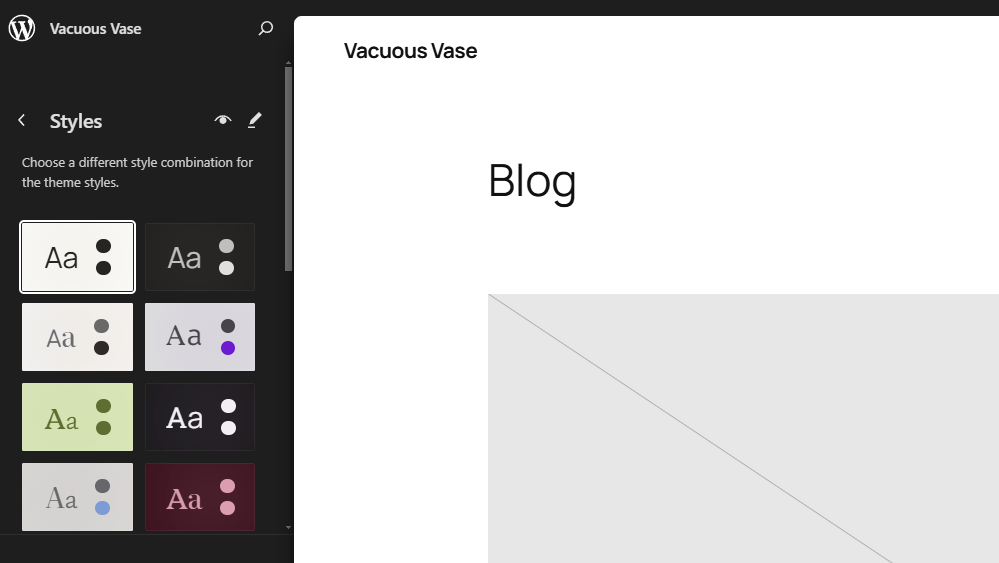
Twenty Twenty-Five Overview: WordPress 6.7 introduces the Twenty Twenty-Five theme, which focuses on flexibility and adaptability. This theme is crafted to cater to a wide audience, particularly bloggers, with its minimalist design and emphasis on typography.
Key Features:
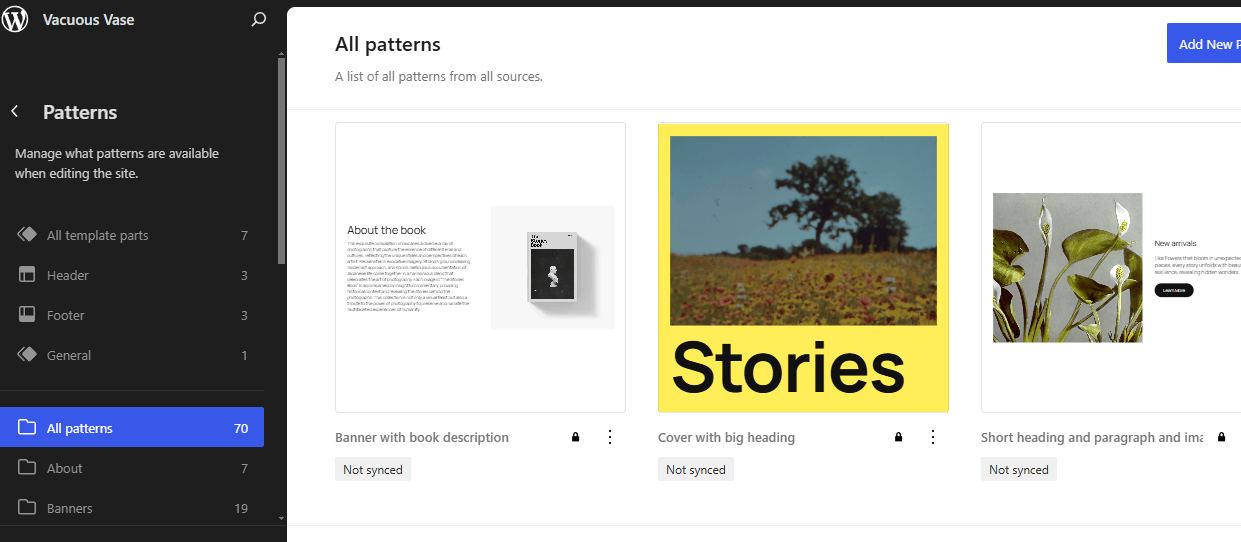
- Pattern-Based Design: The theme comes with a plethora of pre-designed patterns, making it easy to create stylish websites swiftly.
- Enhanced Typography: Fluid typography options that automatically adjust text size for optimal reading across different devices.
- Customization: With new block patterns and customizable templates, users can craft unique looks without diving deep into code.
Zoom Out Mode in the Editor Overview
A significant addition to the WordPress editor is the “Zoom Out” mode, which allows users to see the bigger picture of their content layout.

How It Works:
- Pattern-Level Editing: Edit at a higher level by managing content through patterns rather than individual blocks, which streamlines the editing process.
- Improved Workflow: This feature allows for quick layout adjustments, bulk content manipulation, and a cleaner workspace when designing complex pages.
Media Management Improvements Overview
Media handling in WordPress 6.7 sees several advancements aimed at enhancing user interaction with media files.
New Features:
- HEIC/HEIF Support: WordPress now automatically converts these modern image formats to JPEG for broader compatibility.
- Lazy Loading Enhancements: The introduction of auto sizes for lazy-loaded images, which helps in optimizing page load times.
- Gallery Improvements: Enhanced gallery functionality with lightbox support for a more interactive user experience.
Block Customization Enhancements Overview
Blocks, the cornerstone of WordPress’s block editor, have received further customization options.
What’s New:
- More Styling Options: Additional controls for borders, colors, and shadows, providing users with more creative freedom.
- Background Images: Now, background images can be applied to various content blocks, not just group blocks.
- Dynamic Content Display: Improvements to the Query Loop block for easier management and display of dynamic content.
Font Library and Typography Overview
The Font Library, introduced in an earlier version, gets more love in WordPress 6.7 with better management and display options.
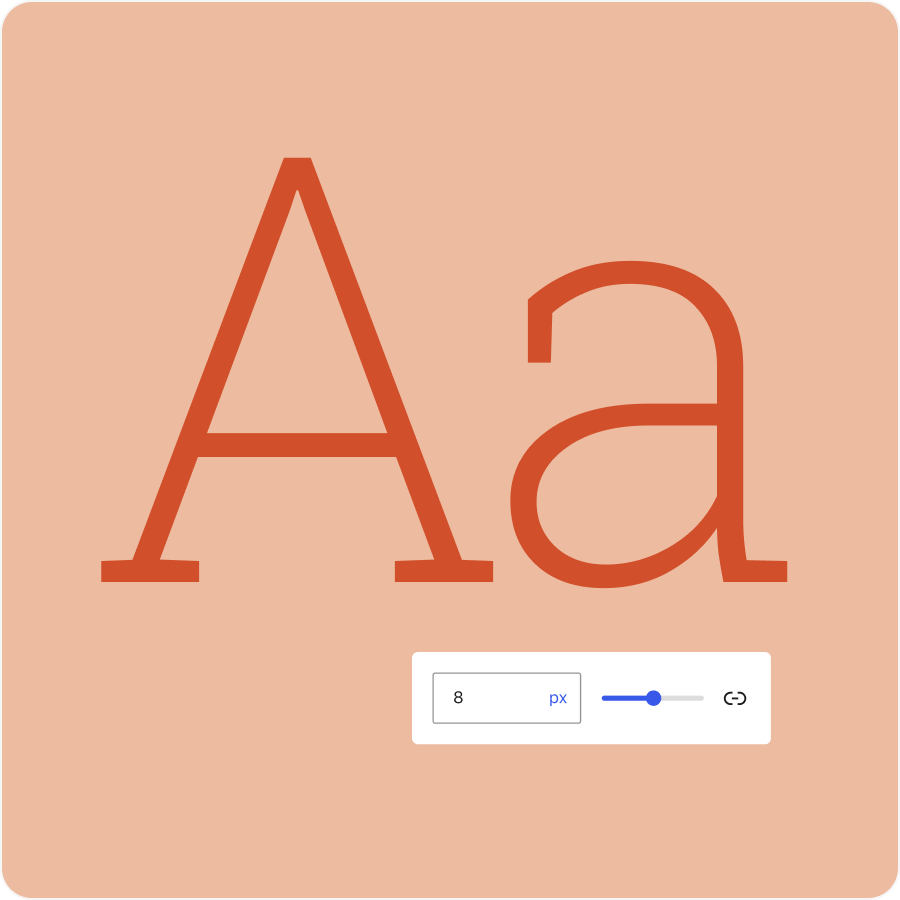 Image source
Enhancements:
- Centralized Font Management: Easily view and manage all fonts available in your WordPress installation.
- Fluid Typography: This feature ensures text scales appropriately across different screen sizes, enhancing readability.
Security and Performance Security:
- Advanced Authentication Mechanisms: WordPress 6.7 includes updates to bolster site security, protecting against common vulnerabilities like XSS and SQL injections.
Performance:
- PHP 8.x Compatibility: Continued refinement for compatibility with modern PHP versions, enhancing site performance.
- Optimized Script Loading: Removal of obsolete polyfills to reduce load times and improve efficiency.
Developer Features Overview
WordPress 6.7 brings new tools and APIs for developers, making site customization and extension more straightforward.
New Developer Tools:
- Template Registration API: Simplifies the process of registering templates and template parts, allowing for easier theme and plugin development.
- Preview Options API: Developers can now add custom preview settings in the editor, aiding in tailored content presentations.
User Experience Enhancements Overview: Small but impactful changes have been made to improve the overall usability of WordPress.
Improvements:
- Editor Interface: The block inserter remains open, and the editor topbar has been reorganized for better accessibility.
- Data Views: Enhanced with custom sorting, filtering, and bulk actions for managing site content more effectively.
Community Involvement and TestingWordPress, being open-source, thrives on community involvement. The development of WordPress 6.7 included extensive testing phases, where users were encouraged to test betas and release candidates to ensure stability and functionality. This collaborative approach not only helps iron out issues before the final release but also integrates community feedback directly into the product.
ConclusionWordPress 6.7 “Rollins” continues the tradition of evolution and user-centric design that has made WordPress the go-to platform for millions. With its new default theme, enhanced editing capabilities, improved media handling, and developer-friendly features, WordPress 6.7 is poised to enhance how we create, manage, and interact with websites. Whether you’re a blogger, a business owner, or a developer, there’s something in this update that will make your WordPress journey smoother and more productive.
For those interested in exploring WordPress 6.7, the update is now available, and the community eagerly awaits to see how these new features will be utilized and perhaps inspire future innovations. As always, the WordPress community invites feedback and participation for continuous improvement.
Interesting Reads
Best AI Tools for Bioinformatics

Shashank is a seasoned digital marketing and WordPress expert who specializes in SEO, software tools reviews, and cutting-edge strategies for boosting online presence. With a passion for simplifying complex topics, Goutham crafts engaging blog posts that help readers optimize their websites, improve search engine rankings, and stay ahead in the ever-evolving digital landscape.