

Creating enticing and mouth-watering food videos has become essential for food bloggers, restaurants, and culinary enthusiasts looking to reach wider audiences. The rise of social media has driven demand for visually stunning food content. However, professional video editing software can be complex and expensive. Luckily, several free online video makers allow you to create food videos with ease and finesse. Here’s a rundown of the ten best free online food video makers, complete with key features, pros, cons, and a comparison table.

Quick Links
What to Look for When Choosing Online Food Video Makers for Free
When choosing a free online food video maker, it’s essential to consider several factors that align with your video goals and desired level of creativity. Here’s a guide on what to look for:
1. Ease of Use
- Why It Matters: Food video creators, especially beginners, need tools that are intuitive and easy to navigate.
- What to Look For: Check for user-friendly drag-and-drop interfaces, simple controls, and built-in tutorials. Tools like Adobe Express and Canva are known for their ease of use.
2. Templates and Design Variety
- Why It Matters: Having access to diverse templates, particularly ones tailored to food, can speed up your creative process and ensure a polished look.
- What to Look For: Look for platforms with customizable templates for social media formats, especially for popular platforms like Instagram, TikTok, and YouTube.
3. Customization and Editing Flexibility
- Why It Matters: Not every video maker offers full creative control, which might be important if you want a unique look or plan to add specific brand elements.
- What to Look For: Ensure the tool supports adjustments to transitions, text overlays, colors, and animations, as well as advanced features like video layering and speed adjustments, offered by editors like Kapwing and InVideo.
4. Access to Stock Media and Assets
- Why It Matters: High-quality stock images, video clips, and music can save you time and improve production quality.
- What to Look For: Many free platforms like Adobe Express and InVideo include a library of royalty-free assets. Make sure they cover food-specific elements like background music, textures, and close-up shots.
5. Watermarks and Export Quality
- Why It Matters: Watermarks can detract from a professional look, especially if you’re creating content for commercial purposes.
- What to Look For: While most free versions add a watermark, some (like Kapwing in certain cases) may allow watermark-free exports or offer affordable plans to remove them.
6. Mobile Compatibility
- Why It Matters: Many food content creators shoot and edit videos on mobile devices, so mobile compatibility is essential for editing on the go.
- What to Look For: Ensure the editor is accessible on mobile browsers or has a dedicated app with full editing capabilities. Canva and Clipchamp, for example, work well across both desktop and mobile.
Best Online Food Video Makers
1. Adobe Express
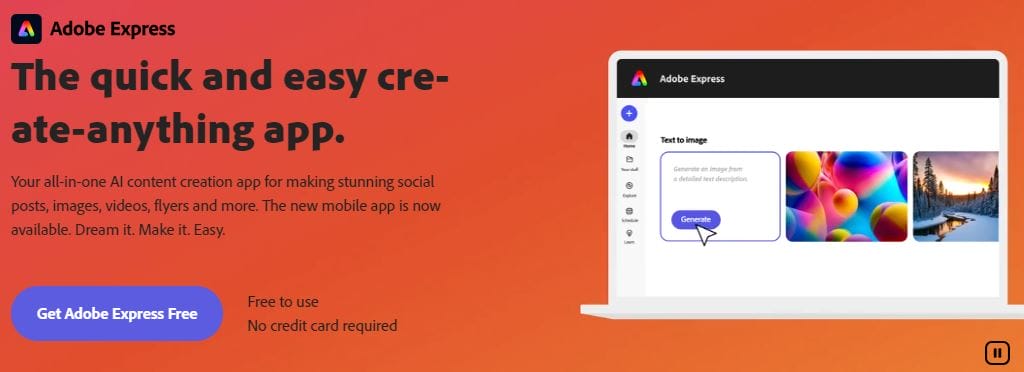
Adobe Express is a streamlined tool from Adobe, ideal for crafting short, high-quality food videos. Designed with simplicity in mind, it offers customizable templates and access to Adobe Stock photos.
- Key Features:
- Easy-to-use templates and a drag-and-drop interface.
- Access to Adobe Stock for free images.
- Customizable text overlays, transitions, and animations.
- Responsive across devices.
- Pros:
- Simple for beginners.
- Quick to create polished videos.
- Offers brand kits and Adobe fonts.
- Cons:
- Limited advanced editing features.
- Free version includes watermarks.
2. Canva
Canva is a popular tool for creating all types of visual content, including food videos. Its extensive library of templates and elements simplifies video creation for those with little experience.
- Key Features:
- Drag-and-drop editor with thousands of templates.
- Access to music, icons, and animations.
- Supports video trimming and cropping.
- Pros:
- Intuitive and easy to learn.
- Extensive library of assets.
- Templates for Instagram, YouTube, and more.
- Cons:
- Limited advanced editing controls.
- Some features are locked behind a paid plan.
Also Read: 10 Best New Year Invitation Makers for Free
3. InVideo
InVideo is tailored for social media video creation, making it a great choice for food bloggers. It offers specialized templates and extensive customization options.
- Key Features:
- 4,000+ customizable templates.
- Text-to-video functionality.
- Access to millions of stock images and videos.
- Pros:
- Beginner-friendly, with lots of templates.
- Great for social media formats.
- Supports voiceovers.
- Cons:
- Free version has watermarks.
- Rendering can be slow for larger files.
4. Kapwing
Kapwing is a browser-based video editor ideal for those who want to create unique, short food videos. It’s popular among creators for its flexibility and broad range of editing tools.
- Key Features:
- Supports video layering and basic editing.
- Customizable captions, subtitles, and effects.
- Works well on desktop and mobile.
- Pros:
- No downloads are needed.
- Wide range of features.
- Free collaboration options.
- Cons:
- Free plan limits export quality.
- Occasional ads on the platform.
5. Clipchamp
Clipchamp is a powerful, browser-based video editor that provides a comprehensive editing suite. Its food-focused templates and filters make it perfect for food-related content.
- Key Features:
- Built-in templates for social media platforms.
- Text-to-speech and AI-powered editing.
- Access to free stock videos.
- Pros:
- Full-featured for free users.
- Fast, browser-based editing.
- Strong community support.
- Cons:
- Higher quality exports require a subscription.
- Limited stock video library.
6. Animoto
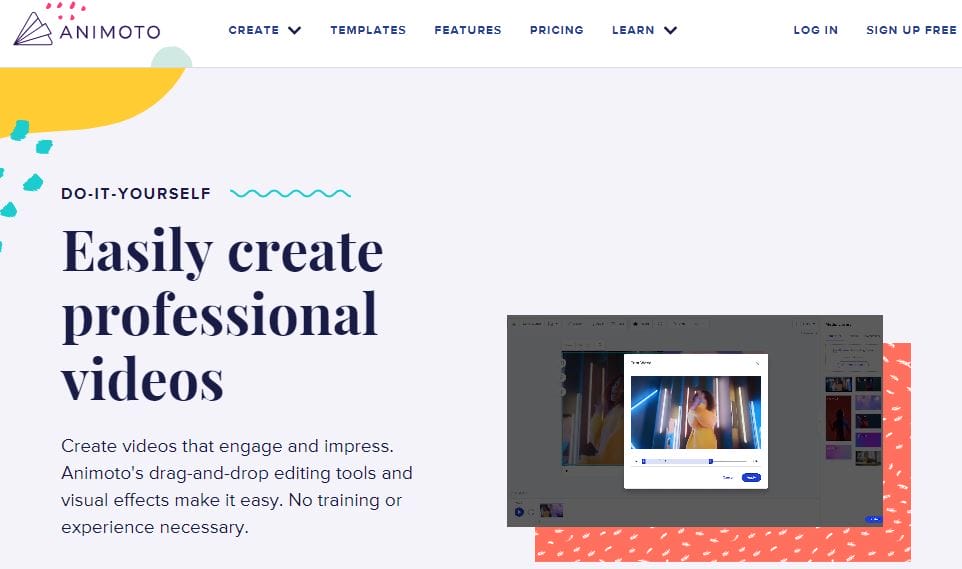
Animoto is a popular online tool for creating food videos with a professional look. With its focus on automation, users can create polished videos in minutes.
- Key Features:
- Extensive music library.
- Automated slideshow and video maker.
- Drag-and-drop template editor.
- Pros:
- Fast and easy to use.
- Lots of music options.
- High-quality templates.
- Cons:
- Watermark on the free version.
- Customization is somewhat limited.
7. Veed.io
Veed.io is an intuitive video editor for social media creators, featuring easy-to-use editing tools and support for food videos.
- Key Features:
- Auto-subtitles and text overlays.
- Filters and effects specific to food videos.
- Option to add music and transitions.
- Pros:
- Auto-captioning is useful.
- Easy-to-use filters and effects.
- Good for quick edits.
- Cons:
- Watermarks in the free version.
- Advanced features require a subscription.
8. Renderforest
Renderforest offers a range of templates for video production, including engaging food videos. It’s suitable for those looking to create animations and slideshows.
- Key Features:
- Over 1000+ templates.
- Automated video editing.
- Supports 3D animation.
- Pros:
- Large library of customizable templates.
- Good for animated content.
- Affordable premium options.
- Cons:
- Free plan has a watermark.
- Limited control over animations.
9. Biteable
Biteable is a versatile video maker with several food-oriented templates, allowing for simple, high-quality video creation.
- Key Features:
- Ready-made video templates.
- Basic animation effects.
- Music library and easy text additions.
- Pros:
- Great for quick videos.
- Very user-friendly.
- Access to royalty-free music.
- Cons:
- Watermarks in free exports.
- Limited editing tools.
10. FlexClip
FlexClip is an online video editor with a wide range of video editing tools for food videos. It’s suitable for those wanting to create social media content.
- Key Features:
- Templates for Instagram and YouTube.
- Simple timeline-based editor.
- Music and text overlays.
- Pros:
- Simple to use, even for beginners.
- Quick video export.
- Good for social media.
- Cons:
- Limited control over transitions.
- Watermarks in the free version.
Comparison Table of Free Online Food Video Makers
| Tool | Key Features | Pros | Cons | Watermark |
|---|---|---|---|---|
| Adobe Express | Customizable templates, Adobe Stock access | Beginner-friendly, quick to use | Limited advanced features | Yes |
| Canva | Thousands of templates, video cropping | Intuitive, lots of assets | Limited advanced editing | Yes |
| InVideo | Text-to-video, 4,000+ templates | Beginner-friendly, social media focus | Slow rendering for large files | Yes |
| Kapwing | Video layering, subtitles | No downloads, wide features | Free plan limits export quality | No |
| Clipchamp | Social templates, text-to-speech | Full-featured, fast editing | Limited stock library | Yes |
| Animoto | Music library, slideshow maker | Fast, professional templates | Limited customization | Yes |
| Veed.io | Auto-subtitles, filters | Auto-captioning, good filters | Watermarks on free version | Yes |
| Renderforest | 1000+ templates, 3D animation support | Large template library, animated videos | Limited control over animations | Yes |
| Biteable | Food templates, animations | Quick and user-friendly | Limited editing tools | Yes |
| FlexClip | Social media templates, timeline editing | Quick export, easy to use | Limited transitions | Yes |

Final Words
These online food video makers provide excellent features for creating captivating food content. From Adobe Express and Canva’s intuitive interfaces to FlexClip and Renderforest’s powerful editing tools, each platform has something unique to offer. Choose a tool that suits your requirements, whether you’re a beginner or looking for more professional capabilities.
Interesting Reads
10 Best Christmas Sales Video Maker

