

AI avatar video generators have become a normal part of how marketing teams, educators, and solo creators produce video without a camera, a studio, or an on-screen presenter. Some tools focus on lifelike business avatars for training and explainer content; others lean into stylized or entertainment-focused animation. Below are the AI avatar video generator tools worth knowing in 2026, along with a rebrand and a couple of maintenance notes worth knowing before you commit to one.
Updated August 2026: This guide has been refreshed to check every tool’s current name, status, and feature set against its live product pages.
If you want to connect avatar generation, video production, or content automation into a broader workflow, our AI integrations service can help wire the tools into your stack.
A quick warning before the list: this category churns faster than most software categories on this site. Tools get acquired, rebrand, or quietly stop updating within a year or two, which is exactly what happened to one entry on this list. Treat any avatar count, pricing figure, or feature claim below as a snapshot rather than a permanent fact, and confirm it against the tool’s own pricing page before you buy.
1. LightX AI Avatar Tools

LightX AI tools offer a variety of features to enhance and manipulate images and videos, including AI-driven avatar generation. This platform allows you to create avatars from your photos using AI filters and editing capabilities. With a user-friendly interface, it’s built for beginners and pros alike, making it a solid pick for generating realistic avatars and enhancing video content. You can also use their editing suite to fine-tune avatar appearances.
Key Features
- Customizable AI avatars.
- Advanced photo editing tools for enhancement.
- Wide range of AI-driven filters.
- Easy integration with other media content.
LightX is primarily a mobile-first photo and video editing app with avatar generation as one feature among many, so it fits best if you already want a general editing tool rather than a dedicated avatar platform. It’s a reasonable starting point if you’re not sure yet whether you need a full avatar video pipeline or just want to experiment with turning a headshot into a stylized character for a profile picture or a one-off social post. Check more about it here.
2. Synthesia
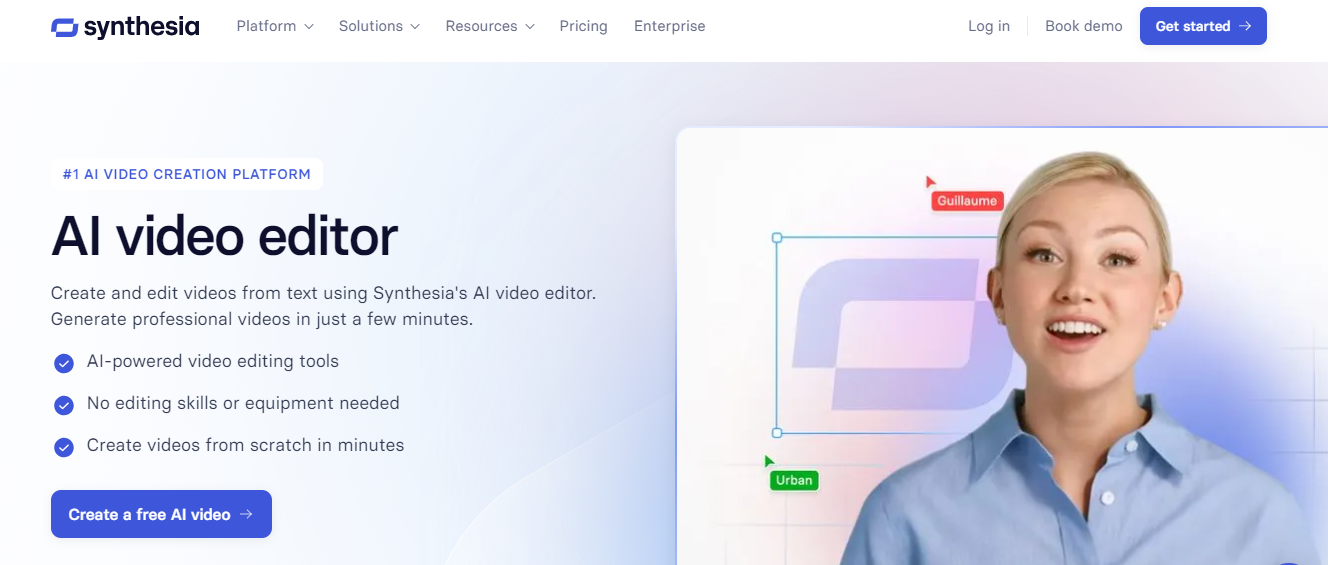
Synthesia is a highly rated AI video generator that allows users to create professional videos with AI avatars. The full stock avatar library has grown well past its original size and now sits above 240 avatars on the Enterprise tier, though lower tiers see a smaller slice of that library: the free plan includes 9 avatars, and the Starter and Creator paid tiers unlock 125+ and 180+ respectively. Synthesia is widely used for business training, marketing videos, and explainer videos, offering lifelike avatar animations with real-time voice syncing across more than 160 languages.
Pricing starts with a genuinely free plan offering about 10 minutes of video a month, then moves to Starter at roughly $18/month billed annually, and Creator at around $64/month billed annually as the most popular paid tier. Enterprise pricing requires a sales conversation and unlocks unlimited video minutes plus the full avatar library.
Key Features
- Multilingual support for avatars.
- 240+ pre-made avatars, plus custom and studio options.
- Video templates for easy editing.
- Custom voice-over integration.
3. Avatarify

Avatarify is a mobile app that animates existing photos into expressive, singing or talking avatars, originally built for quick, fun social content rather than professional video production. It’s worth going in with the right expectations here: the app’s press coverage and public updates mostly date back to its 2020 to 2021 launch window, so treat it as a lightweight novelty tool rather than something actively adding new enterprise features, and check the current App Store or Play Store listing for the latest version before relying on it for anything beyond casual use.
Key Features
- Real-time avatar animation
- Works with Zoom, Skype, and other video conferencing apps
- Compatible with mobile devices
- Wide range of facial expressions
- Intuitive and easy-to-use
Avatarify is more entertainment-focused than the rest of this list, offering a unique way to engage with audiences on social platforms rather than a business tool.
4. AKOOL
AKOOL’s suite of AI video tools streamlines the process of creating engaging video content through intuitive AI-powered features. The platform combines avatar generation with video editing capabilities, making it accessible for both newcomers and experienced content creators. Users can transform text scripts into dynamic video presentations while maintaining natural movement and expressions in their digital avatars. AKOOL also leans into localization more heavily than most competitors on this list, with the 150+ language translation option built directly into the editing flow rather than treated as a separate add-on step, which matters for teams producing the same training or marketing video for multiple regional markets at once.
Key Features
- Custom AI avatar generation
- Text-to-speech voice synchronization
- Multiple video template options
- Background customization tools
- 150+ language translation options
5. DeepBrain AI

DeepBrain AI offers an AI video creation platform, built for generating avatars from real people. The tool focuses on professional content creation, making it a strong fit for educational and corporate video avatars, plus news-style presenter formats where a consistent on-screen face matters more than a fully custom animated character. Because avatars are built from footage of real people rather than fully synthetic models, the results tend to read as more grounded and less uncanny than some of the stylized alternatives on this list, which is part of why newsrooms and training departments gravitate toward it specifically.
Key Features
- Avatars generated from real people.
- Pre-built templates for quick video creation.
- High-quality voice integration.
6. Elai.io
Elai.io is another AI avatar video generator that specializes in turning text into video content. You can select from numerous avatars, languages, and voices to create video content from simple text inputs, and it leans toward corporate training and internal communications use cases. The workflow is deliberately closer to editing a slide deck than operating a video editor: paste or write your script, assign it to an avatar and voice, and the platform handles pacing and lip-sync automatically, which lowers the skill floor for teams that need to produce training content regularly but don’t have anyone with video editing experience on staff.
Key Features
- Multi-language support for avatars.
- Customizable text-to-video creation.
- Pre-designed video templates.
7. Lumen5
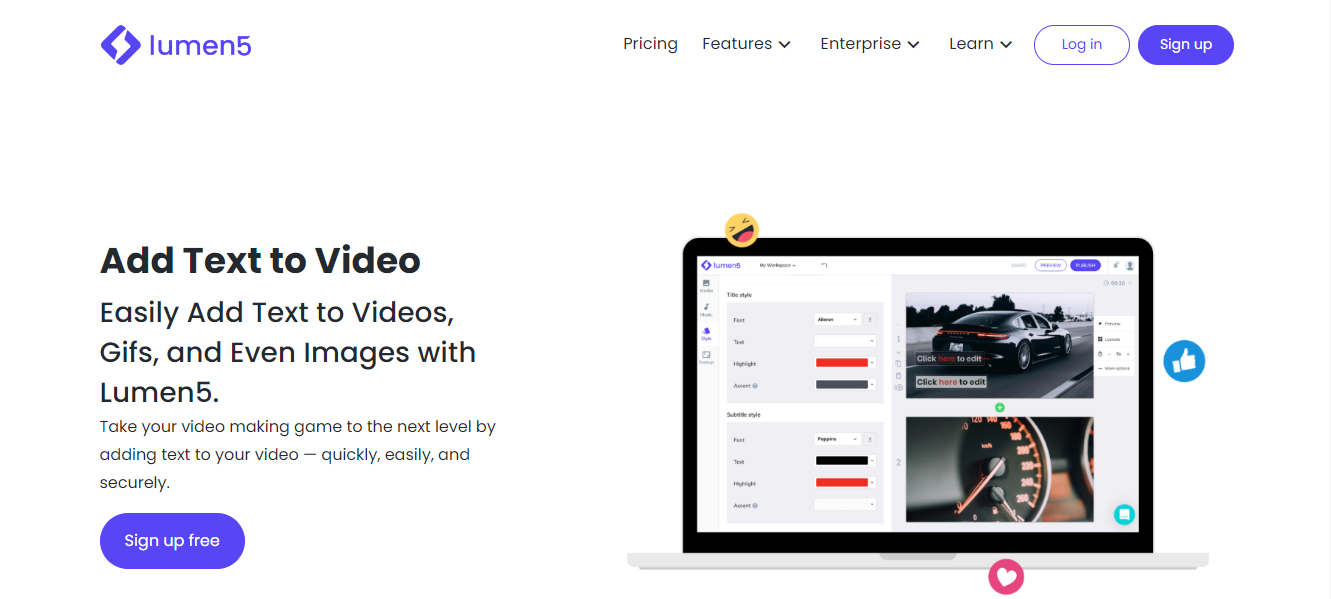
Lumen5 is primarily known as a text-to-video tool for turning blog posts and articles into social clips, with AI-powered avatars available as one option among its broader template library. This platform excels in creating short video content for social media, using AI avatars for presentations and storytelling rather than as its core feature.
Key Features
- AI-generated avatars for videos.
- Simple drag-and-drop interface.
- Built for social media videos and marketing.
8. Hour One
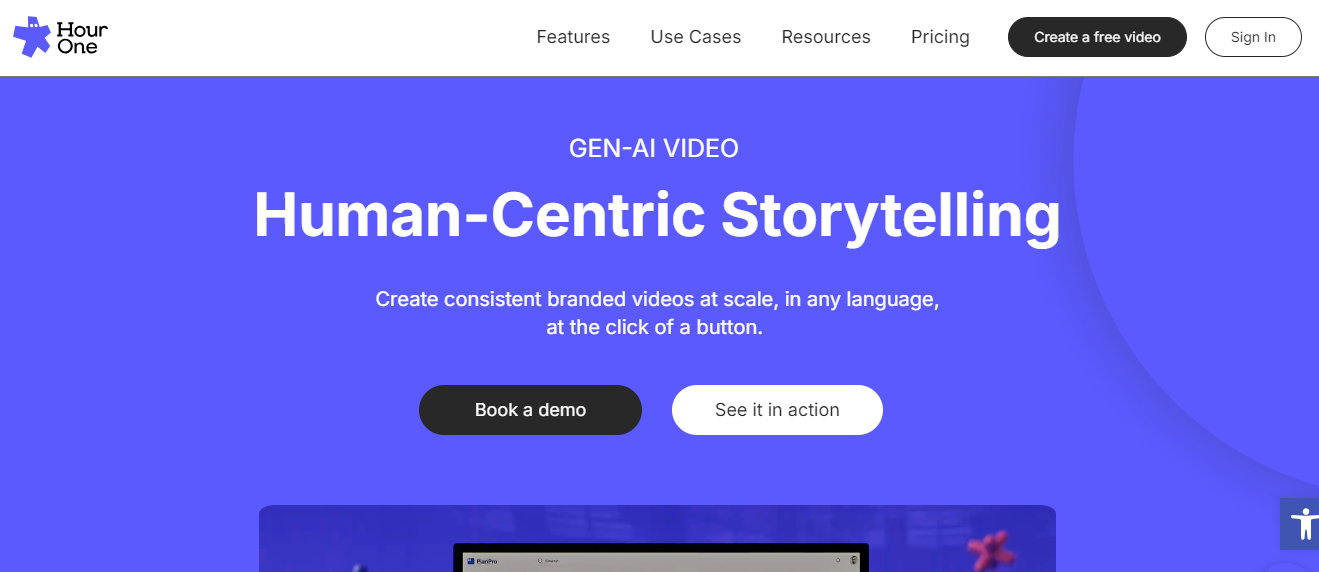
Hour One focuses on creating digital avatars from real human appearances. It offers a range of applications, from business presentations to entertainment, and lets you design a virtual presenter for your content without hiring an on-camera talent for every update.
Key Features
- Lifelike digital avatars.
- Built for virtual presenters.
- Multilingual support for avatars.
9. Veed.io
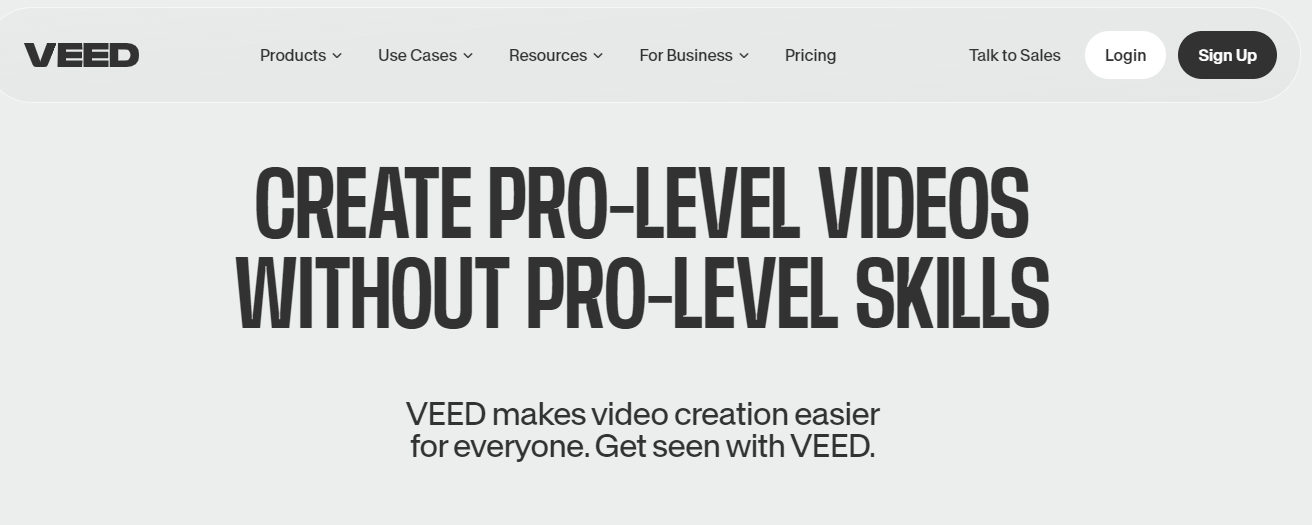
Veed.io is an all-in-one video editor with AI avatar capabilities layered on top of its broader editing toolkit. It simplifies the process of creating avatars with voiceovers for video presentations, and it’s a reasonable pick for beginners who want captions, editing, and avatars in a single browser tab rather than juggling separate tools.
Key Features
- AI avatar integration.
- Simple video editing interface.
- Fast rendering times.
10. D-ID
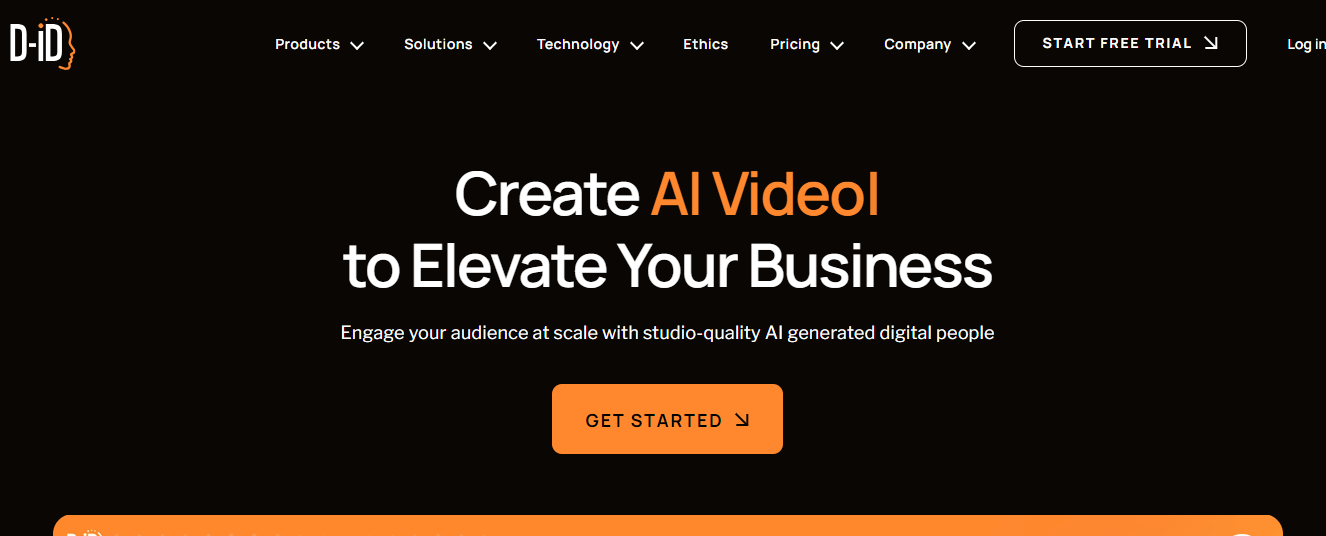
D-ID offers a creative solution for turning still photos into moving video avatars, and it’s expanded well beyond that original pitch. It’s widely used in advertising and marketing, but the current platform also includes real-time conversational avatars for interactive use cases like customer service agents, on top of the original photo-to-avatar video creation, supporting more than 120 languages. That expansion into live, interactive agents is the biggest change since this list was first published, and it’s a meaningfully different product category from a pre-recorded avatar video. If your use case is a website chatbot with a face rather than a training video, D-ID’s Visual AI Agents line is worth a closer look on its own rather than treated as an afterthought to the video tool.
Key Features
- Photo-to-avatar video creation.
- Real-time conversational avatars for interactive use cases.
- Integration with marketing tools.
11. HeyGen (formerly Movio)
This entry needs a correction rather than a simple update. The tool previously listed here as “Movio” rebranded to HeyGen years ago, and the old movio.la domain no longer resolves. HeyGen has since become one of the more prominent names in this category, known for character consistency across videos, text-to-video, image-to-video, and audio-to-video conversion, plus translation support across more than 175 languages and dialects. It’s a stronger current pick than the original Movio listing suggested, and the rebrand is worth knowing if you’ve seen “Movio” referenced anywhere else online.
Key Features
- Text, image, and audio-to-video avatar creation.
- Character consistency across multiple videos.
- Video translation across 175+ languages and dialects.
HeyGen’s free plan allows 3 videos a month up to a minute each, with access to Avatar IV and a library of 500+ digital avatars. Paid plans start at Creator around $29/month for 30-minute videos and voice cloning, moving up to Pro at roughly $49/month for 4K export, and Business at around $149/month plus a per-seat fee for team collaboration and custom digital twins.

How These Tools Actually Work
Most avatar video tools follow a similar pipeline even when the marketing pages describe it differently. You provide a script, either typed directly or generated from a document or blog post. The platform matches that script to a text-to-speech voice, often with options to clone a real voice or pick from a library of synthetic ones. Then it animates an avatar’s mouth, facial expressions, and sometimes hand gestures to match the audio timing, a process usually called lip-sync. The avatar itself is either a stock character from the platform’s library, a custom-built model, or in the case of tools like DeepBrain AI and Hour One, a digital recreation of a specific real person who was filmed and scanned for the purpose.
The quality differences between tools mostly show up in three places: how natural the lip-sync looks at different speaking speeds, how well the voice handles technical vocabulary or brand names it wasn’t trained on, and how much manual cleanup a script needs before the pacing feels right. None of that shows up clearly in a marketing demo video, which is exactly why testing with your own script before subscribing matters more in this category than in most software purchases.
Quick Comparison
| Tool | Best For | Note |
|---|---|---|
| LightX | Casual photo-to-avatar editing | Mobile-first, avatars are one feature among many |
| Synthesia | Business training and explainer videos | 240+ avatars, 160+ languages |
| Avatarify | Fun, casual social content | Mostly inactive since its 2020 to 2021 launch window |
| AKOOL | Script-to-video with editing built in | 150+ language translation |
| DeepBrain AI | Corporate, news, and educational avatars | Real-person-based avatars |
| Elai.io | Corporate training and internal comms | Text-first workflow |
| Lumen5 | Social clips from blog posts | Avatars are secondary to text-to-video |
| Hour One | Virtual presenters for regular content | Real-human-based digital avatars |
| Veed.io | All-in-one editing plus avatars | Good for beginners in one browser tab |
| D-ID | Interactive, conversational avatars | Now includes real-time agents, not just video |
| HeyGen | Character-consistent avatar video at scale | Formerly Movio, rebranded years ago |
Choosing Between Them
Business and training content points toward Synthesia, HeyGen, D-ID, or DeepBrain AI, since all four are built around lifelike avatars, multilingual output, and enterprise-grade reliability. Social and entertainment content is a better fit for LightX, Lumen5, or Avatarify, where speed and novelty matter more than polish. If your team wants avatars bundled inside a general editor rather than a dedicated avatar platform, Veed.io covers that gap without forcing a second subscription.
Before committing to any of them, run the same free trial or free tier test on your actual script rather than a demo template. Avatar lip-sync quality, accent handling, and rendering speed vary noticeably between tools even when the marketing pages read almost identically.
Budget matters too, and the free tiers aren’t equivalent. Synthesia’s free plan caps out around 10 minutes of video a month with a small avatar selection, while HeyGen’s free plan allows three short videos monthly with access to a much larger avatar library. Neither free tier is enough to run a real production schedule, but they’re both enough to judge whether a tool’s avatar quality and voice sync clear your bar before you pay anything. Run the exact script you’d actually publish through the free tier, not a generic sample line, since accents, brand names, and industry jargon are where lip-sync and pronunciation quality tend to break down first.
Frequently Asked Questions
Is Movio still a separate product from HeyGen?
No. Movio rebranded to HeyGen years ago, and the old movio.la domain no longer resolves. Any reference to “Movio” as a current, standalone AI avatar tool is out of date.
Is Avatarify still worth using in 2026?
It still works for quick, casual social content, but its public updates and press coverage mostly date back to 2020 and 2021. Treat it as a novelty app rather than a tool you’d build a business workflow around, and check the current app store listing before relying on it for anything more serious.
Which of these tools support real-time, interactive avatars rather than pre-recorded video?
D-ID’s Visual AI Agents are built specifically for real-time, conversational avatar interactions, positioning it closer to a customer service or support tool than a straightforward video generator.
Do any of these tools offer a free plan to test before paying?
Most offer either a free tier with watermarked or limited exports, or a time-limited free trial. Pricing and free-tier limits change often enough in this category that it’s worth checking each tool’s current pricing page directly rather than trusting a number from an older article, including this one a year from now.
What’s the actual difference between a “digital human” and an AI avatar?
In practice, the terms overlap heavily and are often used interchangeably in marketing copy. Where a distinction exists, “digital human” usually implies a more photorealistic avatar built from real footage, like Hour One or DeepBrain AI, while “AI avatar” is used more loosely to cover both realistic and stylized characters, including fully synthetic ones that never had a real human counterpart.
Can these tools be used for languages other than English?
Most of the business-focused tools on this list, including Synthesia, HeyGen, D-ID, and AKOOL, support well over 100 languages with voice synthesis and lip-sync matched to the target language. This is one of the more genuinely useful capabilities in the category, since it lets a single script produce localized video for multiple markets without hiring voice actors or filming separate versions.
Where Avatar Video Fits Into a Content Workflow
AI avatar video generation has made it realistic for small teams to produce training, marketing, and explainer content that would once have required a camera crew and an on-screen presenter. Whether you’re looking for hyper-realistic avatars for business, marketing, or entertainment, these tools cover a range of use cases, from LightX’s casual photo-to-avatar editing to Synthesia and HeyGen’s business-grade video production. The right pick depends less on which tool has the longest feature list and more on whether the output matches the register of what you’re actually publishing, a training video, a product explainer, or a quick social clip.
Revisit this category periodically rather than picking a tool once and assuming it stays the same. The Movio-to-HeyGen rebrand covered above is a useful reminder that even well-funded companies in this space change names, ownership, and feature sets fast, and a tool that looked like the obvious choice a year ago might have been quietly overtaken by a competitor, or folded into a different product entirely. Bookmark the pricing page of whichever tool you settle on and check back before renewing, rather than assuming last year’s plan still matches what’s actually being offered today.
Interesting Reads:
10 Best AI Tools for Construction in 2024: Transform Your Building Projects
Best AI Tools for Industrial Automation for 2024
Best AI Tools for Smart Contracts: Top 10 Solutions for Blockchain Efficiency